
Introduction
The Hatch Go is a portable sound machine designed to provide soothing sounds for babies and children, facilitating sleep and relaxation on the go. This device offers a selection of sounds and adjustable volume, all within a compact, durable design.
What's Included
- Hatch Go Portable Sound Machine
- Color-matching USB-C charging cable
Note: A charging block is not included and must be supplied by the user.
Product Overview
The Hatch Go features a simple, intuitive design with three main buttons for control. Its compact size and integrated ring allow for easy portability and attachment to strollers, diaper bags, or car seats. The device is designed to be drop-proof and drool-friendly, making it suitable for use around infants.
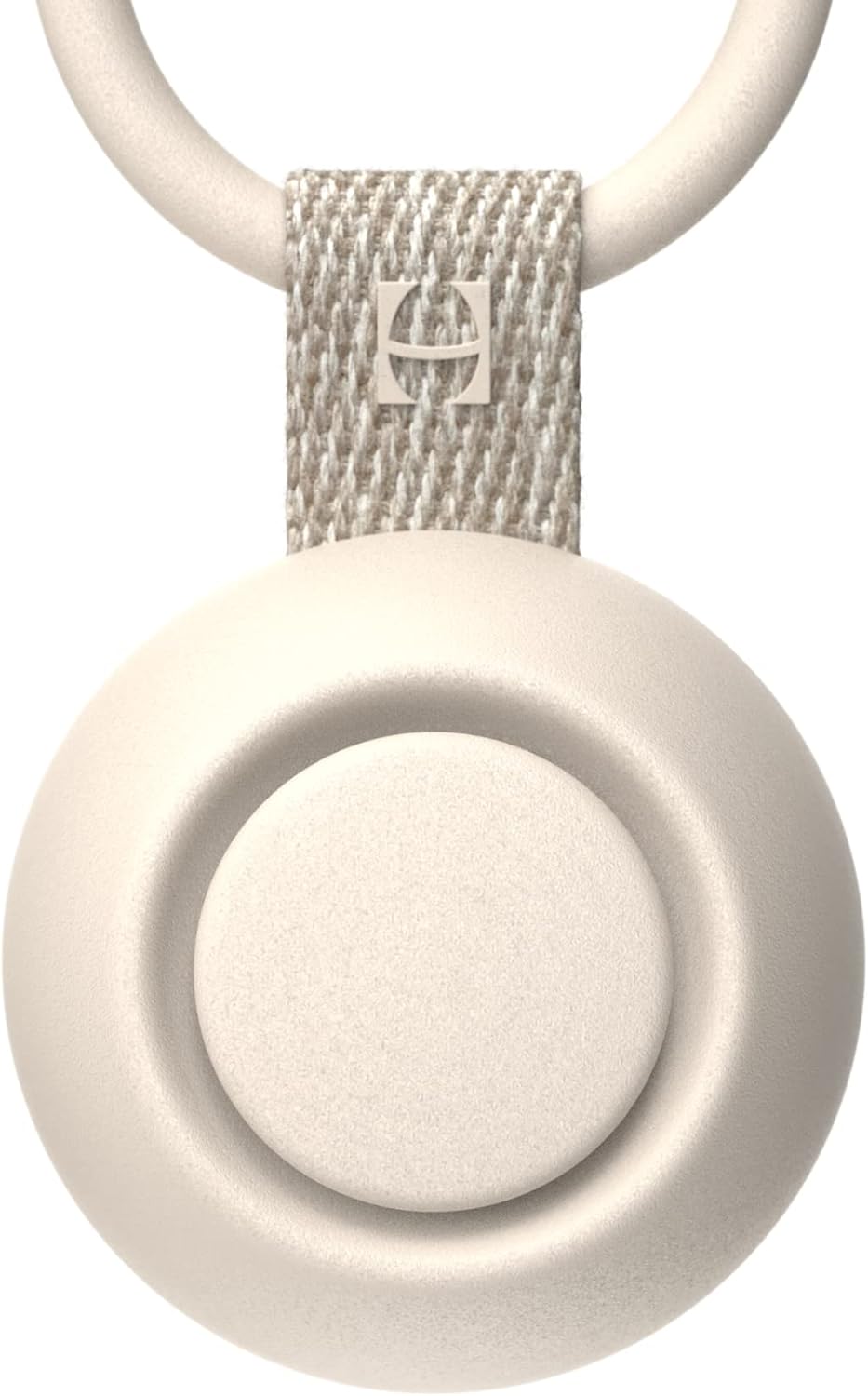
Image: Front view of the Hatch Go Portable Sound Machine in Putty color, highlighting its compact design and central control button.
Setup
- Initial Charge: Before first use, fully charge the Hatch Go using the provided USB-C cable. Connect the USB-C end to the device's charging port and the USB-A end to a compatible USB power adapter (not included). The battery indicator light will show charging status.
- Power On: Press and hold the center button on the device to power it on.

Image: A close-up view of the Hatch Go's charging port with the USB-C cable inserted, showing the green indicator light for charging.
Operating Instructions
- Power On/Off: Press and hold the center button to turn the device on or off.
- Change Sound: While the device is on, press the center button to cycle through the available sounds.
- Adjust Volume: Use the '+' and '-' buttons located on either side of the center button to increase or decrease the volume. Each tap adjusts the volume level.

Image: The Hatch Go Portable Sound Machine clipped onto a stroller handle, demonstrating its portability and ease of use.
Video: Official product video demonstrating the Hatch Rest Go's features and how it can be used on the go. This video is provided by Hatch Baby, Inc.
Available Sounds
The Hatch Go offers 10 soothing sounds:
- White Noise
- Hush
- Heartbeat
- Ocean
- Rain
- Water
- Wind
- Dryer
- Fan
- Rock-a-bye
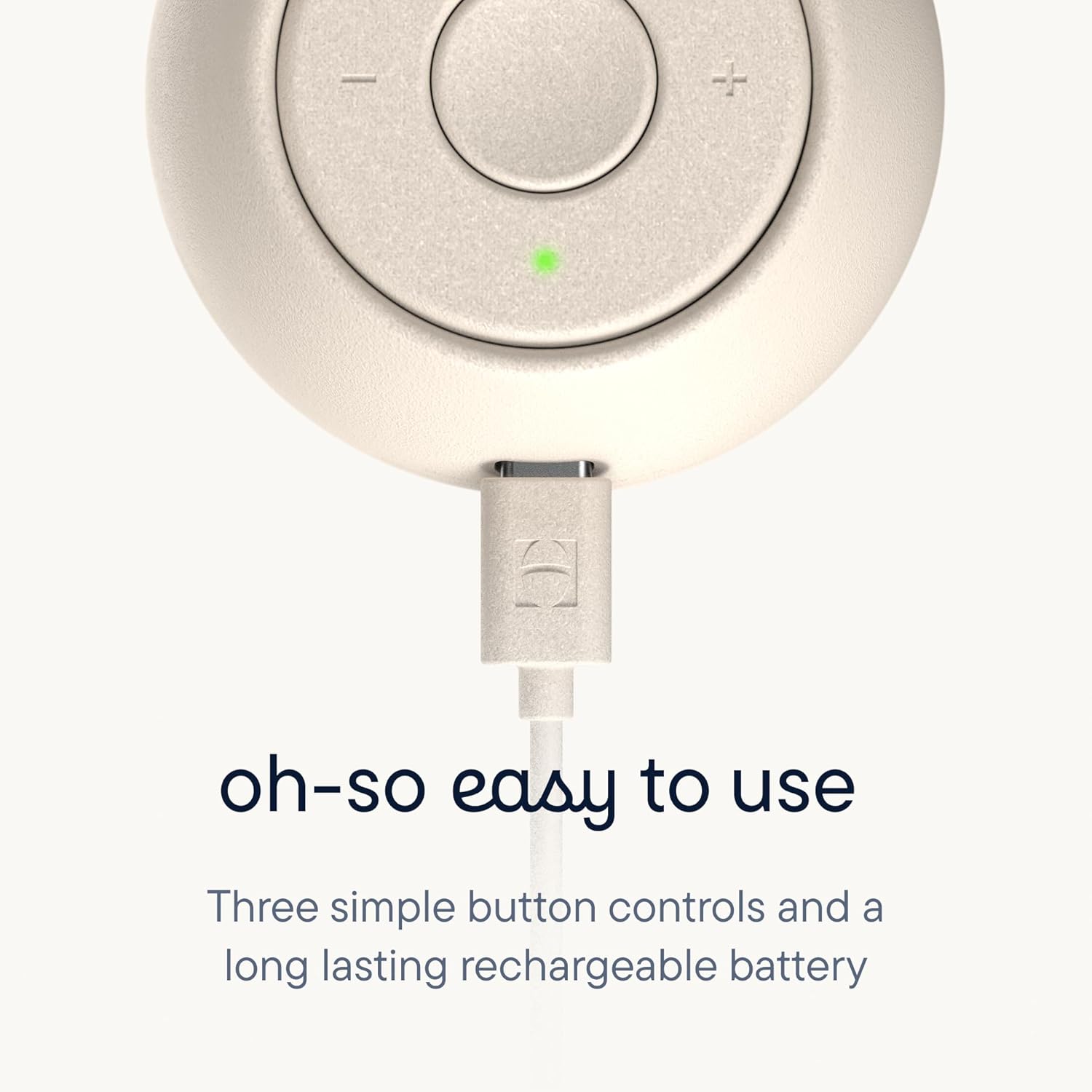
Image: The Hatch Go device displayed with text indicating its 10 soothing sound options.
Charging and Battery Life
The Hatch Go features a rechargeable Lithium Ion battery that provides up to 15 hours of continuous play. The device can also play while charging, ensuring uninterrupted use. A color-matching USB-C cable is included for charging.
- Battery Type: 1 Lithium Ion battery (included)
- Playtime: Up to 15 hours
- Charging: Via USB-C cable (included)
Care and Maintenance
- Cleaning: Wipe the device with a soft, dry cloth. Do not use abrasive cleaners or immerse in water.
- Storage: Store in a cool, dry place when not in use.
- Safety: Ensure the device is powered by appropriate voltage. Use caution to avoid electric shock. Not intended as a toy.
Troubleshooting
If you experience issues with your Hatch Go, consider the following:
- Device not turning on: Ensure the battery is charged. Connect to power and try again.
- No sound: Check the volume level using the '+' button.
- Sound quality issues: Ensure the device is not obstructed.
For further assistance, please refer to the support information below.
Specifications
| Feature | Detail |
|---|---|
| Brand | Hatch |
| Model Number | HBR5003PYFBA |
| Item Weight | 7.8 ounces |
| Product Dimensions | 6 x 2.76 x 2.17 inches |
| Power Source | Battery Powered |
| Battery Type | 1 Lithium Ion battery (included) |
| Material | Acrylonitrile Butadiene Styrene (ABS) |
| Color | Putty |
Warranty and Support
The Hatch Go Portable Sound Machine comes with a 1-Year Manufacturer Warranty.
For warranty claims or technical support, please contact Hatch Baby, Inc. directly through their official website or customer service channels.


