Introduction
This manual provides detailed instructions for the safe and efficient operation of your BAOFENG UV-16R Walkie Talkie. Please read this manual thoroughly before using the device to ensure proper function and to prevent damage.
Package Contents
Upon opening your BAOFENG UV-16R package, verify that all items listed below are present:
- Portable Radio (UV-16R)
- Original Antenna
- Type-C Charger Cable
- 1800mAh Li-ion Battery
- Belt Clip
- Sling
- Charger (Charging Base)
- User’s Manual
Setup
1. Battery Installation
To install the Li-ion battery:
- Align the battery with the battery compartment on the back of the radio.
- Gently push the battery into place until it clicks securely.
- Ensure the battery is firmly attached using the fixing screw if provided, as shown in the image below.

Figure 1: Securing the battery with the fixing screw. This ensures the battery remains firmly in place during use.
2. Antenna Attachment
Screw the original antenna clockwise onto the antenna connector at the top of the radio until it is finger-tight. Do not overtighten.

Figure 2: The radio with its high gain antenna. A properly attached antenna is crucial for optimal signal transmission and reception.
3. Charging the Battery
The UV-16R offers convenient charging options:
- USB-C Direct Charging: Connect the provided Type-C charger cable directly to the radio's USB-C port. You can use a power bank, PC, car charger, or any USB adapter.
- Charging Base: Place the radio in the included charging base. Ensure the charging contacts align properly.
The charging indicator light will typically show red during charging and turn green when fully charged.

Figure 3: Convenient USB-C charging. The radio can be charged using various USB power sources, including a wall adapter, power bank, or computer.
Operating Instructions
1. Power On/Off
To power on the radio, rotate the volume knob clockwise until you hear a click. To power off, rotate the volume knob counter-clockwise until it clicks.
2. Volume Adjustment
Rotate the volume knob to adjust the listening volume. Clockwise increases volume, counter-clockwise decreases it.
3. Channel Selection
The UV-16R supports 128 channels. Use the up/down arrow keys or the keypad to select your desired channel. The display will show the channel number and frequency.
4. Transmission and Reception
To transmit, press and hold the Push-to-Talk (PTT) button on the side of the radio. Speak clearly into the microphone. Release the PTT button to receive.
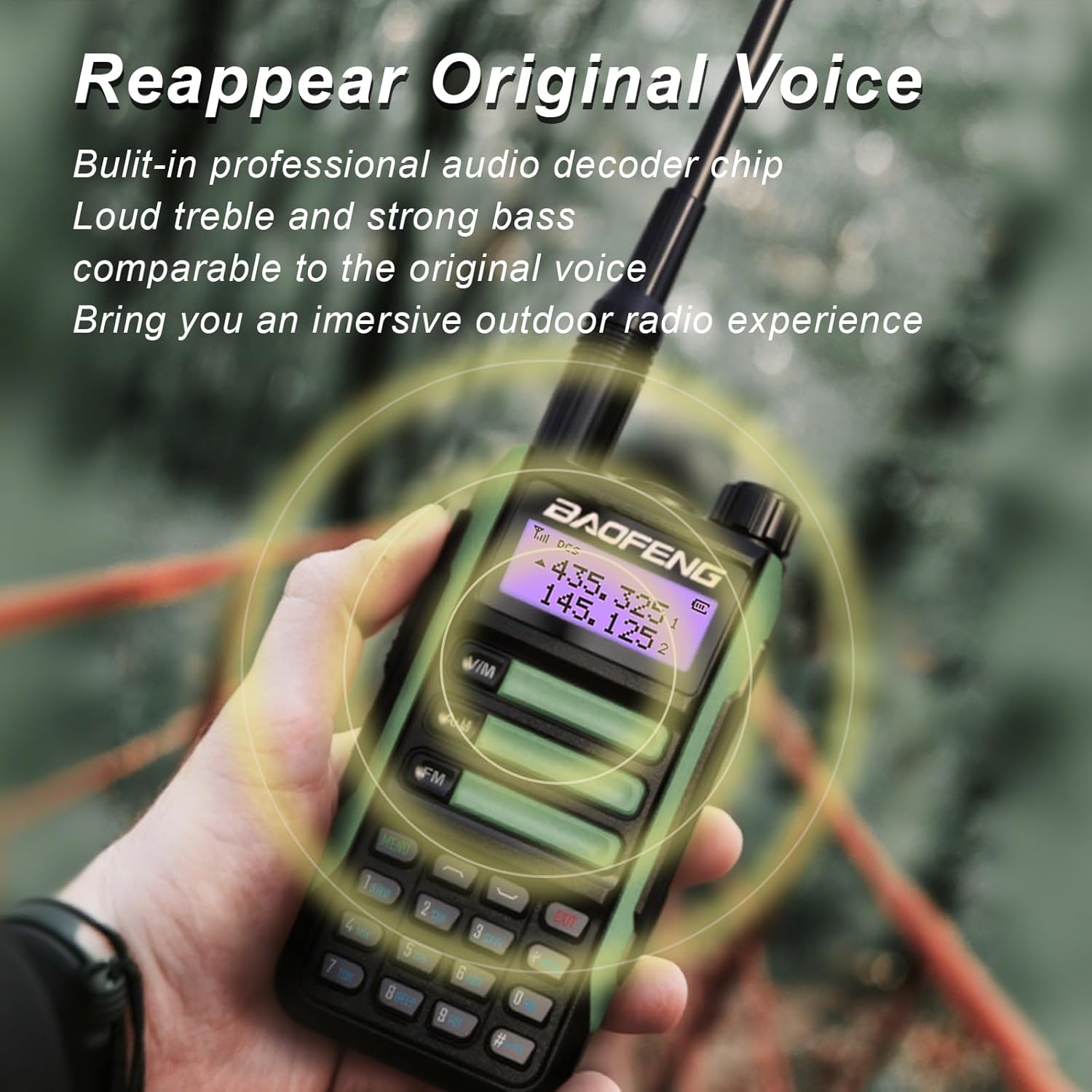
Figure 4: Clear audio output. The radio features a professional audio decoder chip for loud treble and strong bass, ensuring clear communication.
5. Dual Watch and Sync Function
The Dual Watch function allows you to monitor two different channels simultaneously. The Sync function is useful for users who wish to monitor one channel while viewing both the channel name and frequency information on the display.
6. FM Radio Function
The UV-16R includes a built-in FM radio function for entertainment. Refer to the on-screen menu for specific controls to activate and tune the FM radio.
7. LED Torch
The radio is equipped with a high-power LED torch, supporting both constant light and flash light modes for night vision or emergency situations. Consult the radio's menu or dedicated button (if available) for activation.

Figure 5: Intimate functions like the LED torch and FM radio. These features enhance usability in various outdoor activities.
Maintenance
1. Water Resistance (IP45)
The BAOFENG UV-16R features an IP45 water-resistant design, providing protection against dust and splashes of water. While it can withstand accidental soaking or rain, it is not designed for submersion. Ensure all ports are properly sealed when exposed to moisture.
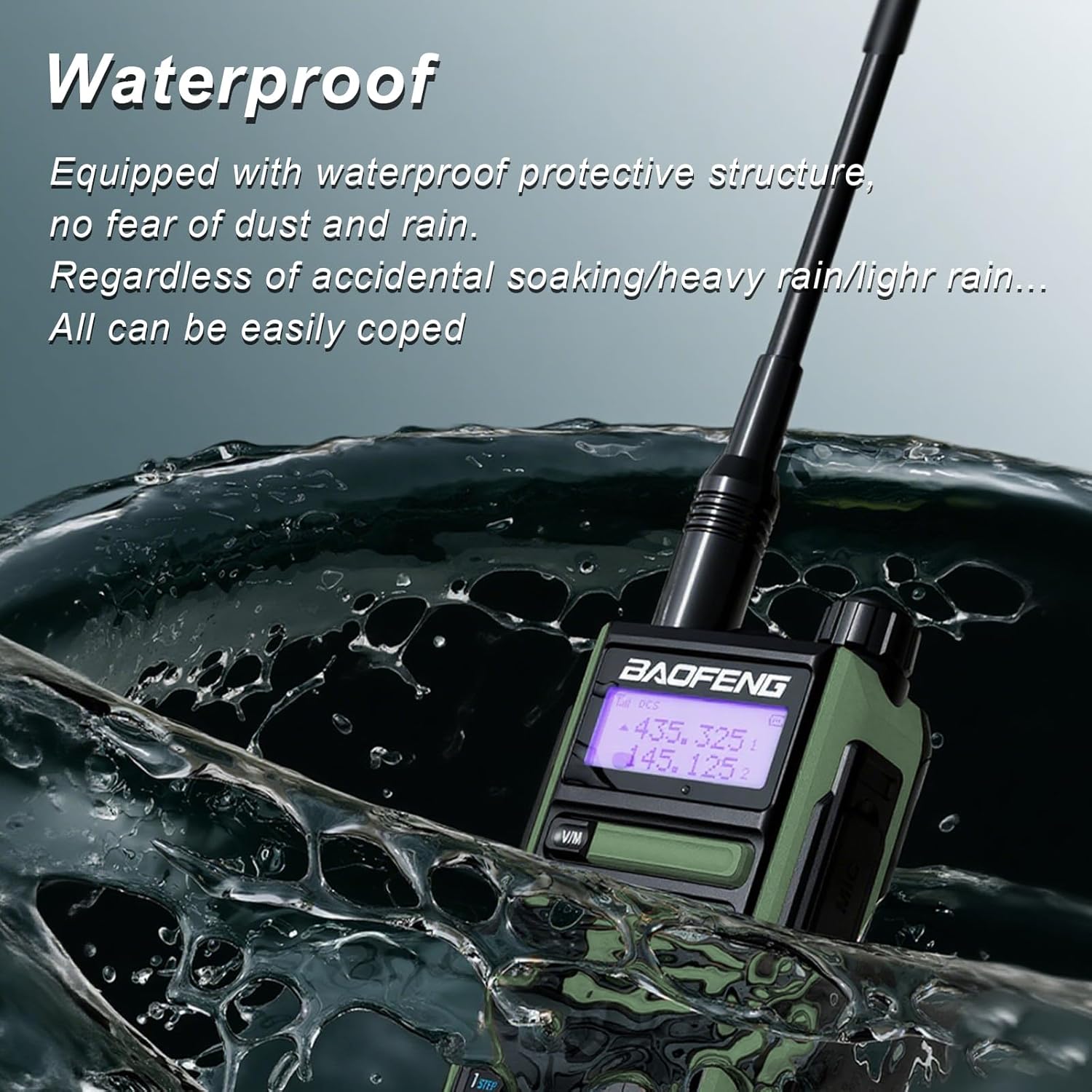
Figure 6: The radio demonstrating its water-resistant properties. The protective structure helps guard against dust and rain.
2. Cleaning
Clean the radio's exterior with a soft, damp cloth. Do not use harsh chemicals or abrasive cleaners. Ensure the radio is powered off and dry before cleaning.
3. Battery Care
To prolong battery life, avoid fully discharging the battery frequently. Charge the battery regularly, even if the radio is not in use for extended periods. Store the battery in a cool, dry place.
4. Durability
The radio's housing is constructed from high-hardness ABS+PC material, offering heat resistance, fall resistance, and wear resistance.

Figure 7: The radio's fall resistance. Its robust ABS+PC housing provides durability against impacts and wear.
Troubleshooting
| Problem | Possible Cause | Solution |
|---|---|---|
| Radio does not power on. | Battery is not installed correctly or is discharged. | Ensure battery is securely installed. Charge the battery fully. |
| Cannot transmit or receive. | Incorrect channel/frequency, antenna not attached, or radio malfunction. | Verify channel settings. Ensure antenna is securely attached. Perform a factory reset if necessary. If problem persists, contact support. |
| Poor audio quality or short range. | Weak battery, antenna issue, or environmental interference. | Charge battery. Check antenna connection. Move to an open area away from obstructions. |
| Battery drains quickly. | High power usage, old battery, or continuous transmission. | Reduce output power if possible. Consider replacing the battery if it's old. Avoid prolonged transmissions. |
Specifications
- Model: UV-16R
- Brand: BAOFENG
- Output Power: 10W
- Battery Capacity: 1800mAh Li-ion battery
- Water Resistance: IP45
- Channels: 128
- Antenna Type: SMA-Male
- Frequency Range: 144-148MHz, 420-450MHz
- Talking Range Maximum: Up to 6.1 miles (actual range varies by terrain)
- Material: Sturdy Plastic (ABS+PC)
- Net Weight: 530g (18.7 ounces)
- Product Dimensions: 1.46 x 2.44 x 4.72 inches
- Voltage: 7.4 Volts
Warranty Information
The BAOFENG UV-16R Walkie Talkie comes with a 1-year warranty. This warranty is provided exclusively through "Shiqun Electronics Co., Ltd." Please retain your proof of purchase for warranty claims.
For warranty service or inquiries, please contact the seller or manufacturer directly.
Support
For further assistance, technical support, or questions not covered in this manual, please refer to the contact information provided by your retailer or visit the official BAOFENG website.
Always ensure you are operating the device in compliance with local radio communication regulations.


