
1. Introduction
Thank you for purchasing the HOCO HC10 Sonar Sports Wireless Speaker. This manual provides detailed instructions for the proper use, setup, and maintenance of your device. Please read this manual thoroughly before using the speaker to ensure optimal performance and longevity.
The HOCO HC10 is a versatile wireless speaker featuring Bluetooth 5.0 connectivity, FM radio, TF card and U disk playback, and True Wireless Stereo (TWS) functionality. Its compact design and 1200mAh battery make it suitable for various environments.
2. Product Overview
2.1 Key Features
- Bluetooth 5.0 for stable and efficient wireless connection.
- Powerful 5W speaker unit (66mm*1) for clear audio.
- Integrated 1200mAh battery providing approximately 3 hours of music playback.
- Multiple playback modes: Bluetooth, FM Radio, TF card, U disk.
- True Wireless Stereo (TWS) function for pairing two HC10 speakers for enhanced sound.
2.2 Package Contents
Please check the package for the following items:
- HOCO HC10 Wireless Speaker
- USB Charging Cable
- User Manual
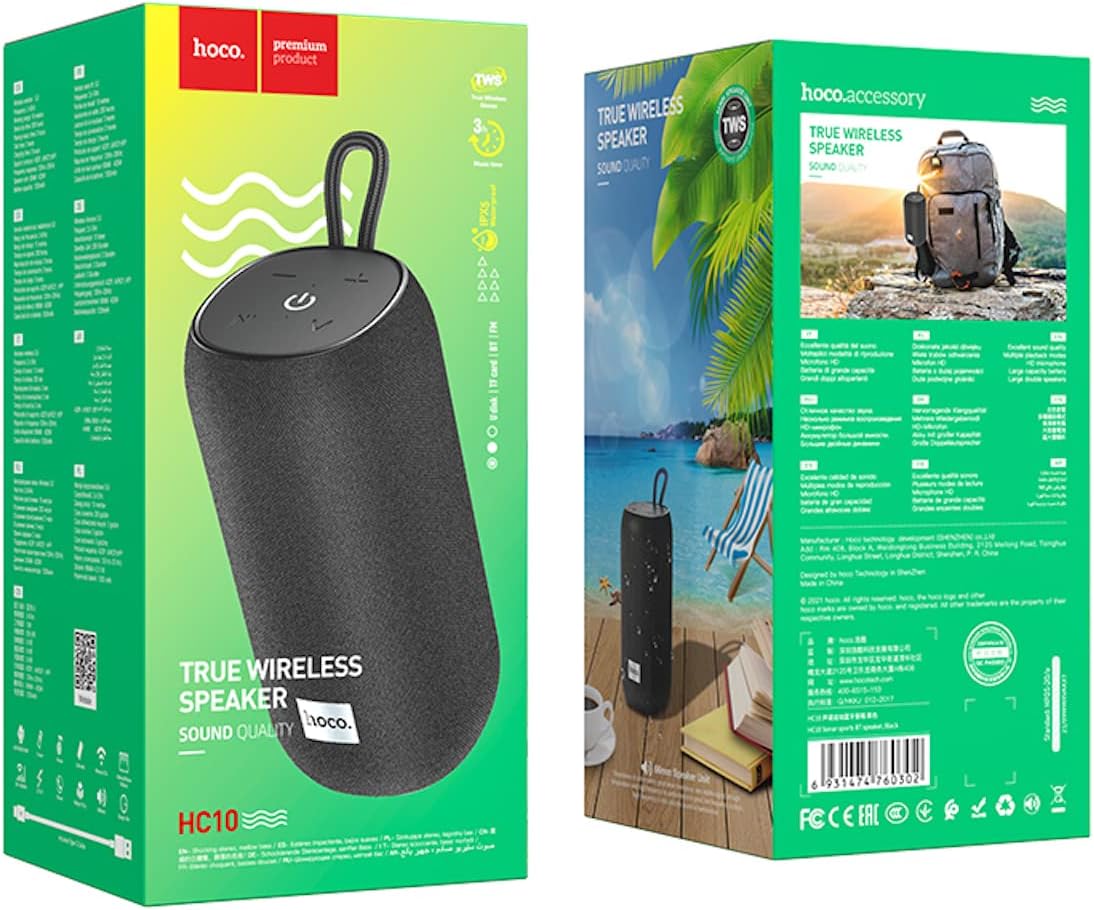
Image: The retail packaging for the HOCO HC10 speaker, showing the product and branding.
2.3 Speaker Controls and Ports

Image: Top-down view of the HOCO HC10 speaker, highlighting the control panel with power, play/pause, volume, and mode buttons.
- Power Button (⏻): Press and hold to power on/off. Short press to play/pause in music modes.
- Volume Down / Previous Track (- / ⏮): Short press for previous track. Long press to decrease volume.
- Volume Up / Next Track (+ / ⏭): Short press for next track. Long press to increase volume.
- Mode Button (M): Short press to switch between Bluetooth, FM, TF card, and U disk modes.
- Charging Port: For connecting the USB charging cable.
- TF Card Slot: For inserting a MicroSD/TF card.
- USB-A Port: For inserting a U disk (USB flash drive).
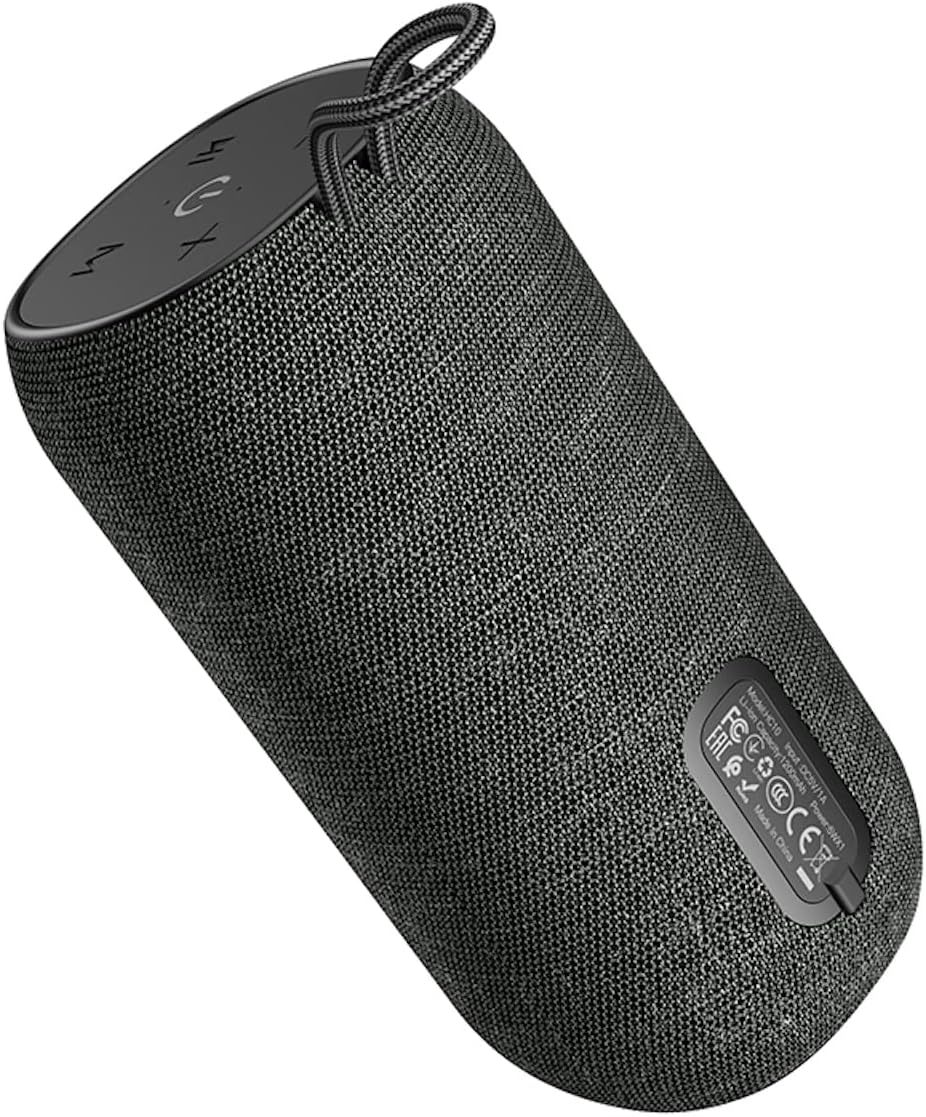
Image: Bottom view of the HOCO HC10 speaker, displaying the regulatory labels and potentially the port area.
3. Setup
3.1 Initial Charging
- Before first use, fully charge the speaker. Connect the provided USB charging cable to the speaker's charging port and the other end to a USB power adapter (5V/1A recommended) or a computer's USB port.
- The charging indicator light will illuminate during charging and turn off once fully charged.
- Charging typically takes about 3 hours.
3.2 Powering On/Off
- To Power On: Press and hold the Power button (⏻) for approximately 3 seconds until you hear an audible prompt.
- To Power Off: Press and hold the Power button (⏻) for approximately 3 seconds until you hear an audible prompt.
4. Operating Instructions
4.1 Bluetooth Pairing
- Power on the speaker. It will automatically enter Bluetooth pairing mode, indicated by a flashing LED light and an audible prompt.
- On your mobile device (smartphone, tablet, etc.), enable Bluetooth and search for available devices.
- Select "HOCO HC10" from the list of devices.
- Once paired, the speaker will emit an audible confirmation, and the LED light will stop flashing.
- The speaker will automatically reconnect to the last paired device when powered on, if the device is within range and Bluetooth is enabled.
4.2 FM Radio Mode
- With the speaker powered on, short press the Mode button (M) until you hear the FM radio prompt.
- To auto-scan and save FM stations, short press the Power/Play/Pause button (⏻). The speaker will scan and store available stations.
- To switch between saved stations, short press the Volume Up (+) or Volume Down (-) buttons.
- For better FM reception, ensure the speaker is in an open area.
4.3 TF Card / U Disk Playback
- Insert a TF (MicroSD) card or a U disk (USB flash drive) containing MP3 audio files into the respective slot/port on the speaker.
- The speaker will automatically detect the storage device and switch to TF card or U disk mode, beginning playback. If it doesn't switch automatically, short press the Mode button (M) to select the correct mode.
- Use the Power/Play/Pause button (⏻) to play or pause.
- Use the Volume Up (+) and Volume Down (-) buttons to skip tracks (short press) or adjust volume (long press).
4.4 True Wireless Stereo (TWS) Function
The TWS function allows you to pair two HOCO HC10 speakers together for a stereo sound experience.
- Ensure both HC10 speakers are powered off.
- Power on both speakers simultaneously. They should both enter Bluetooth pairing mode.
- On one of the speakers (this will become the primary speaker), double-press the Mode button (M). The speakers will attempt to connect to each other.
- Once successfully paired, you will hear an audible confirmation. The LED on the primary speaker will flash, while the LED on the secondary speaker will remain solid.
- Now, connect your mobile device to the primary speaker via Bluetooth as described in section 4.1.
- Audio will now play in stereo through both speakers.
4.5 Charging the Speaker
When the battery is low, the speaker will emit an audible warning. Connect the USB charging cable to the speaker's charging port and a power source. The charging indicator will show the charging status.
5. Maintenance
- Cleaning: Use a soft, dry cloth to clean the speaker's surface. Do not use abrasive cleaners, alcohol, or other chemical solvents, as these may damage the finish.
- Storage: Store the speaker in a cool, dry place away from direct sunlight and extreme temperatures.
- Battery Care: To prolong battery life, avoid fully discharging the speaker frequently. Charge the speaker at least once every three months if not used regularly.
- Water Resistance: This speaker is not waterproof. Avoid exposing it to water or excessive moisture.
6. Troubleshooting
| Problem | Possible Cause | Solution |
|---|---|---|
| Speaker does not power on. | Low battery. | Charge the speaker fully. |
| No sound. | Volume too low; device not connected; incorrect mode. | Increase speaker and device volume. Ensure Bluetooth is connected or correct mode (FM/TF/U disk) is selected. |
| Cannot pair via Bluetooth. | Speaker not in pairing mode; device Bluetooth off; too far from speaker. | Ensure speaker is in Bluetooth mode (flashing LED). Turn on device Bluetooth. Move device closer to speaker (within 10 meters). |
| FM radio reception is poor. | Weak signal; environmental interference. | Move the speaker to an open area. Try rescanning stations. |
| TF card/U disk not playing. | Incorrect file format; card/disk not inserted correctly; speaker in wrong mode. | Ensure files are MP3 format. Reinsert card/disk. Press Mode button to select TF/U disk mode. |
7. Specifications
| Feature | Detail |
|---|---|
| Model | HC10 |
| Bluetooth Version | 5.0 (Chip: Blue trum AB5362B) |
| Speaker Unit | 66mm * 1 |
| Output Power | 5W |
| Battery Capacity | 1200mAh |
| Charging Time | Approximately 3 hours |
| Music Playback Time | Up to 3 hours |
| Supported Modes | Bluetooth, FM Radio, TF Card, U Disk, TWS |
| Product Dimensions | 18 x 9 x 9 cm |
| Product Weight | 570 g |
| Manufacturer | HOCO |
| Country of Origin | China |
8. Warranty and Support
HOCO products are designed and manufactured to the highest quality standards. For specific warranty information, please refer to the warranty card included with your purchase or contact your local HOCO distributor or retailer.
If you encounter any issues or have questions regarding your HOCO HC10 speaker, please contact the retailer where you purchased the product or visit the official HOCO website for support resources.
Please retain your proof of purchase for warranty claims.
9. Safety Information
- Do not expose the speaker to extreme temperatures, direct sunlight, or high humidity.
- Avoid dropping or subjecting the speaker to strong impacts.
- Do not disassemble, repair, or modify the speaker yourself. This will void the warranty and may cause damage or injury.
- Keep the speaker away from children and pets.
- Use only the provided or a certified charging cable and adapter.
- Dispose of the product responsibly according to local regulations. Do not dispose of with household waste.


