1. Setup and Installation
This section guides you through the installation process of your Zowill Keyless Entry Door Knob Lock. Ensure all components are present before beginning.
Installation Video Guide
Official Zowill installation video for the DK03 Keyless Entry Door Knob Lock. This video provides a visual step-by-step guide for proper setup.
Step-by-Step Installation
- Adjust Latch Length:
Before installing, adjust the latch length to match your door's backset. The latch can be set to 2-3/8" (60mm) or 2-3/4" (70mm). If your backset is 2-3/4" (70mm), adjust the latch by pulling and twisting the mechanism as shown in the video.

Image showing how to adjust the latch length for different door backsets.
- Install the Latch and Strike Plate:
Insert the adjusted latch into the door edge. Secure it with screws. Then, install the strike plate on the door frame, ensuring it aligns correctly with the latch.

Image demonstrating the installation of the latch and strike plate on the door and frame.
- Install the Front Lock Assembly:
Carefully insert the front lock assembly (keypad side) into the door, ensuring the spindle passes through the latch mechanism. The cable should also pass through the door hole.

Image showing the front lock assembly being placed into the door opening.
- Install the Mounting Plate:
Position the mounting plate on the interior side of the door, aligning it with the spindle and the cable. Secure it with screws.

Image illustrating the mounting plate installation, ensuring proper alignment.
- Install the Interior Assembly:
Connect the cable from the front assembly to the interior assembly. Then, attach the interior assembly to the mounting plate, ensuring the spindle engages correctly. Secure with screws.

Image showing the connection of the cable and the final placement of the interior lock assembly.
- Install 4 AA Alkaline Batteries:
Open the battery cover on the interior assembly and insert four new AA alkaline batteries, observing the correct polarity. Close the battery cover securely.

Image demonstrating the correct insertion of AA batteries into the lock's interior unit.
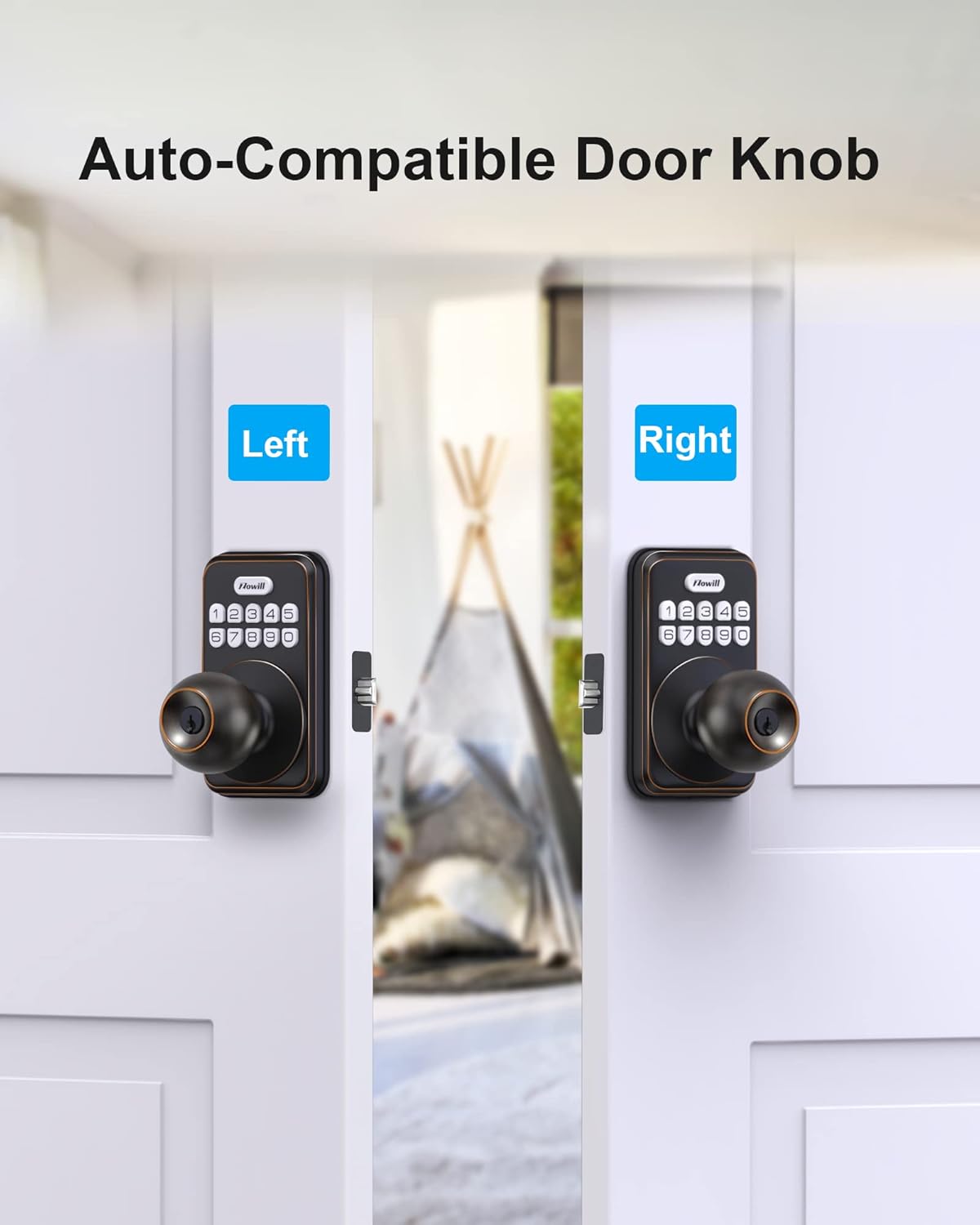
The Zowill Keyless Entry Door Knob is designed for easy installation and is auto-compatible with both left and right-handed doors, fitting standard 54mm diameter holes without extra modifications.

The lock is compatible with both left and right-handed door configurations.
2. Operating Instructions
Your Zowill Keyless Entry Door Knob Lock offers multiple convenient features for secure access.
Keyless Entry and User Codes
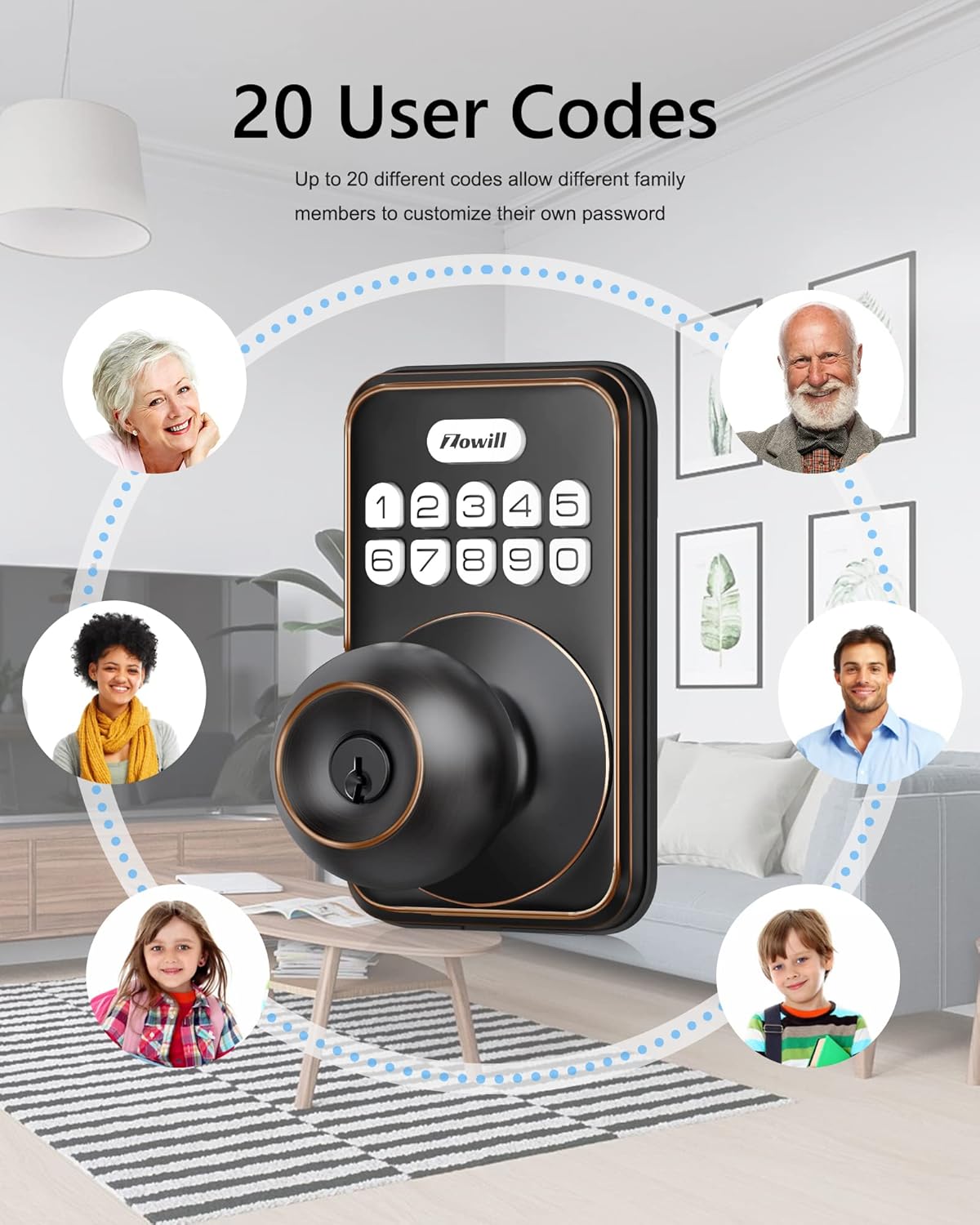
The lock supports up to 20 unique access codes for family members and temporary guests. This allows for personalized access without the need for physical keys.

The lock can store up to 20 different user codes for various individuals.
Auto Lock & One-Touch Lock
- Auto Lock: The lock can be set to automatically lock after a delay of 10-99 seconds. This feature enhances security by ensuring the door is always locked after closing.
- One-Touch Lock: To quickly lock the door, simply press and hold any digital key on the keypad for 2 seconds. This is convenient for immediate locking.

The lock features automatic locking and a one-touch locking function for convenience.
Convenient One-Time Code
Generate temporary, auto-deleting codes for guests, pet sitters, or delivery personnel. This provides secure, limited access without compromising your primary codes.
Easily create and share one-time codes for temporary access.
Anti-Peeking Password
Enhance security by entering random digits before or after your actual code. This prevents others from guessing your code by observing your hand movements.
The anti-peeking feature allows you to enter extra digits to obscure your actual code.
Back-lit Keypad and Mute Mode
- Back-lit Keypad: The keypad illuminates for easy nighttime unlocking.
- Mute Mode: Activate mute mode to silence keypad tones, ideal for quiet entry or exit.

The keypad features backlighting for visibility and a mute mode for silent operation.
Vacation Mode
Utilize vacation mode for extended periods away from home. This feature can disable all user codes temporarily, providing enhanced security when your property is vacant.

Vacation mode provides an extra layer of security when you are away from home.
3. Maintenance
Battery Replacement
The lock features a low battery indicator to alert you when batteries need replacement. When the indicator appears, replace all four AA alkaline batteries promptly to ensure continuous operation.
Weather Resistance and Cleaning
The Zowill Keyless Entry Door Knob is IP54 weather resistant, protecting it from dust and splashing water. For cleaning, use a soft, damp cloth. Avoid abrasive cleaners or solvents that could damage the finish or electronic components.

The lock is designed with IP54 weather resistance for durability in various conditions.
4. Troubleshooting
Refer to the following common issues and solutions:
- Lock not engaging or turning:
Ensure the latch is correctly installed and aligned with the strike plate. Check if the spindle is properly engaged with both the exterior and interior assemblies. If the issue persists, verify that the batteries are fresh and correctly inserted. A factory reset might be necessary if mechanical components are correctly aligned.
- Keypad not responding or blinking red/green:
This often indicates low battery power. Replace all four AA alkaline batteries. If the issue continues after battery replacement, perform a factory reset. Ensure the cable connection between the front and interior assemblies is secure.
- Codes not working:
Verify that the correct code is being entered. Ensure the lock is not in vacation mode. If codes are still not accepted, try reprogramming the user codes. If the problem persists, a factory reset may resolve the issue.
- Difficulty turning the knob:
Check for any obstructions around the latch or strike plate. Ensure the door frame is not warped, causing excessive pressure on the latch. Lubricate the latch mechanism if it feels stiff. If the issue is intermittent, especially in cold weather, ensure the lock is within its operating temperature range.
5. Specifications
| Feature | Detail |
|---|---|
| Brand | Zowill |
| Model Name | DK03 |
| Lock Type | Combination Lock, Key Lock, Keypad, Push Button Lock |
| Material | Aluminum |
| Color | Oil bronze |
| Special Features | Auto-Lock, Back-Lit Keypad, One-Touch Lock, Weather Resistant, Anti-Peeping Password, One-time code |
| Item Weight | 2.59 pounds (1.18 Kilograms) |
| Power Source | 4 AA Batteries (not included) |
| Connectivity Protocol | Touch |
| Usage | Ideal for home, Garage, Apartment, Office |
Product Dimensions

Detailed dimensions for the Zowill Keyless Entry Door Knob Lock, including backset and door thickness compatibility.
6. Warranty and Support
Zowill offers a 30-day money-back guarantee and lifetime customer service for this product. If you encounter any issues or require assistance, please contact Zowill customer support. Refer to your purchase documentation for specific contact details.


