Zowill Keyless Entry with Knob - Instruction Manual
Model: DK03 | Brand: Zowill
This manual provides detailed instructions for the installation, operation, and maintenance of your Zowill Keyless Entry Door Knob. Please read thoroughly before use.
Product Overview
The Zowill Keyless Entry Door Knob offers enhanced security and convenience for your home. It features a keypad for code-based access, an auto-lock function, and a one-touch locking mechanism. Designed for easy installation, this durable aluminum alloy lock is weather-resistant and includes a low battery indicator for reliable performance.

Figure 1: Front and back view of the Zowill Keyless Entry Door Knob.
Key Features:
- Keyless Entry: Provides up to 20 customizable access codes for family and temporary guests.
- Auto-Lock & One-Touch Lock: Configurable automatic locking from 10-99 seconds. One-touch locking by holding any keypad digit for 2 seconds.
- Convenient One-Time Code: Set temporary passwords that auto-delete after single use.
- Enhanced Security: Durable aluminum alloy construction, solid lock cylinder, and anti-peeking password feature.
- Weather Resistant: IP54 rating ensures protection in various weather conditions.
- Low Battery Indicator: Alerts you when batteries need replacement.
- Easy Installation: Designed for quick setup with a screwdriver, fitting standard door preparations.
Installation Guide
Before beginning installation, ensure you have a Phillips head screwdriver. Do not install batteries until the lock is fully assembled on the door.
Step 1: Adjust Latch Length
The latch is adjustable to fit either a 2-3/8" (60mm) or 2-3/4" (70mm) backset. If your door's backset is 2-3/4" (70mm), adjust the latch by pulling and twisting the mechanism as shown.

Figure 2: Adjusting the latch for 2-3/4" (70mm) backset.
Step 2: Install the Latch and Strike Plate
Insert the adjusted latch into the door edge. Ensure the latch bolt is facing the correct direction (slanted side towards the door frame). Secure it with screws. Install the strike plate on the door frame, aligning it with the latch bolt.

Figure 3: Securing the latch into the door edge.
Step 3: Install the Front Lock Assembly
Carefully feed the cable through the door hole. Align the front lock assembly with the latch and insert the spindle through the latch mechanism. Ensure the keypad is oriented correctly.

Figure 4: Attaching the exterior keypad assembly to the door.
Step 4: Install the Mounting Plate
Thread the cable and spindle through the mounting plate. Secure the mounting plate to the door using the provided screws. Ensure it is flush and stable.

Figure 5: Securing the interior mounting plate.
Step 5: Install the Interior Assembly
Connect the cable from the front lock assembly to the interior assembly. Carefully tuck excess wire into the door cavity. Align the interior assembly with the spindle and mounting plate, then secure it with screws.

Figure 6: Connecting the wiring harness and installing the interior lock body.
Step 6: Install 4 AA Alkaline Batteries
Open the battery cover on the interior assembly. Insert four (4) AA alkaline batteries, ensuring correct polarity (+/-). Close the battery cover. The lock will perform a self-check and is now ready for programming.

Figure 7: Installing the 4 AA alkaline batteries.
Installation Video:
Video 1: Official Zowill DK03 Installation Guide. This video demonstrates the complete installation process from start to finish.
Operating Instructions
Programming User Codes
Your Zowill Keyless Entry Door Knob supports up to 20 unique user codes. Refer to the detailed programming instructions in the separate programming guide for adding, deleting, or modifying codes.

Figure 8: The lock supports up to 20 user codes for various family members or guests.
Unlocking the Door
- Using a Code: Enter your 4-8 digit user code on the keypad, then press the Lock button (or #). The lock will unlock.
- Using a Key: Insert the physical key into the keyhole and turn to unlock.

Figure 9: Keypad for entering access codes to unlock the door.
Locking the Door
- One-Touch Locking: From the outside, press and hold any digit on the keypad for 2 seconds. The lock will engage.
- Auto-Lock Feature: If enabled, the lock will automatically re-lock after a set period (10-99 seconds) once unlocked.

Figure 10: Demonstrating the one-touch locking and auto-lock functionality.
Anti-Peeking Password
To prevent others from guessing your code, you can enter random digits before or after your actual code. The lock will still recognize the correct sequence within the longer string of numbers.

Figure 11: Example of using random digits with your password for enhanced security.
One-Time Pin Code
Generate temporary, single-use codes for visitors or service personnel. These codes automatically delete after one use, providing secure temporary access without compromising your main codes.
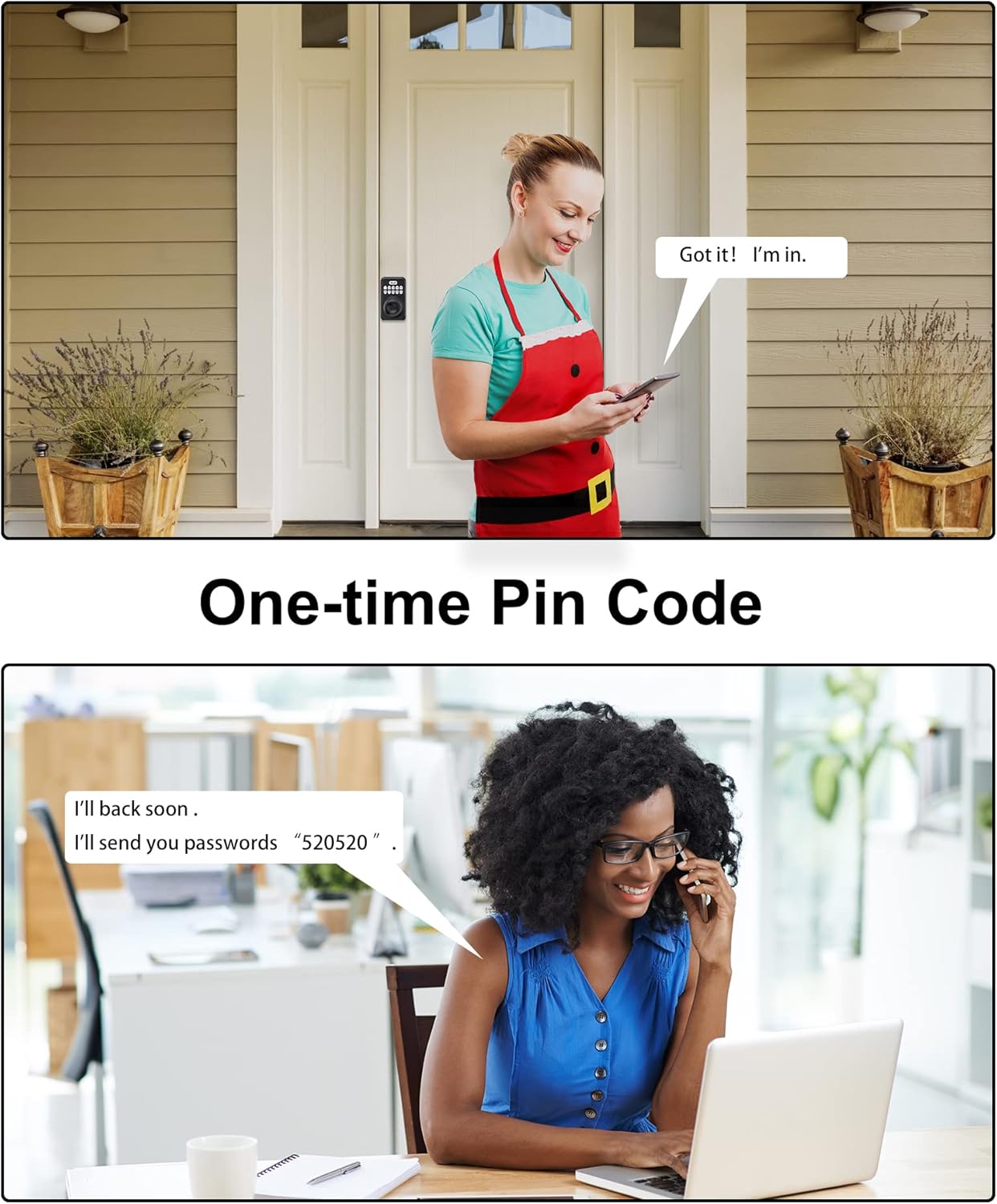
Figure 12: Illustrating the convenience of one-time pin codes for temporary access.
Mute Mode
The lock features a mute mode to silence keypad tones, ideal for quiet entry or exit, especially during nighttime hours. Consult the programming guide for instructions on enabling or disabling this feature.
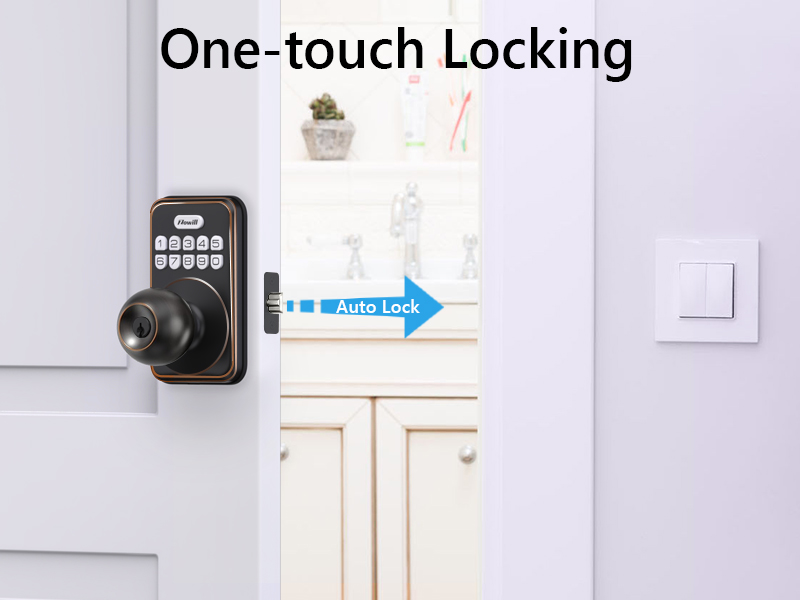
Figure 13: Mute mode allows for silent operation of the keypad.
Maintenance
- Battery Replacement: When the low battery indicator activates (usually a series of beeps or a light flash after entry), replace all four AA alkaline batteries promptly. Do not mix old and new batteries or different battery types.
- Cleaning: Clean the keypad and lock body with a soft, damp cloth. Avoid abrasive cleaners or solvents that could damage the finish or electronic components.
- Weather Resistance: The lock is IP54 weather-resistant, protecting against dust and splashing water. While durable, avoid direct high-pressure water spray.
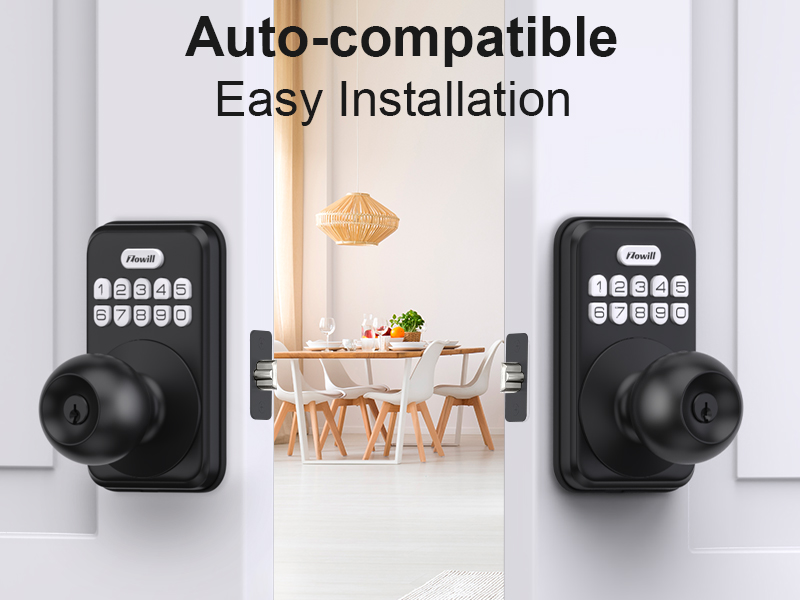
Figure 14: The lock is designed with IP54 weather resistance for outdoor use.
Troubleshooting
| Problem | Possible Cause | Solution |
|---|---|---|
| Lock does not respond to keypad entry. | Low batteries; incorrect code; keypad malfunction. | Replace batteries; re-enter code carefully; perform factory reset if issue persists. |
| Auto-lock not functioning. | Auto-lock feature disabled; incorrect time setting. | Enable auto-lock in programming; adjust auto-lock time setting. |
| Knob is stiff or hard to turn after unlocking. | Latch bolt misalignment; internal mechanism obstruction. | Check latch alignment and strike plate; ensure no wires are pinched during installation. |
| Lock makes unusual noises. | Internal component issue; low battery. | Replace batteries; if noise persists, contact customer support. |
Specifications
| Feature | Detail |
|---|---|
| Brand | Zowill |
| Model Name | DK03 |
| Lock Type | Keypad, Combination Lock, Pin Tumbler |
| Material | Aluminum |
| Color | Matte Black |
| Power Source | 4 x AA Alkaline Batteries (not included) |
| Weather Resistance | IP54 |
| Backset Compatibility | 2-3/8" (60mm) or 2-3/4" (70mm) |
| Number of User Codes | Up to 20 |
| Special Features | Auto-Lock, Back-Lit Keypad, One-Touch Lock, Anti-Peeping Password, One-Time Code |
Warranty and Support
Zowill offers a 30-day money-back guarantee and lifetime customer service for this product. For any questions, technical assistance, or warranty claims, please contact Zowill Official Store customer support.
You can visit the Zowill Official Store on Amazon for more information and support resources.


