
1. Product Overview
The Sonew BT Remote Control Page Turner is a compact, ring-shaped device designed to enhance your mobile phone experience. It allows for remote control of various functions, including taking photos, navigating videos, and turning pages in e-books, providing convenience and comfort.
Key features include:
- One-Key Control: Simplifies operations for photos, videos, and e-books.
- Multi-functional: Beyond photos, it adjusts video volume, screen brightness, and supports fast forward/rewind.
- Ergonomic Design: Ring-shaped for comfortable wear, promoting relaxed viewing positions.
- Wide Compatibility: Supports various mainstream short video, camera, and novel applications.
- Portable: Small and lightweight for easy carrying.

Image: Front view of the Sonew BT Remote Control Page Turner, showing the three control buttons.
2. Specifications
| Item Type | Mobile Phone BT Remote |
| Material | ABS |
| BT Version | BT 5.3 |
| Standby Time | Approximately 4 months |
| Applicable System | Video, reading, selfie remote control |
| Support | For iOS 15.0, for Android 8.0 and above |
| Battery | Built-in Polymer 30mAh |
| Color | White |
3. Package Contents
The package includes the following items:
- 1 x Mobile Phone BT Remote
- 1 x Instruction Manual
- 1 x Charging Cable

Image: The Sonew BT Remote Control Page Turner shown alongside its USB charging cable.
4. Setup and Pairing
4.1 Charging the Device
Before first use, ensure the remote control is fully charged. Connect the provided charging cable to the remote's charging port and a suitable USB power source.
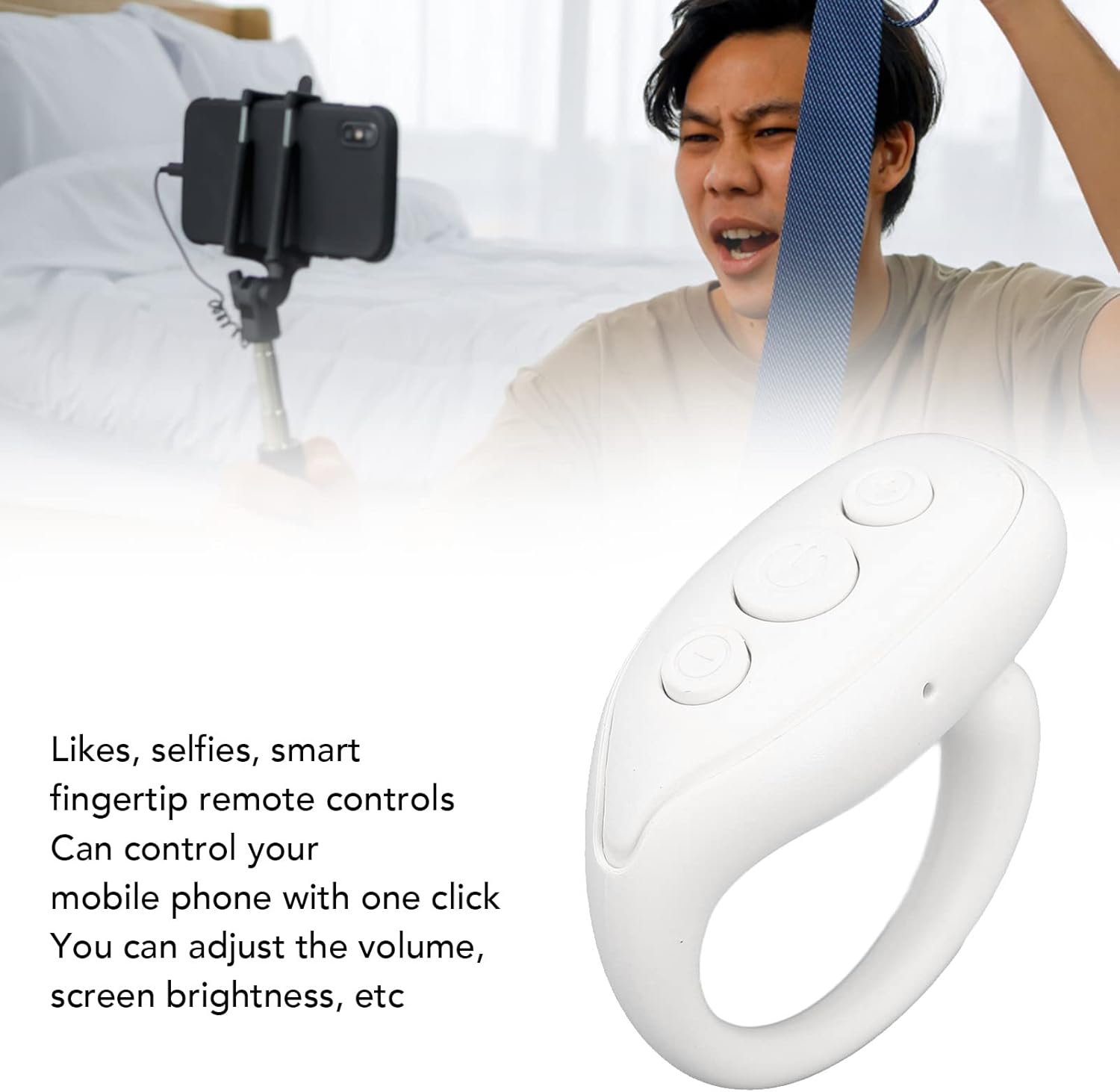
Image: Close-up view of the Sonew BT Remote Control Page Turner, highlighting the USB-C charging port on the side.
4.2 Bluetooth Pairing
- Ensure your mobile phone's Bluetooth is enabled.
- Long press the power button on the remote control to turn it on. The indicator light will flash, indicating it's in pairing mode.
- On your phone, search for available Bluetooth devices.
- Select "BT Remote" or a similar name from the list of devices to connect.
- Once connected, the indicator light on the remote will stop flashing or show a steady light.
5. Operating Instructions
The remote control features three main buttons for various functions. The central button is the power/pause button, and the other two buttons control navigation and volume.

Image: Top-down view of the remote, showing the three distinct buttons for control.
5.1 General Controls
- Long press (Center Button): Power on/off the device.
- Click (Center Button): Pause/Play for media, or trigger the camera shutter for photos.
- Double click (Center Button): "Like" function in supported apps.
5.2 Navigation and Volume Controls
The two side buttons are primarily used for navigation and volume adjustments, depending on the application.
| Button Action | Function (Left Button) | Function (Right Button) |
| Click | Turn page up / Scroll up | Turn page down / Scroll down |
| Double Click | Turn page left | Turn page right |
| Long Press | Increase volume | Decrease volume |
Note: Specific functions may vary slightly depending on the application being used (e.g., video player, e-reader, camera app).

Image: An individual using the remote control to capture a photo with a smartphone mounted on a selfie stick, demonstrating its use for remote photography.

Image: A person comfortably using the ring-shaped remote to interact with their phone, illustrating its benefit for hands-free operation and comfort.
6. Maintenance
- Keep the device dry. Avoid exposure to moisture or liquids.
- Clean the device with a soft, dry cloth. Do not use abrasive cleaners or solvents.
- Store the device in a cool, dry place when not in use.
- Avoid dropping or subjecting the device to strong impacts.
7. Troubleshooting
| Problem | Solution |
| Device does not turn on. | Ensure the device is charged. Connect it to a power source using the charging cable. |
| Cannot pair with phone. |
|
| Buttons are not responding. |
|
| Page turning does not work for horizontal scrolling. | This device is primarily designed for vertical scrolling and page turning (up/down). Horizontal scrolling functionality may not be supported by all applications or the device's default mapping. |
8. Warranty and Support
For warranty information or technical support, please refer to the seller's policy on the purchase platform or contact Sonew customer service directly. Keep your purchase receipt for warranty claims.
Manufacturer: Sonew
Date First Available: May 9, 2023