
BINNUNE BG02
BINNUNE Gaming Headset User Manual
Model: BG02
Introduction
Thank you for choosing the BINNUNE BG02 Gaming Headset. This manual provides detailed instructions for setting up, operating, and maintaining your new headset. Designed for immersive audio and clear communication, the BG02 is compatible with a wide range of gaming platforms, including PS5, PS4, Xbox One, Xbox Series S|X, PC, and Nintendo Switch.
Please read this manual thoroughly before use to ensure optimal performance and longevity of your headset.
What's in the Box
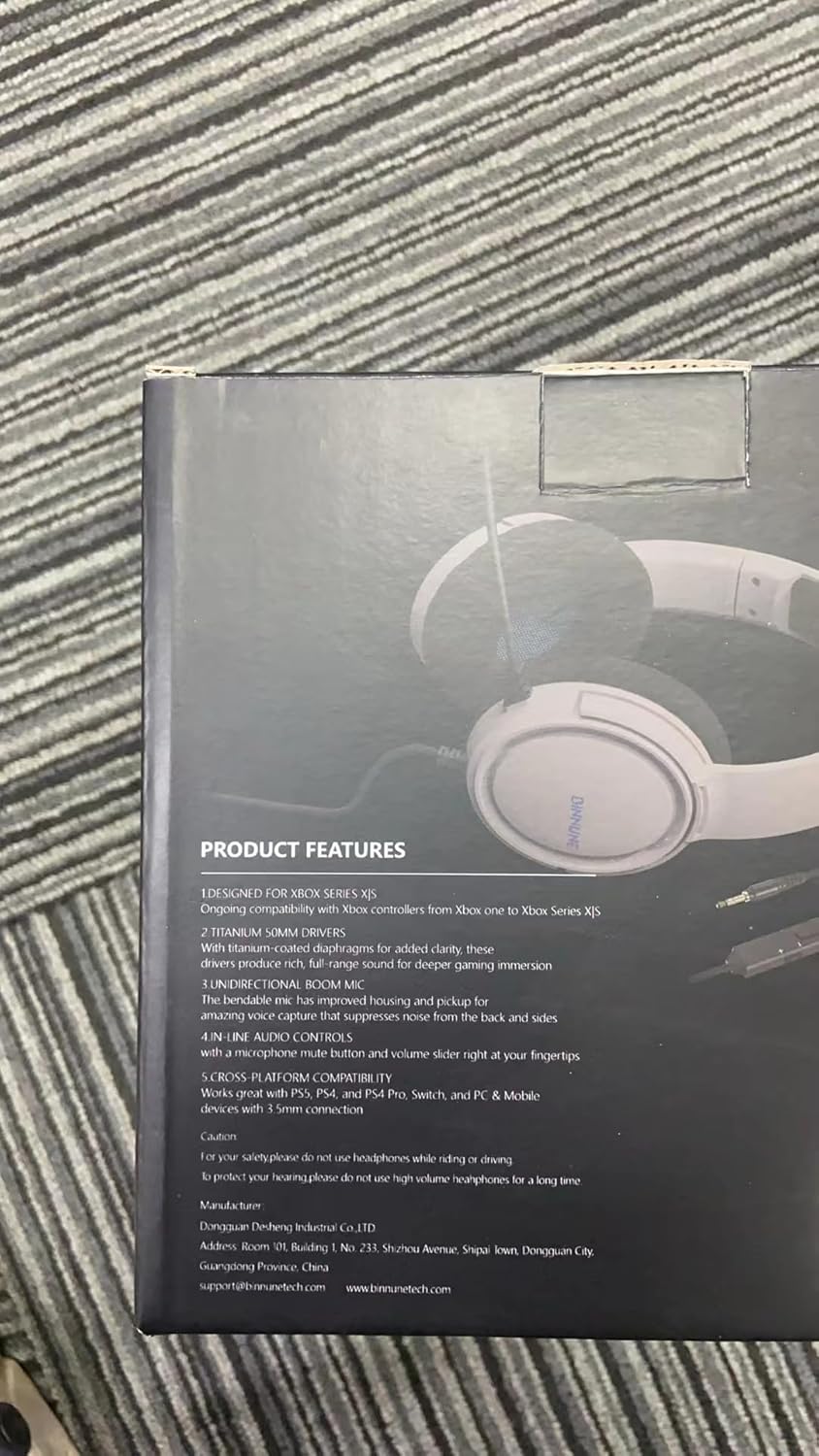
Image: All components included in the BINNUNE BG02 Gaming Headset package.
- BINNUNE BG02 Wired Gaming Headset (x1)
- User Manual (x1)
- Adapter Cable (x1)
Product Overview

Image: Front view of the BINNUNE BG02 Gaming Headset.
Key Components:
- Adjustable Headband: For a comfortable fit during extended use.
- Soft Memory Foam Earpads: Designed for long-lasting comfort.
- Unidirectional Boom Microphone: Provides clear communication by suppressing background noise.
- In-line Audio Controls: Conveniently located volume control and microphone mute button.
- 50mm Drivers: High-precision drivers for crystal-clear audio and rich soundscapes.
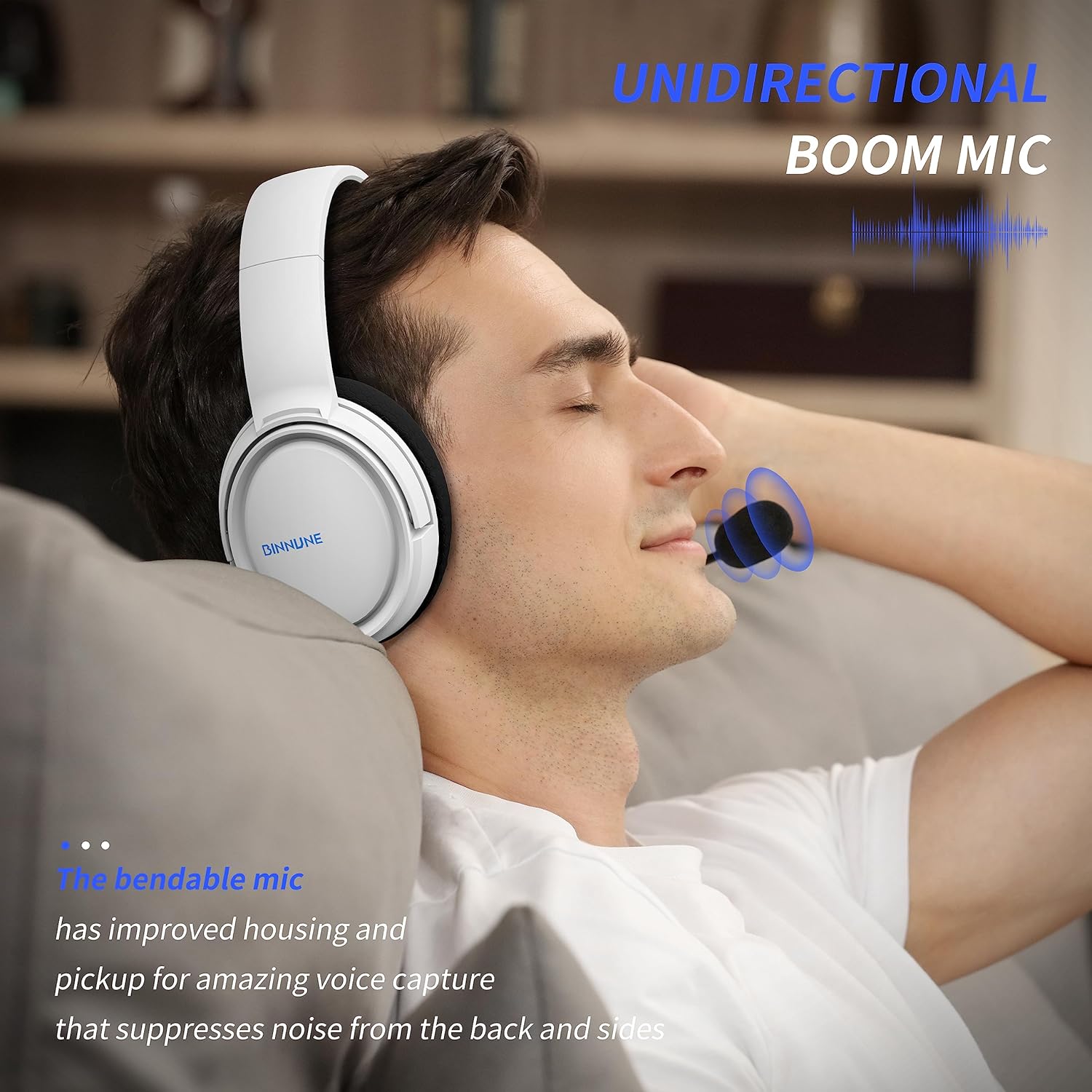
Image: Detail of the unidirectional boom microphone.

Image: Close-up of the in-line volume and mute controls.

Image: Illustration of the 50mm audio drivers.
Setup
Connecting to Gaming Consoles (PS5, PS4, Xbox One, Xbox Series S|X)
- Locate the 3.5mm audio jack on your console's controller.
- Plug the 3.5mm connector of the BINNUNE BG02 headset directly into the controller's audio jack.
- For some Xbox One controllers, an Xbox One Stereo Headset Adapter (sold separately) may be required if the controller does not have a 3.5mm jack.
- Adjust audio settings on your console as needed to ensure the headset is recognized and audio is routed correctly.

Image: Headset connected to a PlayStation 5 setup.
Connecting to PC/Laptop
- If your PC/laptop has a single 3.5mm combined audio/microphone jack, plug the headset directly into it.
- If your PC/laptop has separate audio (green) and microphone (pink) jacks, use the included adapter cable. Plug the headset into the female end of the adapter, then plug the green and pink male ends into the corresponding jacks on your PC/laptop.
- Ensure your computer's sound settings are configured to use the headset as the default input and output device.
Connecting to Nintendo Switch / Mobile Devices
- Plug the 3.5mm connector of the headset directly into the 3.5mm audio jack on your Nintendo Switch or mobile device.

Image: Headset shown with various compatible devices.
Operating Instructions
Adjusting Volume
- Use the volume roller located on the in-line control unit to increase or decrease the audio output. Roll it up to increase volume, and down to decrease.
Muting the Microphone
- Press the microphone mute button on the in-line control unit to toggle the microphone on or off. When muted, your voice will not be transmitted.
Wearing the Headset
- Adjust the headband to ensure the earpads sit comfortably over your ears.
- Position the flexible boom microphone close to your mouth for optimal voice pickup.
Maintenance
- Cleaning: Use a soft, dry cloth to clean the headset. Do not use harsh chemicals or abrasive materials.
- Storage: Store the headset in a cool, dry place away from direct sunlight and extreme temperatures.
- Cable Care: Avoid sharp bends or excessive pulling on the cable to prevent damage.
- Microphone: Handle the microphone boom gently.
Troubleshooting
| Problem | Possible Solution |
|---|---|
| No sound from headset |
|
| Microphone not working |
|
| Sound is distorted or unclear |
|
Specifications
| Feature | Detail |
|---|---|
| Model Name | BG02 |
| Connectivity Technology | Wired |
| Headphones Jack | 3.5 mm Jack |
| Driver Size | 50 Millimeters |
| Frequency Range | 20 Hz - 20,000 Hz |
| Impedance | 32 Ohm |
| Sensitivity | 97 dB |
| Noise Control | Active Noise Cancellation (Microphone) |
| Item Weight | 303 Grams (10.7 ounces) |
| Product Dimensions | 3.94 x 7.44 x 7.87 inches |
| Material | Plastic |
| Compatible Devices | Gaming Consoles, Laptops, Desktops |
Warranty & Support
BINNUNE is committed to providing valuable and qualified products. For any questions, issues, or support needs regarding your BINNUNE BG02 Gaming Headset, please refer to the contact information provided in the packaging or visit the official BINNUNE website for assistance.
We value your feedback and are dedicated to quick issue resolution.
Related documentsBG02


Ask a question about this manual
Ask about setup, troubleshooting, compatibility, parts, safety, or missing instructions. Manuals+ will review the question and use this page’s manual context to help answer it.