
1. Introduction
This manual provides detailed instructions for the installation and operation of your Leapiture Car Camera Switcher. This device is designed to integrate front and rear view cameras with your vehicle's display system, offering enhanced visibility for parking and maneuvering.
The camera switcher facilitates automatic switching between front and rear cameras, simplifying parking procedures. It also offers customizable control for monitoring the road ahead.
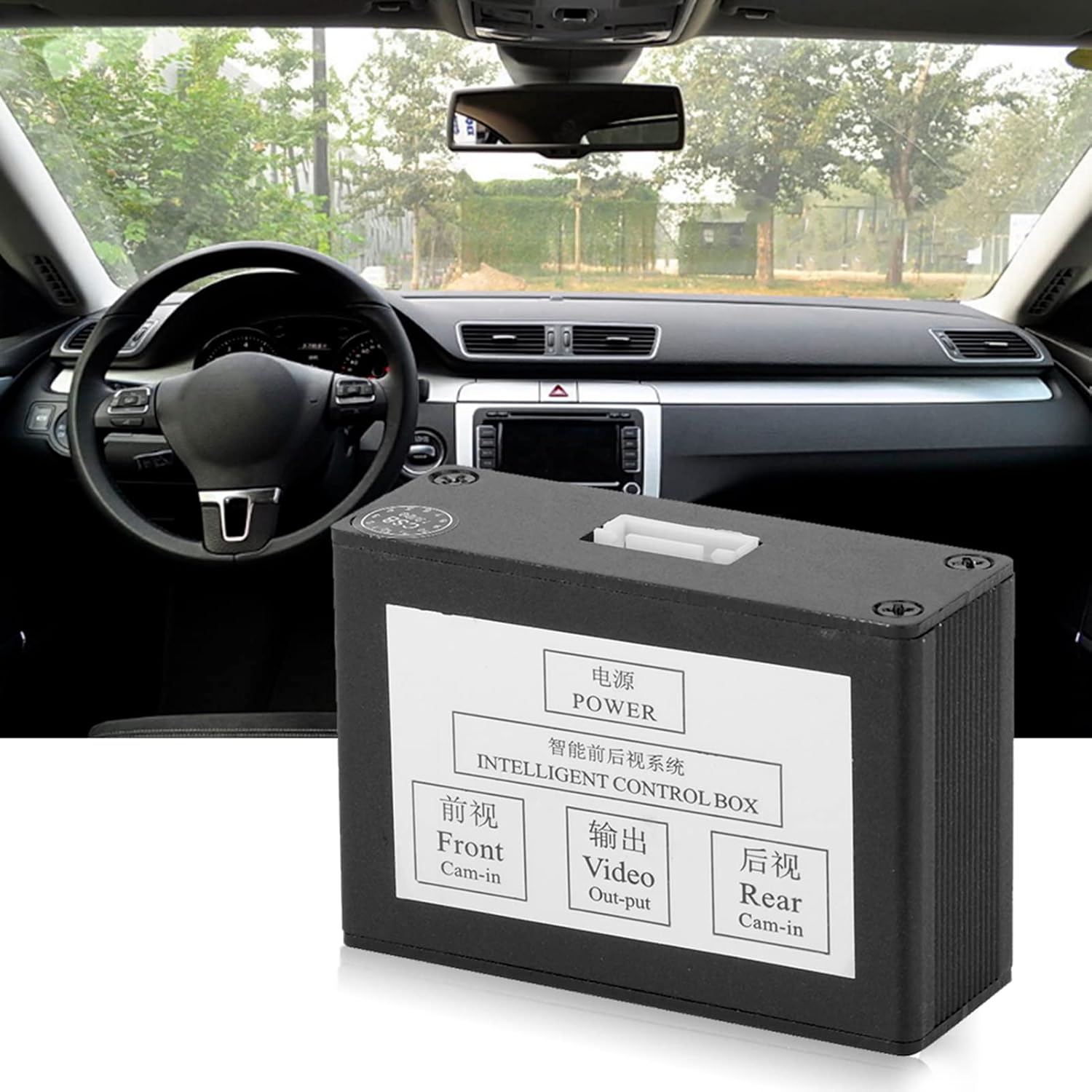
Image 1.1: The Leapiture Car Camera Switcher unit shown within a vehicle's interior environment.
2. Safety Information
- Ensure the vehicle's power is disconnected before installation to prevent electrical shock or damage to components.
- All wiring connections must be secure and properly insulated to avoid short circuits.
- Consult a professional if you are unsure about any installation steps.
- Do not attempt to modify the device. Unauthorized modifications may void the warranty and pose safety risks.
3. Package Contents
Verify that all items are present in the package:
- 1 x Camera Converter Unit
- 4 x Power Cables
- 1 x Instruction Manual
- Additional video cables and switch button (as shown in wiring diagram)
Note: The appearance of the camera converter unit and included cables may vary slightly between new and old production models. Both types are functionally identical.

Image 3.1: Comparison illustrating potential variations between new and old models of the camera switcher and their respective cable sets.
4. Specifications
| Feature | Specification |
|---|---|
| Operating Voltage | 9-16V |
| Operating Current | <10mA |
| Operating Temperature | -10℃ - 70℃ |
| Relative Humidity | ≤ 95% |
| Voltage Output | DC12V |
| Material | Zinc Alloy |
| Compatible Devices | Monitor |
| Installation Type | Surface Mount |
5. Setup and Installation
This camera converter is compatible with vehicles equipped with a display (e.g., navigation screen, rearview mirror display) and a reverse camera. Factory screens may require decoding before use. The ordinary display typically has one reversing camera signal input; this switcher allows for an additional front camera signal input without affecting the original screen functionality.
Wiring Instructions:
- Red Wire: Connect to ACC power positive pole.
- Black Wire: Connect to ACC power negative pole (ground wire).
- Blue Wire: Connect to the reverse light circuit.
Important Wiring Tips:
- The small red wire located at the temporary input port of the camera video should be connected to the positive power supply of the respective front and rear cameras.
- The small red wire from the output port connects to the trigger wire of the display screen. If the display's original trigger line is connected to the inverted headlight, it must be disconnected from the backlight first, then connected to this small red line.

Image 5.1: Comprehensive wiring diagram illustrating connections for power, cameras, and monitor trigger.
6. Operating Instructions
Automatic Front View Activation:
Upon engine start, the system automatically activates the monitor and the front camera. The front view will be displayed for approximately 8 seconds to provide an initial check of the area ahead.

Image 6.1: Depiction of the automatic front view activation feature when the engine is started.
Automatic Rear View Activation:
When the vehicle is shifted into reverse gear, the system automatically activates the rear view camera, displaying the rearward perspective on your monitor.

Image 6.2: Visual representation of the automatic rear view camera activation during reversing maneuvers.
Manual Front View Control:
To manually activate the front view mode, press the control switch. Pressing the control switch again will exit the front view mode.

Image 6.3: The camera control system unit with its associated switch button for manual front view activation.
7. Maintenance
- Keep the camera converter unit clean and free from dust and moisture.
- Regularly check all wiring connections for tightness and signs of wear.
- Avoid exposing the unit to extreme temperatures or direct sunlight for prolonged periods.
8. Troubleshooting
No Image on Display:
- Check all power connections to ensure the unit is receiving power.
- Verify that camera video input and monitor output cables are securely connected.
- Ensure the display's trigger wire is correctly connected as per the wiring instructions.
- Confirm that the cameras themselves are functioning correctly.
Incorrect Camera View Displayed:
- Recheck the front and rear camera input connections to the converter unit.
- Ensure the blue wire is correctly connected to the reverse light for proper automatic switching.
Front View Not Activating Manually:
- Check the connection of the manual control switch to the converter unit.
- Ensure the switch itself is not damaged.
9. Warranty and Support
This product is designed for reliable performance. For warranty information or technical support, please refer to the contact details provided with your purchase documentation or visit the official Leapiture website.