
1. Introduction
This manual provides essential information for the safe and efficient use of your TCL 40S5400A 40-inch Full HD Smart Android LED TV. Please read it thoroughly before operating the device and retain it for future reference.

Front view of the TCL 40S5400A 40-inch Full HD Smart Android LED TV, showcasing its bezel-less design and key features like HDR 10 and Dolby Audio.
2. Safety Information
Observe the following safety precautions to prevent fire, electric shock, or injury:
- Do not expose the TV to rain or moisture.
- Do not block ventilation openings.
- Ensure proper grounding for the power cord.
- Avoid placing the TV on unstable surfaces.
- Unplug the TV during lightning storms or when unused for long periods.
- Refer all servicing to qualified service personnel.
3. What's in the Box
Verify that all components are present upon unpacking:
- 1 LED TV (TCL 40S5400A)
- 1 Table Top Stand
- 1 User Manual (this document)
- 1 Remote Control
- 2 AAA Batteries
4. Setup
4.1 Physical Setup
Your TV can be set up using the included table-top stand or mounted on a wall (wall mount sold separately).
4.1.1 Installing the Table Top Stand
- Carefully place the TV face down on a soft, flat surface to prevent screen damage.
- Attach the stand bases to the designated slots at the bottom of the TV.
- Secure the stands with the provided screws.
4.1.2 Wall Mounting
If wall mounting, consult a professional for installation to ensure safety and proper alignment. Refer to the wall mount kit's instructions for specific details.

Dimensional diagram of the TCL 40S5400A TV, indicating height, width, and depth with and without the stand.
4.2 Initial Power On and First-Time Setup
- Connect the power cord to the TV and a power outlet.
- Press the power button on the TV or remote control.
- Follow the on-screen instructions to complete the initial setup, including language selection, network connection, and Google account sign-in.
4.3 Connectivity
The TV offers various ports for connecting external devices:
Side view of the TV displaying various input/output ports, including USB, LAN, Antenna/Cable In, Digital Audio Out (Optical), HDMI, AV In, and Headphone.
- HDMI Ports (2): Connect set-top boxes, Blu-ray players, gaming consoles.
- USB Port (1): Connect USB storage devices for media playback.
- Headphone Output: Connect headphones for private listening.
- LAN Port: For wired internet connection.
- Wi-Fi: For wireless internet connection.
- Digital Audio Out (Optical): Connect to external audio systems.
- AV IN Adapter: For older analog devices.
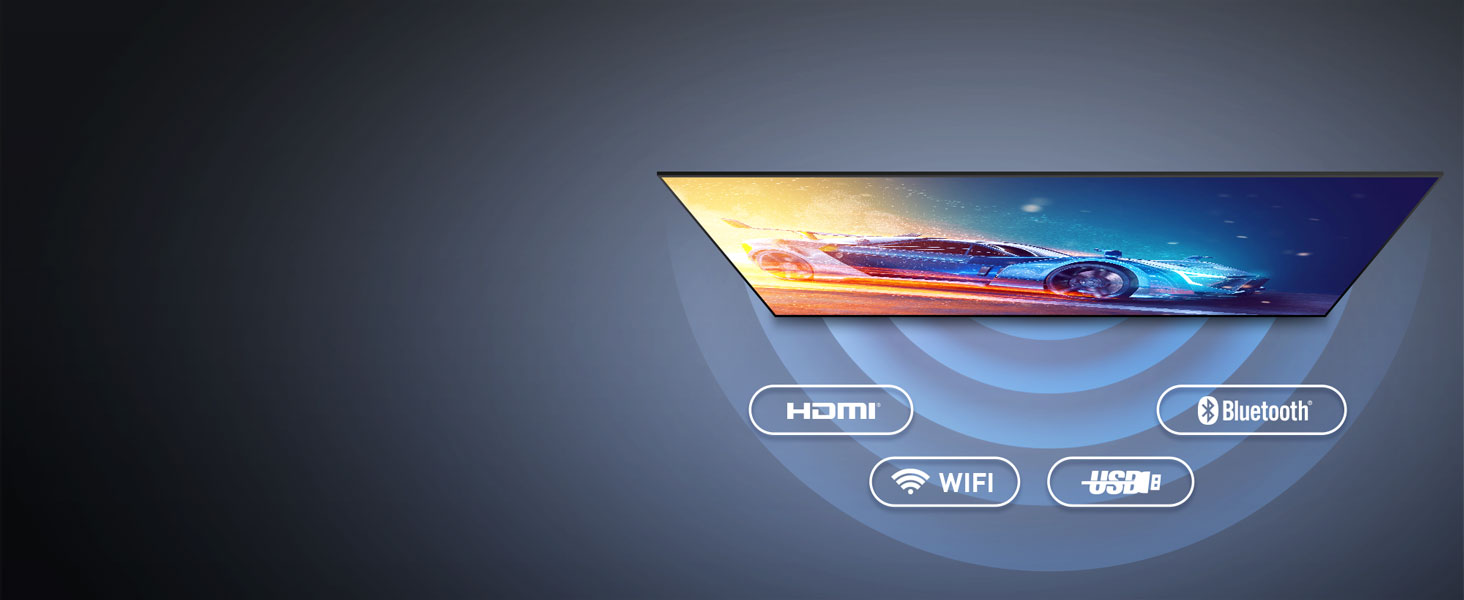
Visual representation of the TV's connectivity options: HDMI, Bluetooth, Wi-Fi, and USB.
5. Operating
5.1 Remote Control
The included remote control provides access to all TV functions. Insert the two AAA batteries as indicated.

The smart remote control features dedicated hotkeys for quick access to popular streaming services like Netflix, Prime Video, YouTube, and the TCL Channel, along with Google Assistant functionality.
5.2 Smart TV Features (Android TV)
Your TV runs on Android TV, offering a wide range of smart features:
- In-Built Wi-Fi: Connect to your home network wirelessly.
- Screen Mirroring: Cast content from compatible devices.
- Google Assistant: Use voice commands for search, control, and information.
- Chromecast Built-in: Stream content from your phone, tablet, or laptop directly to the TV.
- Pre-installed Apps: Access Netflix, Prime Video, Disney+Hotstar, and thousands more via the Google Play Store.

The Android TV interface, showing a selection of popular streaming apps and content suggestions.
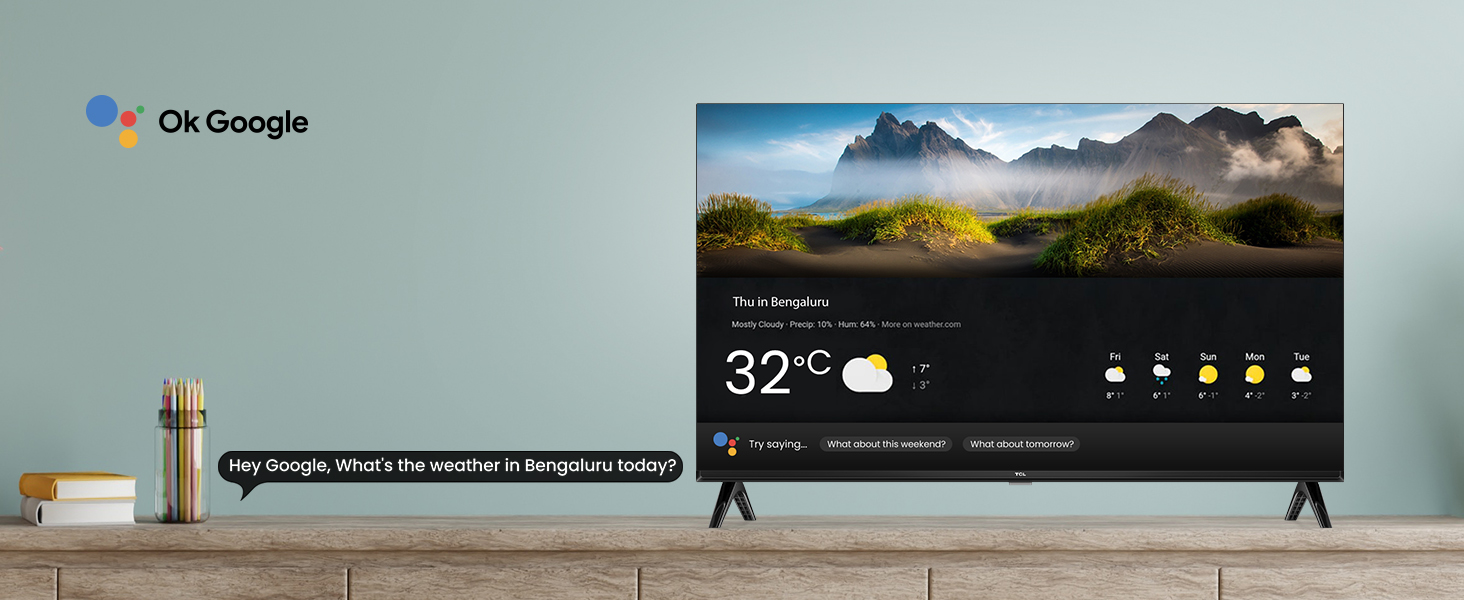
An example of Google Assistant integration, showing a weather forecast on the TV screen in response to a voice command.
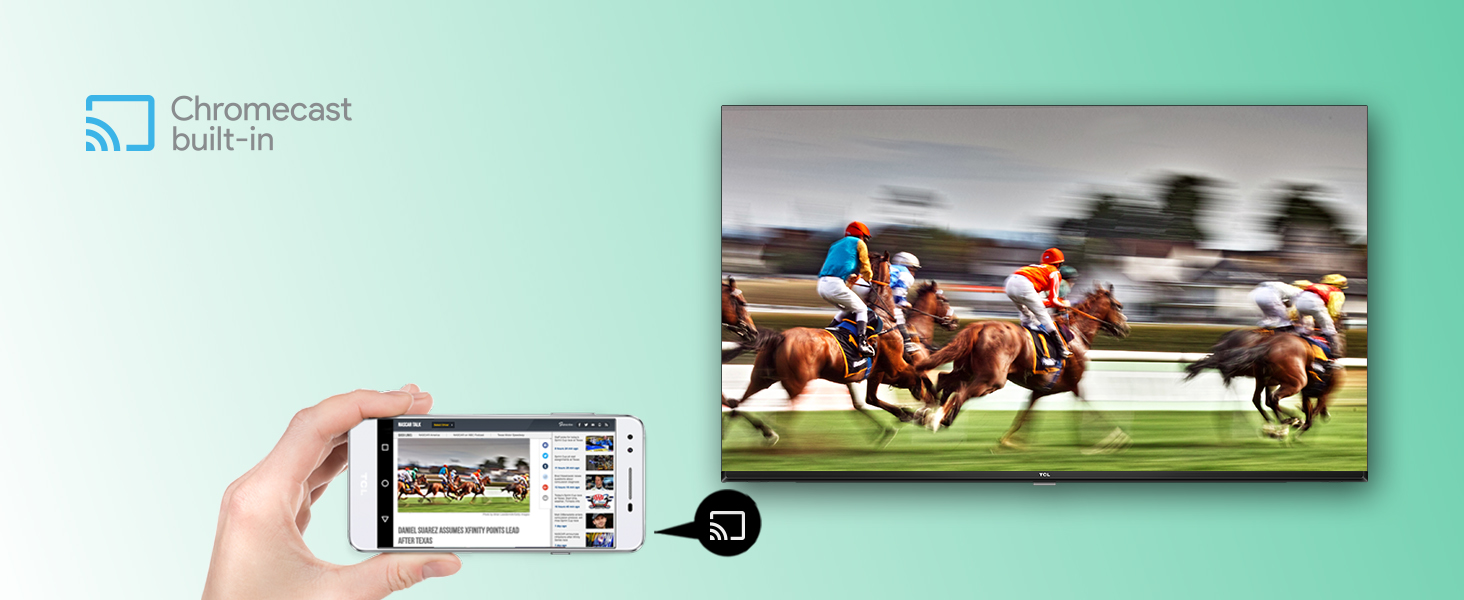
Illustration of Chromecast built-in functionality, allowing content from a mobile device to be displayed on the TV.
5.3 Picture Settings
Optimize your viewing experience with the following picture technologies:
- Full HD (1920 x 1080): Provides clear and detailed images.
- HDR 10: Enhances contrast and color accuracy for a more dynamic picture.
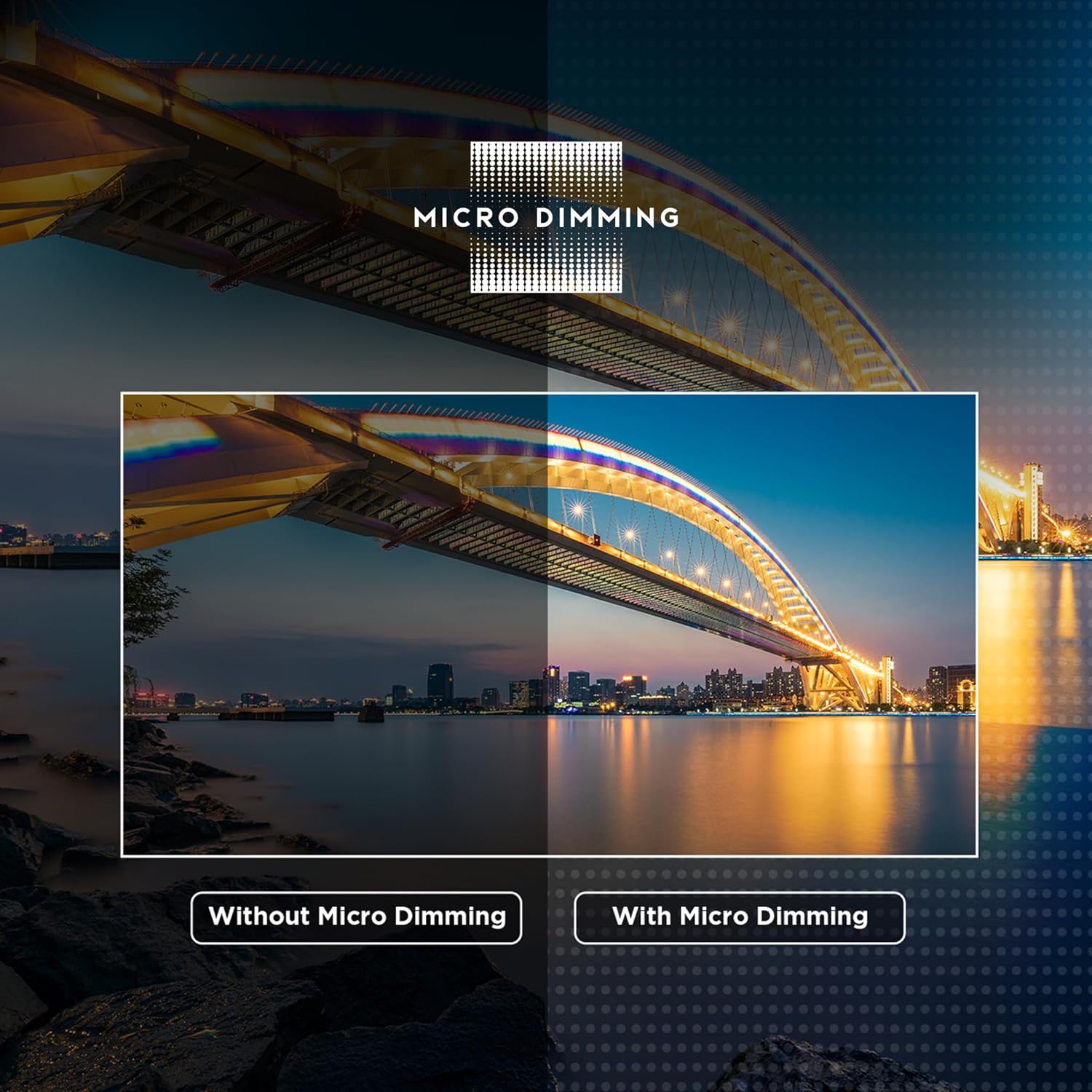
- Micro Dimming: Analyzes TV content in hundreds of separate zones to adjust brightness and darkness independently.
- AI Picture Engine 2.0: Optimizes picture quality in real-time.
- 178 Degree Wide Viewing Angle: Ensures consistent picture quality from various positions.

A visual comparison demonstrating the effect of Micro Dimming, showing enhanced contrast and detail in the 'With Micro Dimming' image.

An illustration comparing Full HD (FHD) resolution with standard HD, demonstrating the higher pixel density and clarity of FHD.
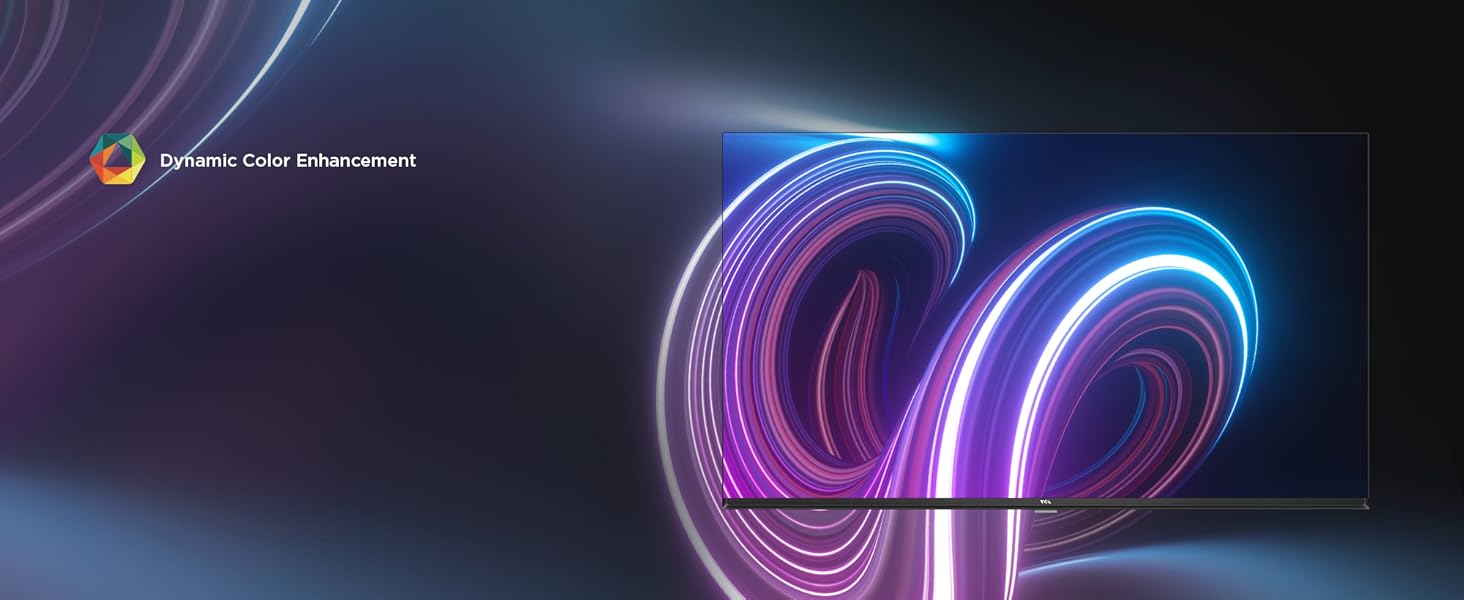
The TV screen showcasing enhanced and vibrant colors, attributed to Dynamic Color Enhancement technology.

A detailed image of the TCL AiPQ Engine Gen 2 microchip, responsible for advanced picture processing.
5.4 Audio Settings
Experience immersive sound with:
- 24 Watts Output: Provides clear and powerful audio.
- Dolby Audio MS 12 Y: Delivers rich, clear, and powerful sound.

A visual representation of the TV's audio capabilities, highlighting Dolby Audio and 24 Watts output for an immersive sound experience.
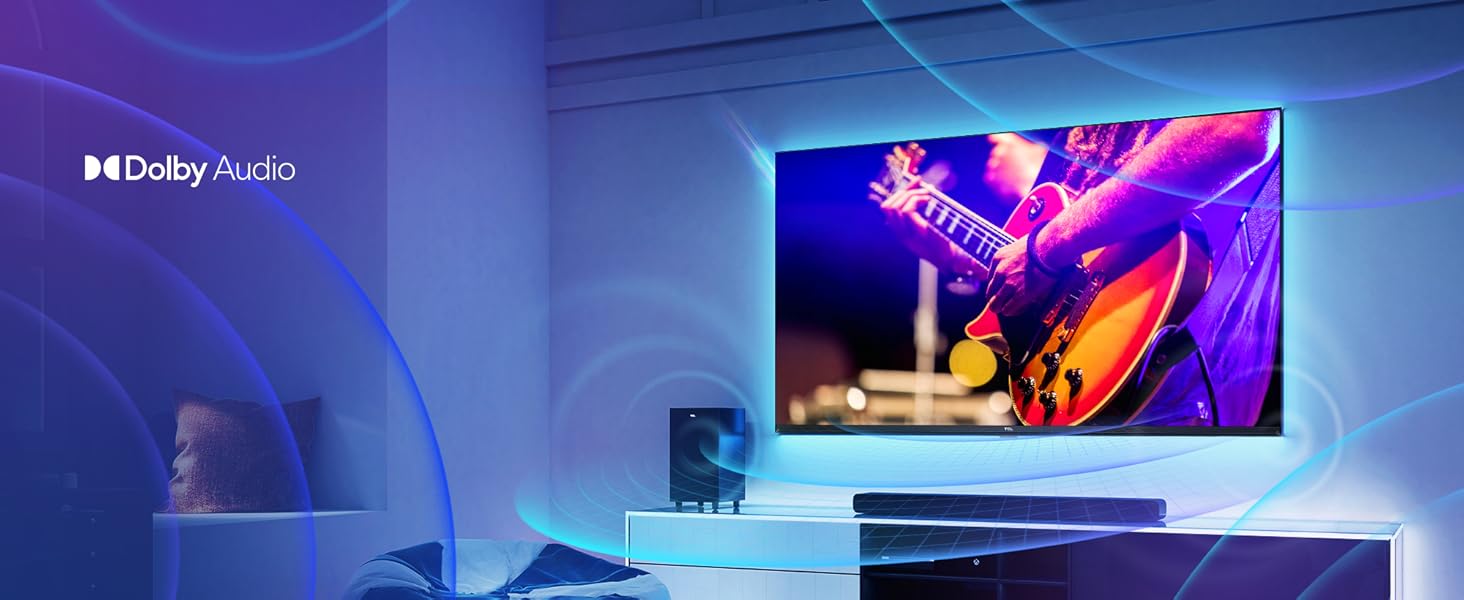
A scene depicting a TV displaying a concert, with visual cues for Dolby Audio enhancing the sound experience.
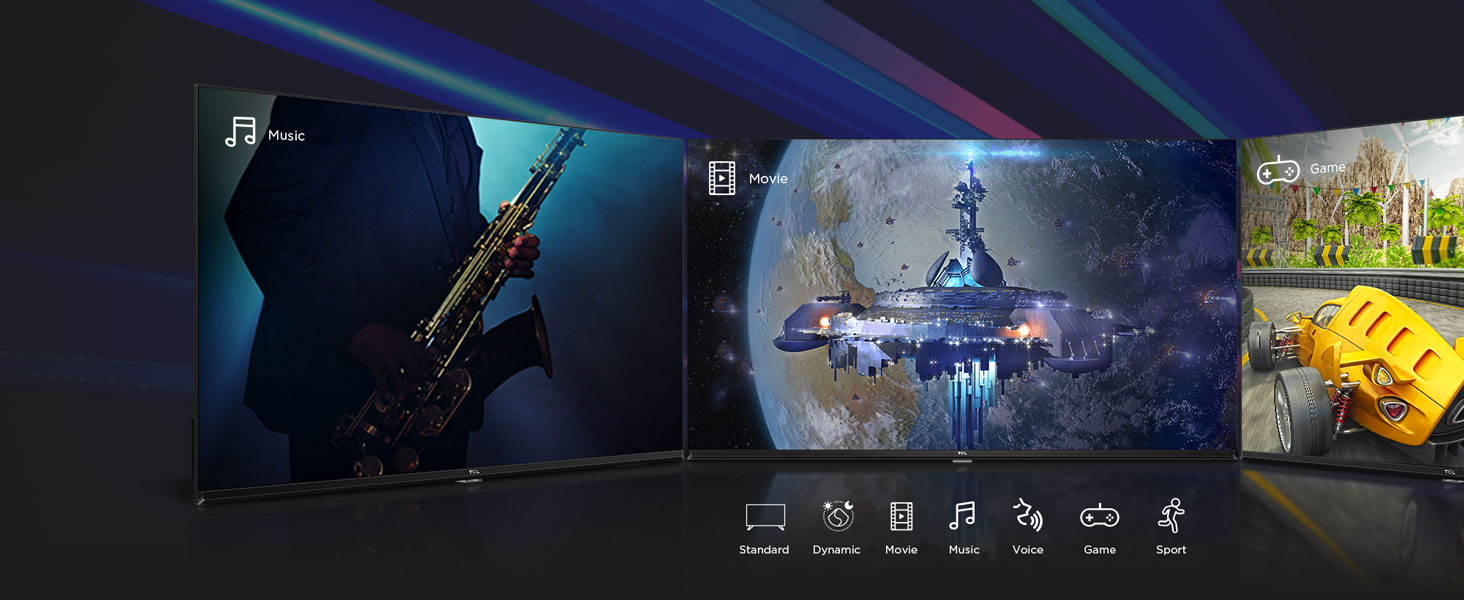
An illustration of various sound modes (Standard, Dynamic, Music, Voice, Sport) tailored for different content types like music, movies, and games.
6. Maintenance
To ensure the longevity and optimal performance of your TV, follow these maintenance guidelines:
- Cleaning the Screen: Gently wipe the screen with a soft, lint-free cloth. For stubborn marks, use a screen-cleaning solution specifically designed for TVs, applied to the cloth, not directly to the screen.
- Cleaning the Frame: Use a soft, dry cloth to wipe the TV frame and stand.
- Ventilation: Ensure the ventilation openings on the back of the TV are not blocked to prevent overheating.
- Power Cord: Regularly check the power cord for any damage. If damaged, contact service personnel.
- Storage: If storing the TV for an extended period, disconnect it from power and cover it to protect against dust.
7. Troubleshooting
Refer to the following table for common issues and their solutions:
| Problem | Possible Cause | Solution |
|---|---|---|
| No power | Power cord disconnected; power outlet issue | Ensure power cord is securely plugged in. Test the outlet with another device. |
| No picture, but sound is present | Incorrect input source; faulty HDMI/AV cable | Press the 'Source' button on the remote to select the correct input. Check cable connections. |
| No sound, but picture is present | Volume muted or too low; external audio system issue | Increase volume. Check if TV is muted. If using external audio, ensure it's powered on and correctly connected. |
| Remote control not working | Dead batteries; obstruction; remote out of range | Replace batteries. Remove any obstructions between remote and TV. Ensure remote is within operating range. |
| Wi-Fi connection issues | Router problem; incorrect password; TV too far from router | Restart your router. Re-enter Wi-Fi password. Move TV closer to router or use a wired connection. |
8. Specifications
Detailed technical specifications for the TCL 40S5400A TV:
| Feature | Detail |
|---|---|
| Brand | TCL |
| Model | 40S5400A |
| Screen Size | 40 Inches (101 cm) |
| Display Technology | LED, A+ Grade Panel |
| Resolution | Full HD (1920 x 1080p) |
| Refresh Rate | 60 Hz |
| Viewing Angle | 178 Degrees |
| Operating System | Android |
| Processor | 64-bit Quad Core Processor |
| RAM | 1 GB |
| Internal Storage | 8 GB |
| Audio Output | 24 Watts |
| Audio Technology | Dolby Audio MS 12 Y |
| Connectivity | 2 HDMI Ports, 1 USB Port, 1 Headphone Output, Ethernet, Wi-Fi, Bluetooth |
| Special Features | Google Assistant, HDR 10, T-cast, Micro Dimming, Bezel-Less Design, AI Picture Engine 2.0 |
| Product Dimensions (with stand) | 89.3 x 9 x 56 cm (W x D x H) |
| Item Weight | 5.28 kg |
| Power Consumption | 75 Watts (On-mode) |
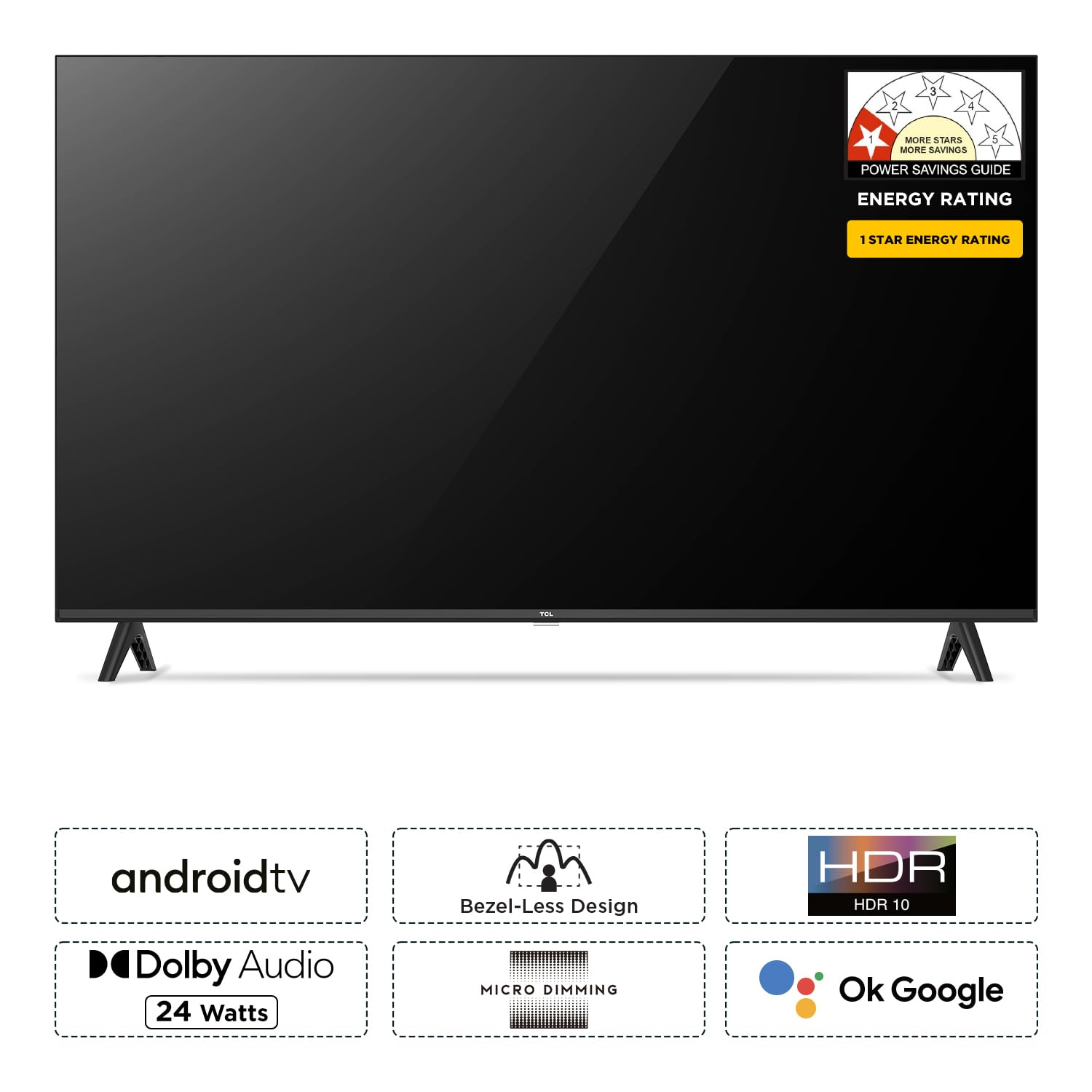
Overview of key features including Android TV, Bezel-Less Design, HDR 10, Dolby Audio, Micro Dimming, and Google Assistant integration.

Illustration of the TV's internal memory configuration: 1GB RAM and 8GB ROM.
9. Warranty and Support
Warranty Information: This product comes with a 2-year warranty provided by the manufacturer from the date of purchase.
For technical support, service requests, or warranty claims, please contact TCL customer service. Refer to the contact information provided in your warranty card or visit the official TCL support website.


