
Introduction
Welcome to the VTech CS1500 DECT Cordless Phone user manual. This guide provides detailed instructions to help you set up, operate, and maintain your new phone. The VTech CS1500 offers features such as a call blocking function, an innovative dual-charge design, caller ID, and a hands-free speakerphone for enhanced communication convenience. Please read this manual thoroughly to ensure optimal performance and longevity of your device.

Image: The VTech CS1500 DECT Cordless Phone, showing the white handset docked in its black charging base.
Setup Guide
Follow these steps to set up your VTech CS1500 DECT Cordless Phone.
- Unpacking: Carefully remove all components from the packaging. Ensure you have the handset, base unit, power adapter, and telephone line cord.
- Battery Installation:
- Open the battery compartment cover on the back of the handset.
- Insert the provided NiMH rechargeable battery, observing the polarity markings (+ and -).
- Close the battery compartment cover securely.
- Connecting the Base Unit:
- Connect one end of the telephone line cord to the TEL LINE jack on the base unit.
- Connect the other end of the telephone line cord to your telephone wall jack.
- Plug the small end of the power adapter into the POWER jack on the base unit.
- Plug the large end of the power adapter into a standard electrical outlet.
- Initial Charging: Place the handset on the base unit to charge. The handset will display a charging indicator. For optimal battery performance, allow the handset to charge for at least 16 hours before its first use.
- Date and Time Setting: After the initial charge, the phone may prompt you to set the date and time. Follow the on-screen instructions to configure these settings. Refer to the "Operating Instructions" section for detailed menu navigation.
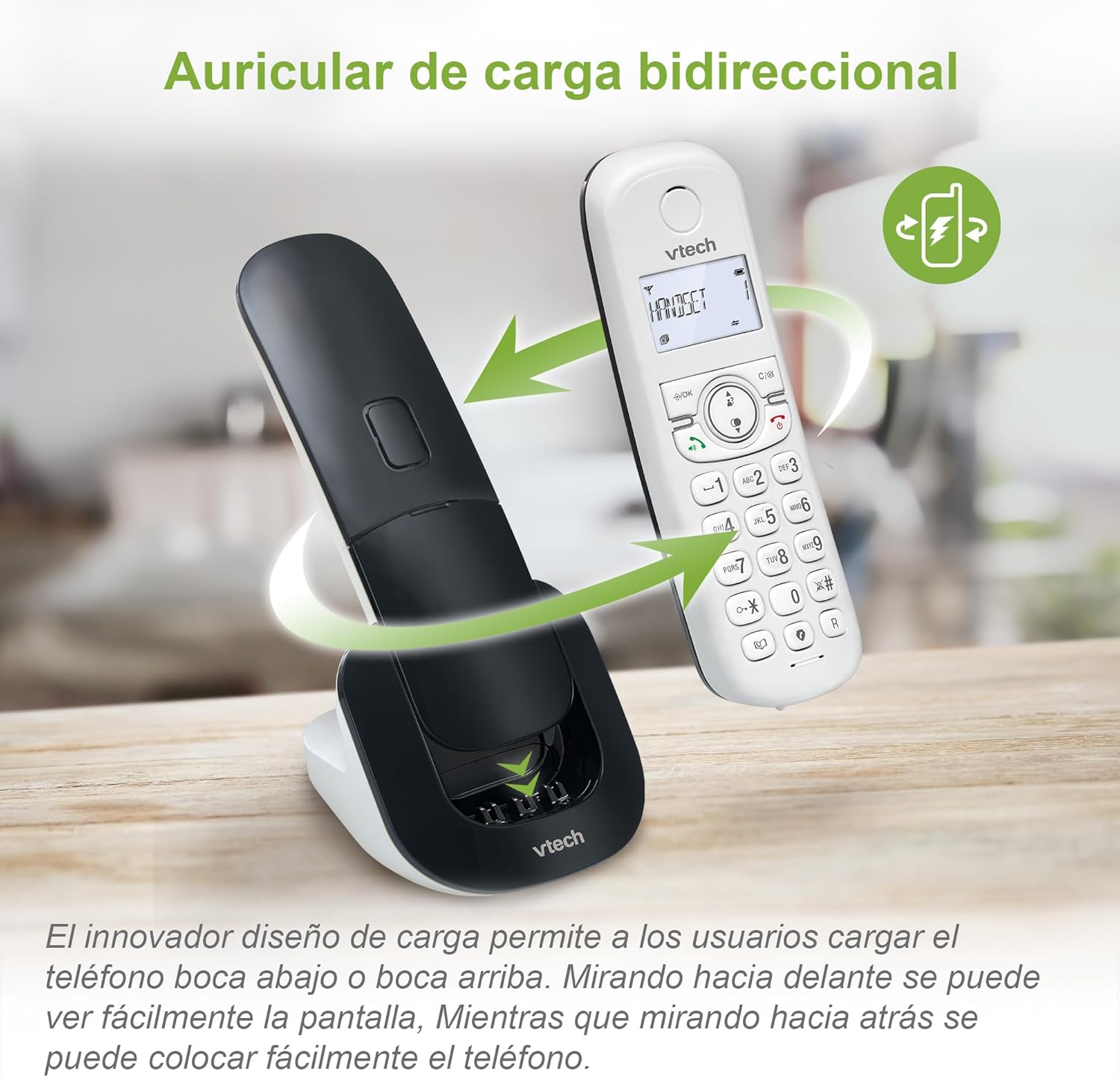
Image: The VTech CS1500 handset being placed on its charging base, illustrating the dual-charge design where it can be docked facing forward or backward.
Operating Instructions
This section covers the basic operations of your VTech CS1500 DECT Cordless Phone.
Making and Receiving Calls
- To Make a Call:
- Press TALK (green phone icon).
- Dial the phone number.
- Alternatively, dial the number first, then press TALK.
- To Answer a Call:
- When the phone rings, press TALK (green phone icon).
- To End a Call:
- Press END (red phone icon) or place the handset back on the base unit.
Using the Speakerphone
The VTech CS1500 features a hands-free speakerphone function.
- To Activate Speakerphone: During a call, press the Speakerphone button (speaker icon).
- To Deactivate Speakerphone: Press the Speakerphone button again to switch back to handset mode.

Image: A VTech CS1500 handset on its base, with an overlay highlighting the speakerphone button and indicating hands-free communication. A person is shown cooking in the background, demonstrating hands-free use.
Phonebook Management
Store up to 60 names and numbers in your phonebook for quick dialing.
- To Add a Contact:
- Press MENU/OK.
- Navigate to "Phonebook" and select "Add New Entry".
- Enter the name and number using the keypad.
- Press SAVE.
- To Dial from Phonebook:
- Press PHONEBOOK button (book icon).
- Scroll through the entries using the navigation keys.
- Press TALK to dial the selected contact.
Caller ID and Call History
The phone displays the name and number of incoming calls (if available from your service provider) and stores up to 20 recent calls.
- To View Call History:
- Press the CALL LOG button (down arrow icon).
- Scroll through the list using the navigation keys.
- Press TALK to dial a number from the call history.

Image: The VTech CS1500 handset displaying an incoming call number on its screen, with a separate graphic showing a list of stored caller ID entries.
Call Blocking
Block unwanted calls from up to 60 numbers.
- To Block a Number from Call History:
- Access the Call History.
- Select the number you wish to block.
- Press MENU/OK, then navigate to "Block Number" and confirm.
- To Manually Add a Number to Block List:
- Press MENU/OK.
- Navigate to "Call Blocking" and select "Add New".
- Enter the number and confirm.
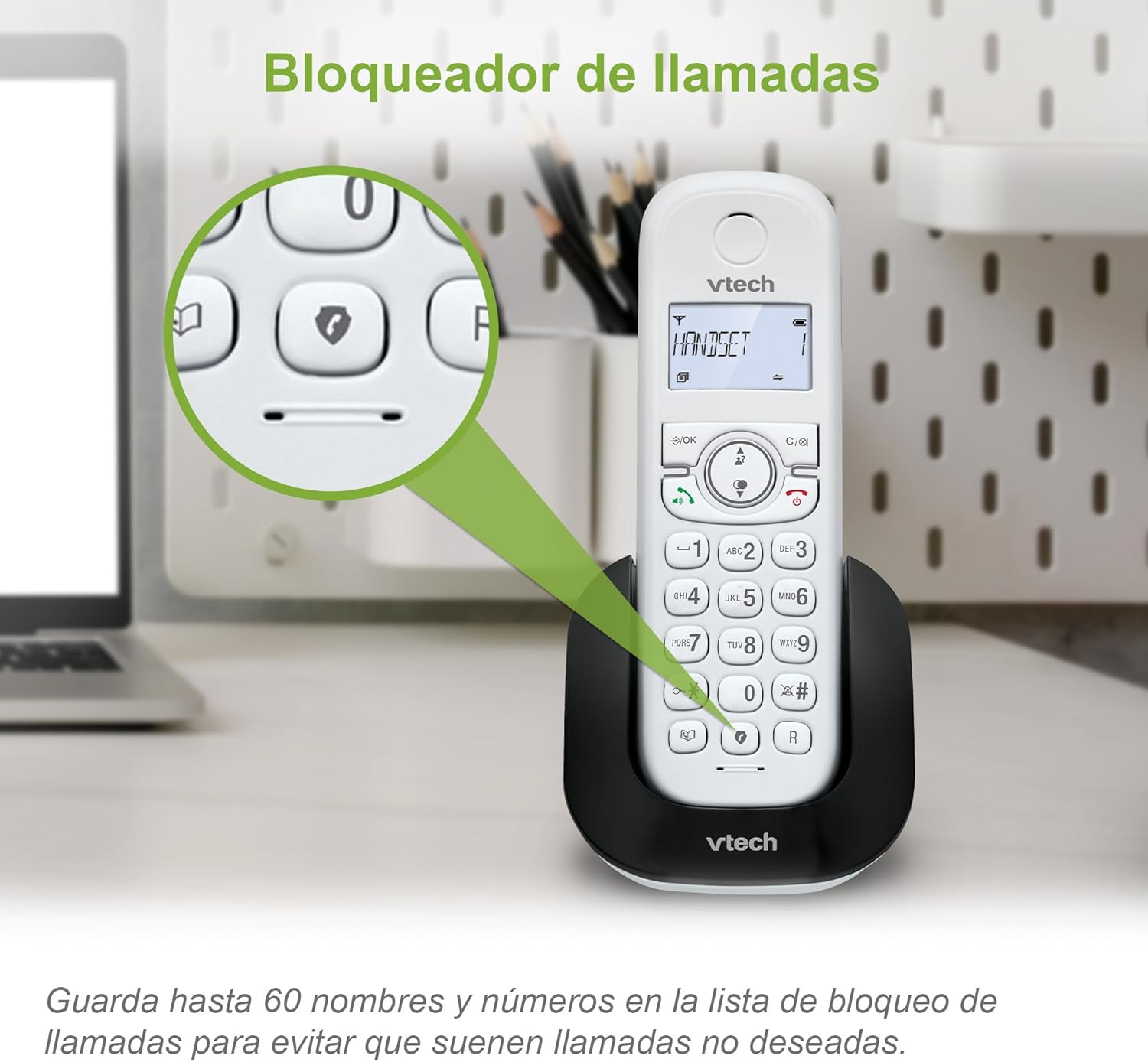
Image: The VTech CS1500 handset on its base, with a magnified view highlighting the call blocking button (shield icon) on the keypad.
ECO Mode
The phone automatically adjusts and reduces RF power based on the distance between the handset and the base unit, optimizing energy consumption. This mode is typically active by default.
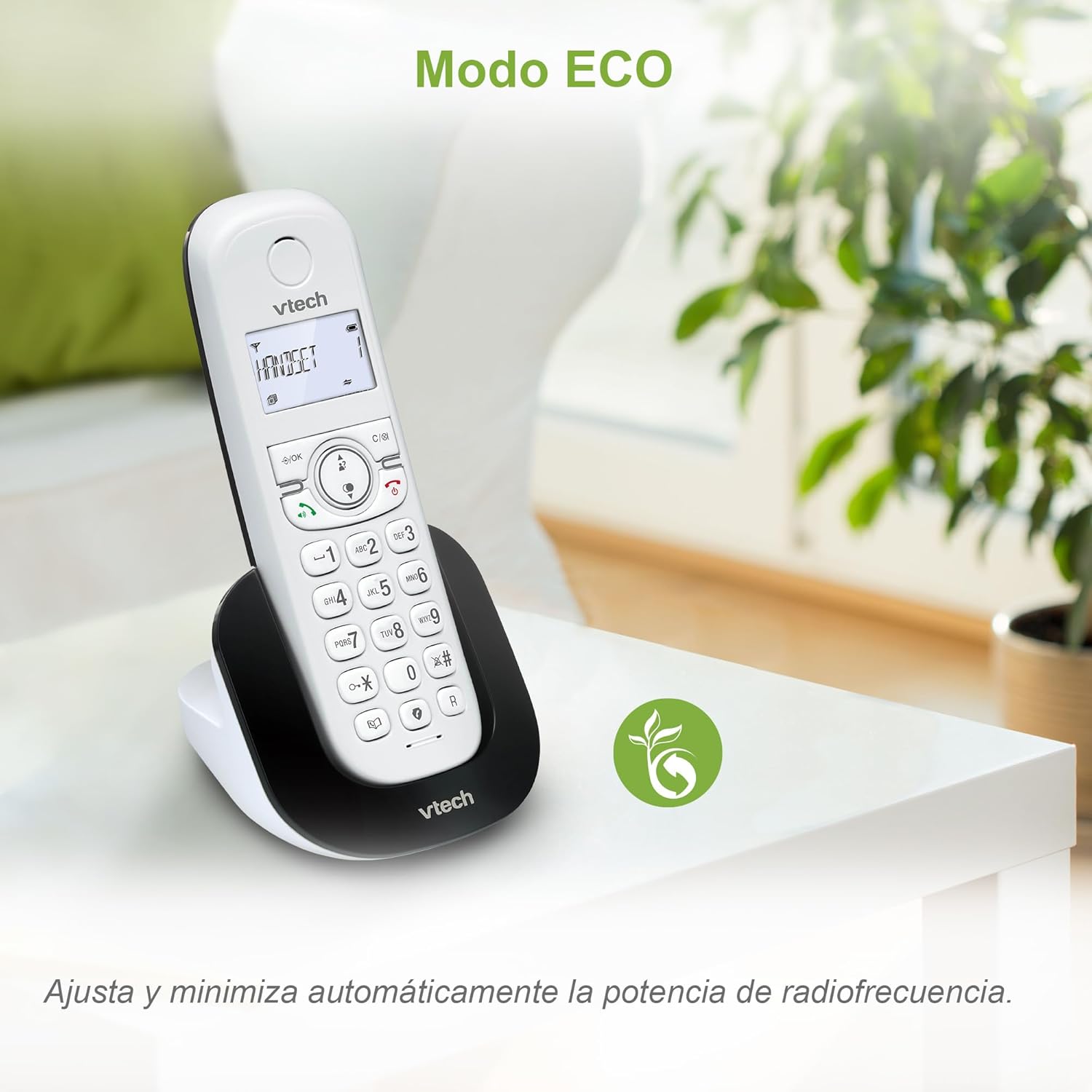
Image: The VTech CS1500 handset on a table in a living room setting, with an ECO mode leaf icon indicating its energy-saving feature.
Other Functions
- Redial: Press the REDIAL button (curved arrow icon) to redial the last number called.
- Alarm Function: Set alarms via the handset menu.
- Mute Function: Mute your microphone during a call by pressing the MUTE button.
- Backlit LCD Screen: The screen is backlit for easy viewing in low light conditions.
Maintenance
Proper care and maintenance will ensure the longevity of your VTech CS1500 DECT Cordless Phone.
- Cleaning:
- Wipe the phone and base unit with a soft, damp cloth.
- Do not use cleaning sprays or liquid cleaners, as they may damage the finish or electrical components.
- Battery Care:
- Use only the specified NiMH rechargeable battery.
- If the phone will not be used for an extended period, remove the battery to prevent leakage.
- Dispose of batteries responsibly according to local regulations.
- Environmental Conditions:
- Avoid placing the phone in direct sunlight or near heat sources.
- Protect the phone from moisture and extreme temperatures.
Troubleshooting
If you encounter issues with your VTech CS1500, refer to the following common problems and solutions.
| Problem | Solution |
|---|---|
| No dial tone. |
|
| Handset does not charge. |
|
| Poor sound quality or static. |
|
| Cannot make or receive calls. |
|
Specifications
| Feature | Detail |
|---|---|
| Brand | VTech |
| Model Number | CS1500 |
| Color | White |
| Phone Type | Cordless DECT |
| Special Features | Call Blocking, Hands-free Speakerphone, Backlit LCD Screen, ECO Mode, Dual-Charge Handset Design |
| Compatible Devices | Standard Telephone Networks (PSTN, ISDN) |
| Battery Type | NiMH Rechargeable (1 included) |
| Talk Time (approx.) | Up to 13 hours |
| Standby Time (approx.) | Up to 200 hours |
| Phonebook Capacity | 60 names and numbers |
| Call History Capacity | 20 calls |
| Call Blocking Capacity | Up to 60 numbers |
| Material | Plastic |
| Item Weight | 350 Grams |
| Manufacturer | VTECH TELECOMMUNICATIONS LTD |
| Country of Origin | China |
Warranty and Support
For warranty information and technical support, please refer to the documentation included with your product at the time of purchase or visit the official VTech website.
- Manufacturer: VTECH TELECOMMUNICATIONS LTD
- Online Support: Visit the official VTech support page for your region for FAQs, product registration, and contact information.


