
1. Product Overview
The Loluka Sleeping Earbuds are designed for comfort and discretion, featuring an invisible, mini design that fits securely in the ear. These true wireless earbuds utilize advanced Bluetooth 5.3 technology for stable connectivity and offer HiFi stereo sound. With an IPX4 waterproof rating, they are suitable for various activities, including sleep, exercise, and daily use.

Image: Loluka Sleeping Earbuds shown inside their charging case, illustrating their compact and discreet design.
2. Package Contents
- Loluka Sleeping Earbuds (Left and Right)
- Charging Case
- USB Charging Cable (not explicitly listed but standard)
- User Manual (this document)
3. Setup
3.1 Initial Charging
- Place both earbuds into the charging case.
- Connect the charging case to a USB power source using the provided USB cable.
- The LED display on the charging case will indicate the charging status. Ensure both earbuds and the case are fully charged before first use.

Image: The earbuds are shown in their charging case, which features a visible LED power display indicating battery levels for both the case and individual earbuds.
3.2 Bluetooth Pairing
- Ensure the earbuds are charged and removed from the charging case. They will automatically enter pairing mode.
- On your device (smartphone, tablet, etc.), enable Bluetooth.
- Search for available Bluetooth devices and select "Loluka Earbuds" (or similar name) from the list.
- Once connected, you will hear an audible confirmation, and the earbuds will be ready for use.

Image: An illustration demonstrating the wide compatibility of the Loluka earbuds with various Bluetooth-enabled devices, including smartphones, tablets, and computers.
3.3 Wearing the Earbuds
The Loluka Sleeping Earbuds feature a mini, invisible design for maximum comfort, especially during sleep. Gently insert each earbud into your ear canal, adjusting for a snug and secure fit. The low-profile design ensures they do not protrude, making them comfortable for side sleepers.
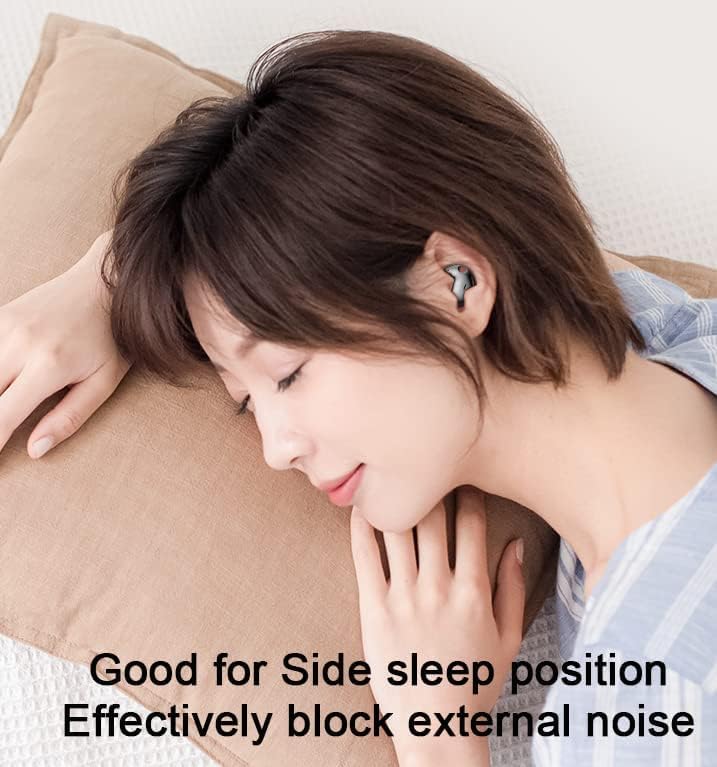
Image: A woman is shown sleeping on her side, wearing the Loluka earbuds, highlighting their comfortable and discreet fit for sleep.
4. Operating Instructions
The earbuds feature intuitive touch controls for various functions.
4.1 Power On/Off
- Power On: Remove earbuds from the charging case. They will power on automatically. Alternatively, press and hold the touch area on both earbuds for 3 seconds.
- Power Off: Place earbuds back into the charging case. They will power off automatically. Alternatively, press and hold the touch area on both earbuds for 5 seconds.
4.2 Music Playback
- Play/Pause: Single tap the touch area on either earbud.
- Next Track: Double tap the touch area on the right earbud.
- Previous Track: Double tap the touch area on the left earbud.
4.3 Call Management
- Answer/End Call: Single tap the touch area on either earbud.
- Reject Call: Press and hold the touch area on either earbud for 2 seconds.
4.4 Voice Assistant
- Activate Voice Assistant: Triple tap the touch area on either earbud.
5. Maintenance
5.1 Cleaning
Regular cleaning helps maintain optimal performance and hygiene.
- Gently wipe the earbuds and charging case with a soft, dry, lint-free cloth.
- Do not use abrasive cleaners, solvents, or aerosol sprays.
- Ensure charging contacts on both earbuds and case are clean and dry.
5.2 Water Resistance (IPX4)
The earbuds are IPX4 water-resistant, meaning they are protected from splashing water from any direction. This makes them suitable for light rain or sweat during workouts.
- Do not submerge the earbuds in water.
- Do not expose them to pressurized water or high-velocity water, such as showering or swimming.
- Ensure earbuds are completely dry before placing them back into the charging case to prevent damage to charging contacts.
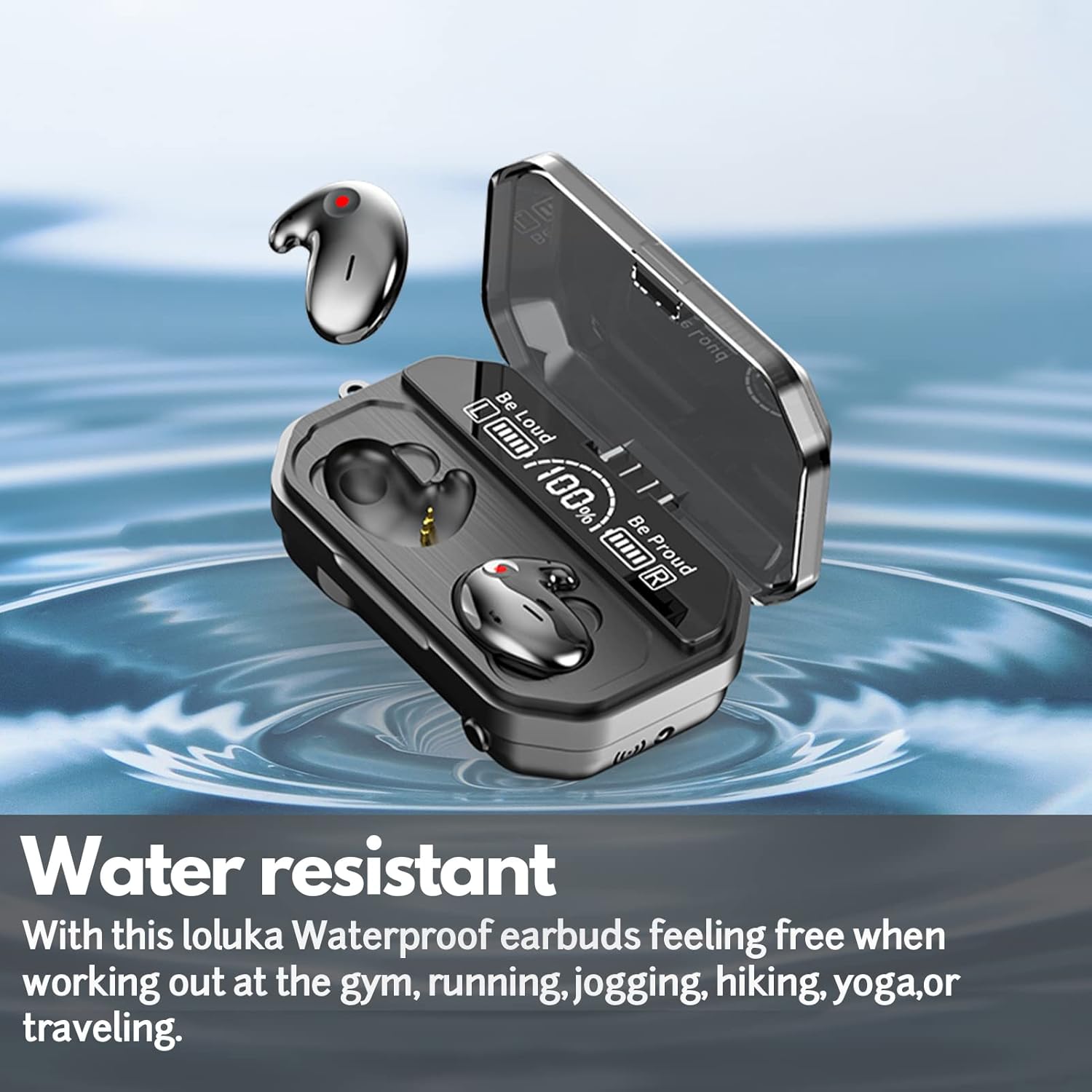
Image: The earbuds and charging case are depicted with water splashing around them, illustrating their water-resistant capabilities.
5.3 Storage
When not in use, store the earbuds in their charging case to protect them and keep them charged. Store in a cool, dry place away from extreme temperatures.
6. Troubleshooting
If you encounter any issues, please refer to the following common solutions:
| Problem | Possible Solution |
|---|---|
| Earbuds not pairing |
|
| No sound or low volume |
|
| Earbuds not charging |
|
| Intermittent connection |
|
7. Specifications
| Feature | Detail |
|---|---|
| Model Name | HD-invisible bluetooth earbuds-black |
| Item Model Number | sleep earbuds |
| Brand | Loluka |
| Connectivity Technology | Bluetooth 5.3, Wireless |
| Wireless Communication | Bluetooth |
| Water Resistance Level | IPX4 (Waterproof) |
| Control Method | Touch, Voice |
| Special Feature | Noise Cancellation |
| Single Playtime | Up to 8 hours |
| Included Components | Protective Case |
| Item Weight | 4.2 ounces |
| Package Dimensions | 4.72 x 4.65 x 1.69 inches |
| Ear Placement | In Ear |
| Form Factor | In Ear |
8. Warranty and Support
Specific warranty information is not provided in the product details. For warranty claims or technical support, please refer to the retailer where the product was purchased or contact Loluka customer service directly through their official channels.