
1. Introduction and Overview
Thank you for choosing the cotsoco Shiatsu Neck and Back Massager with Heat. This device is designed to provide deep tissue massage and soothing heat therapy to various parts of your body, including the neck, shoulders, and back, to help relieve muscle tightness and pain. Please read this manual thoroughly before use to ensure safe and effective operation.

Image: The cotsoco Shiatsu Neck and Back Massager, showcasing its ergonomic design and control panel.
2. Safety Information
- Do not use while driving. This product is not intended for use in a moving vehicle by the driver.
- Not recommended for children under 12 years old.
- This device is NOT cordless. It requires a continuous power connection via the provided AC adapter (110-220V) or Car adapter (12V DC).
- Ensure the connection is secure. If the connection appears loose, push the connector tighter.
- This neck massager provides a deep tissue massage, which may be intense for some users. If you experience discomfort, place a towel between the massager and your body.
- The device features a 15-minute automatic shut-off protection to prevent overuse and ensure safety, especially if falling asleep during use.
- Overheat protection is integrated. The heat function will maintain a constant temperature once it reaches the optimal level (up to 107.6°F / 42°C).
3. Product Features
- Deep Shiatsu Massage: Equipped with 16 powerful 3D massage nodes that automatically change direction every minute for a comprehensive kneading experience.
- Adjustable Intensity: Features 3 adjustable massage speeds (Low, Medium, High) to customize your massage experience.
- Soothing Heat Therapy: Optional heat function (up to 107.6°F / 42°C) with an LED red light for enhanced relaxation and improved blood circulation.
- Bi-directional Rotation: Massage nodes rotate in two directions to target muscles effectively.
- Durable Materials: Crafted from high-quality PU leather and breathable mesh fabric for comfort and easy cleaning.
- Auto Shut-off: 15-minute automatic shut-off for safety and to prevent overuse.

Image: Visual representation of the 16 deep kneading massage nodes, optional heating, overheat protection, 15-minute auto shut-off, and bi-directional massage.
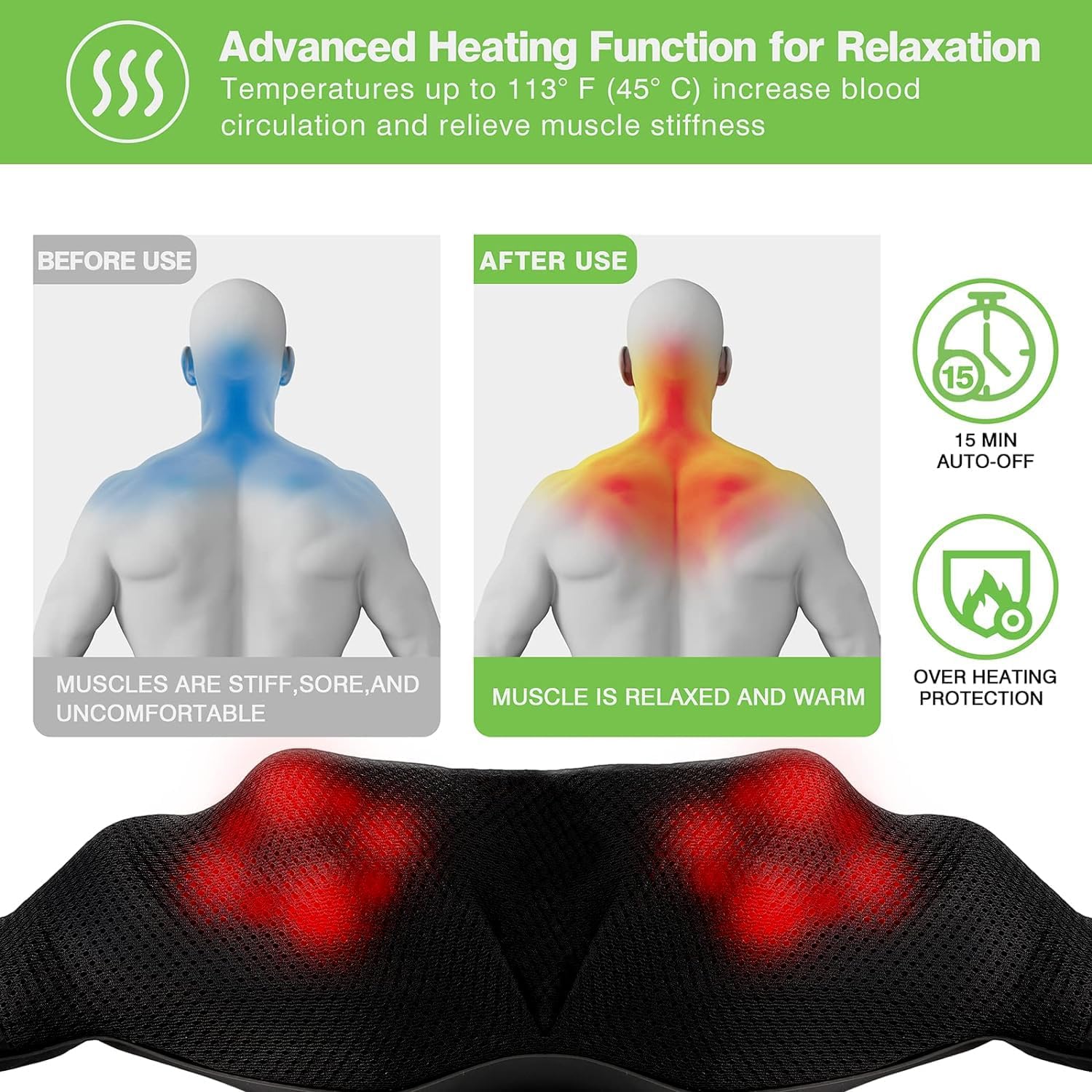
Image: Illustration of the advanced heating function, demonstrating muscle relaxation and warmth after use, along with 15-minute auto-off and overheating protection.
4. Setup and Operating Instructions
4.1. What's in the Box

Image: The product packaging showing the massager, AC adapter, car adapter, and user manual.
4.2. Getting Started
- Connect Power: Plug the AC adapter into a wall outlet or the car adapter into your vehicle's 12V DC socket. Connect the adapter to the massager's DC power port.
- Power On: Press the Power Button (⏻) on the control panel to turn on the massager. The heat function is on by default.
- Position Massager: Place the massager on the desired body area (neck, shoulders, back, legs, etc.). Use the flexible straps to adjust pressure and position.
- Adjust Speed: Press the Speed Change Button (☰) to cycle through 3 massage speeds: Low, Medium, High.
- Change Direction: Press the Direction Button (↻) to switch the rotation direction of the massage nodes.
- Control Heat: Press the Heat Button (∿) to turn the heat function on or off.
- Duration: Use the massager for up to 15 minutes at a time. The device will automatically shut off after 15 minutes.

Image: Close-up of the control panel, detailing the functions of the Power, Direction, Speed, and Heat buttons.
5. Recommended Usage Areas
The cotsoco Neck and Back Massager is versatile and can be used on various body parts to alleviate muscle discomfort:
- Neck and Shoulders: Position the massager around your neck and shoulders, using the arm straps to adjust pressure.
- Upper and Lower Back: Place the massager against your upper or lower back while seated.
- Legs and Calves: Wrap the massager around your thighs or calves for targeted relief.
- Feet: Place your feet on the massager for a relaxing foot massage.

Image: Demonstrates the massager being used on the neck, shoulders, back, and legs for full body relief.
6. Maintenance
- Cleaning: The high-grade PU leather and mesh dust-resistant cloth can be easily cleaned with a simple wipe using a damp cloth. Do not immerse the device in water.
- Storage: Store the massager in a cool, dry place when not in use.
- Protection: To maintain hygiene and comfort, especially for sensitive skin, consider placing a soft, thin microfiber cloth between your skin and the massager. This also helps keep the massager's surface clean.
7. Troubleshooting
- Device not turning on: Ensure the power adapter is securely plugged into both the wall/car outlet and the massager's DC power port. Check if the power outlet is functional.
- Massage feels too intense: Reduce the massage speed using the Speed Change Button. Alternatively, place a soft towel between your body and the massager to lessen the intensity.
- Heat function not working: Ensure the Heat Button is pressed. The heat will remain constant once it reaches the optimal temperature. If no heat is felt after a few minutes, ensure the device is powered on and connected correctly.
- Unusual noises: If you hear any unusual clicking or grinding noises, discontinue use and contact customer service.
8. Specifications
| Product Dimensions | 20 x 15.74 x 6.69 inches |
| Item Weight | 3.46 Pounds (1.57 Kilograms) |
| Model Number | B0BYYLTS5P |
| Power Source | Corded Electric (AC Adapter 110-220V, Car Adapter 12V DC) |
| Material | Faux Leather |
| Manufacturer | cotsoco |
9. Warranty and Support
- Warranty: This product comes with a 2-year warranty.
- Returns: If you are not fully satisfied with your cotsoco neck massager, the product can be returned within 90 days for any reason.
- Customer Service: cotsoco offers 24-hour VIP customer service for any inquiries or support needs.
