
Introduction
This manual provides detailed instructions for the safe and efficient use of your Jectse N509 2G Flip Phone. Please read this manual thoroughly before operating the device and keep it for future reference.

Image: The Jectse N509 flip phone in its closed state, featuring a pink and white gradient finish adorned with elegant butterfly patterns.
Setup
1. Battery Installation
- Carefully remove the back cover of the phone.
- Insert the provided 6800 mAh lithium-ion battery into the battery compartment, ensuring the contacts align correctly.
- Replace the back cover until it clicks securely into place.
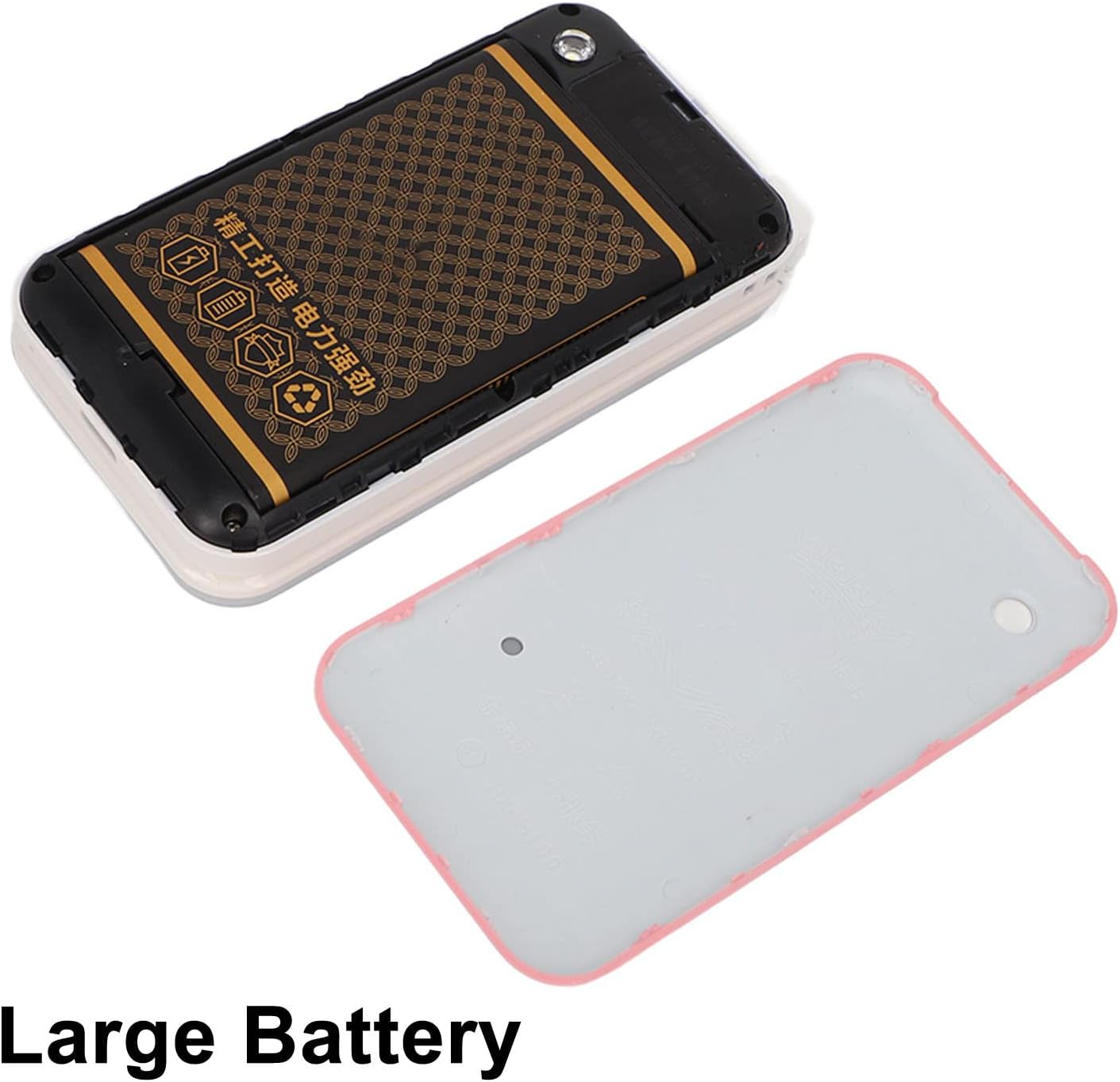
Image: The phone's back cover is removed, revealing the battery compartment and the large capacity battery ready for installation.
2. SIM Card and Memory Card Installation
The N509 supports dual SIM cards and one memory card (up to 16GB, not included).
- With the battery removed, locate the SIM card slots and memory card slot.
- Insert your SIM cards into the designated slots.
- If desired, insert a memory card into its slot.
- Reinstall the battery and back cover.
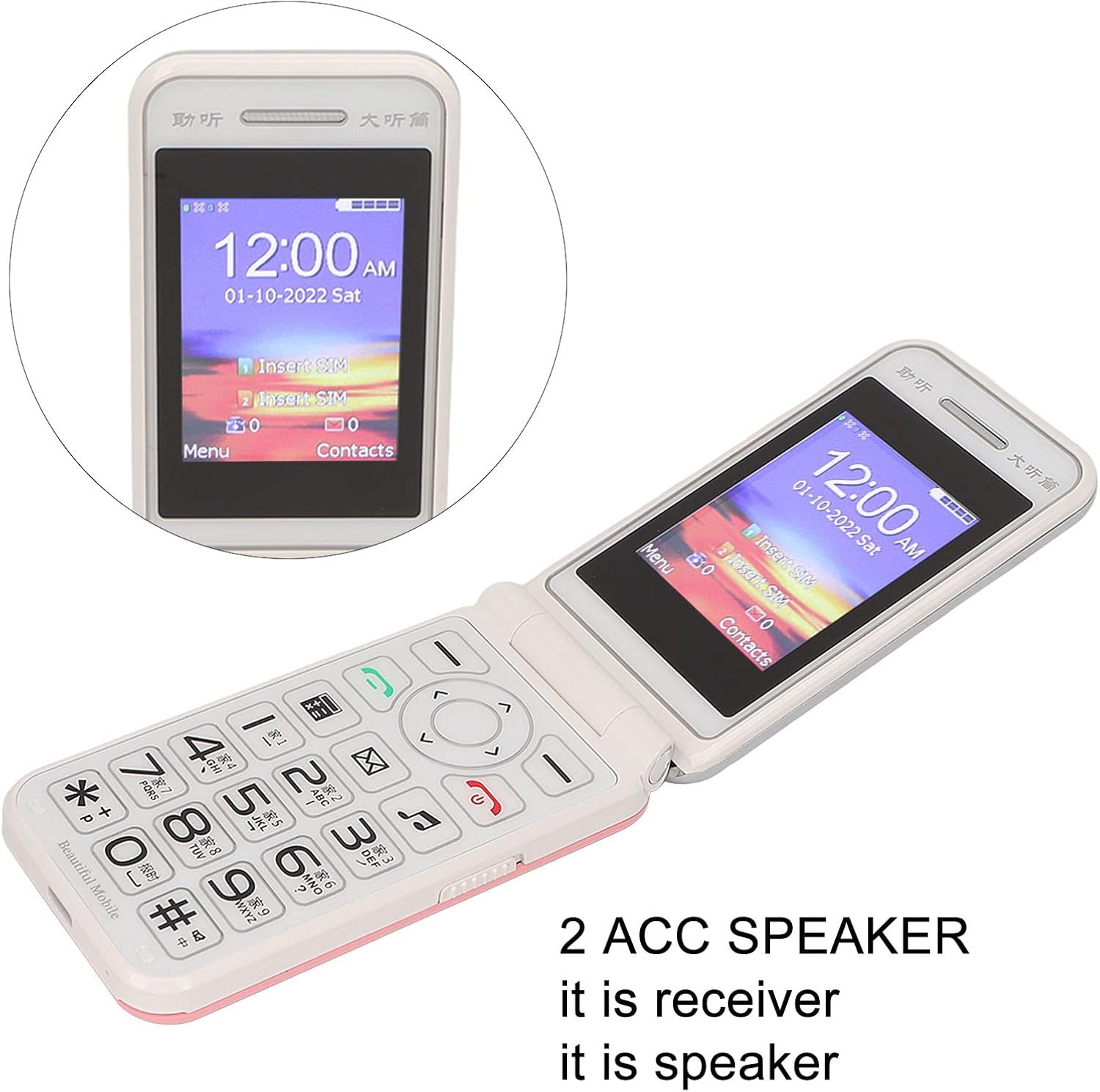
Image: The phone's screen prompts to "Insert SIM", indicating the need for SIM card installation before use.
3. Charging the Battery
Before first use, fully charge the phone's battery.
- Connect the Type-C charger cable to the charging port on the phone.
- Plug the charger into a power outlet.
- The charging indicator will show the charging status. Disconnect the charger once the battery is full.

Image: A close-up view of the Type-C charging port on the Jectse N509 flip phone, highlighting its modern connectivity.
4. Powering On/Off
- To Power On: Press and hold the Power button until the screen illuminates.
- To Power Off: Press and hold the Power button until the power-off options appear, then select 'Power Off'.
Operating Instructions
1. Basic Functions
- Making Calls: Enter the phone number using the keypad and press the green call button.
- Answering Calls: Press the green call button when the phone rings.
- Ending Calls: Press the red end call button.
- Sending Messages: Navigate to the 'Messages' menu, select 'New Message', enter the recipient's number and your text, then send.

Image: The Jectse N509 flip phone is open, showcasing its vibrant 2.4-inch HD color display and the clearly visible, large keypad with LED backlighting.
2. Keypad and Navigation
The phone features large, backlit buttons for easy operation, especially in low-light conditions.
- Navigation Keys: Use the directional pad to navigate through menus and options. The center button typically acts as 'OK' or 'Select'.
- Soft Keys: The keys directly below the screen perform functions indicated by the text on the display above them.
- Number Keys: Used for dialing numbers and text input.
- Backlight: The keypad features a backlight for visibility in dark environments.

Image: This composite image highlights key features: the large battery for extended use, oversized buttons for ease of dialing, a convenient on/off switch, and the modern Type-C charging port.
3. SOS Function
The N509 includes an SOS function for emergencies. Refer to the phone's settings to configure emergency contacts and messages.
- Activating SOS: Typically, a dedicated SOS button or a long press of a specific key will activate this function, sending pre-set messages and dialing emergency contacts.
4. Extended Functions
The phone supports various additional features:
- Music and Video Player: Access multimedia files stored on the memory card.
- Image Browser: View photos.
- Recorder: Record audio.
- Calendar: Keep track of dates and events.
- Alarm Clock: Set multiple alarms.
- Calculator: Perform basic calculations.
- Flashlight: Activate the built-in flashlight.
- Stopwatch: Use for timing events.
- Call Blacklist: Block unwanted numbers.
- Call List: View call history.
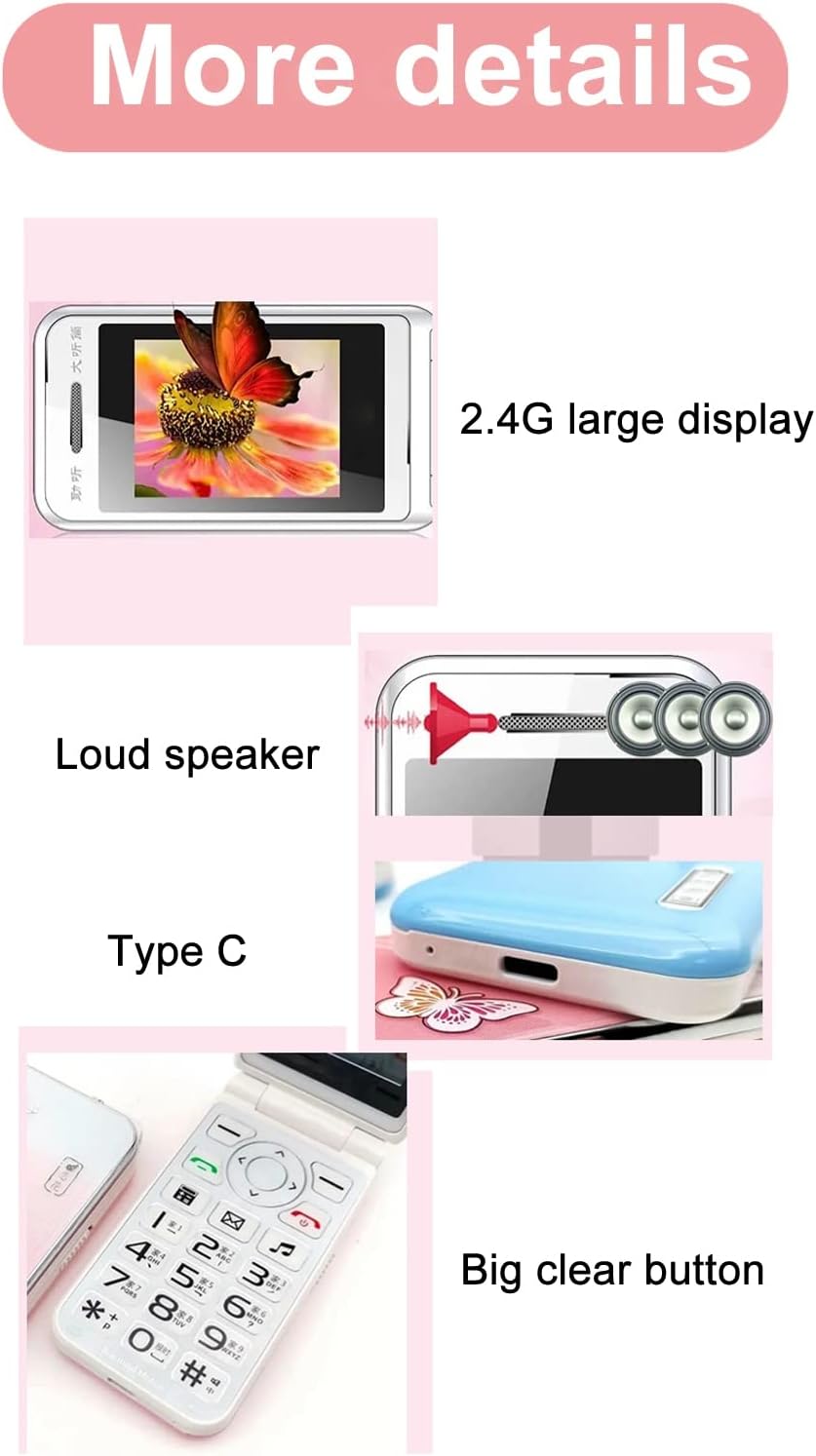
Image: This image details the phone's features, including its 2.4G large display, powerful loudspeaker, and convenient Type-C charging interface.
Maintenance
1. Cleaning
Use a soft, dry cloth to clean the phone's exterior. Avoid using liquid cleaners or abrasive materials.
2. Battery Care
- Avoid exposing the battery to extreme temperatures.
- Do not puncture or damage the battery.
- If the phone will not be used for an extended period, charge it periodically to maintain battery health.
Troubleshooting
| Issue | Possible Solution |
|---|---|
| Phone does not power on | Ensure the battery is correctly installed and charged. Connect the charger and try again. |
| No network signal | Check if the SIM card is properly inserted. Verify with your service provider that your SIM card supports 2G GSM 900/1800 networks. The N509 only supports 2G networks. |
| Cannot make or receive calls | Ensure you have network coverage. Check SIM card balance or plan. Verify that the number is not on the call blacklist. |
| Battery not charging | Check the charger cable and adapter for damage. Ensure the Type-C port is clean and free of debris. Try a different power outlet. |
Important Note on Network Compatibility: The Jectse N509 phone exclusively supports 2G GSM 900/1800 networks. Before purchasing or using, please confirm with your local SIM card operator that they provide 2G network services in your area. Some operators, particularly in regions like the USA (e.g., AT&T, T-Mobile), may no longer support 2G networks.
Specifications
| Feature | Detail |
|---|---|
| Model | N509 (Jectseft5hwserna-12) |
| Material | ABS |
| Main Screen Size | 2.4 inches HD Color Display |
| SIM Card Slots | 2 (Dual SIM) |
| Memory Card Slot | 1 (supports up to 16GB, not included) |
| Battery Type | Lithium-ion |
| Battery Capacity | 6800 mAh |
| Frequency Band | 2G GSM 900/1800 |
| Network Type | 2G GSM |
| Appearance | Flip Phone |
| Interface | Type-C |
| Languages Supported | English, French, Portuguese, Malay, Indonesian, Vietnamese, Russian, Arabic, Hebrew, Thai |
| Special Features | Large Buttons, LED Backlight, SOS Function, Music/Video Player, Image Browser, Recorder, Calendar, Alarm, Calculator, Flashlight, Stopwatch, Call Blacklist |
| Dimensions (Package) | 15 x 9 x 6 cm |
| Weight (Approx.) | 246 g |
Warranty and Support
For warranty information and technical support, please refer to the documentation included with your purchase or contact Jectse customer service through their official channels. Keep your proof of purchase for warranty claims.
For further assistance, you may visit the Jectse Brand Store.