
Introduction
This manual provides detailed instructions for the Btootos A90 Pro Wireless Headphones. It covers setup, operation, maintenance, and troubleshooting to ensure optimal performance and longevity of your device. Please read this manual thoroughly before using the headphones.
What's in the Box
Verify that all items are present in the package:
- Btootos A90 Pro Wireless Earbuds (Left and Right)
- Charging Case
- Eartips (S/M/L sizes)
- USB-C Charging Cable
- User Manual (this document)
Product Overview
The Btootos A90 Pro headphones feature a compact design with advanced audio technology. The charging case includes an LED display for battery status.
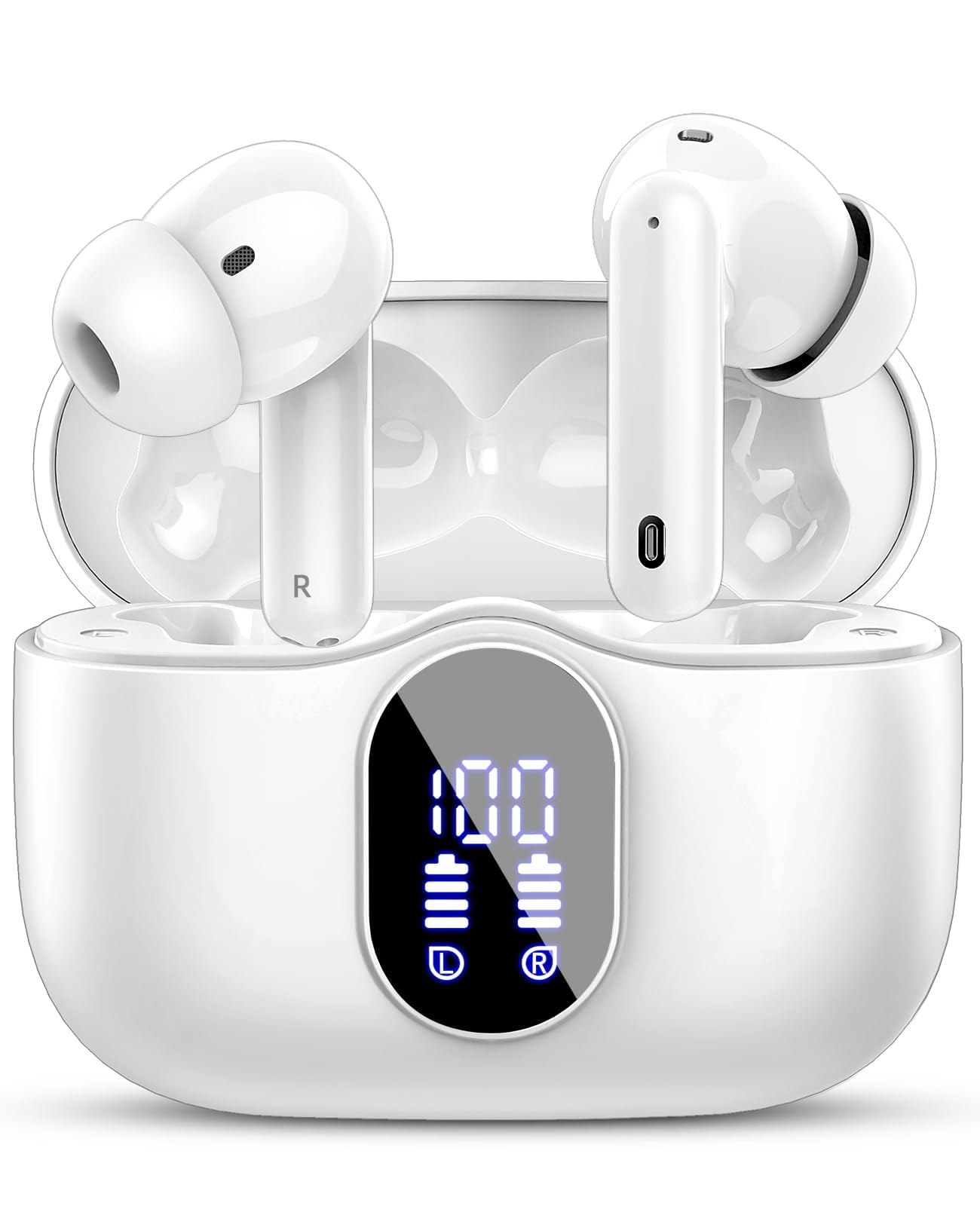
Figure 1: Earbud Acoustic Structure and Eartips. The image illustrates the 13.0mm speaker unit and nano-scale material designed for clear sound, along with three pairs of different sized ear caps (S/M/L) for an ergonomic and secure fit, reducing noise by 80%.

Figure 2: ENC Noise Reduction Technology. This image highlights the built-in ENC Noise Reduction Chip and the placement of the Noise Cancelling Mic and Main Mic, indicating a 40dB noise reduction for clearer calls.
Setup
1. Charging the Headphones and Case
Before first use, fully charge the headphones and charging case.
- Connect the USB-C charging cable to the charging port on the case and to a power source.
- The LED display on the charging case will show the battery percentage.
- The earbuds will charge automatically when placed inside the case.
- A full charge takes approximately 1.5 hours.

Figure 3: Digital Power Display. The image shows the LED display on the charging case indicating the remaining power of the case and individual earbuds. A phone screen also displays the earbud battery level.

Figure 4: Playtime and Charging. This image highlights the total playtime of over 36 hours with the charging case, 6-8 hours on a single earbud charge, and a 1.5-hour fast charging time via USB-C.
2. Pairing with a Device
The A90 Pro headphones use Bluetooth 5.3 for a stable and fast connection.
- First-time Pairing:
- Open the charging case. The earbuds will automatically power on and enter pairing mode.
- On your device (smartphone, tablet, PC), go to Bluetooth settings and enable Bluetooth.
- Search for "A90 Pro" in the list of available devices and select it to connect.
- Once connected, you will hear a confirmation tone, and the earbuds will be ready for use.
- Automatic Reconnection: After the initial pairing, the earbuds will automatically connect to the last paired device when removed from the charging case and Bluetooth is enabled on your device.
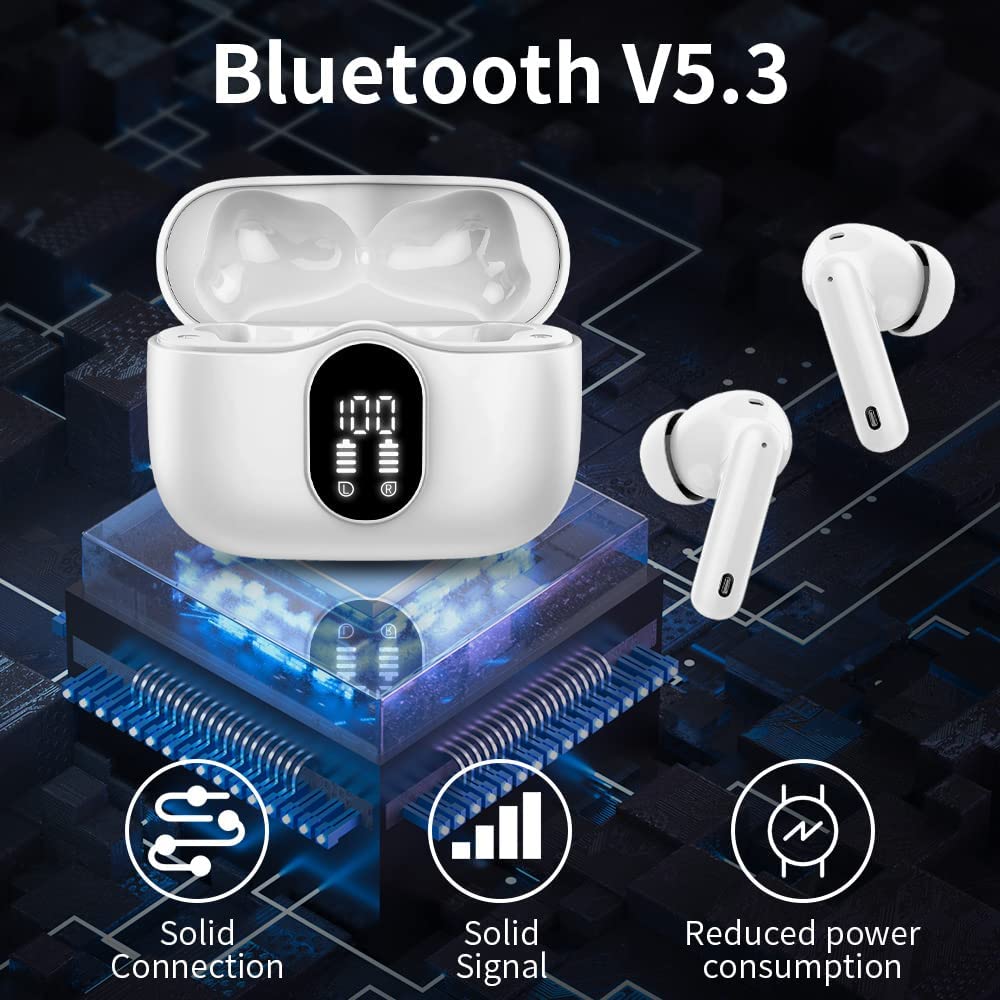
Figure 5: One-Step Pairing. This image shows that opening the charging case automatically powers on the earbuds and initiates connection, while closing the case powers them off and charges them. A phone screen displays "A90 Pro Connecting..."

Figure 6: Bluetooth 5.3 Connectivity. The image illustrates the benefits of Bluetooth V5.3, including solid connection, solid signal, and reduced power consumption, with the charging case and earbuds displayed.
Operating Instructions
The A90 Pro headphones feature touch controls for easy management of music and calls.
Touch Controls
| Function | Action |
|---|---|
| Play/Pause Music | Single tap on either earbud |
| Next Track | Double tap on the Right earbud |
| Previous Track | Double tap on the Left earbud |
| Volume Up | Triple tap on the Right earbud |
| Volume Down | Triple tap on the Left earbud |
| Answer/End Call | Single tap on either earbud |
| Reject Call | Press and hold either earbud for 2 seconds |
| Activate Voice Assistant (Siri, Google Assistant) | Press and hold either earbud for 3 seconds |
Audio Quality and Calls
The A90 Pro headphones deliver HiFi stereo sound through 13mm dynamic drivers. Equipped with 4 microphones and ENC Noise Reduction technology, they ensure clear calls by minimizing ambient noise.
Maintenance
Cleaning
- Regularly clean the earbuds and charging case with a soft, dry, lint-free cloth.
- Remove ear tips and clean them with mild soap and water, then dry thoroughly before reattaching.
- Avoid using abrasive materials, solvents, or aerosol sprays.
Water Resistance (IP7)
The A90 Pro headphones are IP7 waterproof, meaning they are protected against immersion in water up to 1 meter for up to 30 minutes. They are suitable for outdoor sports and can withstand sweat and rain. However, they are not designed for swimming or prolonged submersion. Ensure the charging port is dry before charging.
Storage
When not in use, store the headphones in their charging case to protect them and keep them charged. Store in a cool, dry place away from extreme temperatures.
Troubleshooting
If you encounter issues with your Btootos A90 Pro headphones, refer to the following common solutions:
- No Sound/Connection Issues:
- Ensure both earbuds are charged.
- Make sure Bluetooth is enabled on your device.
- Try unpairing "A90 Pro" from your device's Bluetooth list and then re-pairing.
- Place earbuds back in the case, close the lid, wait a few seconds, then open to reset.
- Ensure the earbuds are within the 10-meter Bluetooth range of your device.
- Only One Earbud Working:
- Ensure both earbuds are charged.
- Place both earbuds back into the charging case, close the lid, and then open it again. This often re-syncs them.
- Try resetting the earbuds by forgetting the device on your phone and re-pairing.
- Charging Case Not Charging:
- Check the USB-C cable and power adapter for damage.
- Ensure the charging cable is securely connected to both the case and the power source.
- Try a different USB-C cable or power adapter.
- Poor Sound Quality:
- Ensure the ear tips are the correct size for a snug fit to optimize sound and noise reduction.
- Clean any debris from the earbud speakers and ear tips.
- Move closer to your connected device to avoid interference.
Specifications
| Feature | Detail |
|---|---|
| Model Name | A90 Pro |
| Connectivity Technology | Wireless (Bluetooth) |
| Bluetooth Version | 5.3 |
| Bluetooth Range | 10 Metres |
| Audio Driver Type | 13mm Dynamic Driver |
| Microphone | Built-In HD Microphone (4 microphones) |
| Noise Control | ENC Noise Reduction, Sound Isolation |
| Battery Life (Earbuds) | 6-8 Hours |
| Total Playtime (with Case) | Up to 36 Hours |
| Charging Time | 1.5 Hours (for case and earbuds) |
| Charging Interface | USB-C |
| Water Resistance Level | IP7 Waterproof |
| Control Method | Touch Control |
| Compatible Devices | Bluetooth-enabled devices (smartphones, tablets, Windows PC, iOS, Android) |
| Material | Silicone Plastic |
| Item Weight | 100 g (total) |
| Product Dimensions | 6.2 x 4.8 x 2.6 cm |
Safety Information
- Do not disassemble or modify the product.
- Keep away from extreme temperatures, direct sunlight, and open flames.
- Avoid dropping or subjecting the product to strong impacts.
- Keep out of reach of children and pets.
- Do not use the headphones at excessively high volumes for prolonged periods to prevent hearing damage.
- Be aware of your surroundings when using headphones, especially in traffic or dangerous situations.
Warranty and Support
Btootos products come with a standard manufacturer's warranty. For warranty claims, technical support, or further assistance, please contact Btootos customer service through the retailer where the product was purchased or visit the official Btootos website. Please retain your proof of purchase for warranty purposes.