1. Introduction
This manual provides comprehensive instructions for the installation, operation, and maintenance of your Ledvion Tokyo Smart LED Recessed Spotlights. Please read this manual thoroughly before installation and retain it for future reference.

Image 1: Ledvion Tokyo Smart LED Recessed Spots (3-pack)
2. Safety Information
WARNING: Electrical installation should only be performed by a qualified electrician. Always disconnect power at the main circuit breaker before installation or maintenance.
- Ensure the power supply is compatible with the product specifications (230V).
- Do not install in locations with excessive moisture unless specifically rated for such environments (IP20 rating means not suitable for bathrooms or wet areas).
- Avoid direct contact with the LED light source when operating.
- Keep packaging materials away from children.
- Do not attempt to modify or disassemble the product.
3. What's in the Box
Verify that all components are present before beginning installation:
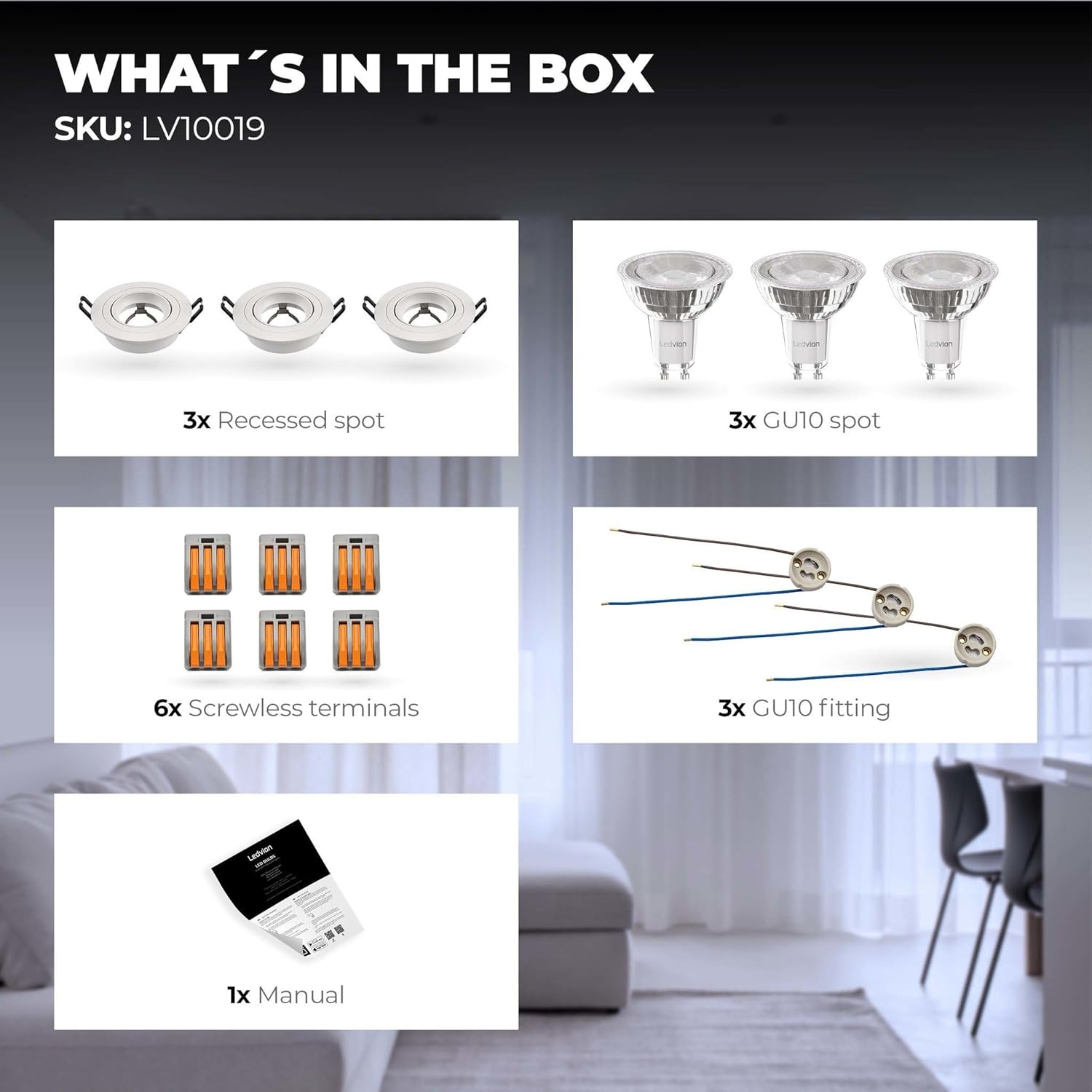
Image 2: Package Contents (SKU: LV10019)
- 3x Recessed Spot Fixtures
- 3x Ledvion Smart GU10 LED Bulbs (RGBWW, Dimmable)
- 6x Screwless Terminals
- 3x GU10 Fittings
- 1x Instruction Manual
4. Specifications
| Feature | Specification |
|---|---|
| Brand | Ledvion |
| Model Number | LV10019-RGB-3pack |
| Product Dimensions | 23 x 9 x 10 cm |
| Weight | 453 g |
| Material | Aluminum |
| Color | White |
| Voltage | 230 Volts |
| Bulb Type | LED (GU10) |
| Luminous Flux | 345 lumens |
| Wattage (per bulb) | 5 Watts (based on energy label, total for 3 bulbs is 15W. Product specification lists 49 Watts, which may be a cumulative value or error.) |
| Special Features | Dimmable, RGBWW, WiFi, Adjustable Beam Angle |
| Installation Type | Ceiling Mount (Recessed) |
| Ingress Protection (IP) Rating | IP20 (Not suitable for wet areas) |
5. Setup and Installation
5.1 Pre-Installation
- Ensure power is OFF at the main circuit breaker before starting any electrical work.
- Verify that the ceiling material is suitable for recessed lighting installation.
- Prepare the necessary tools: hole saw (80-83mm diameter), wire strippers, screwdriver.
5.2 Physical Installation
- Cut a circular hole in the ceiling with a diameter of 80-83mm.
- Connect the GU10 fitting to your household 230V wiring using the provided screwless terminals. Ensure correct polarity (Live, Neutral, Earth if applicable). Refer to the wiring diagram below.
- Insert the Ledvion Smart GU10 LED bulb into the GU10 fitting.
- Gently push the recessed spot fixture into the ceiling hole. The spring clips will secure it in place.
- Ensure the fixture is flush with the ceiling surface.

Image 3: Recessed Spot Dimensions (Cut-out: 80-83mm, Depth: 60mm)

Image 4: Wiring Diagram for Easy Connect
5.3 Smart Features Setup
- Download the App: Search for "Smart Life App", "Calex Smart App", or "V-tac Smart Light app" (all Tuya domotica apps) in your smartphone's app store.
- Register/Log In: Create an account or log in to the app.
- Add Device: Follow the in-app instructions to add your Ledvion Smart LED Spot. Ensure your phone is connected to a 2.4 GHz WiFi network during the pairing process.
- Connect to Voice Assistants: Once paired with the app, you can link your Ledvion lights to Google Home, Amazon Alexa, or Siri Shortcuts through the app's integration settings.
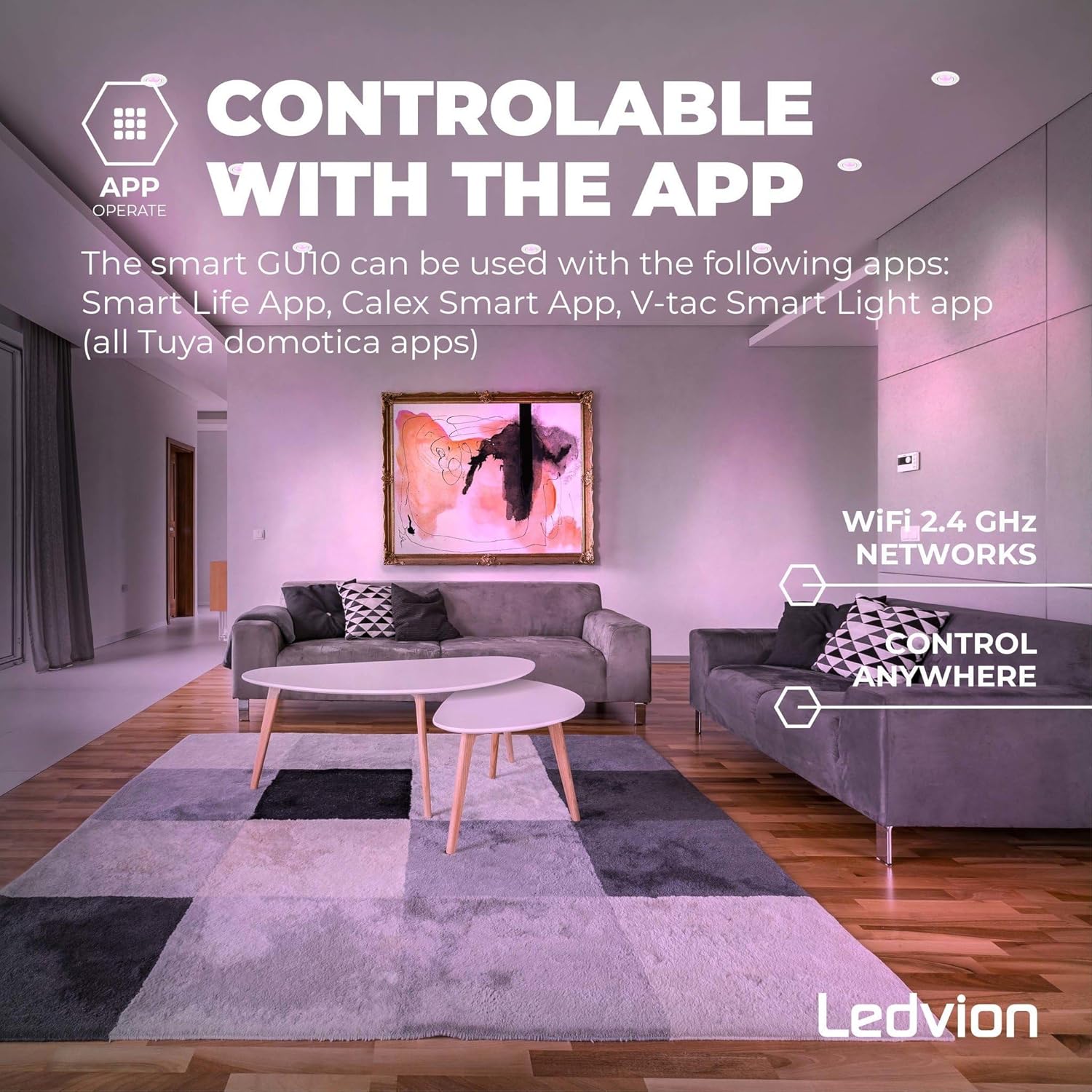
Image 5: App Control Overview
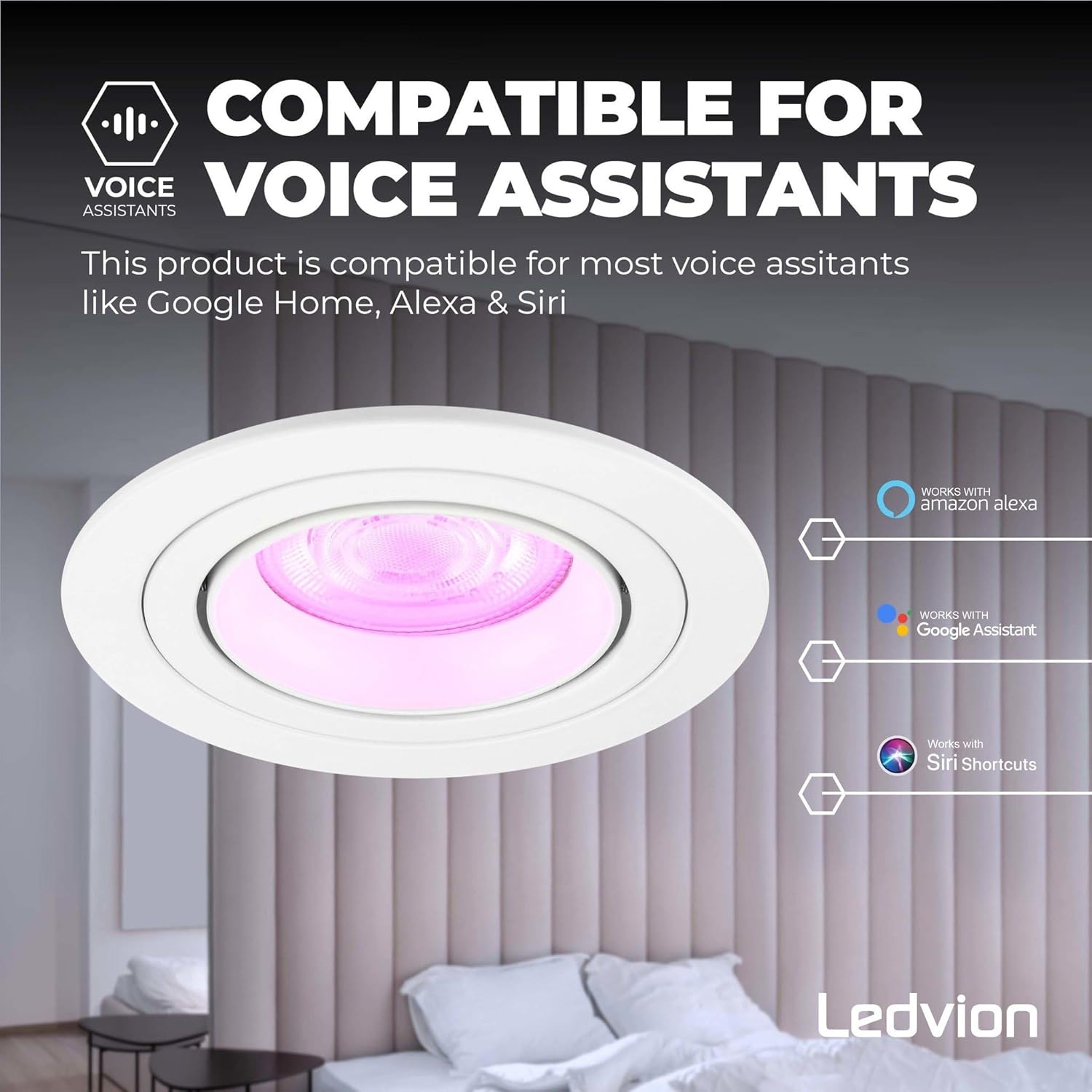
Image 6: Voice Assistant Compatibility
6. Operating Instructions
6.1 Basic Operation
- Power On/Off: Use a standard wall switch to turn the lights on or off.
- Dimmable: Adjust brightness from very warm light (2700K) to normal daylight (6500K) via the app or a compatible remote control (sold separately).
- Color Change (RGBWW): Select from millions of colors in the RGB spectrum, or choose various shades of white (Warm White to Cool White) using the app. Each lamp can be adjusted individually.
6.2 App Control
The app allows for advanced control:
- Individual lamp control for color and brightness.
- Setting timers and schedules.
- Creating lighting scenes and plans.
- Grouping multiple lights for synchronized control.
6.3 Voice Control
Once connected to a voice assistant (Google Home, Alexa, Siri), you can use voice commands to control your lights. Examples:
- "Alexa, turn on the living room lights."
- "Hey Google, set kitchen light to blue."
- "Siri, dim the bedroom light to 50%."
6.4 Adjustable Beam Angle
The aluminum frame of the recessed spot is tiltable, allowing you to direct the light beam up to 36 degrees. This feature is useful for accent lighting or highlighting specific areas.

Image 7: Adjustable Beam Angle (up to 36 degrees)
7. Maintenance
- Cleaning: Ensure power is off. Wipe the fixture with a soft, dry cloth. Do not use abrasive cleaners or solvents.
- Bulb Replacement: The GU10 LED bulbs are replaceable. Ensure power is off and the bulb has cooled before attempting to replace it. Use only compatible GU10 LED bulbs.
8. Troubleshooting
| Problem | Possible Cause | Solution |
|---|---|---|
| Light does not turn on. | No power, loose connection, faulty bulb. | Check circuit breaker. Verify wiring connections. Replace bulb. |
| Cannot connect to WiFi. | Incorrect WiFi band (5GHz), wrong password, too far from router. | Ensure phone is on 2.4 GHz WiFi. Re-enter password. Move closer to router. Reset bulb and try pairing again. |
| App control is unresponsive. | Poor WiFi signal, app glitch, device offline. | Check WiFi signal strength. Restart the app. Power cycle the light. |
| Colors are incorrect or inconsistent. | Calibration issue, app setting error. | Recalibrate colors in the app. Ensure individual settings are correct. |
9. Warranty and Support
This Ledvion product comes with a 2-year warranty from the date of purchase. This warranty covers manufacturing defects. Please retain your proof of purchase for warranty claims.
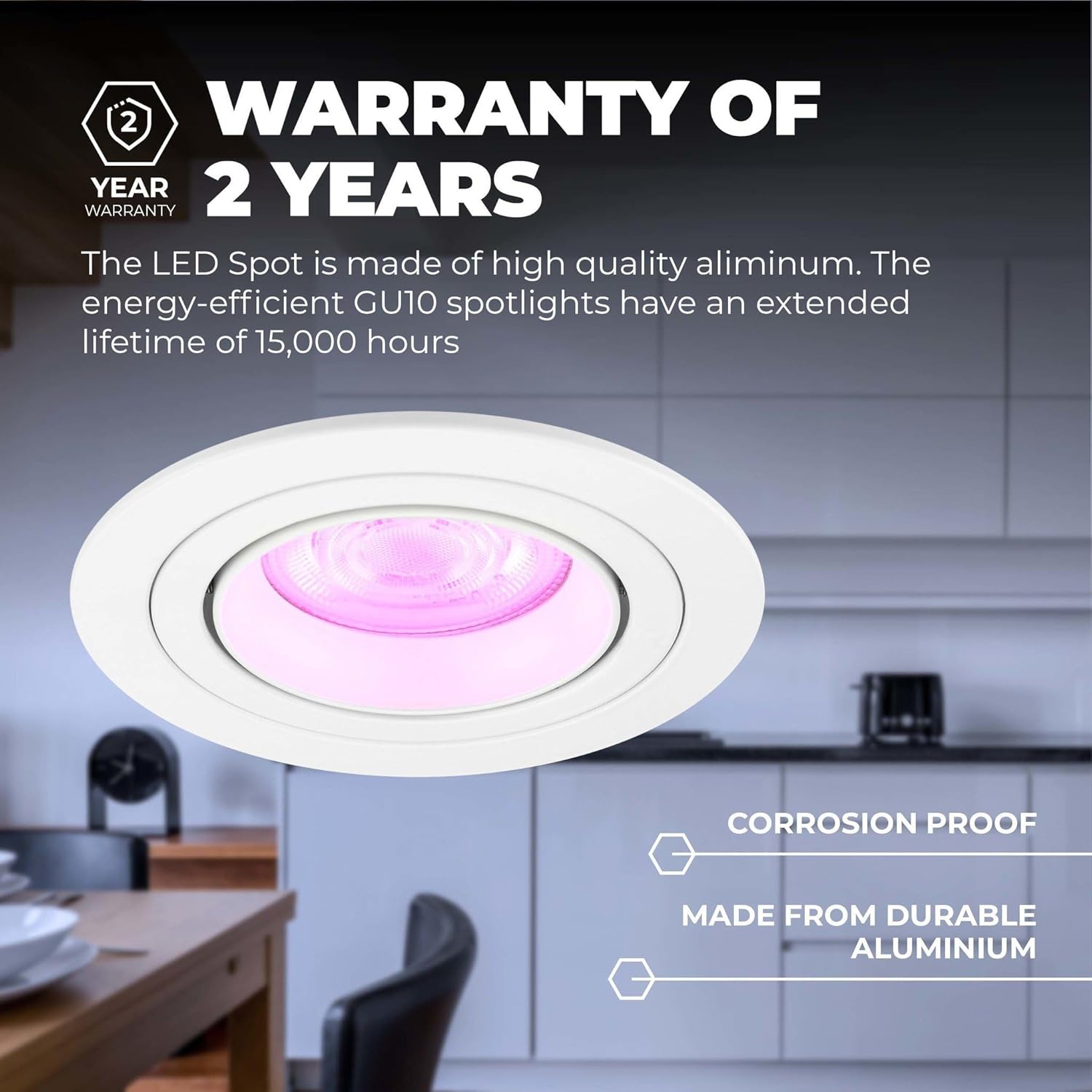
Image 8: 2-Year Warranty Information
For technical support or warranty inquiries, please contact Ledvion customer service through their official website or the retailer where the product was purchased. Please have your model number (LV10019-RGB-3pack) and purchase date ready.
10. Energy Efficiency
The Ledvion Tokyo Smart LED Recessed Spotlights are designed for energy efficiency. The included GU10 spotlights have an extended lifetime of 15,000 hours.

Image 9: Energy Label
For more details, visit the official EU EPREL database: https://eprel.ec.europa.eu/qr/694883


