
Introduction
This user manual provides detailed instructions for the setup, operation, maintenance, and troubleshooting of your new aeac G-IDW15-KHAKI Smartwatch. This device is designed to enhance your daily life by offering smart notifications, comprehensive health monitoring, and advanced fitness tracking capabilities. Please read this manual thoroughly to ensure optimal performance and longevity of your smartwatch.
Getting Started: Setup
1. Unboxing and Components
Upon opening the package, ensure all components are present:
- aeac G-IDW15-KHAKI Smartwatch
- Charging Cable
- User Manual (this document)
2. Charging the Device
Before first use, fully charge your smartwatch. Connect the magnetic charging cable to the charging contacts on the back of the watch and plug the USB end into a standard USB power adapter (not included) or a computer's USB port. The watch screen will indicate charging status.
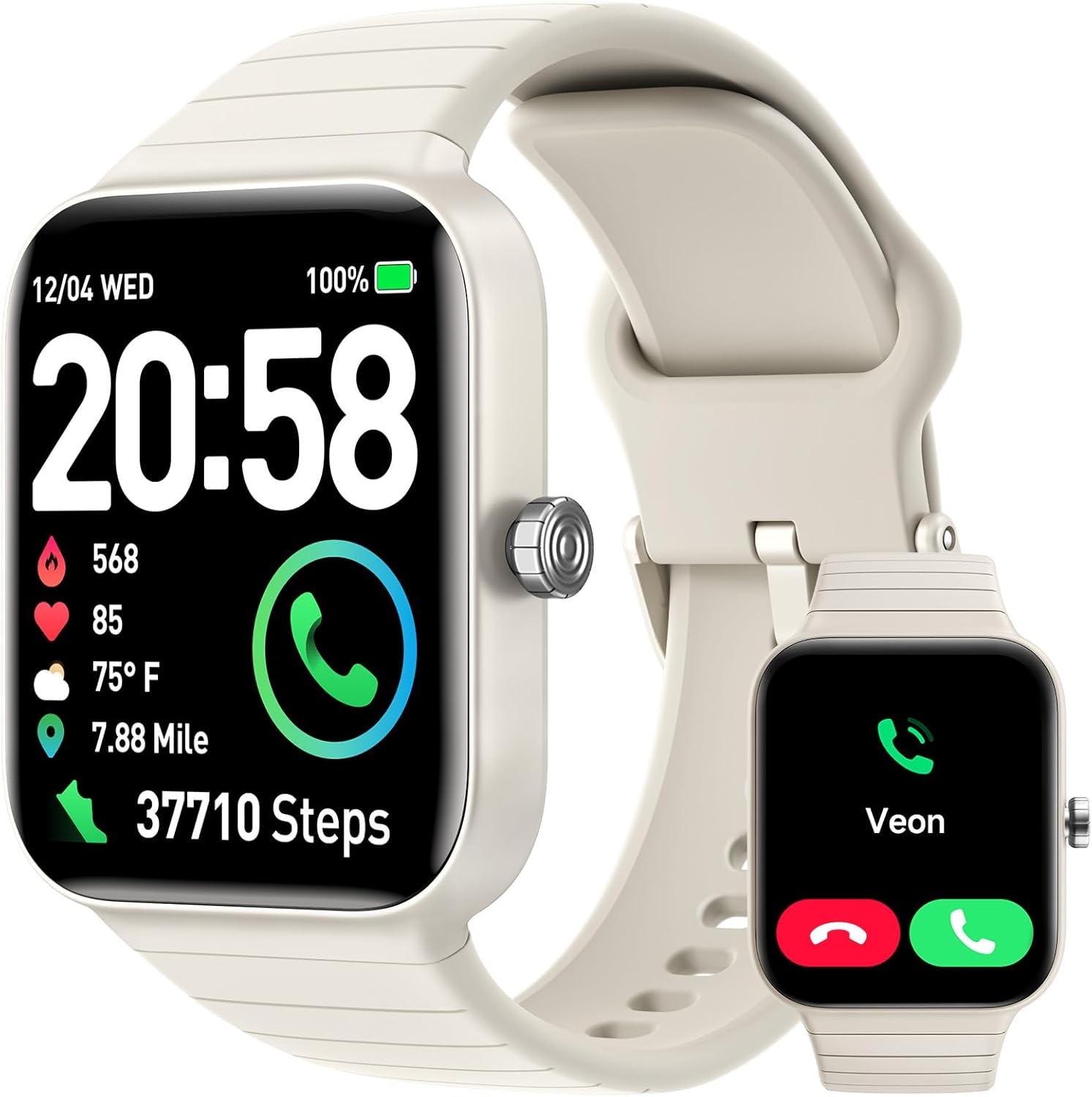
The aeac G-IDW15-KHAKI Smartwatch, showcasing its main display with various health and activity metrics, alongside a smaller inset image of the watch face.
3. Pairing with Your Smartphone
To unlock the full potential of your smartwatch, pair it with your smartphone via the 'VeryFit' app.
- Download the 'VeryFit' app from the App Store (for iOS) or Google Play Store (for Android).
- Ensure Bluetooth is enabled on your smartphone.
- Open the 'VeryFit' app and follow the on-screen instructions to create an account or log in.
- In the app, navigate to 'Device' and select 'Add Device'. The app will search for your smartwatch.
- Select 'G-IDW15-KHAKI' from the list of found devices to initiate pairing.
- Confirm the pairing request on both your phone and the smartwatch.
4. Initial Setup and Customization
Once paired, you can customize your smartwatch through the 'VeryFit' app. This includes setting personal information, notification preferences, and selecting watch faces. The 1.8-inch HD screen allows for vibrant display and personalization.

The smartwatch features a customizable watch face, allowing users to upload personal photos for a unique display.
Operating Your Smartwatch
1. Basic Navigation
The smartwatch features a full touch screen for intuitive navigation. Swipe left/right, up/down to access different functions and menus. Press the side button to return to the home screen or wake the device.
2. Bluetooth Calling
The G-IDW15-KHAKI Smartwatch supports Bluetooth calls, allowing you to answer or make calls directly from your wrist when connected to your smartphone. This feature ensures you stay connected without needing to reach for your phone.
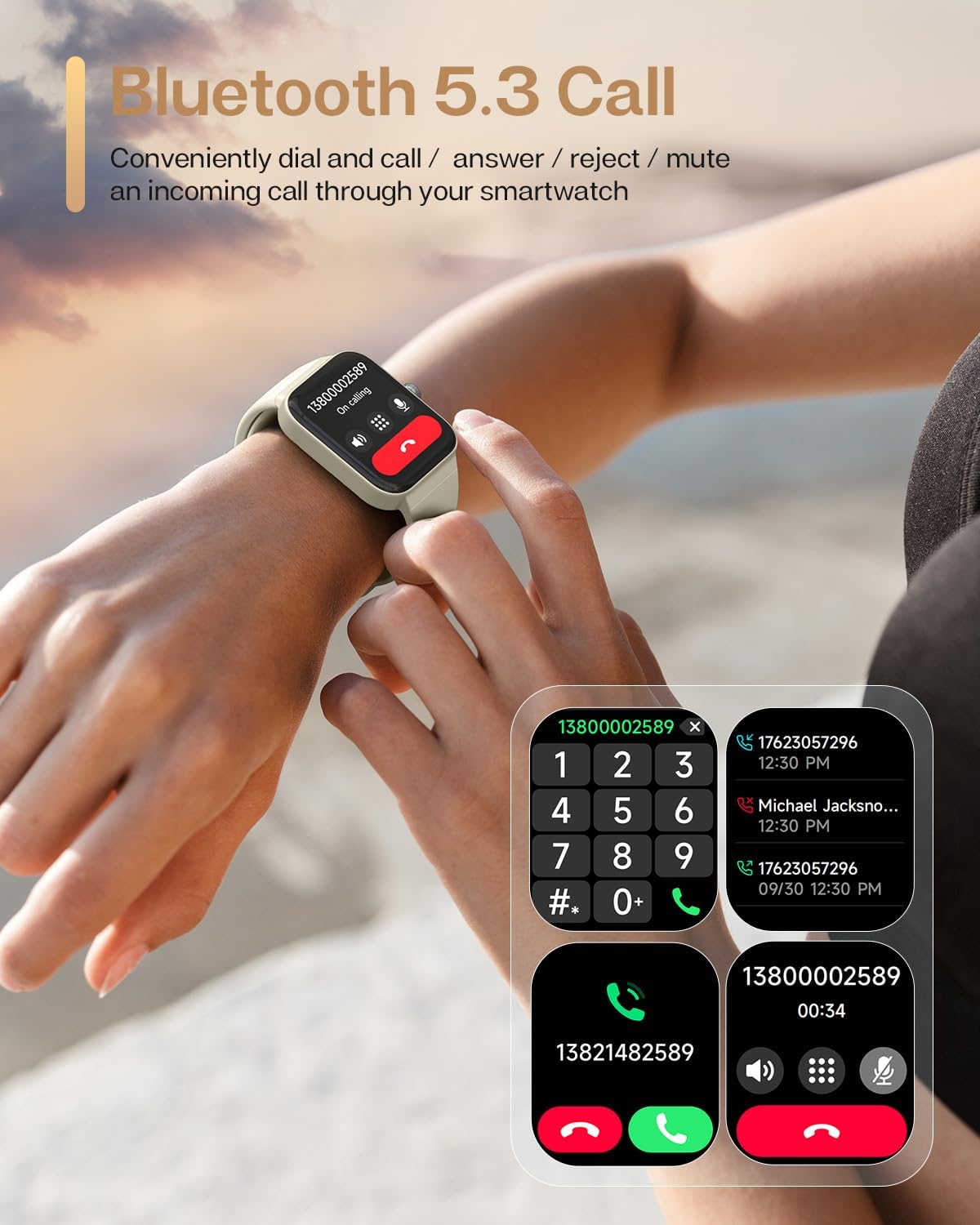
The smartwatch enables convenient Bluetooth calls, allowing users to answer or dial directly from their wrist.
3. Alexa Voice Assistant
With built-in Alexa, you can interact with your smartwatch using voice commands. Alexa can help you set reminders, check the weather, initiate workouts, control music playback, and manage compatible smart home devices. Simply activate Alexa on your watch and speak your command.
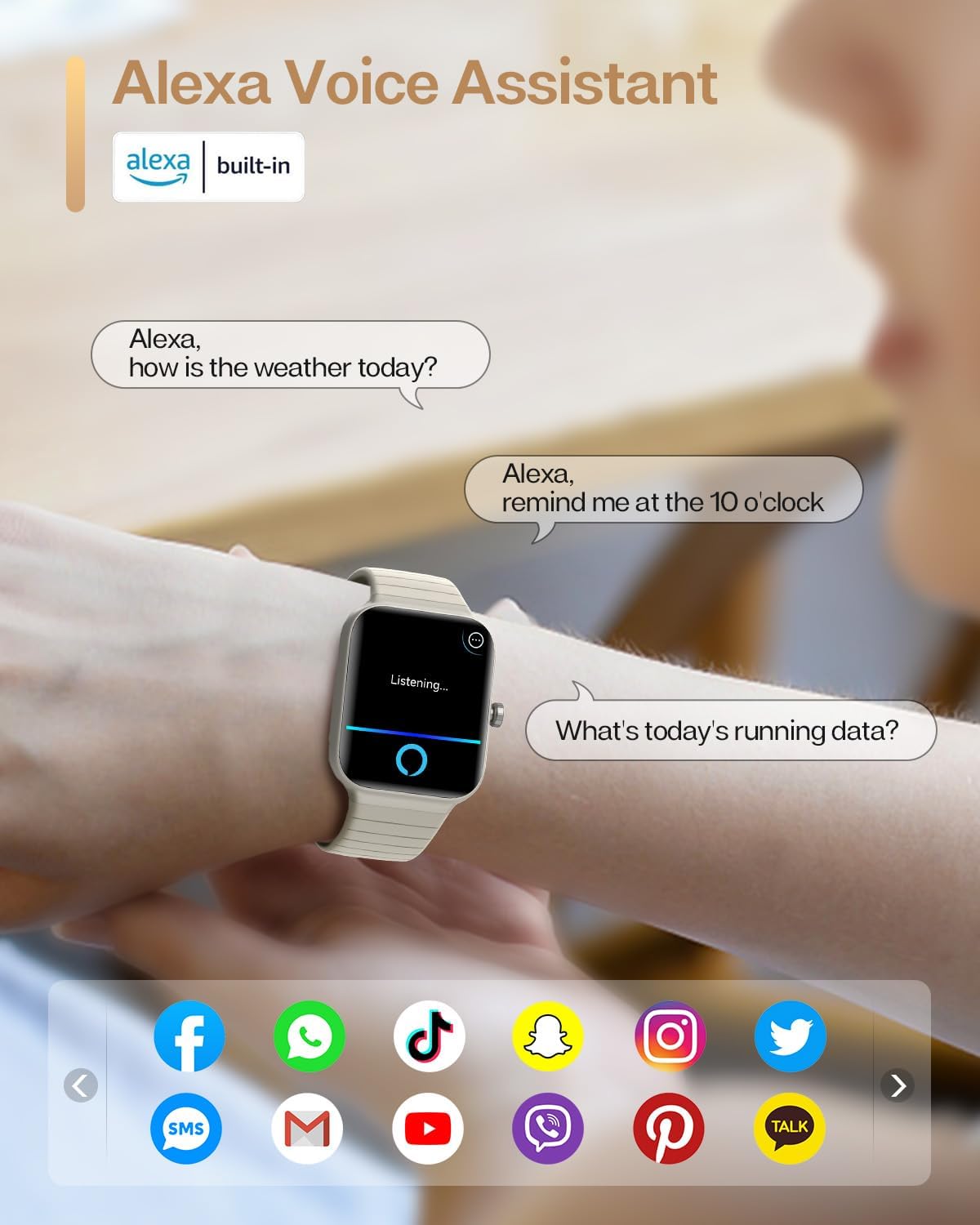
The integrated Alexa voice assistant allows for hands-free control and information retrieval directly from the smartwatch.
4. Health Monitoring
The smartwatch provides comprehensive health monitoring features:
- Heart Rate Monitoring: Real-time, 24/7 heart rate tracking to help you understand your cardiovascular health.
- Blood Oxygen (SpO2) Monitoring: Measures your blood oxygen saturation levels.
- Sleep Tracking: Monitors your sleep patterns, including deep sleep, light sleep, and wake-up times, providing insights into your sleep quality.
- Stress Monitoring: Tracks your stress levels throughout the day.

The smartwatch acts as a personal health assistant, providing real-time monitoring of sleep, heart rate, blood oxygen, and stress levels.
5. Fitness Tracking
Keep your fitness goals on track with the smartwatch's activity tracking features:
- Activity Monitoring: Effortlessly monitors calories burned, step count, and exercise records.
- 100 Sports Modes: Track a wide range of activities including running, cycling, strength training, swimming, and more.
6. Notifications
Receive smart notifications for calls, text messages, and app alerts directly on your wrist, ensuring you don't miss important updates.
7. Water Resistance (IP68)
The smartwatch boasts an IP68 water-resistant rating, making it suitable for swimming or diving up to 5-10 meters. This allows you to track your activities without worry, even in aquatic environments.
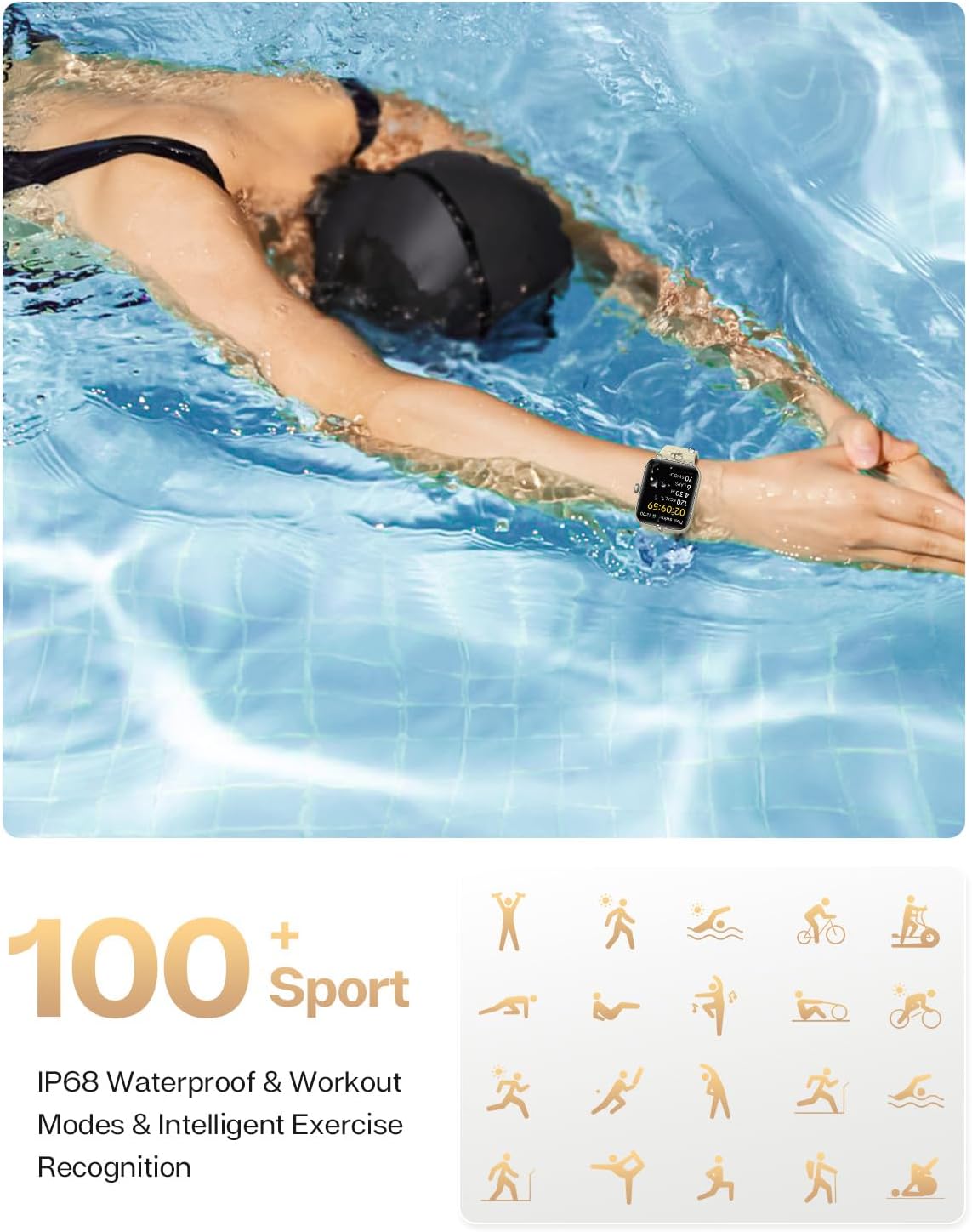
The IP68 water resistance allows the smartwatch to be worn during swimming and other water-based activities, supporting over 100 sports modes.
Maintenance and Care
1. Cleaning
Regularly clean your smartwatch and strap to prevent skin irritation and maintain device hygiene. Use a soft, lint-free cloth. For stubborn dirt, dampen the cloth slightly with water. Avoid using harsh chemicals or abrasive materials.
2. Storage
When not in use for extended periods, store the smartwatch in a cool, dry place away from direct sunlight and extreme temperatures. Ensure the battery is partially charged (around 50%) before storing to preserve battery health.
3. Battery Life Optimization
To maximize battery life:
- Reduce screen brightness.
- Disable unnecessary notifications.
- Limit continuous heart rate monitoring if not needed.
- Close background apps on the watch (if applicable).

The smartwatch is designed to be ultralight (39g) and offers up to 7 days of battery life, providing freedom for active lifestyles.
Troubleshooting
If you encounter issues with your smartwatch, please refer to the following common solutions:
- Watch not turning on: Ensure the watch is fully charged. Try pressing and holding the side button for 10-15 seconds to force a restart.
- Bluetooth not connecting: Ensure Bluetooth is enabled on both the watch and your phone. Restart both devices. Forget the device in your phone's Bluetooth settings and try pairing again through the 'VeryFit' app.
- Notifications not appearing: Check notification settings in the 'VeryFit' app and your phone's system settings to ensure permissions are granted for the app to display notifications.
- Inaccurate health data: Ensure the watch is worn snugly on your wrist, about one finger's width above your wrist bone. Clean the sensors regularly.
- App not syncing data: Ensure the 'VeryFit' app is open and running in the background on your phone. Check your internet connection.
If problems persist, consult the 'VeryFit' app's help section or contact customer support.
Specifications
| Feature | Detail |
|---|---|
| Brand | aeac |
| Model Number | G-IDW15-KHAKI |
| Screen Size | 1.8 inches |
| Shape | Square |
| Operating Systems | Android Wear (compatible with Android 6.0+ and iOS 9.0+) |
| Memory Storage Capacity | 128 MB |
| Special Features | Pedometer, Sleep Monitor, Heart Rate Monitor, Blood Oxygen Monitor, Stress Monitor, Alexa Built-in, Bluetooth Call Function |
| Connectivity Technology | Bluetooth |
| Wireless Communication Standard | Bluetooth |
| Battery Cell Composition | Lithium Polymer |
| Batteries Required | 1 Lithium Metal battery (included) |
| GPS | ANT+ |
| Water Resistance | IP68 |
| Product Dimensions | 8 x 23 x 27 cm |
| Item Weight | 25.3 grams |
| Language | English |
| First Available Date | August 29, 2023 |
Warranty and Support
Your aeac G-IDW15-KHAKI Smartwatch is covered by the manufacturer's standard warranty. For specific warranty terms and conditions, please refer to the documentation included with your purchase or contact the manufacturer directly. For technical support, troubleshooting assistance, or any product-related inquiries, please reach out to aeac customer service through their official channels or the 'VeryFit' app's support section.


