
1. Product Overview
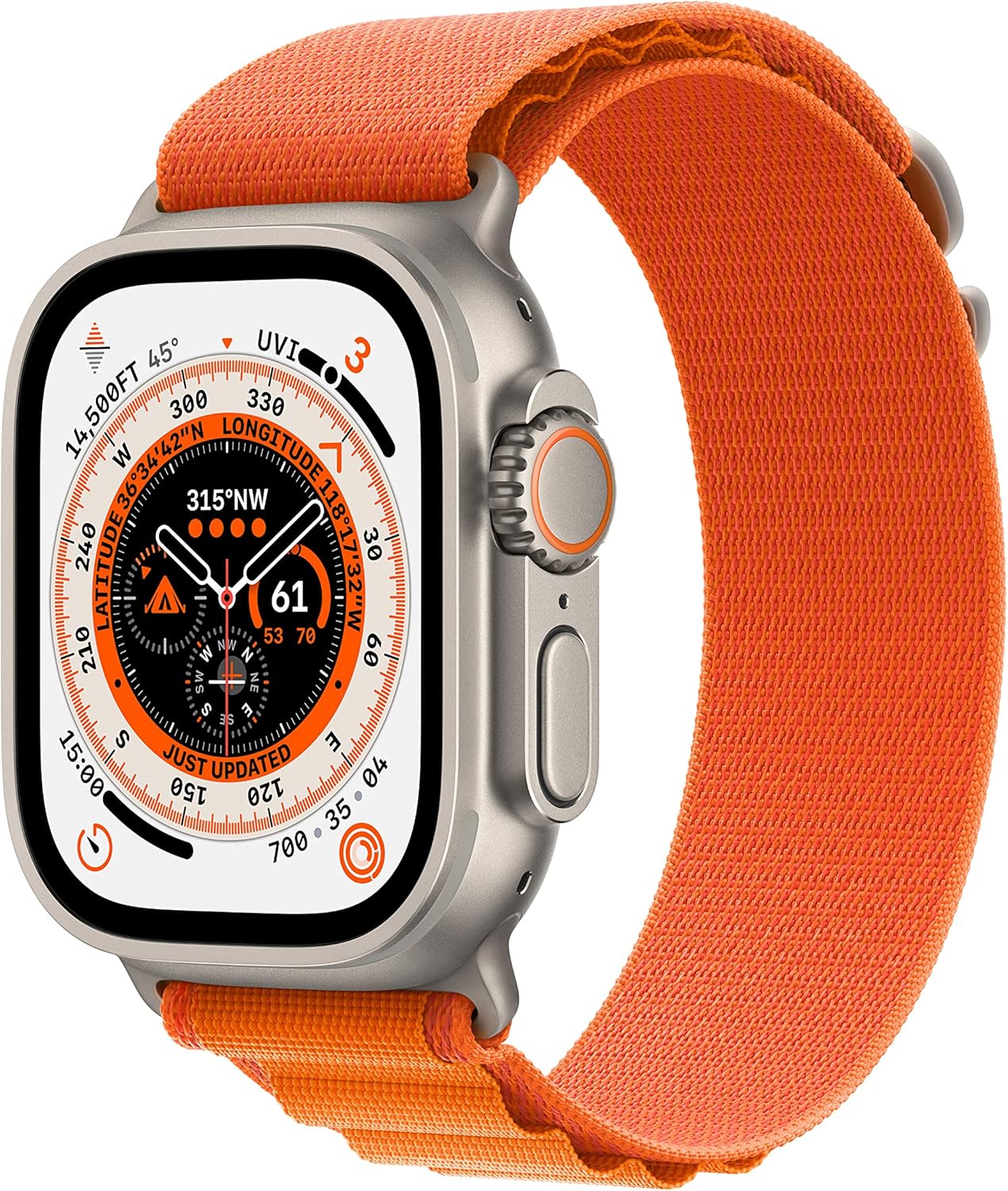
The Apple Watch Ultra is designed for exploration, adventure, and endurance. It features a 49mm aerospace-grade titanium case, extended battery life, specialized applications that integrate with advanced sensors, and a customizable Action button. This renewed model offers robust performance and comprehensive health and connectivity features.
Key Features
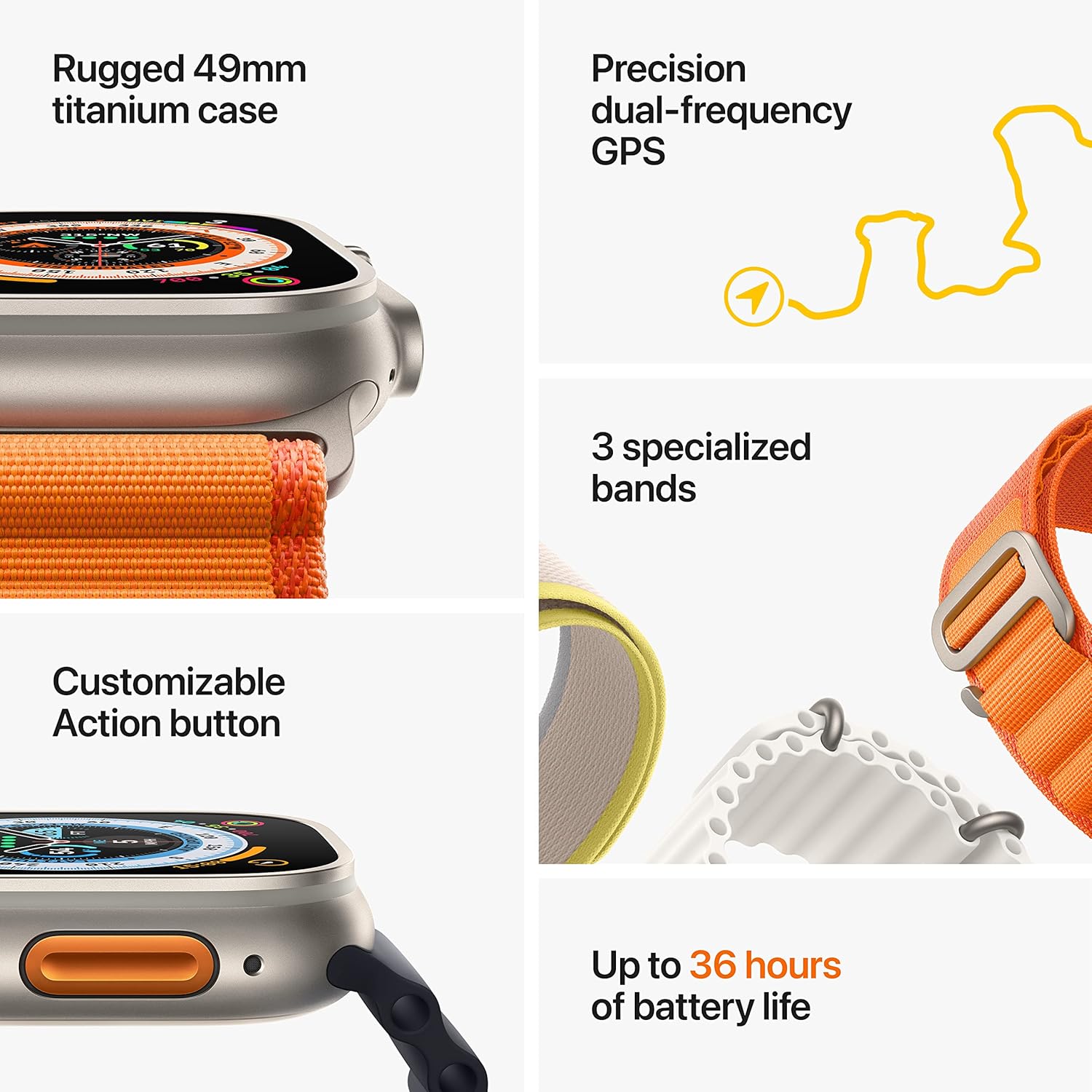
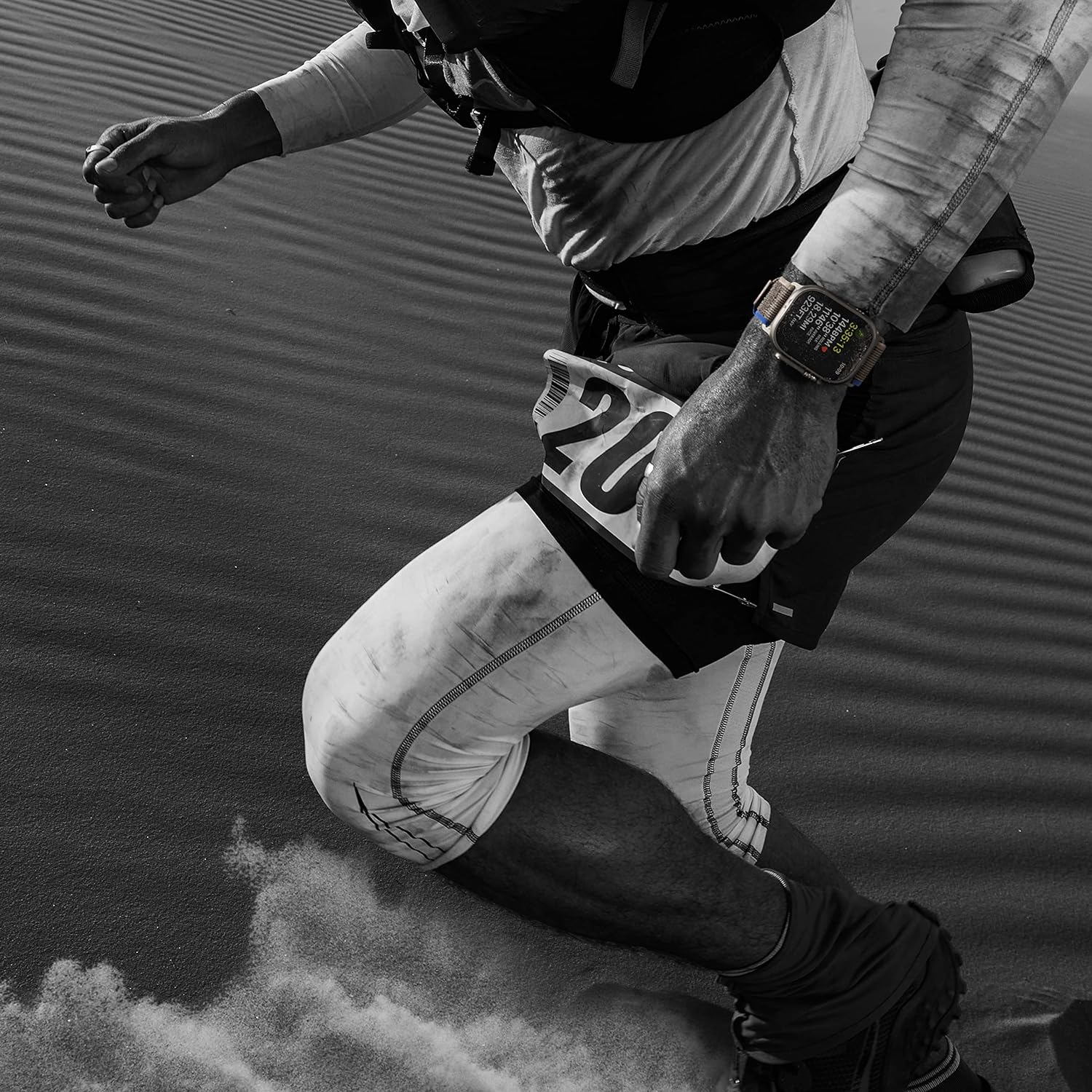
- Rugged and Capable: Built for endurance athletes, outdoor adventurers, and water sports enthusiasts with specialized bands.
- Extended Battery Life: Up to 36 hours of battery life on a single charge.
- Durable Construction: 49mm corrosion-resistant titanium case.
- Enhanced Controls: Larger Digital Crown and more accessible buttons.
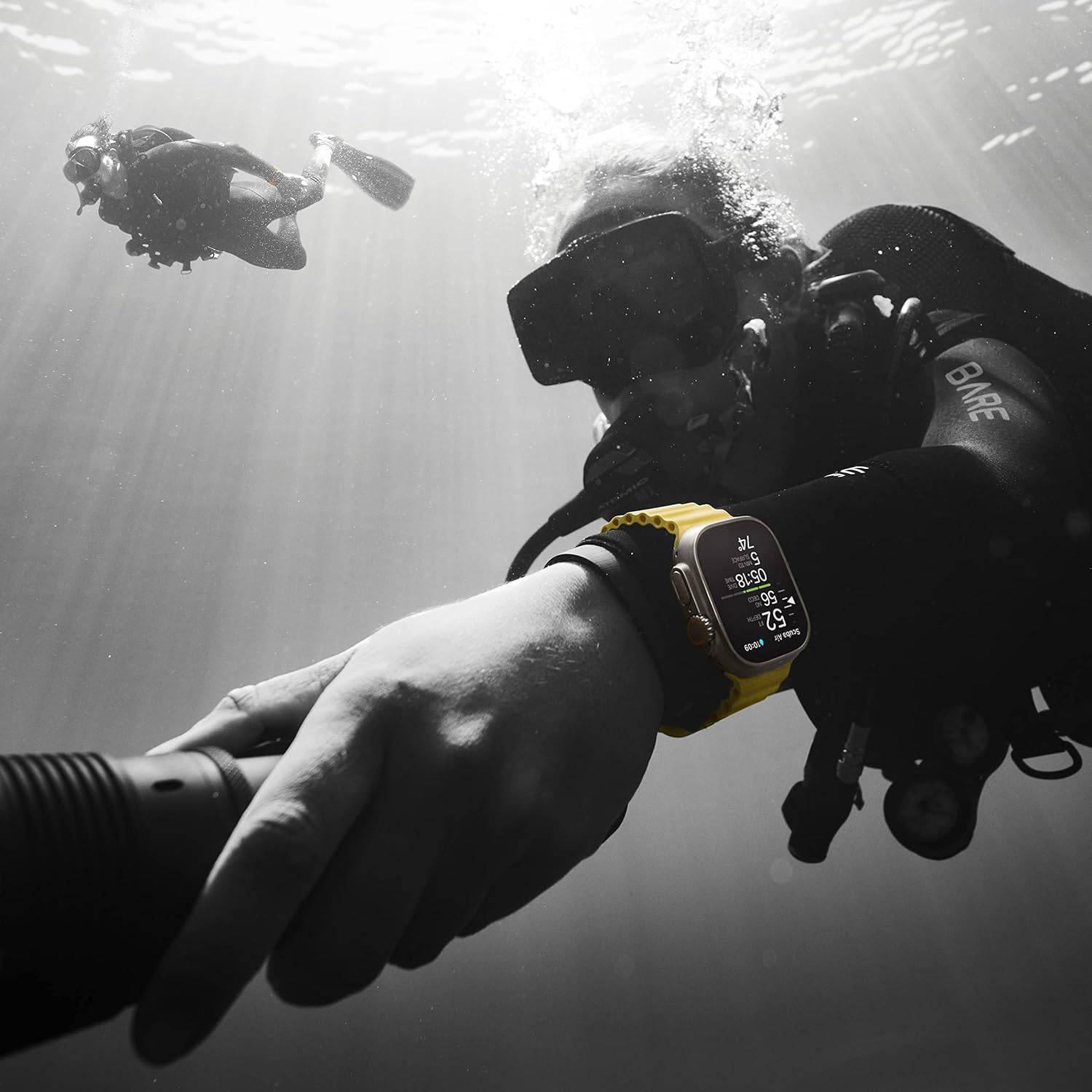
- Water Resistance: 100m water resistance, suitable for high-impact water sports and diving.
- Customizable Action Button: Provides instant physical control over various functions.
- Bright Display: Always-On Retina display, visible even in direct sunlight, with customizable watch face complications.
- Advanced Health Sensors: Offers deep insights into health, including Blood Oxygen monitoring and Heart Rate tracking.
- Safety Features: Includes Fall Detection and Crash Detection for automatic emergency service connection, and a siren for emergencies.
- Cellular Connectivity: Built-in cellular for calls, texts, music streaming, and maps without an iPhone.
- Precision GPS: Dual-frequency GPS for accurate distance, route, and pace calculations.
- Navigation Tools: Redesigned Compass app with Waypoints and Backtrack feature.
2. Setup
2.1 Unboxing
Your Apple Watch Ultra package typically includes the following items:
- Apple Watch Ultra Case
- Alpine Loop Band (Orange, Large)
- 1m Magnetic Charging Cable
2.2 Initial Pairing with iPhone
- Charge Your Watch: Place your Apple Watch Ultra on its magnetic charging cable. Ensure it has sufficient charge before proceeding.
- Power On: Press and hold the side button until you see the Apple logo.
- Bring iPhone Close: Hold your iPhone near your Apple Watch. A pairing screen will appear on your iPhone. Tap 'Continue'.
- Position for Pairing: Center your Apple Watch in the viewfinder on your iPhone.
- Follow On-Screen Instructions: Complete the setup process on your iPhone, including setting up cellular, Apple Pay, and other preferences.
2.3 Band Attachment
To attach the Alpine Loop band:
- Slide the band into the watch case until you feel and hear a click.
- Ensure the band is securely locked in place by gently pulling on it.
- Adjust the G-hook of the Alpine Loop to fit your wrist comfortably and securely.
3. Operating Instructions
3.1 Digital Crown and Side Button
- Digital Crown: Rotate to scroll, zoom, or adjust values. Press once to go to the watch face or app list. Double-press to switch between recent apps. Press and hold for Siri.
- Side Button: Press once to open the Dock (recent apps). Double-press for Apple Pay. Press and hold for Emergency SOS or to power off.
3.2 Action Button
The customizable Action button (orange button on the left side) can be configured for quick access to various functions, such as starting a workout, marking a Compass Waypoint, or activating the siren.
- Customize: Go to Settings > Action Button on your Apple Watch to choose its function.
- Activate Siren: Press and hold the Action button to activate a loud siren for emergency situations.
3.3 Display and Navigation
- Always-On Retina Display: The display remains visible at all times, even in direct sunlight.
- Watch Faces: Customize your watch face with various complications to display information at a glance.
- Gestures: Swipe up for Control Center, swipe down for Notifications, swipe left/right to switch watch faces.
3.4 Health and Fitness Tracking
- Heart Rate Monitor: Continuously tracks your heart rate and provides alerts for high or low heart rates.
- Blood Oxygen: Measures your blood oxygen levels on demand.
- Sleep Monitor: Tracks sleep patterns and provides insights into sleep quality.
- Activity Tracking: Monitors daily activity, including steps, distance, calories burned, and workout metrics.
3.5 Communication
- Cellular: Make and receive calls and texts directly from your watch, even without your iPhone nearby.
- Music and Podcasts: Stream audio directly to Bluetooth headphones.
3.6 Navigation Features
- Compass App: Provides all-new views and functionality for outdoor adventures.
- Compass Waypoints: Mark your location to easily find your way back.
- Backtrack: Uses GPS to map your route, allowing you to retrace your steps.

4. Maintenance
4.1 Cleaning
To maintain your Apple Watch Ultra, clean it regularly:
- Wipe the watch and band with a soft, lint-free cloth.
- If necessary, lightly dampen the cloth with fresh water.
- Avoid using harsh chemicals or abrasive materials.
4.2 Water Resistance
The Apple Watch Ultra has a water resistance rating of 100 meters (WR100). This means it can be used for recreational scuba diving (to 40 meters), high-speed water sports, and other activities involving shallow submersion. However, it should not be used for dives deeper than 40 meters or activities involving high-velocity water impact.

5. Troubleshooting
5.1 Common Issues and Solutions
- Watch Not Turning On: Ensure the watch is charged. If it doesn't respond, try a force restart (press and hold both the Digital Crown and the side button for at least 10 seconds until you see the Apple logo).
- Pairing Issues: Ensure Bluetooth is enabled on your iPhone and both devices are close. If issues persist, unpair the watch from your iPhone (if previously paired) and try pairing again.
- Battery Draining Quickly: Check for background app refresh, reduce screen brightness, or disable unnecessary notifications. Ensure WatchOS is up to date.
- Apps Not Responding: Force quit the app by pressing the side button, then rotating the Digital Crown to the app, swiping left, and tapping the 'X'.
- GPS Inaccuracy: Ensure your watch has a clear view of the sky. For track workouts, utilize the dedicated Track Mode feature for enhanced precision.
6. Specifications
| Feature | Detail |
|---|---|
| Brand | Apple |
| Model Number | Watch Ultra |
| Case Size | 49mm |
| Case Material | Titanium |
| Connectivity | GPS + Cellular, Bluetooth 5.3, Wireless |
| Operating System | WatchOS |
| Display | Always-On Retina Display, 1.92 Inches |
| Water Resistance | 100 meters |
| Battery Life | Up to 36 hours |
| Battery Capacity | 542 Milliamp Hours |
| Sensors | Activity Tracker, Heart Rate Monitor, Sleep Monitor, Blood Oxygen, Built-in GPS |
| Dimensions | 0.6 x 1.7 x 1.9 inches |
| Item Weight | 2.16 ounces (61.3 Grams) |
| Memory Storage Capacity | 32 GB |
7. Warranty and Support
7.1 Return Policy
As a renewed product, this Apple Watch Ultra comes with a 90-day return/replacement policy. Please refer to the retailer's specific terms and conditions for full details.
7.2 Manufacturer Support
For technical assistance, software updates, or further product information, please visit the official Apple Support website or contact Apple customer service directly.
8. Product Videos
Apple Watch Ultra GPS + Cellular
An official overview of the Apple Watch Ultra, highlighting its GPS and Cellular capabilities. This video provides a general introduction to the watch's features and design.
Great Watch! Would Recommend!
A brief user review showcasing the Apple Watch Ultra and its general functionality. This video offers a quick look at the watch in use.
Worth the wait!
A short video highlighting the user's positive experience with the Apple Watch Ultra, emphasizing its value and performance.
Gift Ideas for Teenagers
This video features the Apple Watch Ultra as a recommended gift, showcasing its appeal and features for a younger audience.


