
awei A847BL
AWEI A847BL Neckband Bluetooth Earbuds User Manual
Model: A847BL
Introduction
Welcome to the user manual for your new AWEI A847BL Neckband Bluetooth Earbuds. This guide provides detailed instructions on how to set up, operate, maintain, and troubleshoot your earbuds to ensure optimal performance and longevity. Please read this manual carefully before using the product.
Product Overview
Package Contents
Ensure all items are present in the package:
- AWEI A847BL Neckband Bluetooth Earbuds
- Headband (as per included components, usually integrated with the earbuds)
- Charging Cable (typically USB)
- User Manual (this document)
- Ear tips (various sizes, if included)
Key Features
- Ultra-light Design: Weighing only 59g, designed for comfortable long-term wear, ideal for sports.
- Pleasant Sound: Features balanced armature drivers and a 10mm neodymium cone for vivid, three-dimensional audio with powerful bass. Aluminum alloy cavity minimizes external signal interference.
- Ergonomic Design: Optimized earplug angle and skin-friendly soft silicone ear caps for a secure and comfortable fit for various ear shapes.
- Smart Bluetooth V5.3 Connection: Utilizes advanced Bluetooth 5.3 chipset for improved transmission speed and low-latency listening experience. Supports HFP1.7/ HSP1.2/ A2DP1.3/ AVRCP1.6/ SPP1.2 profiles.
- Easy to Use: Compatible with all Bluetooth devices including Android phones, iOS devices, laptops, and MP3 players. Built-in microphone for clear calls and compatibility with Siri and Android voice assistants.
- IPX44 Waterproof: Provides protection against splashes and sweat, making them suitable for workouts.
- Long Playtime: Offers up to 8 hours of talking time and 6 hours of music time on a single charge.
Product Diagram
Familiarize yourself with the components of your AWEI A847BL earbuds:

Image: Front view of the AWEI A847BL Neckband Bluetooth Earbuds, showcasing the black neckband connecting two earbud units with ear hooks. The AWEI logo is visible on each earbud.

Image: A diagram highlighting key features of the AWEI A847BL earbuds, including HD audio, better call sound, sports anti-sweat design, 6 hours working time, Bluetooth 5.3, and HD voice calls. A person is shown wearing the earbuds while running.

Image: The AWEI A847BL earbuds coiled on an open book, emphasizing their 17g lightweight and compact design for easy storage and portability.
Setup
Charging the Earbuds
- Locate the charging port on your AWEI A847BL earbuds. This is typically covered by a small flap to protect against water.
- Connect the provided USB charging cable to the earbuds' charging port.
- Plug the other end of the USB cable into a compatible USB power source (e.g., computer USB port, wall adapter, power bank).
- The indicator light on the earbuds will illuminate to show charging status. It typically turns red during charging and blue or off when fully charged.
- A full charge takes approximately 1.5 hours. Ensure the earbuds are fully charged before first use.
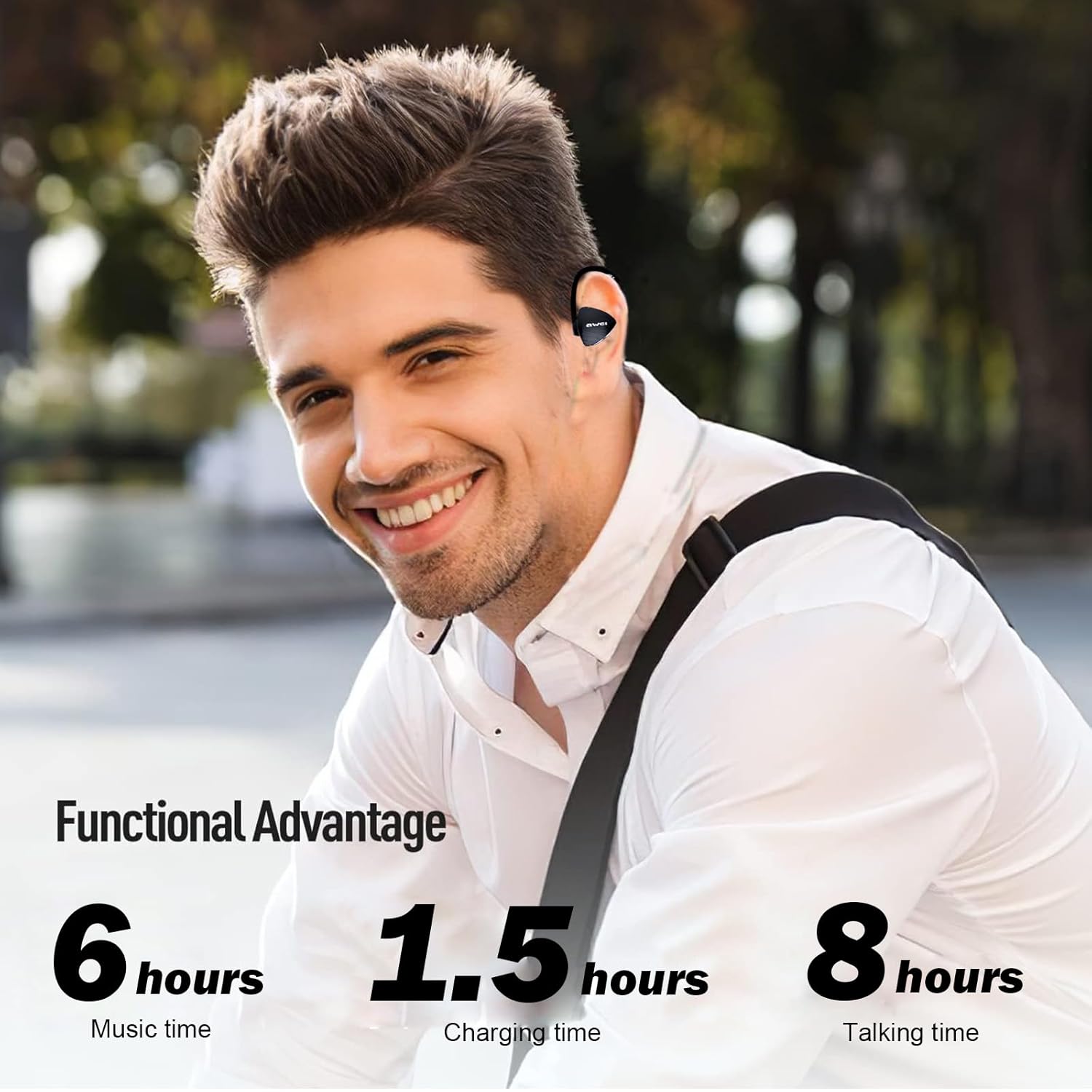
Image: A man sitting outdoors, illustrating the functional advantages of the AWEI A847BL earbuds, including 6 hours of music time, 1.5 hours of charging time, and 8 hours of talking time.
Pairing with a Device
- Power On: Press and hold the Multi-function Button (usually the power button) on the earbuds until you hear a voice prompt like "Power On" and the indicator light starts flashing red and blue alternately. This indicates pairing mode.
- Activate Bluetooth: On your smartphone, tablet, or other Bluetooth-enabled device, go to the Bluetooth settings and ensure Bluetooth is turned on.
- Search for Devices: Your device will automatically search for nearby Bluetooth devices.
- Select Earbuds: From the list of available devices, select "AWEI A847BL" (or similar name).
- Confirm Connection: Once connected, you will hear a voice prompt like "Connected" and the indicator light on the earbuds will typically flash blue slowly or turn off.
- Automatic Reconnection: After the initial pairing, the earbuds will automatically connect to the last paired device when powered on, provided the device's Bluetooth is active and within range.

Image: A smartphone screen displaying a Bluetooth connection icon, illustrating the premium Bluetooth 5.3 connectivity of the AWEI A847BL earbuds for faster pairing and a more stable connection.
Operating Instructions
Basic Controls
The AWEI A847BL earbuds feature intuitive controls, typically located on one of the earbud units or the neckband. Refer to the specific button layout on your device.
- Power On/Off: Press and hold the Multi-function Button for 3-5 seconds.
- Play/Pause Music: Short press the Multi-function Button.
- Volume Up: Short press the Volume + button.
- Volume Down: Short press the Volume - button.
- Next Track: Long press the Volume + button.
- Previous Track: Long press the Volume - button.
- Activate Voice Assistant (Siri/Android): Double-press the Multi-function Button.
Making Calls
- Answer Call: Short press the Multi-function Button when a call comes in.
- End Call: Short press the Multi-function Button during a call.
- Reject Call: Long press the Multi-function Button when a call comes in.
- Redial Last Number: Double-press the Multi-function Button when not on a call.
Usage Scenarios

Image: A collage of four images depicting individuals using the AWEI A847BL earbuds during various activities: cycling, hiking, gym workouts, and running, highlighting their versatility for sports and active lifestyles.

Image: A cyclist wearing the AWEI A847BL earbuds, illustrating the open-ear safety design that allows users to enjoy audio while remaining aware of their surroundings.
Maintenance and Care
Proper care will extend the life of your AWEI A847BL earbuds.
Cleaning
- Gently wipe the earbuds and neckband with a soft, dry, lint-free cloth.
- For stubborn dirt, slightly dampen the cloth with water. Avoid using harsh chemicals, cleaning solvents, or strong detergents.
- Clean the ear tips regularly. If removable, you can wash them with mild soap and water, then dry them completely before reattaching.
- Ensure the charging port is free of dust and debris. Use a dry cotton swab or soft brush if necessary.
Storage
- Store the earbuds in a cool, dry place, away from direct sunlight and extreme temperatures.
- Avoid storing them in humid environments or near corrosive materials.
- When not in use for extended periods, charge the earbuds at least once every three months to maintain battery health.
Troubleshooting
If you encounter issues with your AWEI A847BL earbuds, refer to the table below for common problems and solutions.
| Problem | Possible Cause | Solution |
|---|---|---|
| Earbuds won't turn on. | Low battery. | Charge the earbuds fully. |
| Cannot pair with device. | Earbuds not in pairing mode; Bluetooth off on device; device too far; interference. | Ensure earbuds are in pairing mode (flashing red/blue). Turn on Bluetooth on your device. Move earbuds closer to device. Turn off other Bluetooth devices nearby. Forget "AWEI A847BL" on your device and re-pair. |
| No sound or low volume. | Volume too low on earbuds or device; earbuds not connected; audio source issue. | Increase volume on both earbuds and connected device. Reconnect earbuds. Check if audio is playing from the correct source on your device. |
| Call quality is poor. | Weak signal; microphone obstructed; environmental noise. | Move closer to your device. Ensure microphone is not covered. Move to a quieter environment. |
| Earbuds disconnect frequently. | Out of range; low battery; interference. | Stay within 10-15 meters of your device. Charge earbuds. Avoid strong Wi-Fi signals or other Bluetooth devices. |
Technical Specifications
Detailed specifications for the AWEI A847BL Neckband Bluetooth Earbuds:
| Specification | Detail |
|---|---|
| Model Name | AWEI A847BL |
| Connectivity Technology | Wireless |
| Wireless Communication Technology | Bluetooth V5.3 |
| Material | Acrylonitrile Butadiene Styrene (ABS), Metal |
| Specific Uses | Personal entertainment, Sports |
| Control Type | Voice Control, Touch (buttons) |
| Water Resistance Level | IPX44 Waterproof (Sweatproof) |
| Number of Items | 1 (Earbuds unit) |
| Manufacturer | AWEI |
| Product Dimensions (LxWxH) | 14 x 8 x 3 cm |
| Item Weight | 59 g |
| Microphone Format | Built-In |
| Battery Cell Composition | Lithium Ion |
| Maximum Operating Distance | 15 Metres |
| Music Playtime | Up to 6 hours |
| Talking Time | Up to 8 hours |
| Charging Time | Approx. 1.5 hours |
| Color | Black |
| Ear Placement | In Ear |
| Form Factor | In Ear |
| Noise Control | Adaptive Noise Cancellation |
Warranty and Support
Specific warranty details for the AWEI A847BL Neckband Bluetooth Earbuds are not provided in the product information. For warranty claims or technical support, please contact the retailer or AWEI customer service directly through their official website or contact channels.
Always retain your proof of purchase for any warranty-related inquiries.
Ask a question about this manual
Ask about setup, troubleshooting, compatibility, parts, safety, or missing instructions. Manuals+ will review the question and use this page’s manual context to help answer it.