
1. Introduction
Thank you for choosing the ESHINE E2000 Adjustable Bed Frame with 14-inch Memory Foam Hybrid Mattress. This manual provides essential information for the safe and efficient setup, operation, and maintenance of your new adjustable bed system. Please read all instructions carefully before assembly and use.

Image: The ESHINE Adjustable Bed Frame with its 14-inch Hybrid Mattress, showcasing its design and functionality.
2. Safety Information
- Weight Limit: The bed frame has a maximum weight limit of 750 pounds. Do not exceed this limit.
- Pinch Points: Keep hands and feet clear of moving parts during operation to avoid injury.
- Electrical Safety: Ensure all power cords are securely connected and plugged into a functioning electrical outlet. Do not use if cords are damaged.
- Children and Pets: Keep children and pets away from the adjustable bed frame during operation.
- Proper Use: Use the bed frame only for its intended purpose. Avoid standing or jumping on the bed.
3. Package Contents
Carefully unbox all components and ensure you have the following parts:
- Adjustable Bed Frame
- 14-inch Memory Foam Hybrid Mattress
- Legs (8-inch fixed height for E2000 model)
- Wireless Remote Control
- Power Supply/Adapter
- Retainer Bar
- User Manual (this document)

Image: The bed frame in its packaging, illustrating the compact shipping and the components included.
4. Setup and Assembly
The ESHINE adjustable bed frame is designed for quick and easy assembly, typically within 5 minutes. Follow these steps:
- Unbox the Frame: Place the box flat on the floor. Carefully open the box and remove the bed frame, ensuring all components are present.
- Attach the Legs: With the bed frame still upside down, screw the legs into the designated corners. The E2000 model uses 8-inch fixed legs.
- Turn the Frame Over: With assistance, carefully flip the bed frame over so it rests on its legs.
- Install the Retainer Bar: Insert the ends of the retainer bar into the quick-connect brackets at the foot of the bed frame. This bar helps keep the mattress in place during adjustments.
- Connect Power: Connect the power cords from the motor to the power outlet. Ensure secure connections and plug in the adapter. The LED light under the base will flash for 5 seconds upon successful connection.
- Remote Control Pairing: Insert the included AAA batteries into the wireless remote control. The remote is pre-paired, but if re-pairing is needed, refer to the troubleshooting section.
- Unbox and Inflate Mattress: Carefully unroll the 14-inch memory foam hybrid mattress onto the bed frame. Allow it to fully expand for 24-72 hours before use.
Setup Video Guide
Video: ESHINE Installation Instructions. This video demonstrates the step-by-step assembly process for the adjustable bed frame.
Video: Adjustable bed installation video. A quick visual guide to setting up your ESHINE adjustable bed.
5. Operating Instructions
Your ESHINE adjustable bed frame can be operated using the wireless remote control or the ESHINE smartphone app.
Wireless Remote Control
The wireless remote allows for easy adjustment of the bed's positions and features. It includes:
- Head Incline: Adjusts the head section up to 55 degrees.
- Foot Incline: Adjusts the foot section up to 42 degrees.
- Zero Gravity: A pre-programmed position that elevates both the head and foot to create a feeling of weightlessness, reducing pressure on the body.
- Flat: Returns the bed to a flat position.
- Massage: (If applicable to your model) Activates massage functions.
- Under-Bed Light: Turns on/off the integrated under-bed lighting for nighttime visibility.

Image: Head and Foot Articulation. The head can incline 0-55 degrees, and the foot 0-42 degrees.
Bluetooth App Control
Download the ESHINE app on your smartphone to control your adjustable bed. The app offers similar functionalities to the remote control, including head and foot incline, pre-set positions, and alarm settings.
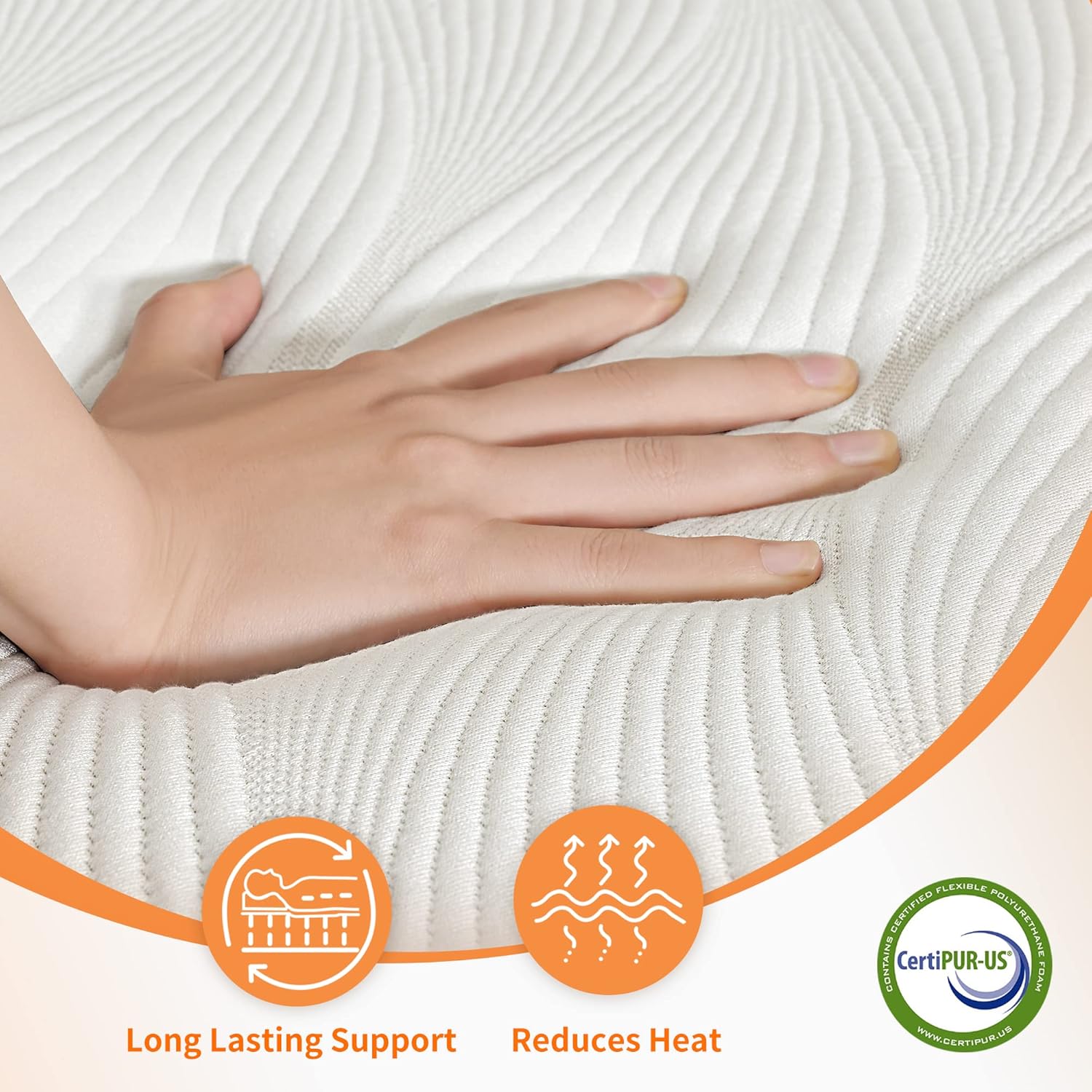
Image: Mobile Phone Bluetooth Link. The ESHINE app allows control over bed positions and alarms.
USB Ports
The bed frame includes integrated USB ports for convenient charging of your electronic devices.
Remote Pouch
A convenient pouch is located on the side of the bed frame to store your remote control.
Remote Pairing and Child Safety Lock Video
Video: Bed frame pairing and child safety locks. This video demonstrates how to pair the remote and activate child safety features.
6. Mattress Care
The 14-inch Memory Foam Hybrid Mattress is designed for comfort and support. To maintain its quality:
- Initial Expansion: Allow 24-72 hours for the mattress to fully expand after unboxing.
- Cleaning: Spot clean with a mild detergent and water. Do not saturate the mattress.
- Protection: Use a mattress protector to guard against spills and stains.
- Rotation: Rotate the mattress every 3-6 months to promote even wear.

Image: What's Inside. Details the construction of the 14-inch Memory Foam Hybrid Mattress, including Jacquard Fabric Cover, Fiberglass-free FR inner cover, Gel Infused Air Memory Foam, Breathable Density Foam, Pocket spring support system, and High density support foam.
7. Maintenance
- Regular Inspection: Periodically check all bolts, screws, and connections to ensure they are tight and secure.
- Cleaning: Wipe down the bed frame with a damp cloth. Avoid harsh chemicals.
- Cord Management: Ensure power cords are not pinched or tangled.
8. Troubleshooting
| Problem | Possible Cause | Solution |
|---|---|---|
| Bed does not operate | Power cord unplugged; Remote not paired; Batteries dead in remote. | Check power connections; Re-pair remote (see below); Replace remote batteries. |
| Remote not responding | Batteries dead; Remote out of range; Interference. | Replace batteries; Move closer to bed; Remove sources of interference. |
| Bed makes unusual noise | Loose connections; Obstruction under bed. | Check and tighten all connections; Remove any objects from under the bed. |
Remote Re-pairing Instructions:
If your remote loses connection, follow these steps to re-pair it:
- Ensure the bed frame is plugged into a power outlet.
- Locate the small pairing button on the control box under the bed frame.
- Press and hold the pairing button on the control box until you hear a beep or see a light flash.
- Within 10 seconds, press and hold the "Head Up" and "Foot Up" buttons simultaneously on your remote control until the bed responds or the remote light flashes.
- Test all functions on the remote to confirm successful pairing.
9. Specifications
| Feature | Detail |
|---|---|
| Model | E2000 Adjustable Bed Frame Twin XL |
| Mattress Type | 14-inch Memory Foam Hybrid (Medium Soft) |
| Size | Twin XL |
| Product Dimensions (Frame) | 78.6"L x 38.4"W x 27.6"H |
| Mattress Dimensions | 37.4" x 79.9" x 14.0" |
| Weight Limit | 750 Pounds |
| Item Weight | 275 Pounds |
| Head Incline | 0-55 degrees |
| Foot Incline | 0-42 degrees |
| Control | Wireless Remote, Bluetooth App |
| Special Features | Zero Gravity preset, Under-Bed Light, USB Ports, Remote Pouch |
| Frame Material | Metal |
| Included Components | Adjustable bed, remote control, power supply, retainer bar |
10. Warranty and Support
This ESHINE adjustable bed frame comes with a Limited Warranty. For specific details regarding warranty coverage, terms, and conditions, please refer to the warranty card included in your package or contact ESHINE customer support.
Customer Support: If you have any questions, require assistance with assembly, or need troubleshooting help, please contact ESHINE customer support through the contact information provided on your warranty card or the official ESHINE website.


