
1. Introduction
The Monster DNA One is a portable Bluetooth speaker designed to deliver immersive 360-degree sound with robust bass. Featuring IP67 waterproof and dustproof rating, it is suitable for various indoor and outdoor environments. This manual provides essential information for setting up, operating, and maintaining your speaker.
2. Package Contents
- Monster DNA One Portable Bluetooth Speaker
- Wireless Charging Pad
- USB-C Charging Cable
3. Product Overview
The Monster DNA One speaker combines powerful audio with convenient features for an enhanced listening experience.
- Portable Immersive Sound: Equipped with four evenly distributed speaker drivers for 360-degree audio.
- Waterproof IP67: Protected against dust and capable of submersion in up to 1 meter of water.
- Bluetooth Dual Pairing: Connect wirelessly to up to two source devices simultaneously.
- Extended Battery Life: Enjoy up to 13 hours of playback on a single charge.
- 10W Qi Certified Wireless Charging: Conveniently charge the speaker or compatible smartphones using the included charging pad.

Figure 1: Monster DNA One speaker on its wireless charging pad.

Figure 2: The speaker features Qi wireless charging, allowing for convenient power replenishment.
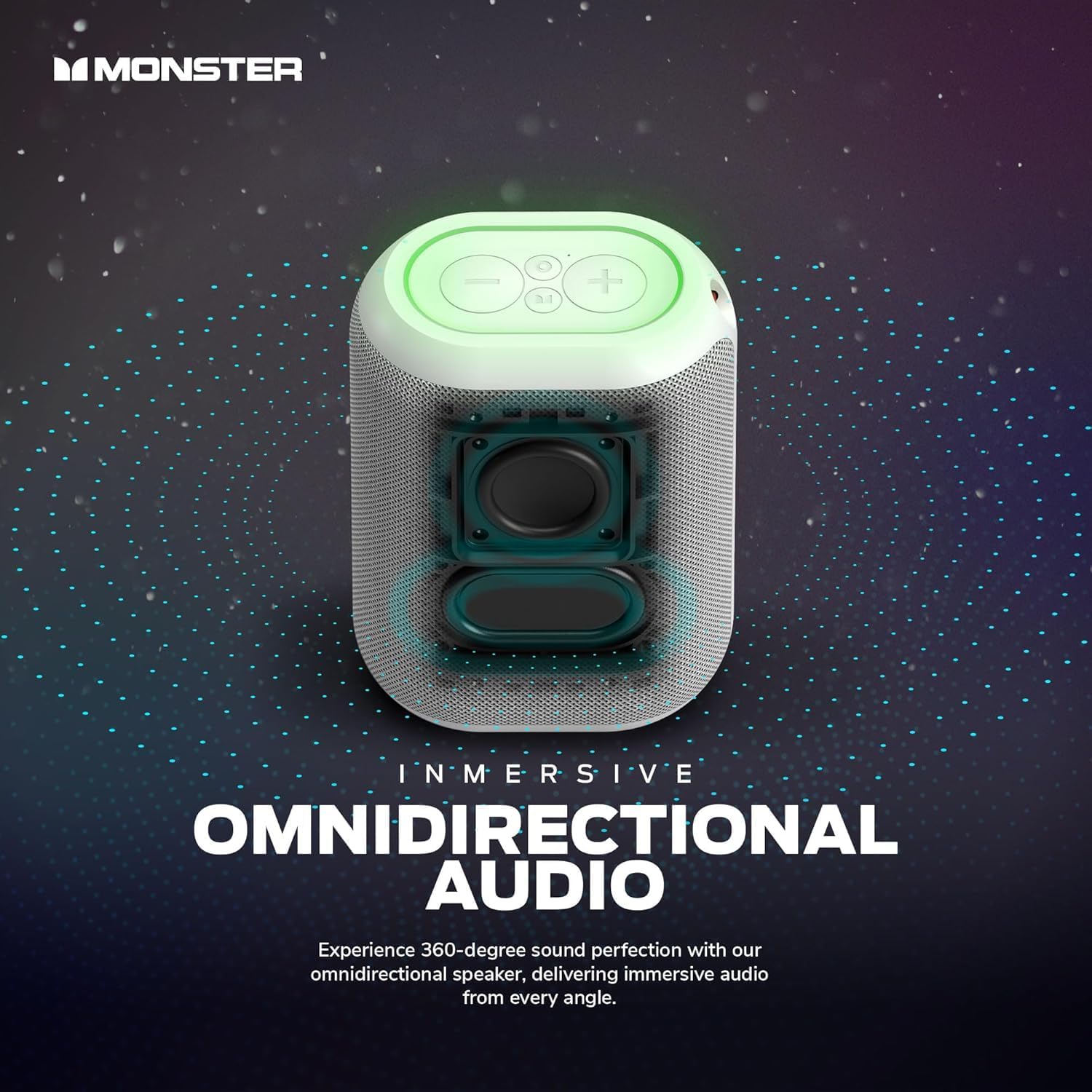
Figure 3: Internal speaker drivers are positioned to deliver 360-degree omnidirectional audio.
4. Setup
4.1 Charging the Speaker
- Connect the USB-C charging cable to the charging port on the speaker.
- Connect the other end of the USB-C cable to the provided wireless charging pad.
- Ensure the charging pad is connected to a power source. The speaker will indicate charging status.
- A full charge provides approximately 13 hours of battery life.
4.2 Powering On/Off
- To power on, press and hold the Power button located on the top panel until the indicator lights illuminate.
- To power off, press and hold the Power button again until the indicator lights turn off.
4.3 Bluetooth Pairing
- Ensure the speaker is powered on and in Bluetooth pairing mode (indicated by a flashing blue light).
- On your smartphone, tablet, or laptop, navigate to the Bluetooth settings.
- Select "Monster DNA One" from the list of available devices.
- Once connected, the speaker will provide an audio confirmation, and the Bluetooth indicator light will become solid.
4.4 Dual Pairing (Party Mode)
To synchronize your music with up to 99 other Monster DNA speakers for a wider sound experience:
- Ensure all speakers are powered on and not connected to any device.
- On the primary speaker, press and hold the Bluetooth button until it enters pairing mode.
- On the secondary speakers, short press the Bluetooth button. They will automatically connect to the primary speaker.
- Once connected, all speakers will play synchronized audio.
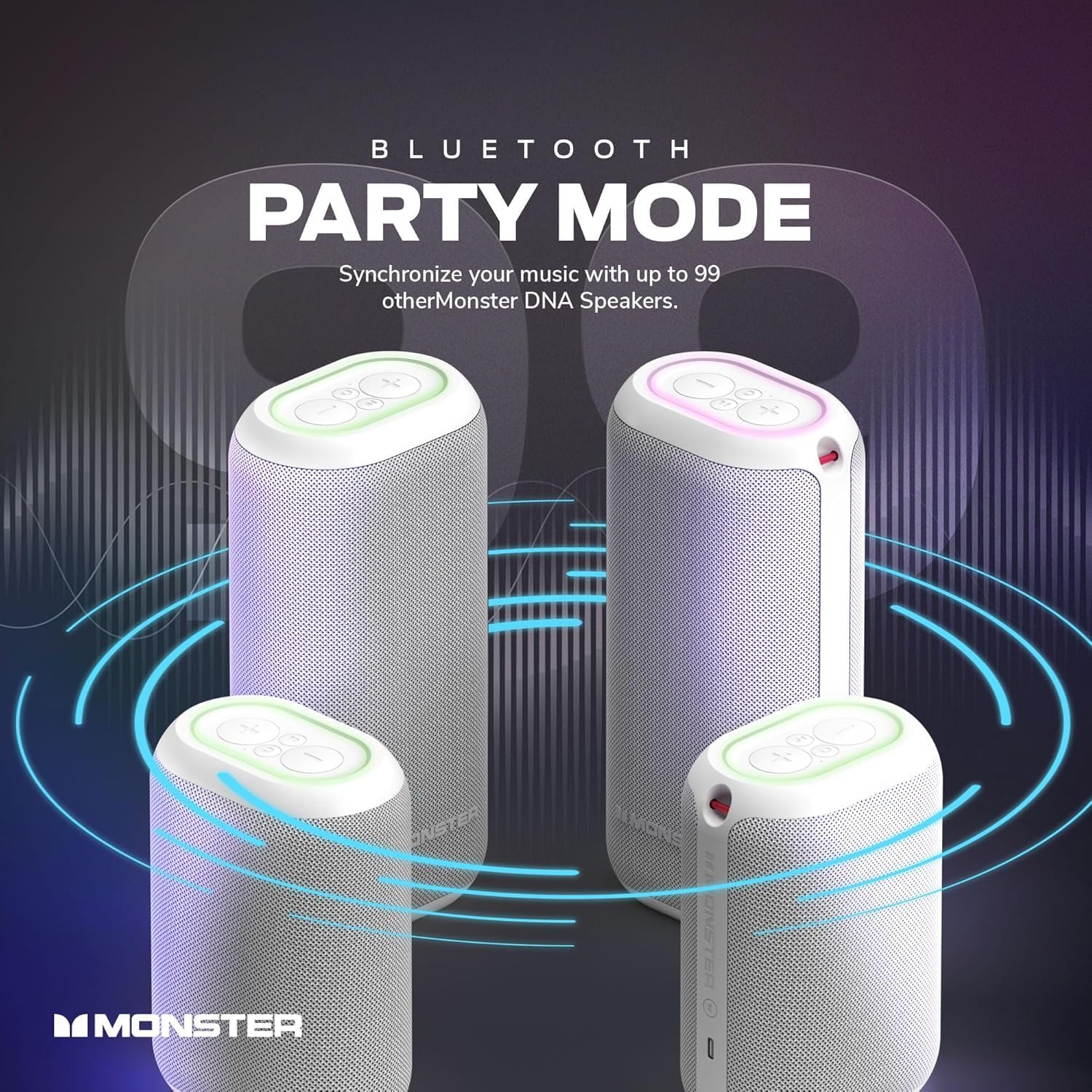
Figure 4: Multiple Monster DNA One speakers can be connected for a synchronized audio experience.

Figure 5: Party Mode allows for a wider soundstage, ideal for gatherings.
5. Operating the Speaker
5.1 Basic Controls
The top panel of the speaker features touch controls for various functions:
- Power Button: Press and hold to turn the speaker on/off.
- Volume Up/Down: Press the '+' or '-' buttons to adjust the volume.
- Play/Pause: Press the Play/Pause button to control music playback.
- Skip Track: Press the forward or backward arrow buttons to skip tracks.
5.2 Using the Qi Charging Pad
The included Qi charging pad can be used to charge your Monster DNA One speaker or any Qi-certified smartphone.
- Place the speaker or compatible device directly onto the charging pad.
- Ensure the device is centered on the pad for optimal charging.
- Charging status will be indicated by the device and/or the charging pad.
5.3 Waterproof Functionality (IP67)
The Monster DNA One speaker is designed to withstand water and dust exposure. It can be submerged in water up to 1 meter for a limited time. Ensure all ports are securely closed before exposing the speaker to water.
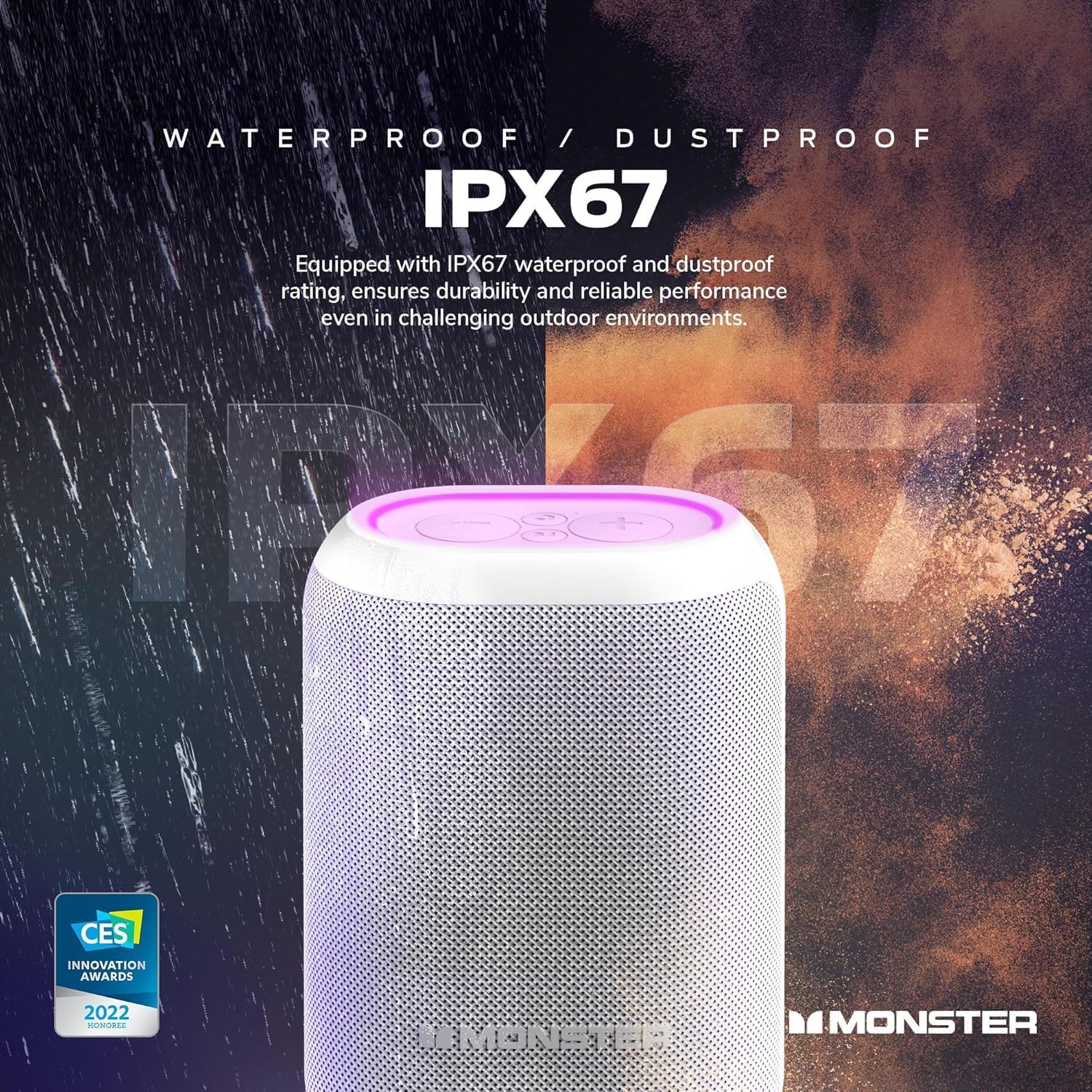
Figure 6: The IP67 rating ensures durability and performance in challenging environments.

Figure 7: The speaker is safe for use around water, such as pools or beaches.
6. Maintenance
- Clean the speaker with a soft, damp cloth. Avoid using harsh chemicals or abrasive cleaners.
- Ensure the charging port cover is securely closed when not charging to maintain waterproof integrity.
- Store the speaker in a cool, dry place when not in use for extended periods.
7. Troubleshooting
- No Power: Ensure the speaker is fully charged. Connect to the charging pad and verify the power source.
- Cannot Pair Bluetooth: Ensure the speaker is in pairing mode (flashing blue light). Check that Bluetooth is enabled on your device and that the speaker is within the 30-foot range. Try forgetting the device on your phone and re-pairing.
- No Sound: Check the volume levels on both the speaker and your connected device. Ensure the speaker is successfully paired.
- Poor Sound Quality: Move the speaker closer to your device to reduce interference. Ensure the speaker is not obstructed.
8. Specifications
| Feature | Specification |
|---|---|
| Model Name | DNA One |
| Brand | Monster |
| Wireless Technology | Bluetooth |
| Water Resistance | IP67 Waterproof |
| Battery Life | Up to 13 Hours |
| Charging | 10W Qi Certified Wireless Charging Pad (Included) |
| Speaker Output Power | 10 Watts |
| Bluetooth Range | 30 Feet |
| Control Method | Touch |
| Product Dimensions | 9"D x 4"W x 5"H |
| Item Weight | 2.11 Kilograms (4.64 pounds) |
9. Official Product Video
Video 1: An overview of the Monster DNA Speakers, highlighting key features and design.
10. Warranty & Support
For warranty information and customer support, please refer to the documentation included in your product packaging or visit the official Monster website. Keep your proof of purchase for any warranty claims.


