
1. Introduction
This manual provides essential information for the safe operation, maintenance, and troubleshooting of your Scheppach SG3500i Inverter Generator. Please read this manual thoroughly before operating the generator to ensure proper use and to prevent injury or damage.
The Scheppach SG3500i Inverter Generator features modern inverter technology, making it suitable for safely powering sensitive electronic devices. It offers a nominal power of 3000W and a maximum power of 3500W, with an autonomy of 6 hours and a low noise level of 68 dB. It is equipped with two 230V AC outlets, two 2.1A USB ports for fast charging, and one 12V outlet.
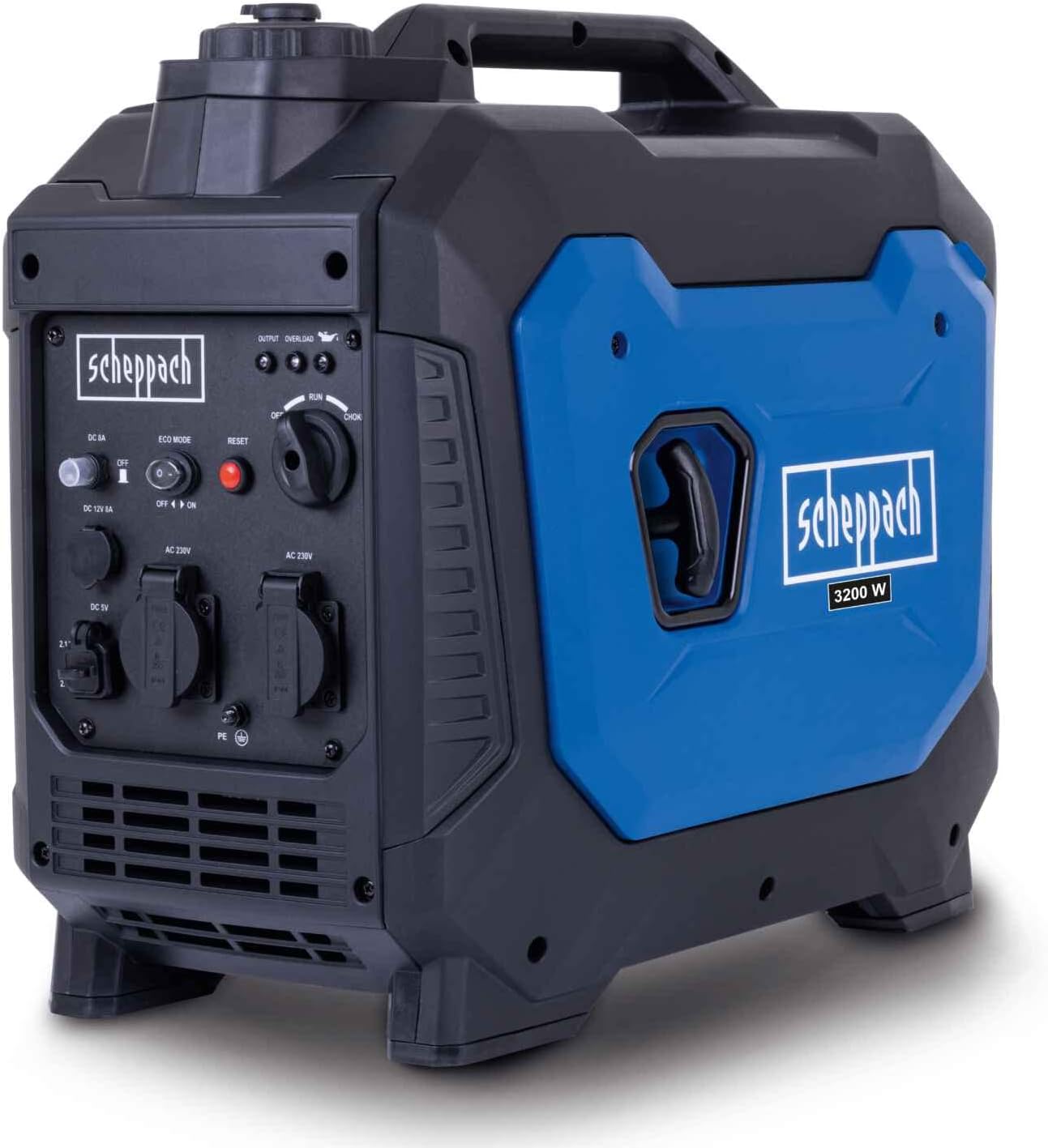
Figure 1: Scheppach SG3500i Inverter Generator. This image shows the compact, blue and black design of the generator, highlighting its control panel and output ports.
2. Safety Instructions
Always follow these safety precautions to reduce the risk of injury, electric shock, fire, and property damage.
2.1 General Safety
- Read the Manual: Ensure you have read and understood all instructions before operating the generator.
- Outdoor Use Only: Operate the generator outdoors in a well-ventilated area. Never operate indoors or in enclosed spaces, as exhaust fumes contain carbon monoxide, which is deadly.
- Fuel Safety:
- Store fuel in approved containers in a well-ventilated area away from ignition sources.
- Do not refuel while the engine is running or hot. Allow the generator to cool down before refueling.
- Avoid spilling fuel. If spilled, wipe it up immediately and ensure the area is dry before starting the generator.
- Electrical Safety:
- Do not operate the generator in wet conditions or expose it to rain.
- Ensure all electrical connections are secure and in good condition.
- Do not overload the generator. Refer to the specifications for maximum wattage.
- Use only grounded extension cords and appliances.
- Hot Surfaces: The generator's engine and muffler become very hot during operation and remain hot for some time after shutdown. Avoid contact with hot surfaces.
- Children and Pets: Keep children and pets away from the generator during operation.
2.2 Overload Protection
The generator is equipped with overload protection to prevent damage to the unit and connected devices. If the generator is overloaded, the overload indicator light will illuminate, and power output will cease. Reduce the load by disconnecting some appliances before restarting the generator.

Figure 2: Overload Protection. This image displays a warning symbol indicating overload protection, a key safety feature of the generator.
3. Product Overview
Familiarize yourself with the components of your Scheppach SG3500i Inverter Generator.
3.1 Control Panel and Outlets

Figure 3: Control Panel and Outlets. This image illustrates the generator's control panel, showing the two USB ports, two 230V AC sockets, one 12V DC socket, the oil warning indicator, and the ECO mode switch.
- 2 x USB Ports (2.1A): For charging sensitive electronic devices like smartphones and tablets.
- 2 x 230V AC Outlets: Standard household power outlets for various appliances.
- 1 x 12V DC Outlet: For charging 12V batteries or powering 12V devices.
- Oil Warning Indicator: Illuminates when the oil level is low, indicating the need for an oil refill.
- ECO Mode Switch: Engages the economy mode for reduced fuel consumption and quieter operation under light loads.
- Run/Off/Choke Switch: Controls engine operation and choke for starting.
- Reset Button: Used to reset the overload protection.
3.2 Key Features
- Inverter Technology: Provides a clean sine wave output, safe for sensitive electronics.
- Fuel Efficiency: Designed for economical fuel consumption.
- Lightweight and Portable: Easy to transport for various applications.
- Low Noise Operation: Operates at a significantly lower noise level compared to conventional generators.

Figure 4: Inverter Technology. This graphic illustrates the clean sine wave produced by the inverter system, ideal for sensitive electronics.

Figure 5: Low Noise Operation. A visual representation indicating the generator's quiet performance.

Figure 6: Noise Level Comparison. This chart compares the SG3500i's 66 dB noise level to conventional generators at 95 dB, highlighting its quieter operation.
4. Setup
Before first use, perform the following setup steps:
- Unpacking: Carefully remove the generator from its packaging. Inspect for any shipping damage.
- Add Engine Oil:
- Locate the oil fill cap/dipstick.
- Add the recommended type and amount of engine oil (refer to specifications for oil type and capacity). Do not overfill.
- The oil warning indicator will prevent starting if the oil level is too low.
- Add Fuel:
- Ensure the generator is off and cool.
- Open the fuel cap and carefully fill the fuel tank with unleaded gasoline. Do not overfill.
- Securely close the fuel cap.
- Positioning: Place the generator on a firm, level surface outdoors, away from windows, doors, and vents to prevent exhaust fumes from entering enclosed areas. Ensure adequate clearance around the generator for ventilation.
5. Operating Instructions
5.1 Starting the Generator
- Ensure the generator is on a level surface and all connections are secure.
- Turn the fuel valve to the "ON" position (if applicable).
- Move the Run/Off/Choke switch to the "CHOKE" position (for cold starts).
- Pull the recoil starter handle firmly and smoothly until the engine starts.
- Once the engine starts, gradually move the Run/Off/Choke switch to the "RUN" position.

Figure 7: Easy Starting. This image shows a hand pulling the recoil starter cord, demonstrating the simple starting mechanism.
5.2 Connecting Appliances
- Allow the generator to warm up for a few minutes before connecting appliances.
- Plug in your devices to the appropriate AC or DC outlets.
- Do not exceed the generator's rated wattage (3200W continuous, 3500W peak). Overloading can damage the generator and connected devices.
5.3 ECO Mode Operation
The ECO mode switch allows the generator to automatically adjust engine speed to match the load, reducing fuel consumption and noise levels when less power is required. For maximum power output, ensure ECO mode is switched off.
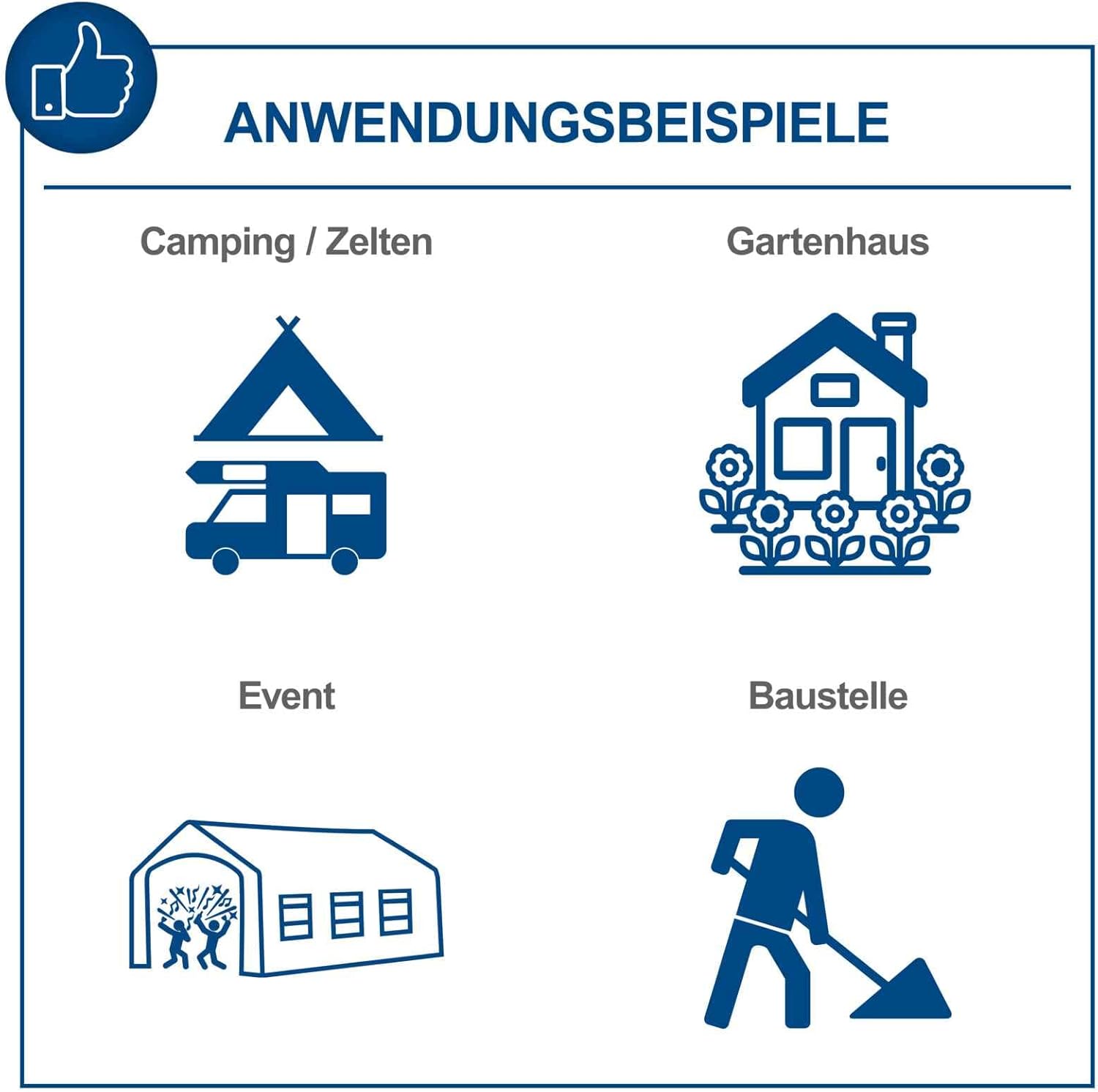
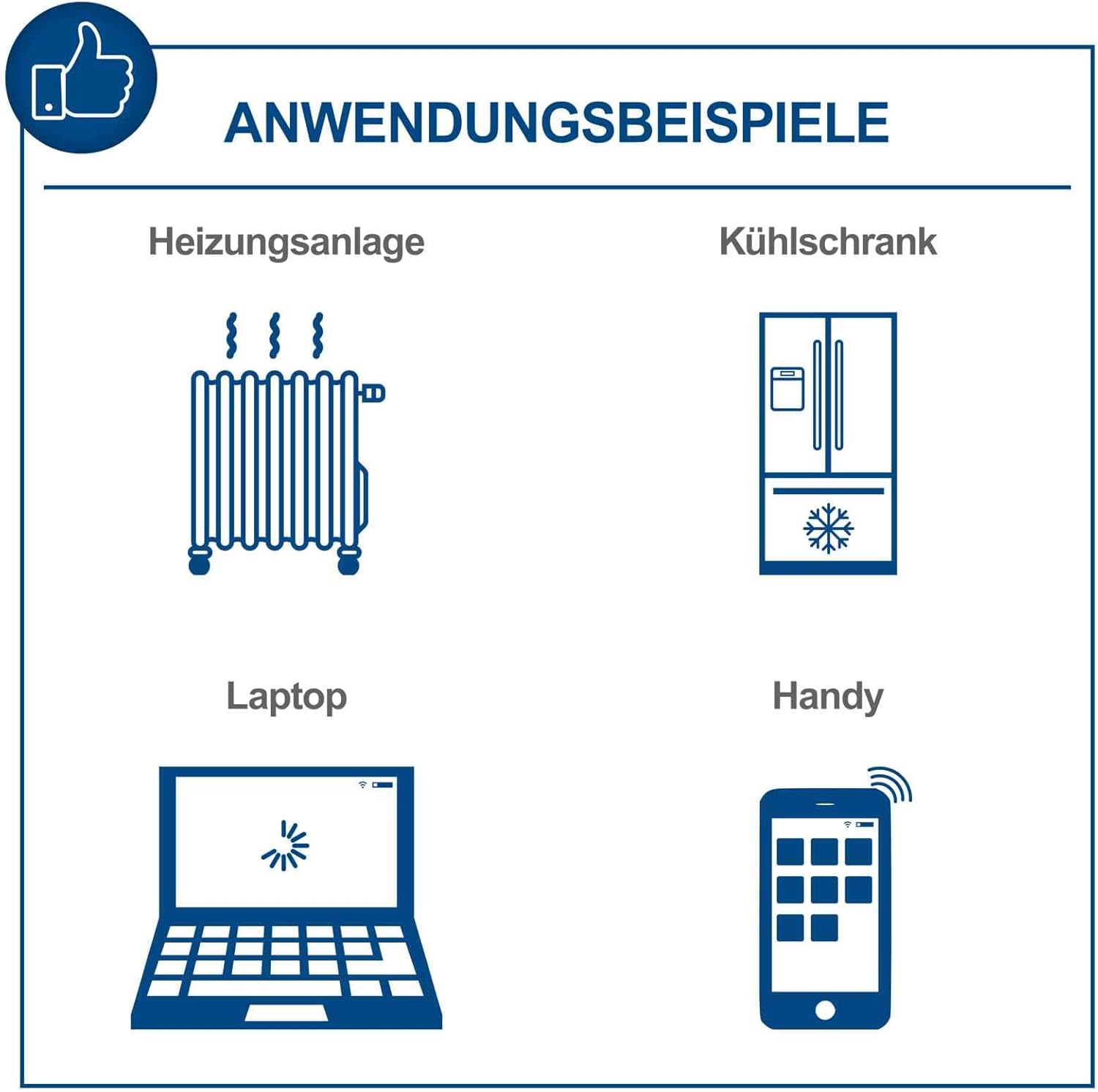
Figure 8: Application Examples. These images illustrate various uses for the generator, including powering equipment for camping, garden houses, events, construction sites, heating systems, refrigerators, laptops, and mobile phones.
5.4 Stopping the Generator
- Disconnect all connected appliances.
- Allow the generator to run for a few minutes without load to cool down.
- Move the Run/Off/Choke switch to the "OFF" position.
- Turn the fuel valve to the "OFF" position.
6. Maintenance
Regular maintenance ensures the longevity and reliable operation of your generator.
6.1 Engine Oil Check and Change
- Check the engine oil level before each use. Add oil if necessary.
- Change the engine oil after the first 20 hours of operation, then every 50-100 hours or annually, whichever comes first.
6.2 Air Filter Cleaning
- Inspect the air filter regularly. Clean or replace if dirty. A clogged air filter can reduce engine performance.
6.3 Spark Plug Inspection
- Inspect the spark plug annually or every 100 hours. Clean or replace if fouled or worn.
6.4 Storage
- For long-term storage, drain the fuel tank and carburetor to prevent fuel degradation.
- Store the generator in a clean, dry, and well-ventilated area, away from direct sunlight and extreme temperatures.
7. Troubleshooting
This section provides solutions to common operational issues.
| Problem | Possible Cause | Solution |
|---|---|---|
| Engine does not start | No fuel Low oil level Choke not set correctly Spark plug issue | Add fuel Add oil Adjust choke position Inspect/clean/replace spark plug |
| No power output | Overload protection tripped ECO mode engaged with high load Loose connections | Reduce load, press reset button Switch off ECO mode Check all connections |
| Engine runs rough or stalls | Dirty air filter Stale fuel Carburetor issue | Clean/replace air filter Drain old fuel, add fresh fuel Consult a qualified technician |
| Excessive noise | Loose components Exhaust system issue | Check for loose parts and tighten Inspect exhaust system for damage |
8. Specifications
| Attribute | Value |
|---|---|
| Model | SG3500i |
| Manufacturer | SCHEPPACH |
| Reference Number | 5906230903-500 |
| Color | Blue |
| Power Type | Fuel Powered |
| Voltage | 230 Volts |
| Rated Power Output | 3200 Watts |
| Maximum Power Output | 3500 Watts |
| Engine Horsepower | 4.8 CV |
| Fuel Type | Gasoline |
| Autonomy | 6 hours (at typical load) |
| Noise Level | 68 dB (at 7m, 1/4 load) |
| Weight | 2.55 Kilograms (Note: This weight appears unusually low for a generator of this power. Please verify with product packaging.) |
| Product Dimensions (L x W x H) | 54L x 32W x 49H centimeters |
| Included Components | AC power cord, USB charging cable, 12V power cord, user manual |
Note: Specifications are subject to change without notice. Always refer to the product label for the most accurate information.
9. Warranty and Support
For warranty information, please refer to the warranty card included with your product or visit the official Scheppach website. Keep your purchase receipt as proof of purchase.
If you encounter any issues not covered in the troubleshooting section or require technical assistance, please contact Scheppach customer support. Contact details can typically be found on the manufacturer's website or in the product packaging.
Important: Information regarding the availability of spare parts is currently unavailable. For service or parts, please contact authorized Scheppach service centers.


