
Introduction
The Apple Mac mini (2023) is a compact desktop computer powered by the Apple M2 chip, designed for a wide range of tasks from everyday computing to demanding creative workflows. This manual provides essential information for setting up, operating, maintaining, and troubleshooting your Mac mini.
What's in the Box
Upon unboxing your Mac mini, verify that all components are present:
- Mac mini unit
- Power cord
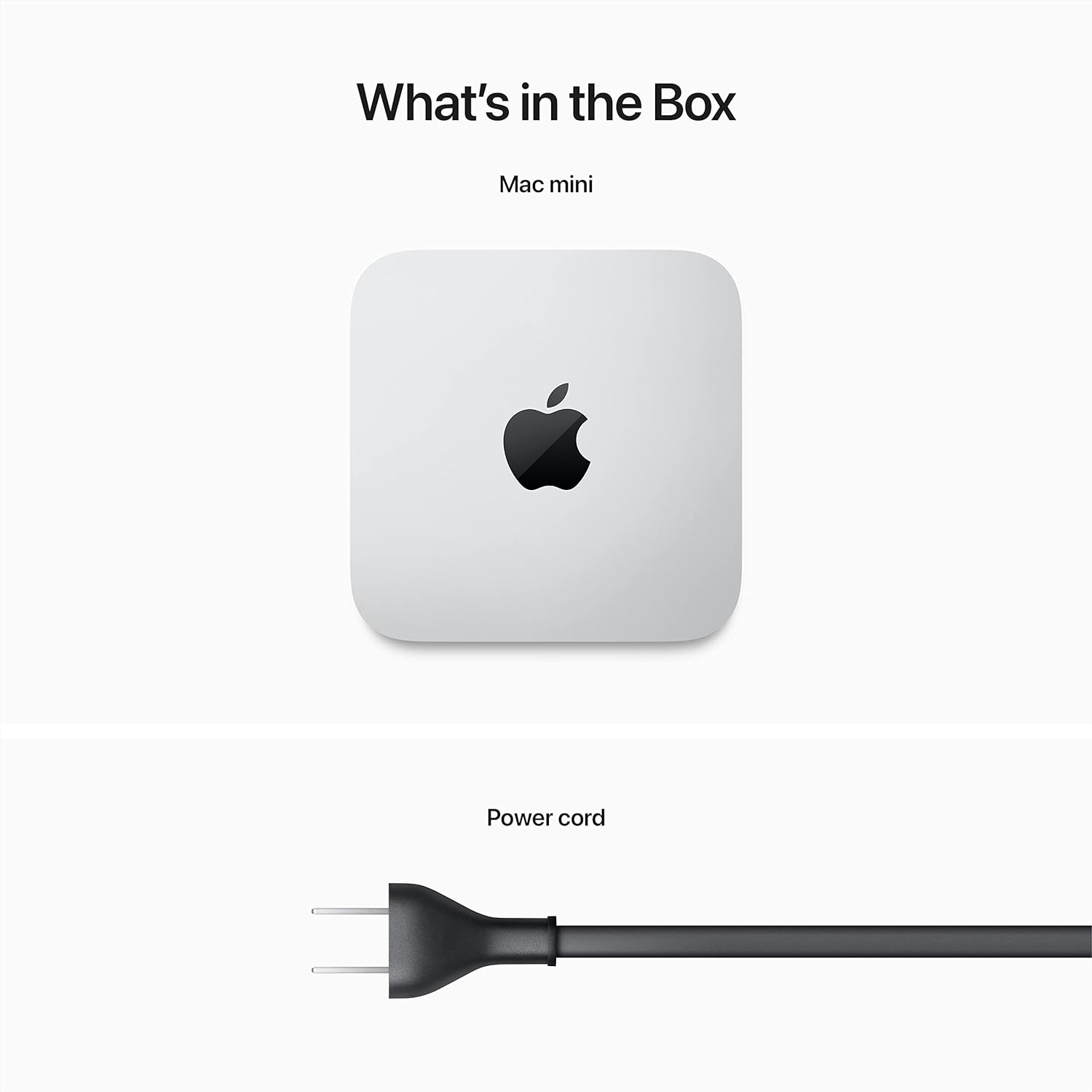
Image: The Mac mini unit and its included power cord, as found in the product packaging.
Setup
Follow these steps to set up your Mac mini:
- Connect Peripherals: Connect your display, keyboard, and mouse to the Mac mini. The Mac mini features two Thunderbolt 4 ports, two USB-A ports, an HDMI port, and a headphone jack.

Image: The rear panel of the Mac mini, highlighting the available connectivity ports.
- Connect to Power: Plug the included power cord into the Mac mini's power port and then into a wall outlet.
- Power On: Press the power button located on the rear of the Mac mini. The system will boot up, and you will see the macOS setup assistant on your connected display.
- Initial Configuration: Follow the on-screen instructions to select your language, region, connect to Wi-Fi or Ethernet, and set up your Apple ID.

Image: A complete Mac mini setup with a display, keyboard, and mouse.
Operating
The Mac mini runs on macOS, providing a user-friendly interface and powerful capabilities.
Performance
The Apple M2 chip, with its 8-core CPU and 10-core GPU, delivers exceptional speed and performance for various tasks. The 8GB unified memory and 256GB SSD storage contribute to fluid multitasking and fast data access.
Software Compatibility
Your Mac mini is compatible with a wide range of applications, including Microsoft 365, Adobe Creative Cloud, and Zoom. Many applications are optimized to leverage the M2 chip's capabilities.
Security
macOS Ventura, combined with the M2 chip, provides industry-leading privacy and security features, including built-in protections against malware and viruses, and a Secure Enclave for data protection.
Typical Usage
The Mac mini is suitable for creating presentations, photo editing, video editing, and gaming, offering a versatile computing experience.

Image: A user engaged in video editing on a Mac mini setup.

Image: The Mac mini powering a large display for creative professional work.
Maintenance
To ensure optimal performance and longevity of your Mac mini, consider the following maintenance practices:
- Software Updates: Regularly install macOS updates to benefit from the latest features, security patches, and performance improvements.
- Physical Cleaning: Keep the Mac mini's exterior clean using a soft, lint-free cloth. Ensure ventilation ports are free from dust accumulation to prevent overheating.
- Data Management: Periodically back up your important data to an external drive or cloud service. Manage your storage by deleting unnecessary files and applications.
- Safe Shutdown: Always shut down your Mac mini properly through the macOS menu rather than simply unplugging it.
Troubleshooting
If you encounter issues with your Mac mini, try these basic troubleshooting steps:
- No Power: Ensure the power cord is securely connected to both the Mac mini and a working power outlet. Try a different outlet if necessary.
- No Display: Verify that your display cable is correctly connected to both the Mac mini and the monitor. Check the monitor's power and input settings.
- Peripherals Not Responding: Disconnect and reconnect your keyboard and mouse. If using wireless peripherals, check their battery levels and ensure they are properly paired.
- System Unresponsive: If the system becomes unresponsive, press and hold the power button until the Mac mini shuts down, then restart it.
- Software Issues: Restart the Mac mini. If an application is causing issues, try quitting it forcefully (Command + Option + Esc) or restarting the computer.
For more complex issues, consult Apple's official support resources or contact Apple Support.
Specifications
| Feature | Detail |
|---|---|
| Model Name | Mac mini |
| Item Model Number | MMFJ3LL/A |
| Brand | Apple |
| Product Dimensions | 7.76 x 7.76 x 1.41 inches |
| Item Weight | 2.6 pounds |
| Operating System | Mac OS |
| CPU Model | Apple M2 chip (8-core CPU) |
| CPU Speed | 3.2 GHz |
| Graphics Card Description | Integrated (10-core GPU) |
| RAM Memory Installed Size | 8 GB Unified Memory |
| Memory Storage Capacity | 256 GB SSD |
| Connectivity | 2x Thunderbolt 4, 2x USB-A, HDMI, Gigabit Ethernet, Wi-Fi 6E, Bluetooth 5.3, Headphone Jack |
| Date First Available | January 17, 2023 |
Warranty and Support
Your Apple Mac mini is covered by Apple's standard limited warranty. For detailed information regarding warranty terms, coverage, and how to obtain service, please refer to the warranty documentation included with your product or visit the official Apple Support website.
For technical assistance, software updates, and additional resources, please visit support.apple.com/mac/mac-mini.


