
1. Introduction
The AUTOPHIX V007 is a professional diagnostic scanner designed for Volkswagen (VW), Audi, Skoda, and Seat vehicles, as well as universal OBD II compliant cars manufactured from 1996 onwards. This tool provides comprehensive system diagnostics, allowing users to read and clear fault codes, view live data, and perform various special functions to maintain vehicle health and safety.
2. Product Overview
The AUTOPHIX V007 diagnostic scanner offers a wide range of functions for both specific VW Group vehicles and general OBD II compliant cars. It features a user-friendly interface with a clear display and intuitive navigation buttons.

Image: AUTOPHIX V007 scanner displaying advanced functions for VW Group vehicles, including Engine, SRS (Airbag), Oil Reset, EPB, TPMS, Inter Monitor, Transmission, ABS, Immobilizer, SAS, Battery Check, and Throttle Learning.
Key capabilities include:
- Full system diagnosis for VW, Audi, Skoda, and Seat vehicles.
- Standard OBD II functions for all 1996 and newer vehicles.
- Special functions such as Oil Service Reset, Electronic Parking Brake (EPB) replacement, and Throttle Adaptation.

Image: AUTOPHIX V007 scanner showing full system diagnosis for VW, Audi, Seat, Skoda vehicles, covering systems like Auto Trans, HVAC, Steering Wheel, Instruments, and more.
3. Setup
To begin using your AUTOPHIX V007 diagnostic scanner, follow these steps:
- Locate the OBD II Port: The 16-pin Data Link Connector (DLC) is typically located under the dashboard on the driver's side of the vehicle. Refer to your vehicle's owner's manual if you cannot find it.
- Connect the Scanner: Plug the scanner's OBD II cable into the vehicle's DLC. Ensure a secure connection.
- Power On: Turn the vehicle's ignition to the 'ON' position (engine off). The scanner will automatically power on and display the main menu.
4. Operating Instructions
Navigate through the scanner's menu using the UP and DOWN arrow buttons. Press ENTER to confirm a selection and EXIT to return to the previous screen.
4.1. Universal OBD II Functions
These functions are applicable to all OBD II compliant vehicles (1996 and newer).

Image: AUTOPHIX V007 scanner showing universal OBD II functions, including Read Fault Code, Erase Fault Code, Read VIN, Review DTC, and System Protocol.
- Read Fault Codes: Select this option to retrieve Diagnostic Trouble Codes (DTCs) from the vehicle's Engine Control Unit (ECU).
- Erase Fault Codes: After repairs, select this to clear DTCs and turn off the Check Engine Light (MIL). Ensure the issue is resolved before clearing codes.
- Read VIN: Displays the Vehicle Identification Number.
- Review DTC: Allows you to view previously stored DTCs.
- System Protocol: Provides information about the communication protocol used by the vehicle.
4.2. VW Group Specific Functions
The V007 provides advanced diagnostic capabilities for Volkswagen, Audi, Skoda, and Seat vehicles.

Image: AUTOPHIX V007 compatibility with various VW, Audi, Seat, and Skoda models, including Golf, Jetta, A3, A4, Leon, Kodiaq, and more.
These functions include, but are not limited to:
- Engine System Diagnostics
- SRS (Airbag) System Diagnostics
- ABS System Diagnostics
- Transmission System Diagnostics
- Electronic Parking Brake (EPB)
- Tire Pressure Monitoring System (TPMS)
- Steering Angle Sensor (SAS) Calibration
- Battery Check
- Immobilizer System
4.3. Special Functions
The V007 offers several special service functions for specific vehicle maintenance tasks.
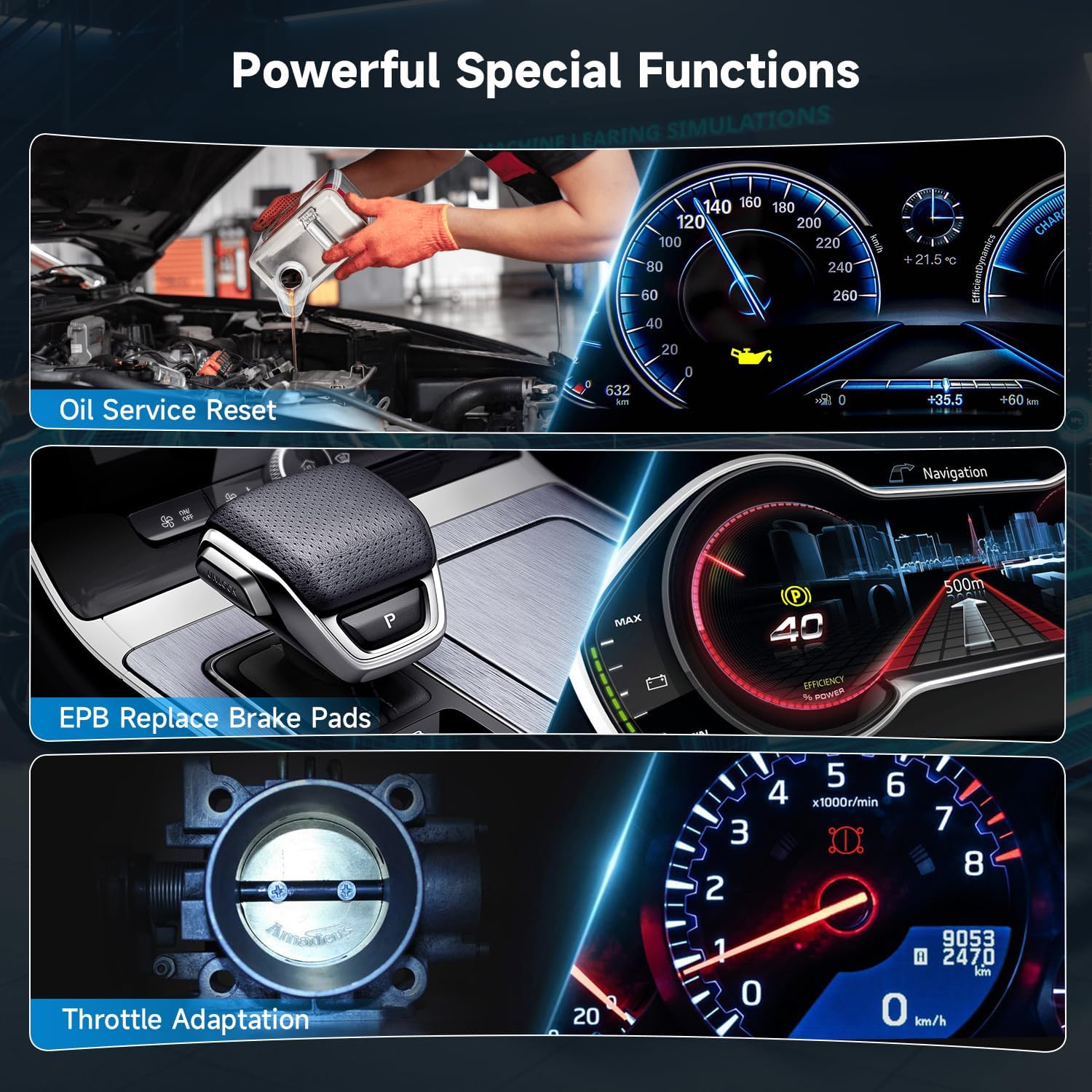
Image: AUTOPHIX V007 displaying powerful special functions, including Oil Service Reset, EPB Replace Brake Pads, and Throttle Adaptation.
- Oil Service Reset: Resets the oil service light after an oil change.
- EPB Replace Brake Pads: Safely retracts and reinstates the electronic parking brake calipers for brake pad replacement.
- Throttle Adaptation: Relearns the throttle body position after cleaning or replacement.
5. Maintenance
To ensure the longevity and optimal performance of your AUTOPHIX V007 scanner:
- Keep the device clean and free from dust and moisture. Use a soft, dry cloth for cleaning.
- Avoid dropping the device or exposing it to extreme temperatures.
- Periodically check the manufacturer's website for firmware updates to ensure compatibility with the latest vehicle models and diagnostic protocols.
- Store the scanner in its protective case when not in use.
6. Troubleshooting
If you encounter issues while using the AUTOPHIX V007, consider the following:
- Device Not Powering On: Ensure the OBD II cable is securely connected to the vehicle's DLC and the ignition is in the 'ON' position. Check the vehicle's battery voltage.
- Communication Error: Verify that the vehicle is OBD II compliant and manufactured after 1996. Ensure the connection is secure. Try connecting to a different OBD II compliant vehicle to rule out a vehicle-specific issue.
- Incorrect Readings/Functions: Ensure the scanner's firmware is up to date. Refer to the specific function's instructions within the scanner's menu or the manufacturer's website for detailed guidance.
For persistent issues, please contact AUTOPHIX customer support.
7. Specifications
| Feature | Detail |
|---|---|
| Model Number | V007 |
| Manufacturer | V007 Plus |
| Item Weight | 1.18 pounds |
| Package Dimensions | 7.92 x 5.12 x 2.92 inches |
| Screen Size | 7 Inches |
8. Warranty and Support
AUTOPHIX provides lifetime customer support for the V007 diagnostic scanner. For detailed warranty information, product registration, or technical assistance, please visit the official AUTOPHIX website or contact their customer service department directly.
AUTOPHIX Official Store: Visit the AUTOPHIX Store on Amazon


