
Introduction
This manual provides essential information for the proper installation, operation, and maintenance of your Donner DHT-S300 Dolby Atmos Soundbar. Please read this manual thoroughly before using the product to ensure optimal performance and safety. Keep this manual for future reference.
Important Safety Information
- Do not expose the soundbar to rain, moisture, or extreme temperatures.
- Ensure proper ventilation around the unit to prevent overheating.
- Use only the power adapter supplied with the device.
- Do not open the casing; refer all servicing to qualified personnel.
- Keep the soundbar away from strong magnetic fields.
Package Contents
Verify that all items are present in the package:
- Donner DHT-S300 Soundbar
- Remote Control
- HDMI Cable
- Power Adapter
- User Manual
Setup
1. Placement
Place the soundbar on a stable, flat surface directly in front of your television. Ensure there is adequate space for sound projection and ventilation. The slim design of the DHT-S300 allows it to fit into narrow spaces, such as below a TV or on a shelf.
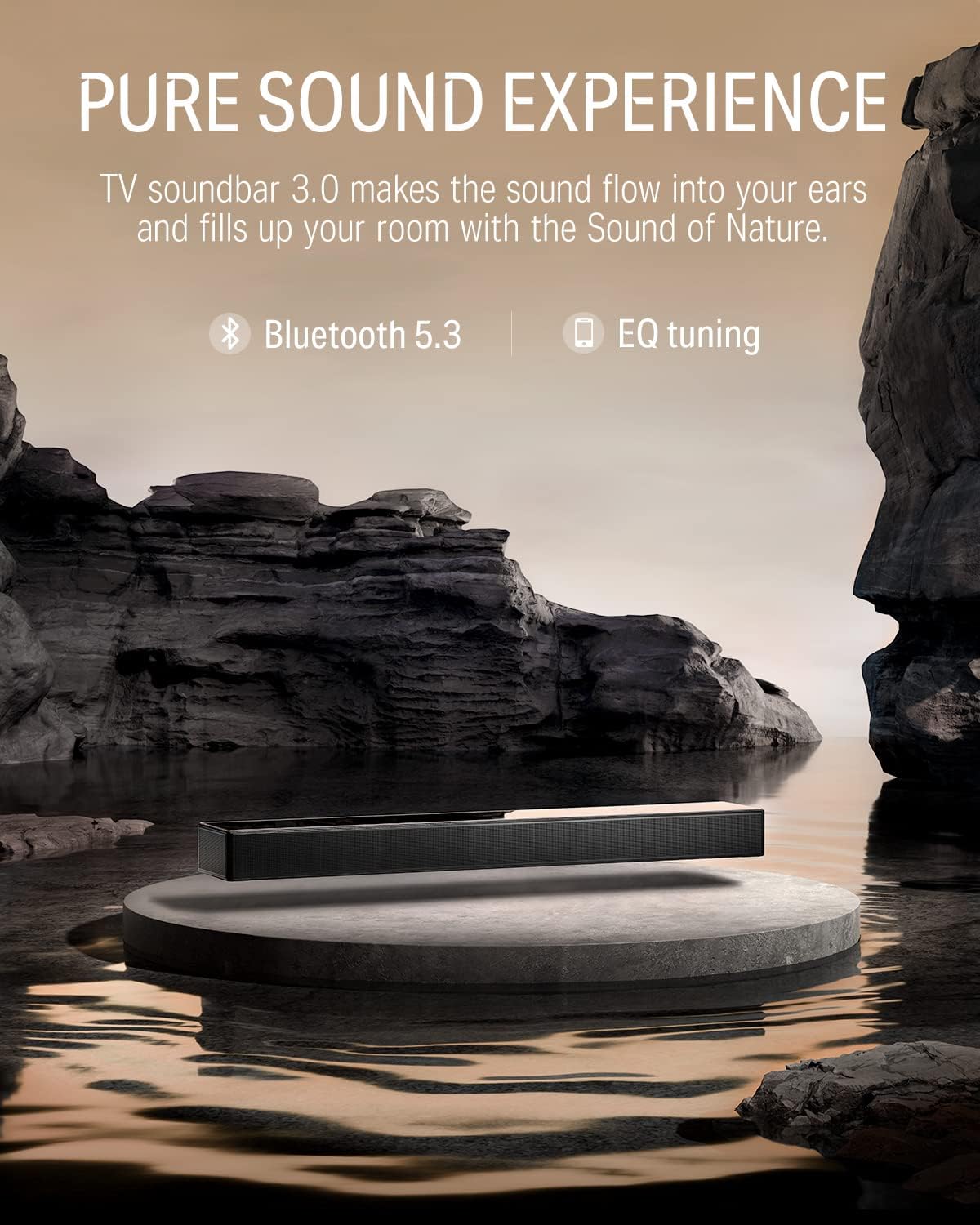
Image: The Donner DHT-S300 soundbar positioned beneath a television on a media console.
2. Connections
Connect the soundbar to your television or other audio sources using one of the following methods:
- HDMI (eARC): For optimal audio quality and control, connect the supplied HDMI cable from the soundbar's HDMI eARC port to your TV's HDMI eARC port. This allows for TV remote control of the soundbar volume.
- Optical: Connect an optical cable (not included) from the soundbar's OPTICAL IN port to your TV's optical output.
- AUX: Connect a 3.5mm audio cable (not included) from the soundbar's AUX IN port to your audio source's headphone or audio output.
- Bluetooth: For wireless connection, enable Bluetooth on your device and pair with the 'Donner DHT-S300'.

Image: Close-up of the soundbar's rear panel, highlighting the HDMI eARC, Optical, and AUX input ports for various connection options.
3. Power Connection
Connect the power adapter to the soundbar's power input and then plug it into a wall outlet.
Operation
1. Power On/Off
Press the power button on the soundbar's touch panel or the remote control to turn the unit on or off.
2. Input Source Selection
Use the 'Source' button on the remote or the touch panel to cycle through available inputs: HDMI (eARC), Optical, AUX, and Bluetooth.
3. Volume Control
Adjust the volume using the '+' and '-' buttons on the soundbar's touch panel or the remote control.
4. Using the Donner Connect App
The Donner Connect app (available for Android and iOS) allows for advanced control and sound customization.
- Download: Search for 'Donner Connect' in your device's app store.
- Connect: Pair your mobile device with the soundbar via Bluetooth. Android users can also use NFC for quick pairing by tapping their device on the soundbar's NFC area.
- EQ Editor: Customize sound effects with adjustable bass and treble settings.
- Preset Modes: Select from three optimized sound modes: Music, Movie, and Game.

Image: A smartphone displaying the Donner Connect app, illustrating the interface for soundbar control and equalizer adjustments.
5. Dolby Atmos Audio
The DHT-S300 supports Dolby Atmos technology, enhancing the stereo sense of sound for an immersive audio experience. Ensure your audio source and content support Dolby Atmos for full effect.
Video: An official demonstration of the Donner DHT-S300 TV Soundbar, showcasing its audio capabilities and design. This video illustrates the soundbar's features and how it integrates into a home entertainment setup.
Maintenance
1. Cleaning
Wipe the soundbar's surface with a soft, dry cloth. Do not use liquid cleaners or abrasive materials, as they may damage the finish or internal components. The hardened glass upper cover can be gently cleaned to maintain its elegant appearance.
2. Storage
If storing the soundbar for an extended period, disconnect it from power and store it in a cool, dry place, away from direct sunlight and extreme temperatures.
Troubleshooting
| Problem | Possible Cause | Solution |
|---|---|---|
| No power | Power cable not connected; power outlet faulty. | Ensure power cable is securely connected. Try a different power outlet. |
| No sound | Incorrect input source; volume too low; cables loose. | Select correct input source. Increase volume. Check all audio cable connections. |
| Bluetooth pairing issues | Soundbar not in pairing mode; device too far. | Ensure soundbar is in Bluetooth mode. Move device closer. Restart both devices. |
| Remote control not working | Batteries depleted; obstruction between remote and soundbar. | Replace remote batteries. Remove any obstructions. |
Specifications
- Model: DHT-S300
- Brand: Donner
- Connectivity Technology: Bluetooth 5.3, HDMI (eARC), Optical, AUX
- Audio Output Mode: Surround (Dolby Atmos compatible)
- Speaker Type: Soundbar with 5 drivers (tweeter, midrange, woofer)
- Control Method: Touch panel, Remote, App Control (Donner Connect)
- Item Dimensions (D x W x H): 27.55" x 4.33" x 2.3"
- Item Weight: 3.67 Kilograms
- Power Source: Corded Electric (120 Volts AC)
- Bluetooth Range: 10 Meters
- Signal-to-Noise Ratio: 95 dB
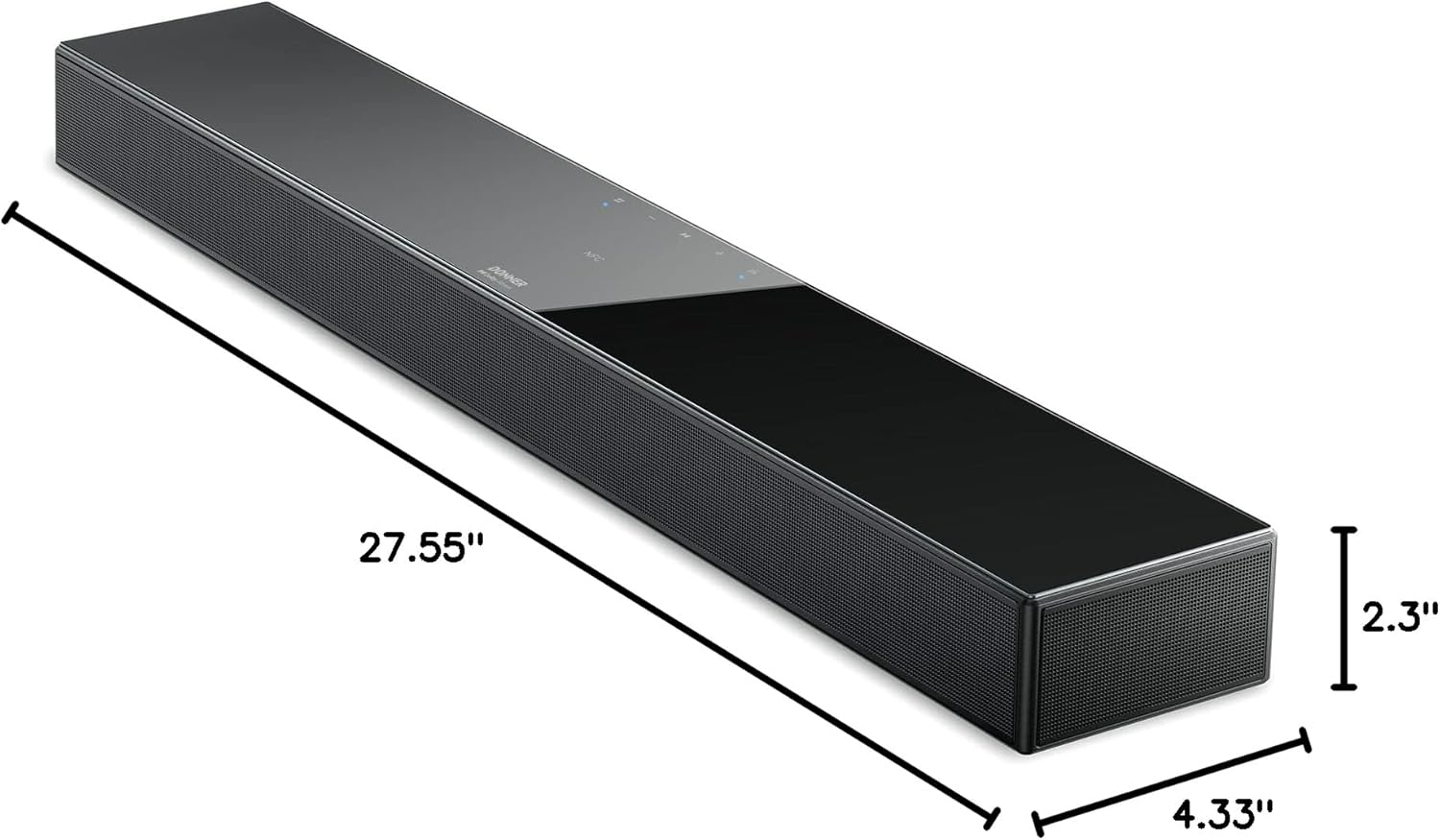
Image: A diagram illustrating the precise dimensions of the Donner DHT-S300 soundbar, including length, width, and height.
Warranty & Support
Donner provides a limited warranty for this product. For detailed warranty information, product registration, or technical support, please visit the official Donner website or contact customer service using the information provided in your product packaging. Please retain your proof of purchase for warranty claims.
Official Website: www.donnerdeal.com
