
1. Introduction
The EZCast Wireless HDMI Transmitter & Receiver kit provides a convenient solution for wirelessly mirroring or extending your screen from various devices to an HDMI-enabled display. This system operates at 1080P 60Hz, eliminating the need for cables and offering a seamless plug-and-play experience.
Key Features:
- Wireless HDMI Connectivity: Eliminates physical cables for screen mirroring or extension.
- Plug and Play Operation: No app installation or Wi-Fi network required for immediate connection.
- Mirror or Extend Modes: Supports both screen mirroring and extending for enhanced productivity.
- Broad Compatibility: Works with popular devices for video, gaming, and presentations.
2. What's in the Box
Verify that all components are present in your package:
- 1 x Wireless HDMI Transmitter (TX)
- 1 x Wireless HDMI Receiver (RX)
- 1 x USB Power Cable (for Receiver)
3. Product Overview
The EZCast Wireless HDMI system consists of two main components: the Transmitter (TX) and the Receiver (RX).

Image: The EZCast Wireless HDMI Transmitter (TX) and Receiver (RX) units, shown with their respective HDMI and USB-C connectors.
Transmitter (TX)
The Transmitter unit connects to your source device (e.g., laptop, PC, tablet) via its USB-C or HDMI output. It sends the video and audio signal wirelessly to the Receiver.
Receiver (RX)
The Receiver unit connects to your display device (e.g., TV, monitor, projector) via its HDMI input. It receives the wireless signal from the Transmitter and outputs it to the screen. The Receiver requires external power via the provided USB power cable.
4. Setup Instructions
Follow these steps for a quick and easy setup:
- Install the Receiver (RX): Plug the EZCast Receiver (RX) into an available HDMI port on your display device (TV, monitor, or projector). Connect the provided USB power cable to the Receiver and plug the other end into a USB power source (e.g., TV's USB port, USB wall adapter). The Receiver requires power to operate.
- Install the Transmitter (TX): Plug the EZCast Transmitter (TX) into the video output port of your source device (e.g., laptop, PC, tablet). Ensure your source device supports video output via its USB-C or HDMI port.
- Automatic Pairing and Screen Mirroring: After successfully connecting both units, the LED light on the devices will flash. Within a few seconds, the units will automatically pair, and your screen will be mirrored or extended to the display. No additional drivers or software installation are required.

Image: Step-by-step diagram illustrating how to connect the EZCast Receiver to a display and the Transmitter to a laptop for automatic screen mirroring.
5. Operating Modes
The EZCast Wireless HDMI system supports two primary operating modes:
Mirror Mode
In Mirror Mode, the content displayed on your source device's screen is duplicated onto the connected external display. This is ideal for presentations or sharing content directly.
Extend Mode
In Extend Mode, the external display acts as a separate workspace, allowing you to extend your desktop across both screens. This enhances multitasking capabilities, enabling you to work on different applications simultaneously.
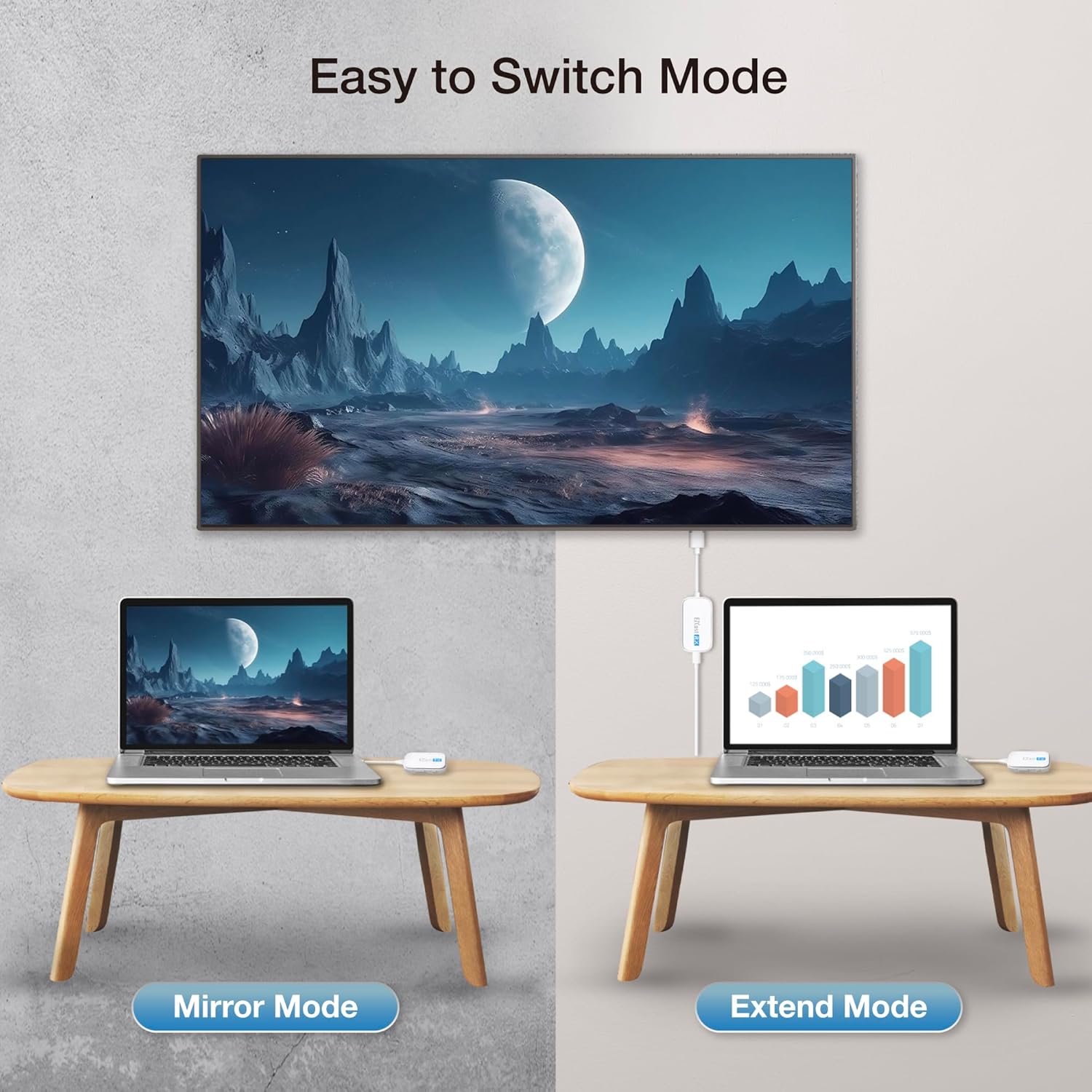
Image: A visual comparison of Mirror Mode, where the laptop screen is duplicated on a larger display, and Extend Mode, where the display acts as a second screen.
6. Compatibility
The EZCast Wireless HDMI Transmitter & Receiver is designed for broad compatibility with various devices and operating systems.
Source Device Compatibility (Transmitter TX)
The Transmitter (TX) connects to devices with HDMI or USB-C ports that support video output. This includes laptops, PCs, and tablets.

Image: Examples of devices compatible with the HDMI Transmitter (TX), including laptops, gaming consoles, and set-top boxes.

Image: Examples of devices compatible with the USB-C Transmitter (TX), including laptops, tablets, and smartphones with USB-C video output.
Display Device Compatibility (Receiver RX)
The Receiver (RX) connects to any display device with an HDMI input, such as TVs, monitors, and projectors.

Image: A table detailing common mobile device models and their operating system versions compatible with the EZCast Pocket Type-C, supporting DP Alt Mode functionality.
7. Technical Features
- Full HD Decoding: Supports 1080P resolution at 60 frames per second for smooth video transmission.
- CSA Channel Optimization: Utilizes low-latency 5GHz point-to-point image transmission for stable and responsive performance.
- Efficient Cooling: Advanced cooling design ensures stable performance during prolonged usage.
- Portable Design: Compact and lightweight, making it easy to carry and use on the go.

Image: The EZCast Wireless HDMI Transmitter and Receiver units with a visual representation of smooth Full HD 60 FPS decoding on a screen.

Image: A detailed view of the EZCast device, illustrating its internal components and the concept of CSA Channel Optimization for low-latency 5GHz image transmission.

Image: The EZCast device with blue arrows showing airflow, indicating its efficient cooling system designed for extended use.
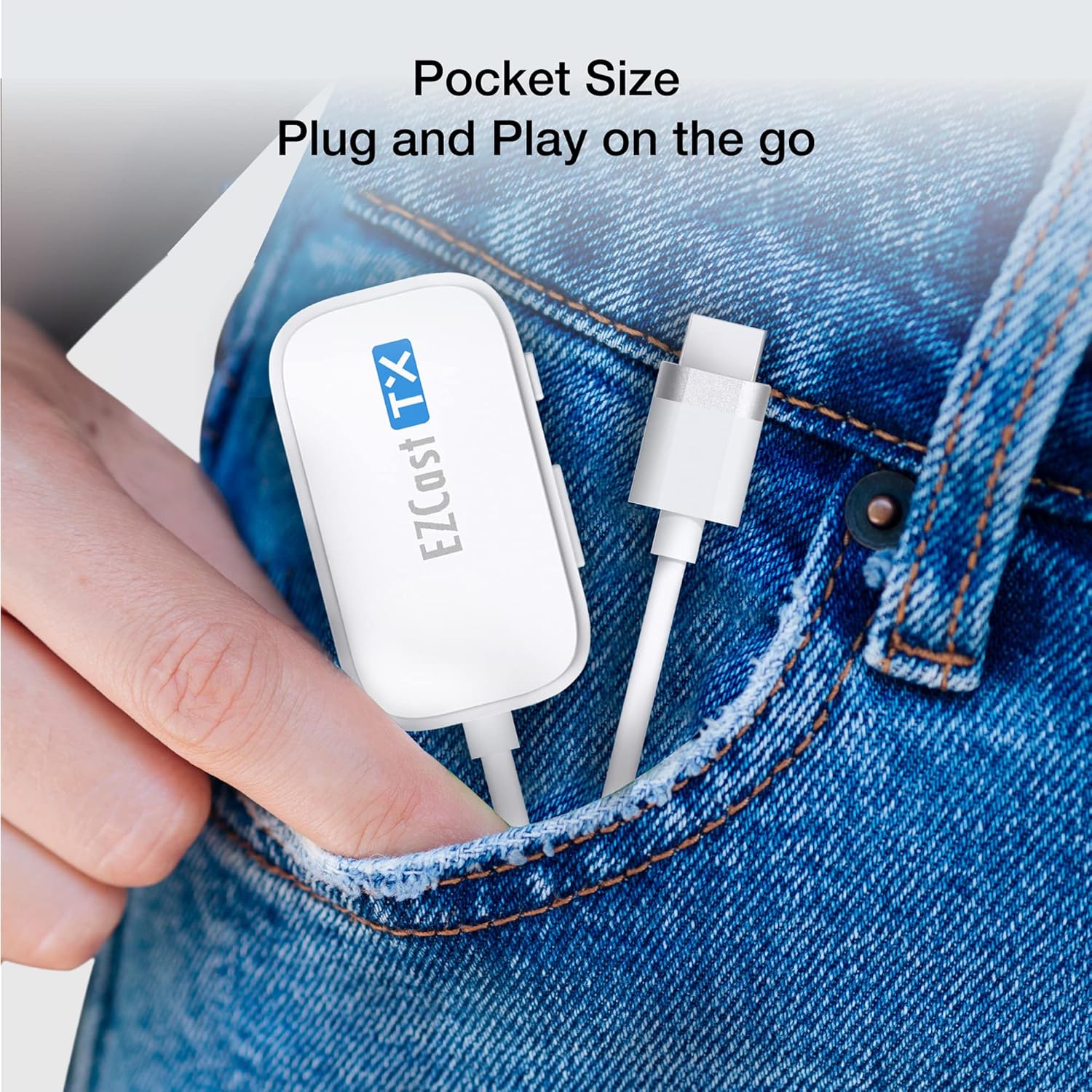
Image: A hand placing the EZCast Transmitter into a jeans pocket, highlighting its compact 'pocket size' and portability for on-the-go use.
8. Specifications
| Feature | Detail |
|---|---|
| Product Dimensions | 6.89 x 2.95 x 1.77 inches |
| Item Weight | 1.41 ounces |
| Item Model Number | HDMI-zender en HDMI-ontvanger |
| Brand | EZCast |
| Connectivity Technology | HDMI |
| Connector Type | DisplayPort, HDMI |
| Special Feature | Low Latency |
| Resolution | 1080p |
| Supported Internet Services | Netflix |
| Controller Type | Android, iOS |
| Form Factor | Compact wireless transmission device |
| Color | White |
| Manufacturer | Actions Microelectronics |
| Date First Available | February 2, 2023 |
9. Troubleshooting
If you encounter issues with your EZCast Wireless HDMI Transmitter & Receiver, consider the following:
- No Signal/Display: Ensure both the Transmitter (TX) and Receiver (RX) are securely connected and powered on. Verify that the Receiver is connected to a working HDMI input on your display and that the display is set to the correct input source.
- Poor Video Quality/Latency: While designed for low latency, environmental factors (e.g., distance, obstructions, interference from other 5GHz devices) can affect performance. Try reducing the distance between the Transmitter and Receiver or minimizing obstructions.
- Power Issues: Confirm the Receiver (RX) is receiving adequate power via its USB power cable. Some display device USB ports may not provide sufficient power, requiring an external USB wall adapter.
- Compatibility Check: Ensure your source device's USB-C or HDMI port supports video output. Not all USB-C ports support DisplayPort Alternate Mode.
10. Warranty and Support
This product typically comes with a standard return policy. For specific warranty details, technical support, or service inquiries, please refer to the official EZCast website or contact their customer support directly. Keep your purchase receipt for warranty claims.


