
1. Important Safety Instructions
Please read this manual carefully before operating the appliance and keep it for future reference. Failure to follow these instructions may result in electric shock, fire, or serious injury.
General Safety
- This appliance can be used by children aged 8 years and above and persons with reduced physical, sensory or mental capabilities or lack of experience and knowledge if they have been given supervision or instruction concerning use of the appliance in a safe way and understand the hazards involved.
- Children shall not play with the appliance. Cleaning and user maintenance shall not be made by children without supervision.
- Ensure the appliance is placed on a flat, stable surface to prevent tipping.
- Do not block air inlets or outlets. Maintain adequate clearance around the unit for proper airflow.
Electrical Safety
- Always plug the appliance into a grounded electrical outlet with the correct voltage (240V).
- Do not use extension cords or adapters with this appliance.
- Unplug the appliance before cleaning, maintenance, or when not in use for extended periods.
- Do not operate the appliance with a damaged cord or plug.
Installation Safety
- Install the exhaust hose and window kit as described in the setup section to ensure efficient operation and prevent hot air recirculation.
- Ensure the window kit is securely fitted to prevent air leakage.
2. Product Overview
The Cecotec Force Clima 14750 is a versatile portable air conditioner designed to provide optimal climate control in your home. It offers powerful cooling, efficient heating, dehumidification, and fan functions, all controllable via a touch panel, remote, or a dedicated mobile app.
Key Features
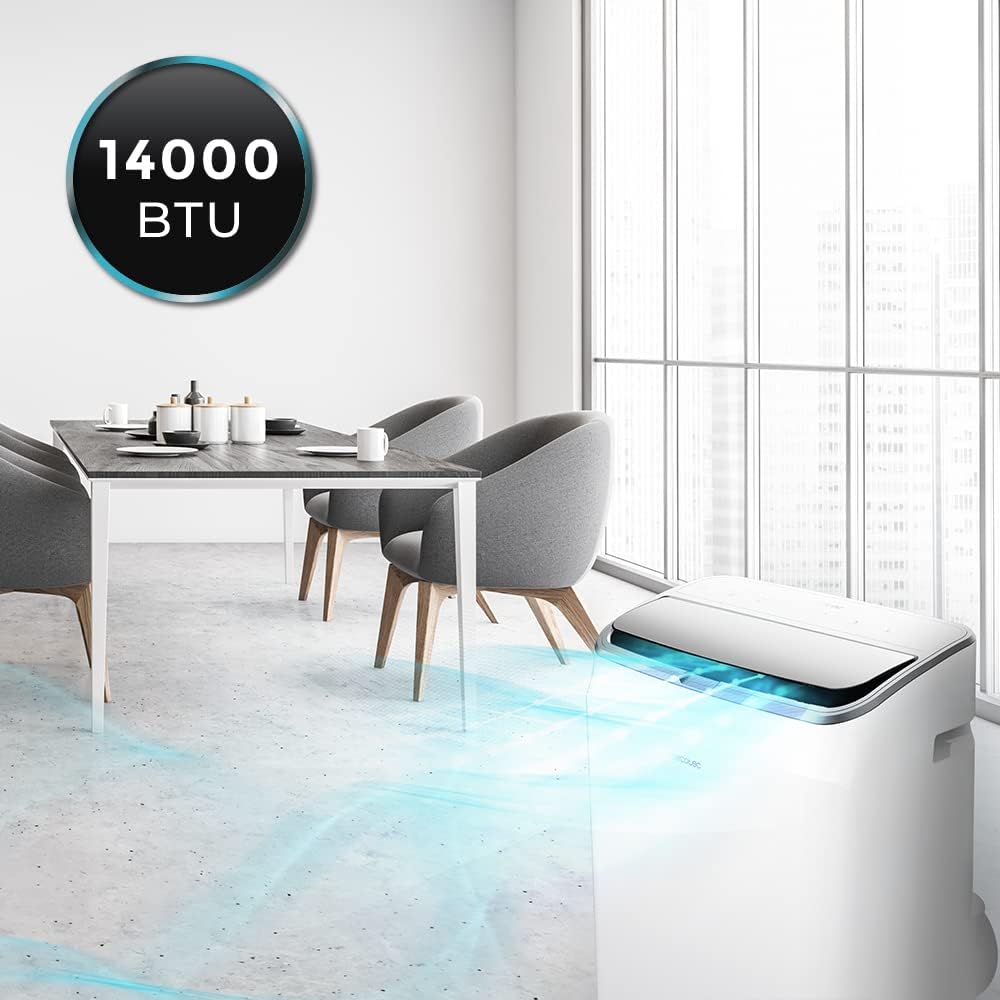
- High Capacity: 14000 BTU cooling power for rapid and effective temperature control in rooms up to 30 m².
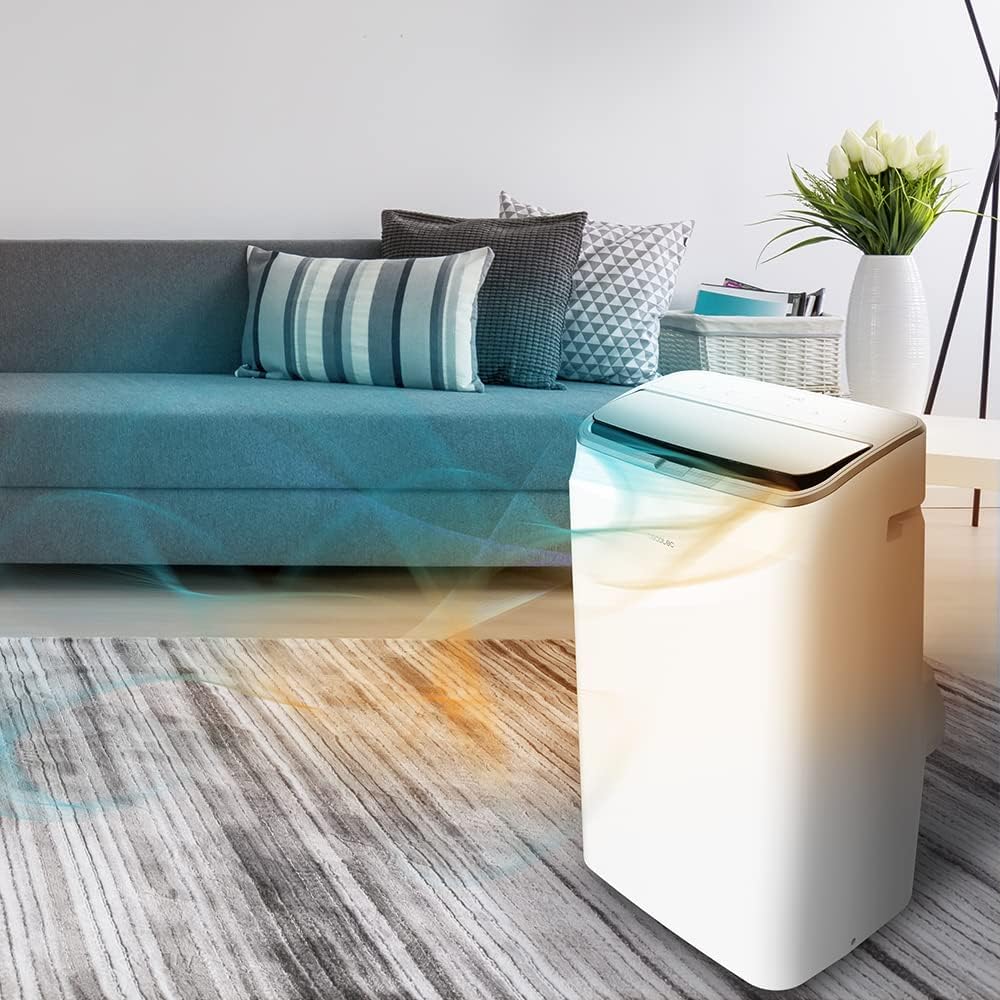
- Cold & Warm Function: Provides both cooling in summer and heating in winter with its integrated heat pump.
- Connected Control: Manage settings via the intuitive top touch panel, remote control, or the dedicated WiFi mobile application.
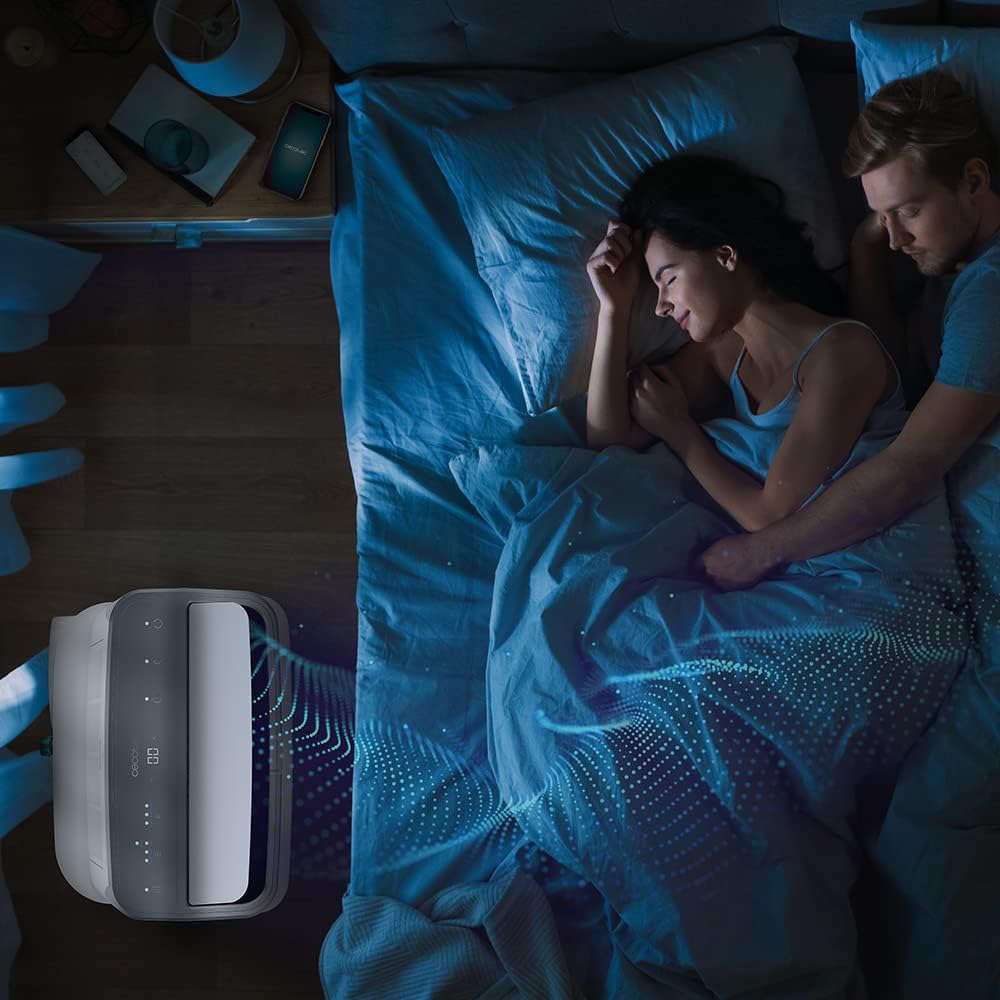
- Multiple Operating Modes: Features 5 modes: Fan, Cooling, Dehumidification, Night, and Heating.
- Adjustable Fan Speeds: Two fan speeds (low and high) to suit your comfort needs.
- Efficient Dehumidification: Capable of extracting up to 20 liters of moisture per day, promoting a healthier indoor environment.
- Programmable Timer: Set the unit to turn on or off automatically for up to 24 hours.
- Oscillation Function: Distributes air evenly throughout the room for improved climate control.
- Advanced Safety Systems: Includes anti-freeze protection, anti-frustamento (full tank) safety, and compressor protection to prolong the unit's lifespan.
- Eco-Friendly Refrigerant: Uses R-290 gas, an ecological and low-polluting refrigerant.
- Antimicrobial Air Filter: Helps to capture larger particles from the air, improving air quality.
- Energy Efficiency: Rated Energy Class A for moderate electricity consumption.
Package Contents
- 1 x Cecotec Force Clima 14750 Portable Air Conditioner
- 1 x Window Kit
- 1 x Remote Control
- 1 x User Manual
3. Setup and Installation
Proper installation is crucial for the efficient operation of your portable air conditioner. Follow these steps to set up your unit.
Unpacking
- Carefully remove the air conditioner and all accessories from the packaging.
- Inspect the unit for any signs of damage. If damaged, do not operate and contact customer support.
Window Kit Installation
The window kit is designed to exhaust hot air outside, ensuring effective cooling. It is suitable for sliding windows. For other window types (e.g., casement windows), additional sealing materials may be required.
- Assemble the Exhaust Hose: Attach one end of the exhaust hose to the air outlet on the back of the unit and the other end to the window adapter.
- Install the Window Sealing Plate: Adjust the window sealing plate to fit your window opening. Secure it in place to minimize air leakage.
- Connect to Window: Insert the window adapter with the exhaust hose into the opening of the window sealing plate. Ensure a tight seal.
Installing the exhaust hose and window sealing kit.
Placement
- Place the air conditioner on a firm, level surface.
- Ensure there is at least 30 cm (12 inches) of space around the unit for proper air circulation.
- Position the unit near a window for easy installation of the exhaust hose.
Video demonstrating the features and installation of a portable air conditioner. (Source: aviliahome)
4. Operating Instructions
Your Cecotec Force Clima 14750 offers multiple ways to control your comfort.
Control Panel
The unit features a top-mounted touch control panel with an LED display. Press the respective icons to adjust settings.
Top touch control panel for easy operation.
Remote Control
Use the included remote control for convenient adjustments from a distance.

Remote control for convenient adjustments.
WiFi App Control
Download the dedicated mobile application to control your air conditioner from your smartphone. Follow the app's instructions for pairing the device.

Controlling the air conditioner via the mobile app.
Operating Modes
- Cooling Mode: Provides powerful cooling. Set your desired temperature using the temperature adjustment buttons.
- Heating Mode: Utilizes the heat pump to warm your room. Ideal for colder seasons.
- Fan Mode: Circulates air without cooling or heating. Choose between low and high fan speeds.
- Dehumidification Mode: Reduces humidity levels in the room, collecting up to 20 liters per day.
- Night Mode: Operates at a lower fan speed and reduced noise level for comfortable sleep.

Five versatile operating modes.
Timer Function
Press the timer button to set a desired operating duration (up to 24 hours) after which the unit will automatically turn off or on.
Oscillation
Activate the oscillation function to allow the air outlet to move, distributing air more widely across the room.
5. Maintenance
Regular maintenance ensures optimal performance and longevity of your air conditioner.
Cleaning the Air Filter
The antimicrobial air filter should be cleaned regularly (e.g., every two weeks, depending on usage) to maintain air quality and efficiency.
- Unplug the air conditioner from the power outlet.
- Locate the air filter panel (usually at the back or side of the unit).
- Remove the filter.
- Clean the filter with a vacuum cleaner or wash it gently with lukewarm water and mild detergent.
- Allow the filter to dry completely before reinserting it.
Accessing the air filter for cleaning.
Draining Water
During dehumidification or cooling, water will collect inside the unit. The "full tank" safety feature will stop operation and flash a red light when the water tank is full.
- Unplug the air conditioner.
- Place a shallow pan or container under the drainage outlet (usually at the bottom rear of the unit).
- Remove the drain plug to allow water to flow out.
- Once drained, replace the drain plug securely.
6. Troubleshooting
If you encounter issues with your air conditioner, refer to the following common problems and solutions before contacting customer support.
| Problem | Possible Cause | Solution |
|---|---|---|
| Unit does not turn on | No power supply; Power cord not plugged in; Full water tank. | Check power connection; Plug in the power cord; Drain the water tank. |
| Insufficient cooling/heating | Air filter clogged; Exhaust hose not properly installed; Doors/windows open; Room size too large. | Clean the air filter; Ensure exhaust hose is sealed; Close all doors/windows; Consider unit capacity for room size. |
| Unusual noise | Unit not on a level surface; Obstruction in fan. | Place unit on a flat surface; Check for and remove any obstructions. |
| Water leakage | Drain plug not securely closed; Unit tilted. | Ensure drain plug is tight; Place unit on a level surface. |
7. Specifications
| Feature | Specification |
|---|---|
| Brand | Cecotec |
| Model Name | Force Clima 14750 (Model 08179) |
| Cooling Capacity | 14000 BTU |
| Heating Capacity | Heat Pump Function (implied by Cold&Warm) |
| Coverage Area | Up to 30 m² |
| Dehumidification Capacity | 20 Liters/day |
| Power (Electrical) | 4.2 KW |
| Voltage | 240 Volt |
| Noise Level | 65 Decibel |
| Refrigerant | R-290 |
| Energy Efficiency Class | A |
| Special Features | Oscillating, Remote Controlled, Timer, WiFi, LED Display |
| Product Dimensions (DxWxH) | 54.5P x 46.5l x 51.5H cm |
| Item Weight | 29.17 Kilograms |
| Minimum Window Opening Height | 50 Centimeters |
| Minimum Window Opening Width | 33 Centimeters |
| Filter Type | Antimicrobial Air Filter |
8. Warranty and Support
Your Cecotec Force Clima 14750 Portable Air Conditioner comes with a comprehensive warranty and dedicated support.
Product Warranty
This product is covered by a 3-year limited warranty. Please retain your proof of purchase for warranty claims. The warranty covers manufacturing defects and malfunctions under normal use conditions.
Spare Parts Availability
Spare parts for this appliance are available for a duration of 10 years within the EU, ensuring long-term usability and repairability.
Customer Support
For any questions, technical assistance, or warranty claims, please contact Cecotec customer support. Refer to the official Cecotec website or the contact information provided in your product packaging for details.


