
1. Introduction
Thank you for choosing the Cecotec SteelMill Touch Electric Coffee Grinder. This manual provides essential information for the safe and efficient operation, maintenance, and troubleshooting of your new appliance. Please read this manual thoroughly before first use and keep it for future reference.
This electric coffee grinder features an elegant stainless steel design, a powerful 200W motor, a precise touch control panel, and 30 adjustable grinding levels to suit various coffee brewing methods.
2. Safety Instructions
To ensure safe operation and prevent damage to the appliance or injury to yourself, please observe the following safety precautions:
- Always unplug the grinder from the power outlet before cleaning, assembling, or disassembling parts.
- Do not immerse the motor base in water or any other liquid. Clean with a damp cloth only.
- This appliance is intended for grinding roasted coffee beans only. Do not use it to grind other substances like nuts, spices, or grains, as this may damage the motor or burrs.
- Keep hands and utensils out of the bean hopper and ground coffee container during operation.
- Ensure all parts are correctly assembled before operating the grinder.
- Do not operate the grinder with a damaged cord or plug, or if the appliance malfunctions or has been damaged in any way. Contact customer support for assistance.
- Keep the appliance out of reach of children.
- Place the grinder on a stable, flat, and dry surface.
- Avoid touching moving parts.
3. Product Overview and Components
Familiarize yourself with the parts of your Cecotec SteelMill Touch Electric Coffee Grinder:
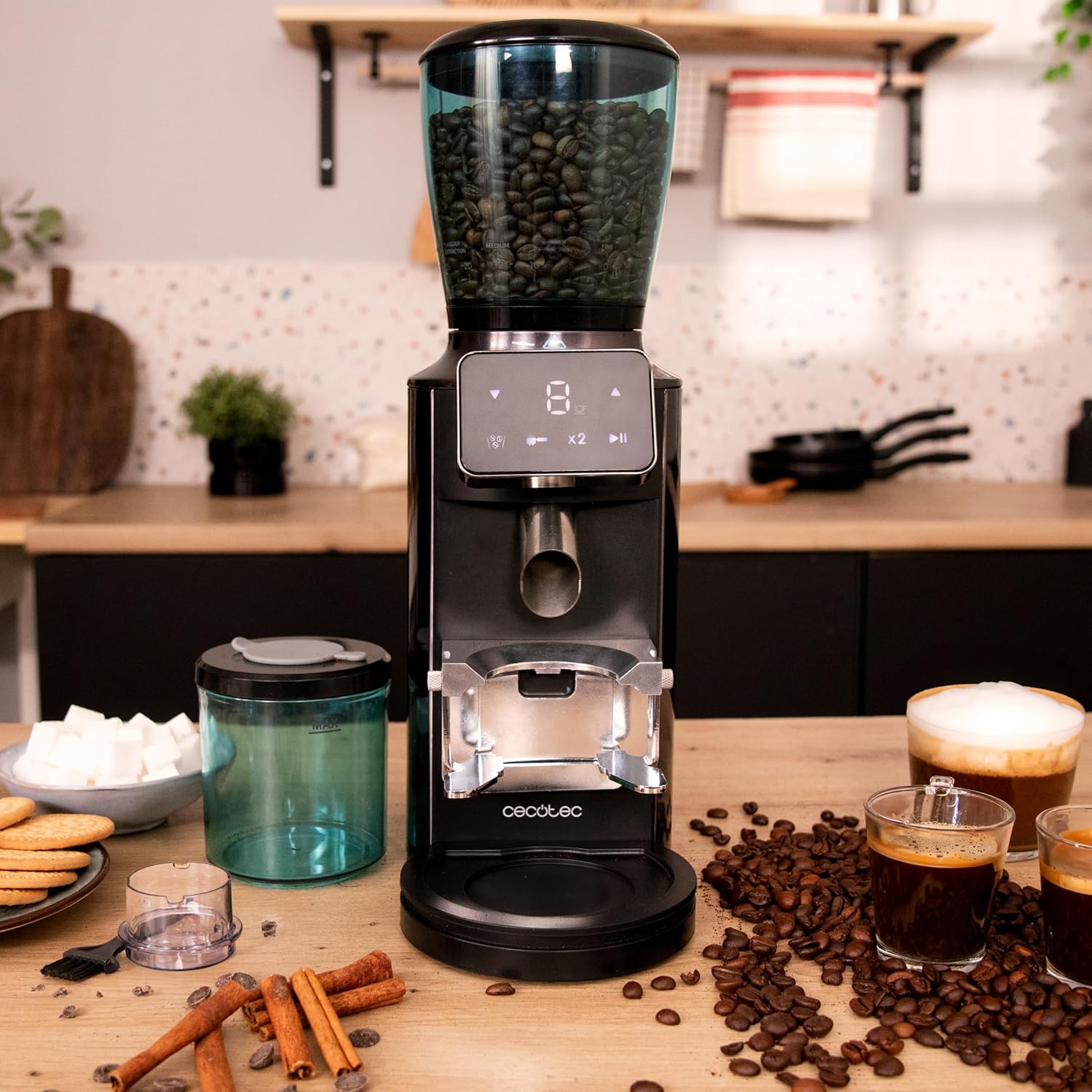
- Bean Hopper with Lid (300g capacity)
- Conical Burr Grinding System
- Motor Base with Touch Control Panel
- Ground Coffee Container (200g capacity)
- Portafilter Holder (not included, but compatible)
- Cleaning Brush


4. Setup
Follow these steps to set up your coffee grinder for the first time:
- Unpack: Carefully remove all components from the packaging. Retain packaging for future storage or transport.
- Initial Cleaning: Before first use, wash the bean hopper, its lid, and the ground coffee container with warm soapy water. Rinse thoroughly and dry completely. The removable parts are dishwasher safe. Wipe the motor base with a damp cloth.
- Assemble: Place the motor base on a stable, flat, and dry surface. Ensure the ground coffee container is correctly positioned in its slot. Attach the bean hopper to the top of the motor base, ensuring it clicks securely into place.
- Connect Power: Plug the power cord into a suitable electrical outlet.
5. Operating Instructions
Operating your Cecotec SteelMill Touch grinder is straightforward:
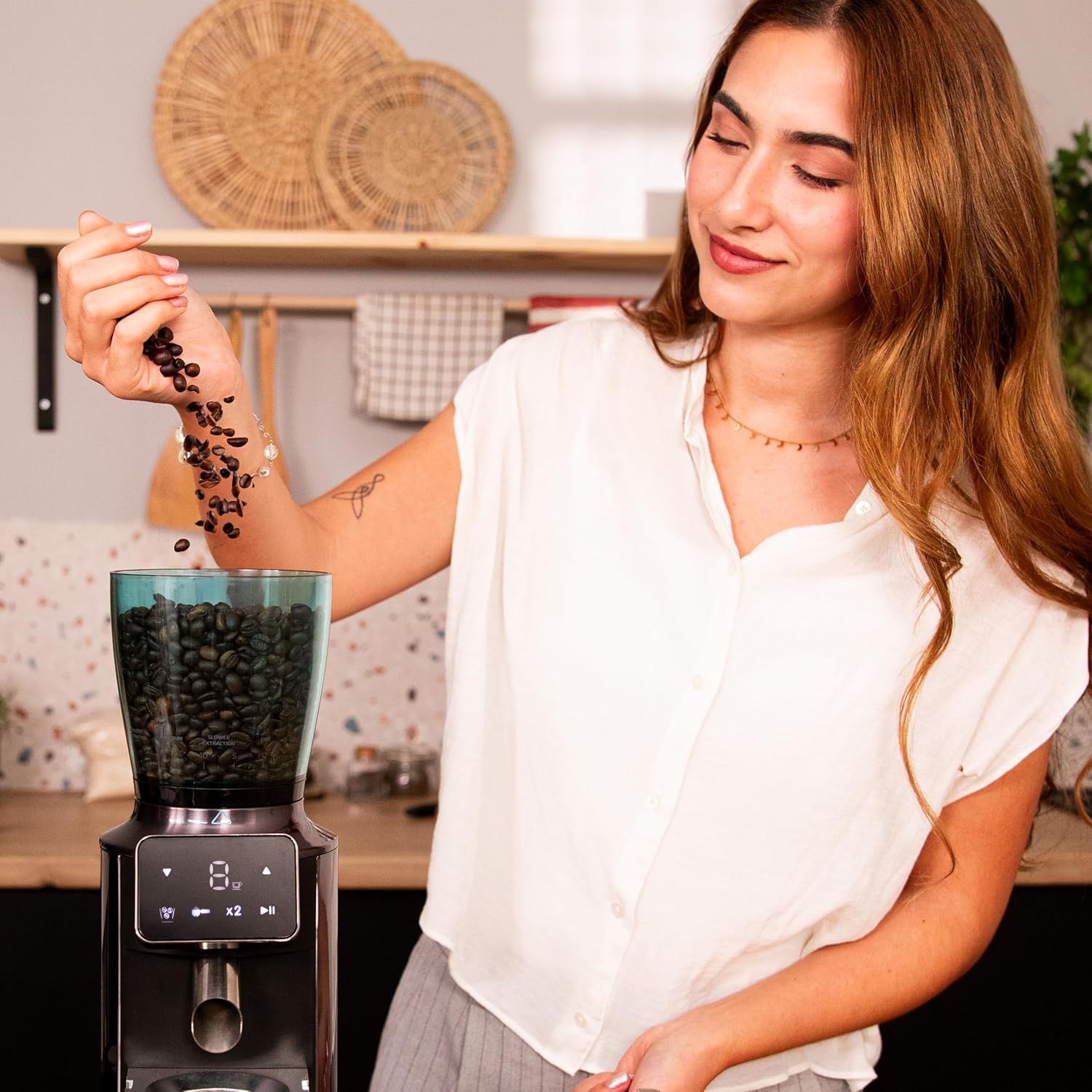
- Fill the Bean Hopper: Open the lid of the bean hopper and pour in whole roasted coffee beans. The hopper has a capacity of up to 300g. Close the lid securely.
- Select Grind Level: Use the touch control panel to select your desired grind level. The grinder offers 30 levels, from very fine (for espresso) to coarse (for French press). Adjust the setting based on your brewing method.
- Choose Grinding Method: You can grind coffee directly into the removable ground coffee container (capacity 200g, enough for up to 14 cups) or use a compatible portafilter holder (not included) for direct grinding into your espresso machine's portafilter.
- Start Grinding: Press the start button on the touch panel. The grinder will begin to process the beans. The 200W motor ensures quick grinding.
- Stop Grinding: The grinder will stop automatically after the set time or quantity, or you can manually stop it by pressing the button again.
- Remove Ground Coffee: Carefully remove the ground coffee container or portafilter.


6. Maintenance and Cleaning
Regular cleaning ensures optimal performance and extends the life of your grinder:
- Unplug: Always unplug the grinder before cleaning.
- Empty Containers: Empty any remaining coffee beans from the hopper and ground coffee from the container.
- Clean Removable Parts: The bean hopper, its lid, and the ground coffee container are removable and dishwasher safe for easy cleaning. Alternatively, wash them by hand with warm soapy water, rinse, and dry thoroughly.
- Clean Removable Parts: The bean hopper, its lid, and the ground coffee container are removable and dishwasher safe for easy cleaning. Alternatively, wash them by hand with warm soapy water, rinse, and dry thoroughly.
- Clean Burrs: Use the provided cleaning brush to remove any coffee grounds from the conical burrs. For a deeper clean, you may need to remove the upper burr (refer to specific instructions in the full manual if available, or gently twist and lift).
- Clean Motor Base: Wipe the exterior of the motor base with a soft, damp cloth. Do not use abrasive cleaners or immerse the base in water.
- Reassemble: Ensure all parts are completely dry before reassembling the grinder.

7. Troubleshooting
If you encounter issues with your grinder, try these common solutions:
| Problem | Possible Cause | Solution |
|---|---|---|
| Grinder does not start. | Not plugged in; power outage; hopper not correctly seated. | Ensure the grinder is securely plugged in. Check the power supply. Ensure the bean hopper is fully and correctly seated. |
| Coffee is not grinding or grinding slowly. | Bean hopper empty; burrs clogged with old coffee grounds; foreign object in burrs. | Refill bean hopper. Unplug and clean the burrs thoroughly with the cleaning brush. Inspect for any foreign objects. |
| Grind is inconsistent. | Burrs are dirty; grind setting too fine for beans. | Clean the burrs. Try a slightly coarser grind setting. |
| Excessive noise during operation. | Foreign object in burrs; burrs not properly aligned. | Unplug and inspect burrs for foreign objects. If noise persists, contact customer support. |
If the problem persists after attempting these solutions, please contact Cecotec customer support.
8. Specifications
| Feature | Detail |
|---|---|
| Brand | Cecotec |
| Model Number | 01805 |
| Color | Black |
| Dimensions (L x W x H) | 12.7 x 20.7 x 38 cm |
| Weight | 2.05 Kilograms |
| Bean Hopper Capacity | 300 Grams |
| Ground Coffee Container Capacity | 200 Grams |
| Power | 200 Watts |
| Voltage | 200 Volts |
| Material | Stainless Steel |
| Special Features | Touch control panel, Conical burr system, Removable tank |
| Included Components | Grinder, container, filter holder support, cleaning brush, user manual |
9. Warranty and Support
Cecotec offers a commitment to quality and support for its products. Spare parts for this model are available for up to 10 years from the date of purchase.
For any questions, technical assistance, or warranty claims, please contact Cecotec customer support through their official website or the retailer where you purchased the product. Please have your model number (01805) and proof of purchase ready when contacting support.
