
1. Introduction
This manual provides comprehensive instructions for the JAMJAKE L-K11 Stylus Pen. This active pencil is designed to enhance your interaction with compatible iPad devices, offering features such as palm rejection, fast charging, and tilt sensitivity for a natural writing and drawing experience.
2. Package Contents
Please verify that all items are present in your package:
- JAMJAKE L-K11 Stylus Pen
- Replacement Nibs (3 pieces)
- USB-C Charging Cable
- User Manual

3. Setup
3.1 Power On/Off
The JAMJAKE L-K11 Stylus Pen features a touch-sensitive power button. To power on the stylus, gently touch the cap button. A blue indicator light will illuminate. To power off, touch the cap button again. No Bluetooth connection is required for basic operation.
3.2 Charging
The stylus pen supports fast charging. A 10-20 minute charge can provide 8-10 hours of usage. Connect the stylus to a power source using a USB-C charging cable. The indicator light will change color to show charging status (e.g., red for charging, green for full charge).

3.3 Compatibility
This stylus is compatible with iPad models released in 2018 or later. This includes:
- iPad Pro 13" (M4)
- iPad Pro 12.9" (3rd/4th/5th/6th Generation)
- iPad Pro 11" (All Generations)
- iPad Air M3/M2/5th/4th/3rd Generation
- iPad 11th/10th/9th/8th/7th/6th Generation
- iPad Mini 6th/5th Generation
Important: This stylus is NOT compatible with iPad models released before 2018, iPhones, Android devices, or Microsoft devices. Please verify your iPad model before use.

4. Operating Instructions
4.1 Palm Rejection
The stylus features palm rejection technology, allowing you to rest your hand comfortably on the iPad screen while writing or drawing without causing unintended marks. This eliminates the need for special gloves.

4.2 Tilt Function
The stylus supports tilt sensitivity, enabling you to vary the thickness and depth of your strokes by changing the angle at which the pen touches the screen. This feature is ideal for artistic applications and shading.
4.3 Magnetic Adsorption
The stylus features a magnetic design for convenient storage. It can attach magnetically to compatible iPad Pro models (specifically iPad Pro 3rd generation) to prevent rolling and loss. Note that this feature does not support wireless charging.

4.4 Smart Features (iOS 14+ required)
For optimal functionality, ensure your iPad system is updated to iOS 14 or above.
- Handwriting to Text: Easily convert your handwriting to text on the iPad.
- Smart Screenshot: Take a screenshot by dragging the stylus from the bottom left corner to the top right corner of the screen.
- Smart Doodle: When drawing shapes, hold the stylus for 2 seconds on the last stroke, and it will automatically convert to a regular, refined shape.
- Quick Memo: Double-tap the screen to quickly enter the memo screen (if memo is open in the background).


4.5 Replacing the Nib
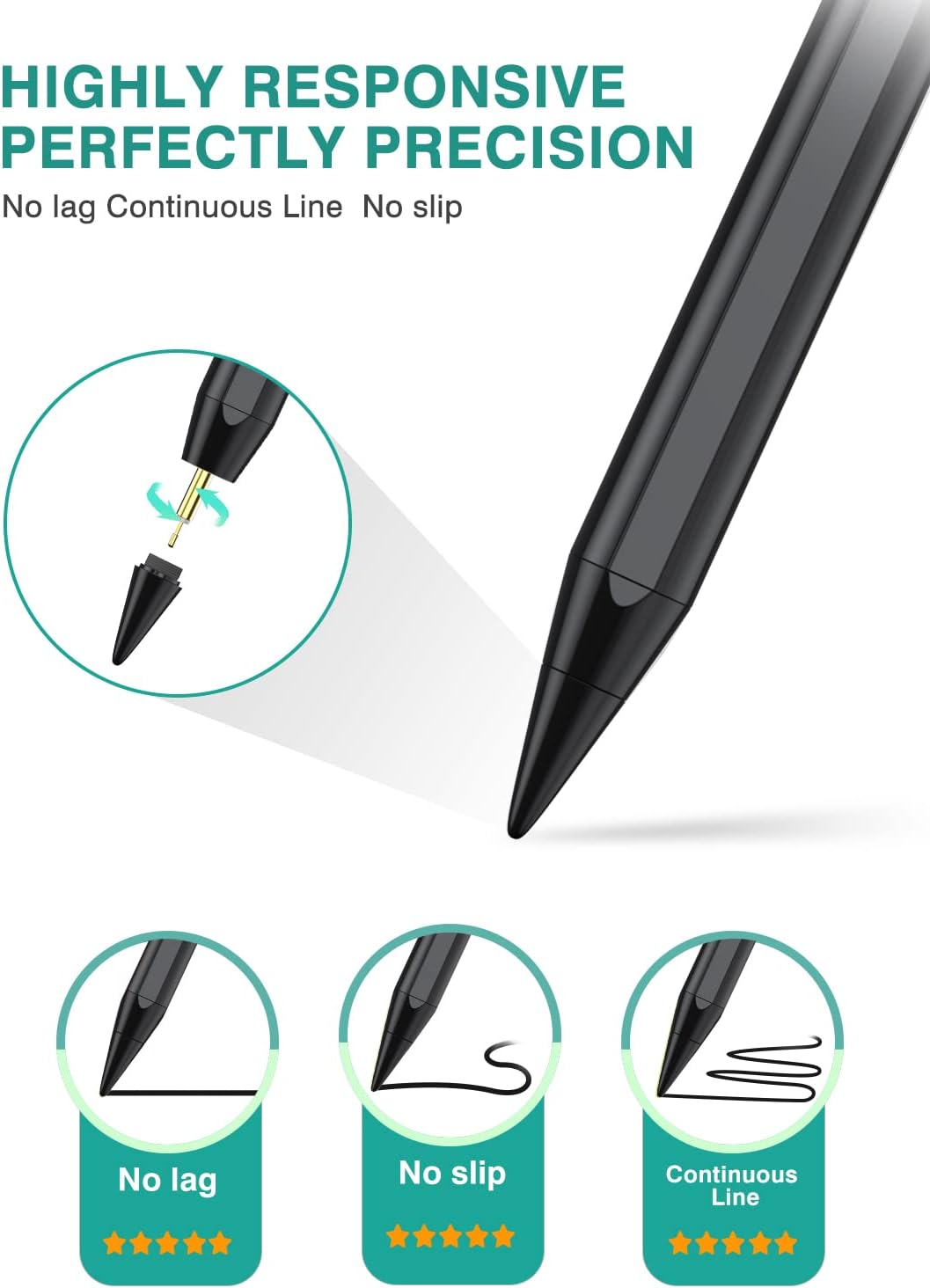
To replace the nib, gently twist the existing nib counter-clockwise to remove it. Select a new replacement nib and twist it clockwise until it is securely fastened. Do not overtighten.
5. Maintenance
- Keep the stylus clean by wiping it with a soft, dry cloth.
- Avoid exposing the stylus to extreme temperatures or direct sunlight.
- Store the stylus in a safe place to prevent damage to the nib or body.
- Ensure the charging port is free from dust and debris.
6. Troubleshooting
| Problem | Possible Cause | Solution |
|---|---|---|
| Stylus does not turn on. | Low battery or incorrect power-on method. | Charge the stylus. Ensure you are gently touching the cap button to power on. |
| Stylus is not responding on iPad. | Incompatible iPad model, iPad settings conflict, or stylus is off. |
|
| Lag or inaccurate tracking. | Low battery, worn-out nib, or screen protector interference. |
|
7. Specifications
| Feature | Detail |
|---|---|
| Model | L-K11 |
| Brand | JAMJAKE |
| Color | Black |
| Material | Plastic |
| Product Dimensions | 8.2 x 2.4 x 0.8 inches |
| Item Weight | 2.08 ounces |
| Battery Type | Lithium Polymer (included) |
| Battery Life (Standby) | Up to 10 hours |
| Charging Time | 10-20 minutes for 8-10 hours work |
| Compatibility | iPad series 2018-2025 models (iPad Pro, iPad Air, iPad, iPad Mini) |
8. Warranty and Support
JAMJAKE provides the following support for your stylus pen:
- Warranty: 18 Months from the date of purchase.
- Customer Service: 7*24H Professional Service.
- Contact: For any inquiries or support, please email support@jamjake.com.
- Returns/Replacements: Hassle-free replacement or return policy.


