
1. Introduction
This manual provides detailed instructions for the installation, operation, and maintenance of your Carro Twister 52-Inch 5-Blade Smart Ceiling Fan. Please read this manual thoroughly before installation and use to ensure safe and efficient operation. Retain this manual for future reference.
2. Safety Information
Important Safety Instructions:
- Always disconnect power at the circuit breaker before installation or servicing.
- All wiring must be in accordance with national and local electrical codes.
- Consult a qualified electrician if you are unsure about wiring procedures.
- Ensure the installation location can support the fan's weight.
- Do not operate the fan with damaged blades or housing.
- Keep hands, clothing, and other objects clear of the fan blades during operation.
- This fan is designed for indoor use only.
Proposition 65 Warning: This product may expose you to chemicals known to the State of California to cause cancer and birth defects or other reproductive harm. For more information, go to www.P65Warnings.ca.gov.
3. Package Contents
Verify that all components are present before beginning installation:
- Ceiling Fan Motor Assembly
- Fan Blades (5)
- Light Kit
- Remote Control
- Mounting Bracket
- Downrod
- Hardware Pack (screws, washers, wire nuts)
- User Manual

Image 3.1: Carro Twister 52-Inch 5-Blade Smart Ceiling Fan with included remote control. The fan features a black finish with gold accents and an integrated LED light.
4. Setup and Installation
Tools Required: Phillips screwdriver, flathead screwdriver, adjustable wrench, wire strippers, electrical tape, step ladder.
- Turn Off Power: Before starting, ensure the power is turned off at the circuit breaker to prevent electrical shock.
- Mounting Bracket Installation: Secure the mounting bracket to the ceiling junction box. Ensure the junction box is securely fastened to the building structure and can support the fan's weight.
- Assemble Downrod: Insert the downrod through the canopy and connect it to the fan motor assembly. Secure with the provided pin and clip.
- Hang Fan: Carefully lift the fan assembly and hang it on the mounting bracket.
- Wiring: Connect the fan's electrical wires to the household wiring according to the wiring diagram provided in the separate wiring guide (if applicable) or standard electrical practices (Black to Black, White to White, Green/Bare to Ground). Use the provided wire nuts.
- Secure Canopy: Slide the canopy up to the ceiling and secure it to the mounting bracket with the provided screws.
- Attach Blades: Attach the five fan blades to the motor housing using the blade screws. Ensure all screws are tightened securely.
- Install Light Kit: Connect the light kit wires to the fan motor assembly wires. Secure the light kit to the fan housing.
- Restore Power: Once installation is complete, restore power at the circuit breaker.

Image 4.1: Diagram illustrating the dimensions of the Carro Twister 52-Inch Ceiling Fan, including blade span, downrod length, and overall height.
5. Operating Instructions
The Carro Twister Smart Ceiling Fan can be controlled via the included remote, a smartphone app, or voice commands.
5.1 Remote Control Operation
The remote control allows for direct control of fan speed, light on/off, light dimming, and light color temperature.
- Fan On/Off: Press the fan button to turn the fan on or off.
- Fan Speed: Use the speed buttons to adjust fan speed (typically multiple settings).
- Light On/Off: Press the light button to toggle the light.
- Light Dimming: Use the dimming buttons to adjust light brightness (10%-100% dimmable).
- Color Temperature: Cycle through cool light (4000K), neutral light (3000K), and warm light (2700K) settings.
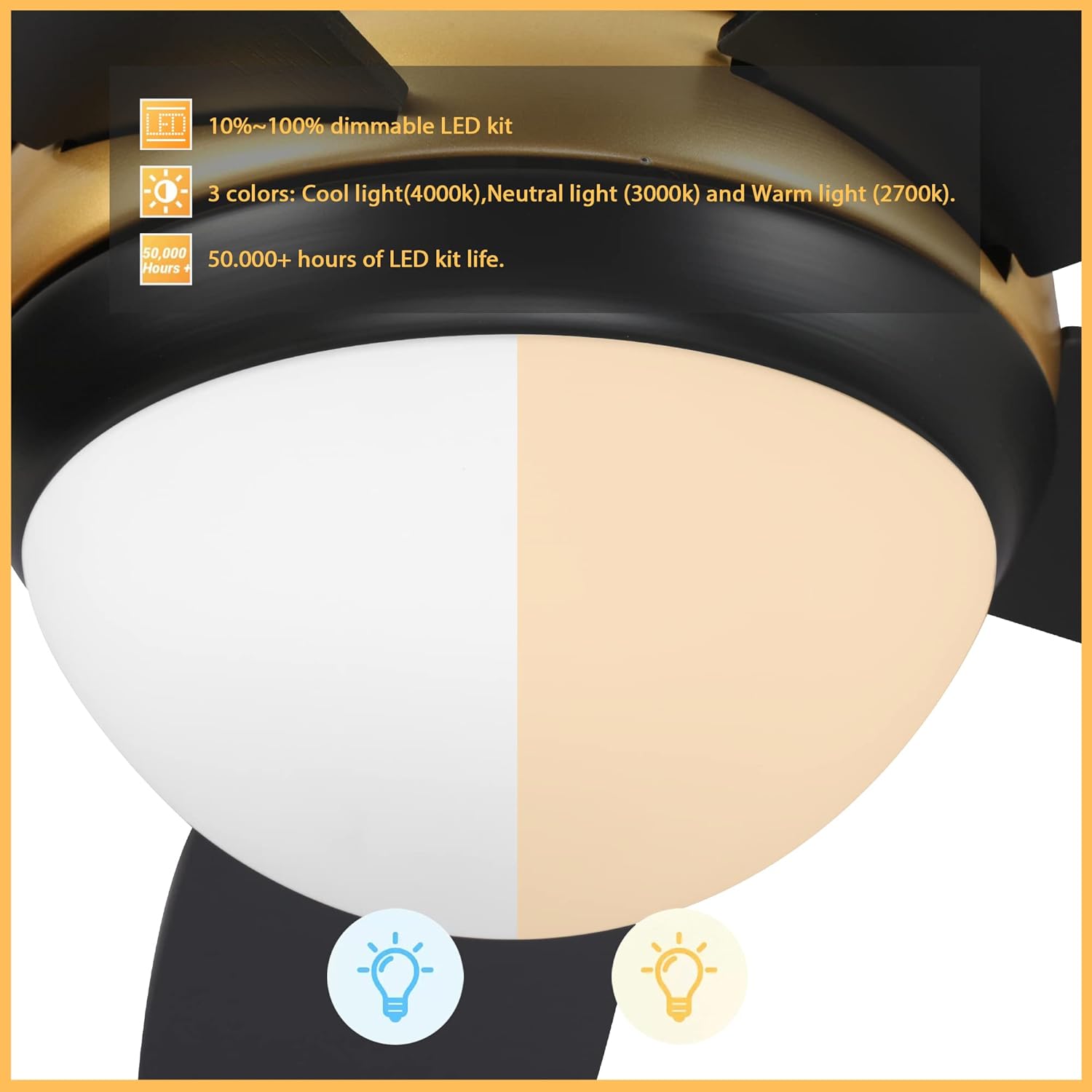
Image 5.1: Close-up of the integrated LED light kit, highlighting its 10%-100% dimmable range and three color temperature options: Cool (4000K), Neutral (3000K), and Warm (2700K).
5.2 Smart Control (App & Voice)
This fan supports smart control via a dedicated app and voice assistants like Google Assistant, Alexa, and Siri.
- App Pairing: Download the Carro Home app (or specified app) from your device's app store. Follow the in-app instructions to pair your fan. This typically involves putting the fan into pairing mode and connecting it to your home Wi-Fi network.
- Voice Assistant Integration: Once paired with the app, link the Carro Home app to your Google Assistant, Alexa, or Siri account through their respective applications.
- Voice Commands: Use commands such as "Hey Google, turn on the living room fan," "Alexa, set the fan speed to medium," or "Hey Siri, turn off the fan light."

Image 5.2: The Carro Twister Ceiling Fan shown with logos indicating compatibility with Google Assistant, Alexa, and Siri, demonstrating its smart home integration capabilities.
6. Maintenance
Regular maintenance ensures optimal performance and extends the lifespan of your ceiling fan.
- Cleaning: Dust the fan blades and motor housing periodically with a soft, damp cloth. Do not use abrasive cleaners or solvents.
- Blade Tightness: Check all blade screws at least twice a year. Due to natural movement, some connections may become loose. Ensure they are tightened securely.
- Light Kit: The integrated LED light kit has a lifespan of over 50,000 hours and does not require bulb replacement.
- Lubrication: The fan motor is permanently lubricated and does not require additional oiling.
7. Troubleshooting
If you experience issues with your fan, refer to the following common problems and solutions:
| Problem | Possible Cause | Solution |
|---|---|---|
| Fan does not start | No power to the fan; loose wire connections; remote control battery dead. | Check circuit breaker; ensure all wire connections are secure; replace remote control battery. |
| Fan wobbles | Loose blade screws; unbalanced blades; loose mounting bracket. | Tighten all blade screws; use a balancing kit (not included) to balance blades; ensure mounting bracket is secure. |
| Light does not work | Loose wire connection to light kit; light kit failure. | Check light kit wiring connections; contact customer support if light kit is faulty. |
| Remote control not working | Dead battery; remote not paired with fan. | Replace remote battery; refer to pairing instructions in the app or a separate remote guide. |
8. Specifications
- Model: Twister 52 Inch 5-Blade Smart Ceiling Fan
- Brand: Carro (Generic)
- Blade Span: 52 inches
- Number of Blades: 5
- Control Method: Remote, App, Voice (Google Assistant, Alexa, Siri)
- Light Kit: Integrated LED, 10%-100% Dimmable, 3 Color Temperatures (2700K, 3000K, 4000K), 50,000+ hours lifespan
- Power Source: Corded Electric
- Indoor/Outdoor Usage: Indoor
- Finish Type: Black Finish
- UPC: 732688853004
- ASIN: B0BPCDKDR8

Image 8.1: A detailed view of the Carro Twister Ceiling Fan's motor housing, showcasing its black finish and gold accent ring.
9. Warranty and Support
For warranty information or technical support, please refer to the warranty card included with your product or visit the manufacturer's official website. Keep your purchase receipt as proof of purchase for warranty claims.
Manufacturer: Carro (as per product title, though listed as Generic in specifications)
Contact: Refer to the manufacturer's website or contact information provided in the product packaging for support.


