
1. Setup
1.1. What's in the Box
The DJI RS 3 Mini comes with all essential components to get started. Upon unboxing, you will find the following items:
- Gimbal × 1
- L-Shaped Multi-Camera Control Cable (USB-C, 30 cm) × 1
- RS Mini Quick-Release Plate × 1
- RS Mini Tripod × 1
- USB-C Charging Cable (40 cm) × 1

Figure 1.1: All components included in the DJI RS 3 Mini package.
1.2. Assembly and Initial Setup
The DJI RS 3 Mini is designed for quick and easy assembly. Follow these steps for initial setup:
- Unfold the Gimbal: The gimbal features locking mechanisms on each axis (pan, tilt, roll) for secure transport. Unlock these axes to allow the gimbal to move freely.
- Attach the Tripod: Screw the included RS Mini Tripod into the 1/4-inch thread at the bottom of the gimbal handle. This provides a stable base for balancing and tabletop use.
- Mount the Quick-Release Plate: Attach the RS Mini Quick-Release Plate to your camera's tripod mount. The plate has measurement marks to help you recall optimal balance points for different camera and lens setups.
- Mount the Camera: Slide the quick-release plate with your camera onto the gimbal's mounting slot and secure it.
- Connect Camera Control Cable: Use the L-Shaped Multi-Camera Control Cable to connect your camera to the USB-C port on the gimbal's roll axis. This enables direct control of photo capture and video recording via the gimbal.
- Power On: Press and hold the power button on the gimbal handle to turn it on.

Figure 1.2: The DJI RS 3 Mini fully assembled with a camera.
1.3. Balancing the Gimbal
Proper balancing is crucial for optimal performance and battery life. The gimbal features measurement marks on its arms to assist with precise adjustments. For fine-tuning and calibration, connect the gimbal to the DJI Ronin app.
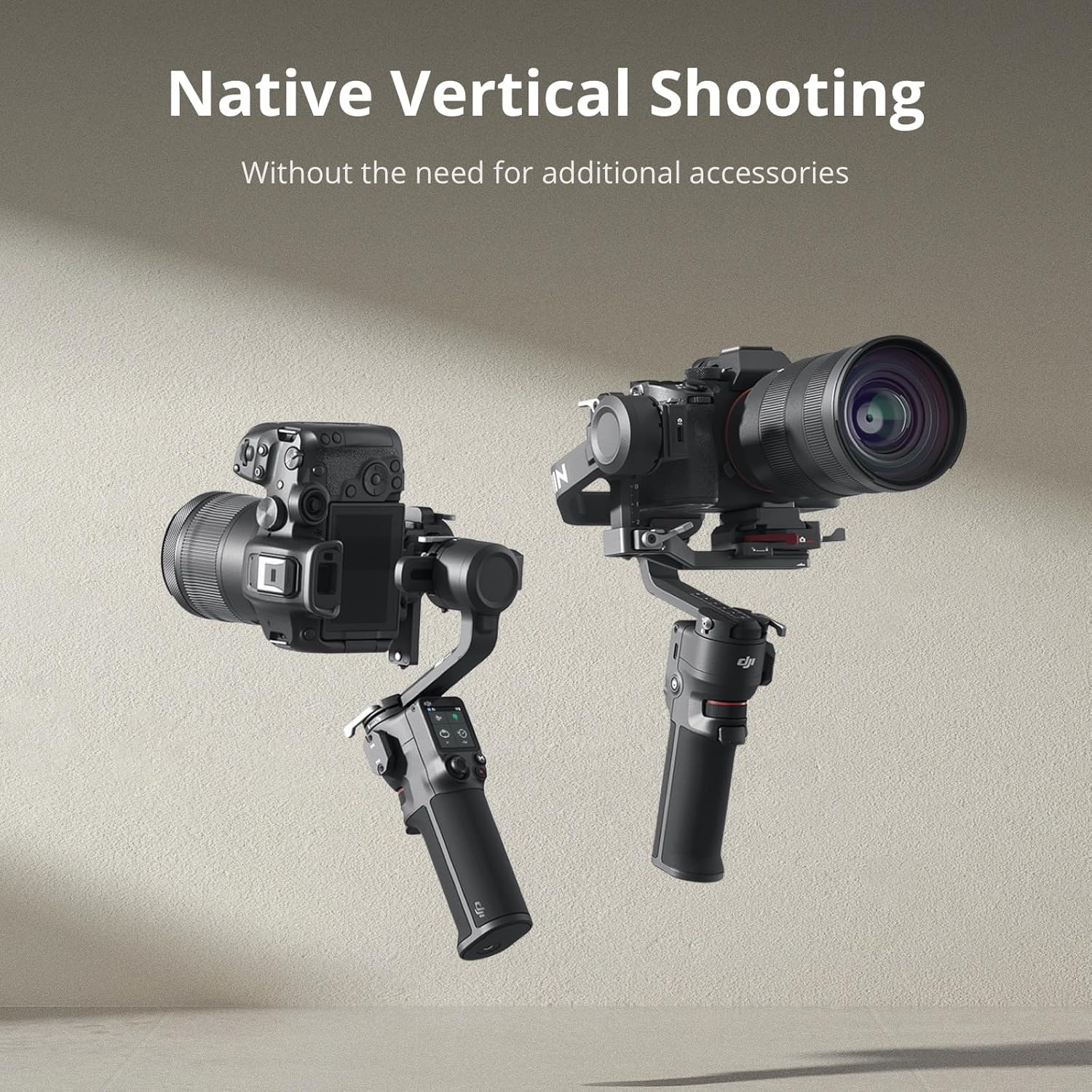
Figure 1.3: The gimbal in action, showcasing its stability.
2. Operating the DJI RS 3 Mini
2.1. Controls and Interface
The DJI RS 3 Mini features an intuitive 1.4-inch full-color touchscreen for easy control and settings adjustment. Key controls include:
- Touchscreen: Access various settings, calibrate the gimbal, and view motor status.
- Joystick: Smoothly control the gimbal's pan, tilt, and roll movements.
- M Button: Cycle through three different custom presets for quick mode changes. Double-press the trigger while holding the M button to enter Sport Mode for faster response.
- Front Dial: Conveniently located for easy access, this dial can be assigned to control various camera settings such as focus/zoom, ISO, aperture, or shutter, depending on your camera's compatibility. It can also be used to adjust gimbal roll, pan, and tilt.

Figure 2.1: The intuitive touchscreen interface of the DJI RS 3 Mini.

Figure 2.2: Bluetooth Shutter Control allows direct camera operation from the gimbal.
2.2. Gimbal Modes
The DJI RS 3 Mini offers several intelligent modes to enhance your shooting experience:
- Follow Mode (PF): The camera follows your pan movements while keeping the tilt and roll axes stable.
- FPV Mode: All three axes (pan, tilt, roll) follow your movements, providing a first-person view effect.
- 3D Roll 360: Enables a 360-degree roll shot, creating a dynamic, spinning effect.
- Sport Mode: Increases the motor response speed for fast-moving subjects or dynamic shots. Double-press the trigger to re-center the gimbal. Triple-press the trigger to enter Selfie Mode.
2.3. Advanced Features via DJI Ronin App
Unlock the full potential of your DJI RS 3 Mini by connecting it to the DJI Ronin app. The app provides advanced control and creative features:
- Virtual Joystick: Control the gimbal's movements remotely from your smartphone, with adjustable speed and smoothness.
- Force Mobile: Utilize your phone's accelerometer to control the gimbal's movements, allowing for intuitive and precise camera control.
- Panorama: Capture stunning panoramic photos by setting shot frame boundaries.
- Timelapse: Create dynamic timelapses with up to five waypoints, allowing you to program complex camera movements over time. You can set the interval and duration for each waypoint.
- Track: Program specific camera movements by setting multiple waypoints, movement durations, and stay times. The gimbal will execute the pre-programmed sequence automatically.
2.4. Native Vertical Shooting
The DJI RS 3 Mini supports native vertical shooting without the need for additional accessories. Simply mount the quick-release plate to the vertical arm, and you are ready to capture content optimized for social media platforms.

Figure 2.3: Native Vertical Shooting for social media content.
2.5. 3rd-Gen RS Stabilization Algorithm
Experience professional-level image stabilization with the DJI RS 3 Mini's advanced 3rd-Gen RS Stabilization Algorithm. This technology ensures smooth footage even when shooting low-angle shots or filming in flashlight mode, minimizing camera shake and delivering cinematic results.
2.6. Battery Life and Charging
The DJI RS 3 Mini offers an impressive 10-hour long battery life, supporting extended shooting sessions. When the battery is depleted, it can be fully charged in as fast as 2.5 hours using the provided USB-C charging cable.
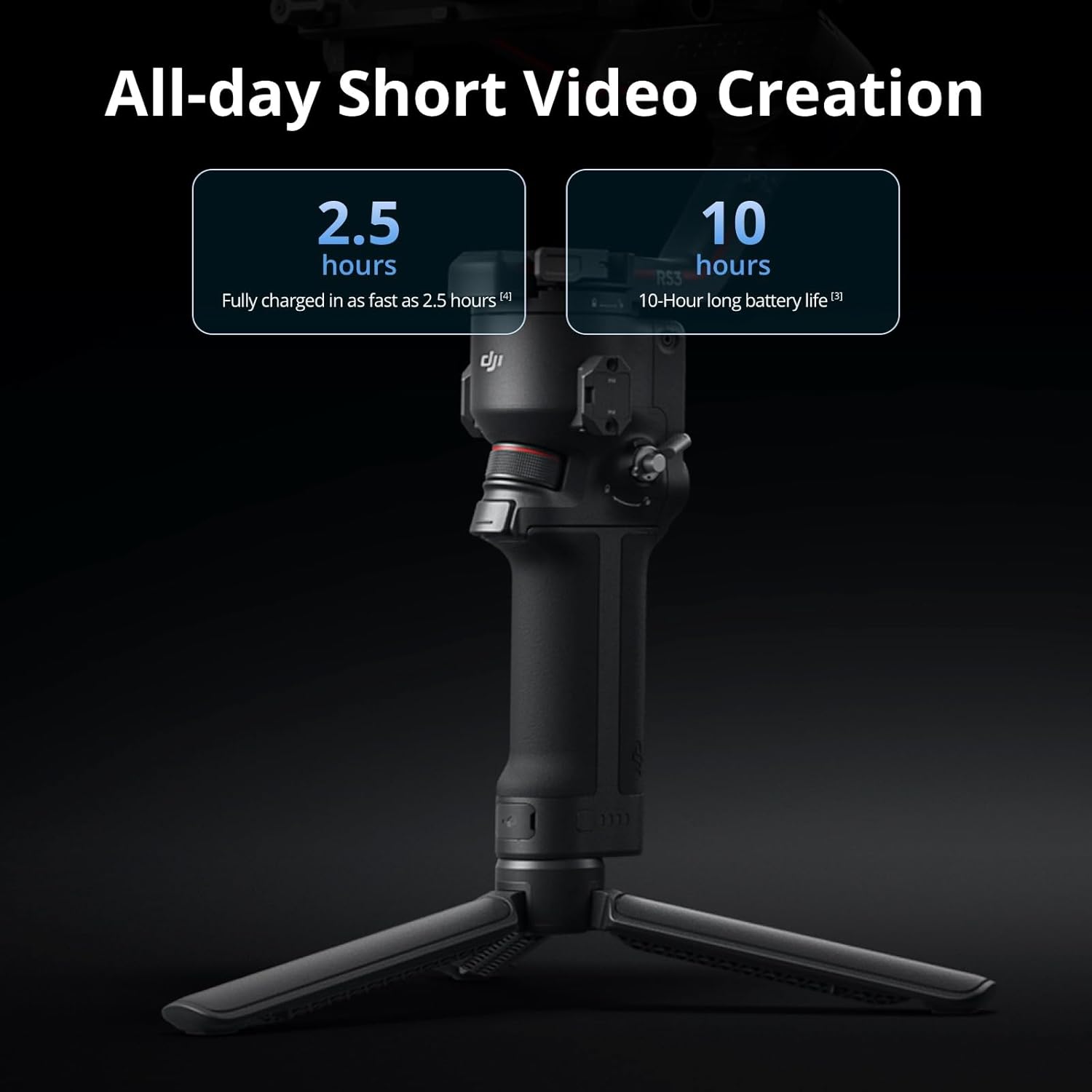
Figure 2.4: Battery performance of the DJI RS 3 Mini.
3. Maintenance
To ensure the longevity and optimal performance of your DJI RS 3 Mini, follow these maintenance guidelines:
- Cleaning: Regularly wipe the gimbal with a soft, dry cloth to remove dust and debris. Avoid using liquid cleaners or solvents.
- Storage: When not in use, store the gimbal in a dry, cool place, ideally in its original packaging or a protective case. Ensure all axes are locked for transport and storage to prevent damage.
- Battery Care: For long-term storage, charge the battery to approximately 50-60%. Recharge every three months to prevent over-discharge.
- Firmware Updates: Periodically check for and install firmware updates via the DJI Ronin app to ensure compatibility and access to new features and performance improvements.
4. Troubleshooting
If you encounter any issues with your DJI RS 3 Mini, please refer to the official DJI Troubleshooting Guide for detailed solutions and support. This comprehensive guide covers common problems and provides step-by-step instructions for resolution.
Official Troubleshooting Guide (PDF): https://manuals.plus/m/80df80e2c547089eaf89513e9dfc6a5fcec742d94da2516bf6414ba62897b0fa
5. Specifications
| Feature | Specification |
|---|---|
| Item Package Dimensions L x W x H | 13.66 x 9.69 x 7.36 inches |
| Package Weight | 1.48 Kilograms |
| Item Dimensions L x W x H | 6.3 x 7.09 x 11.81 inches |
| Item Weight | 978 Grams |
| Brand Name | DJI |
| Model Name | DJIRONRS3MINI |
| Color | black |
| Suggested Users | adults |
| Number of Items | 1 |
| Manufacturer | DJI |
| Part Number | CP.RN.00000294.01 |
| Style | DJI RS 3 Mini |
| ASIN | B0BLD1KBHQ |
| Date First Available | January 10, 2023 |
| Compatible Devices | Camera |
| Product Dimensions | 3.9"D x 7.7"W x 12.7"H |
| Maximum Weight Recommendation | 2 Kilograms |
| Folded Size | 32.3×19.5×9.8 centimeters |
| UPC | 190021067158 |
| Global Trade Identification Number | 00190021067158, 06941565941916 |
6. Warranty & Support
The DJI RS 3 Mini is covered by the standard DJI Warranty. For detailed information regarding warranty terms, conditions, and to access official technical support, please visit the official DJI website or refer to the warranty information provided with your product.
DJI is a global leader in civilian drones and a specialist in creative camera technology, ensuring quality-assured products and comprehensive support for its users.


