
PIC PIC-99188
PIC Solar Flame Effect Patio Lantern Bug Zapper
Model: PIC-99188
Introduction
The PIC Solar Flame Effect Patio Lantern Bug Zapper is designed to provide effective insect control and ambient lighting for your outdoor spaces. This device utilizes UV LED technology to attract flying insects, which are then eliminated by a high-voltage zapping grid. It also features a patented LED flickering flame effect for decorative purposes. The unit is solar-powered and weatherproof, making it suitable for various outdoor conditions.
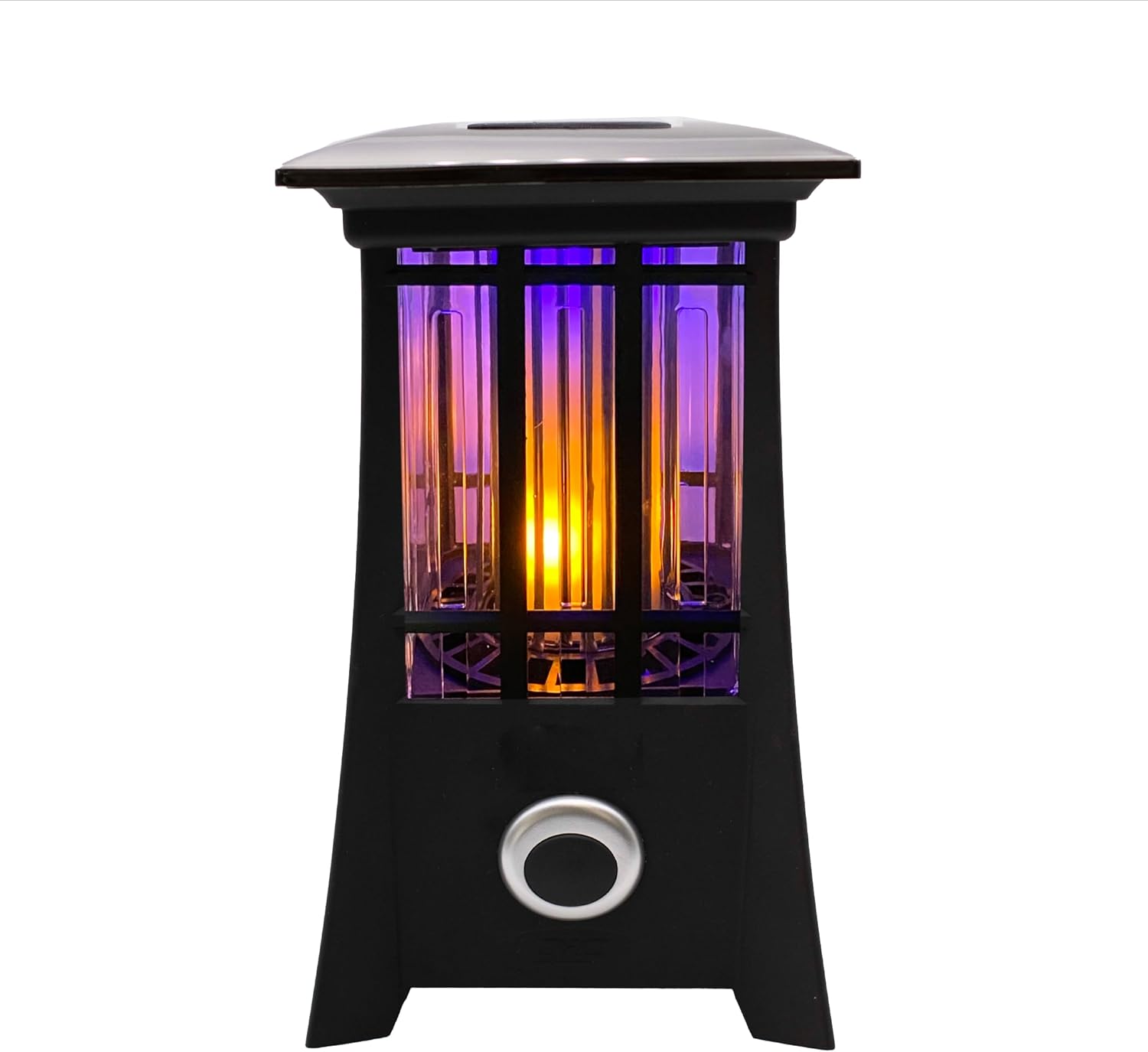
Image: The PIC Solar Flame Effect Patio Lantern Bug Zapper, showcasing its design and the flame effect.
Safety Instructions
- Read all instructions before use: Familiarize yourself with the product's operation and safety guidelines.
- Keep out of reach of children and pets: The high-voltage grid can cause electric shock.
- Do not touch the internal grid: Ensure the device is turned off and unplugged (if applicable) before handling or cleaning.
- Do not immerse in water: While weatherproof, the unit should not be submerged.
- Avoid placing near flammable materials: Ensure adequate clearance from curtains, paper, or other combustible items.
- Use only as intended: Do not modify the device or use it for purposes other than insect control and lighting.
- Proper disposal: Dispose of the product and its components according to local regulations.
Product Overview
Components:
- Solar Panel: Located on top, charges the internal battery during daylight hours.
- UV LED Lights: Attracts flying insects.
- High-Voltage Zapping Grid: Electrocutes insects on contact.
- LED Flame Effect Lights: Provides decorative flickering light.
- Power Button: Activates the unit and switches between light modes.
- Photo Sensor: Automatically activates the unit at dusk.
- Collection Tray (internal): Gathers zapped insects for easy cleaning.

Image: The solar panel located on the top of the unit, responsible for charging.

Image: Detail of the discreet internal zapping grid where insects are eliminated.
Setup
- Unpack the unit: Carefully remove the bug zapper from its packaging.
- Choose a location: Place the lantern in an outdoor area where it will receive direct sunlight for most of the day to ensure optimal charging of the solar panel. Ensure the location is within the desired 1/2 acre coverage area for insect control.
- Initial Activation: Locate the power button on the front of the unit. Press the power button to activate the device. The unit will then automatically turn on at dusk due to its photo sensor.

Image: Press the power button to activate the unit for the first time.

Image: The bug zapper provides coverage for up to 1/2 acre, suitable for various outdoor settings.
Operation
- Automatic Dusk-till-Dawn Operation: Once activated, the built-in photo sensor will detect ambient light levels. The lantern will automatically turn on at dusk and turn off at dawn, conserving battery life.
- Light Modes: The unit features two light modes:
- LED Flame Effect: Provides a realistic flickering flame appearance for ambiance.
- 2-in-1 Lantern (White Light): Offers a steady white light for general illumination.
- Insect Zapping: In both light modes, the UV LED technology will attract flying insects, which are then eliminated by the 600-volt electric zapping grid. The zapping function operates whenever the unit is on.
- Battery Life: On a full charge, the bug zapper can operate for 6+ hours at night. Performance may vary based on sunlight exposure and selected light mode.
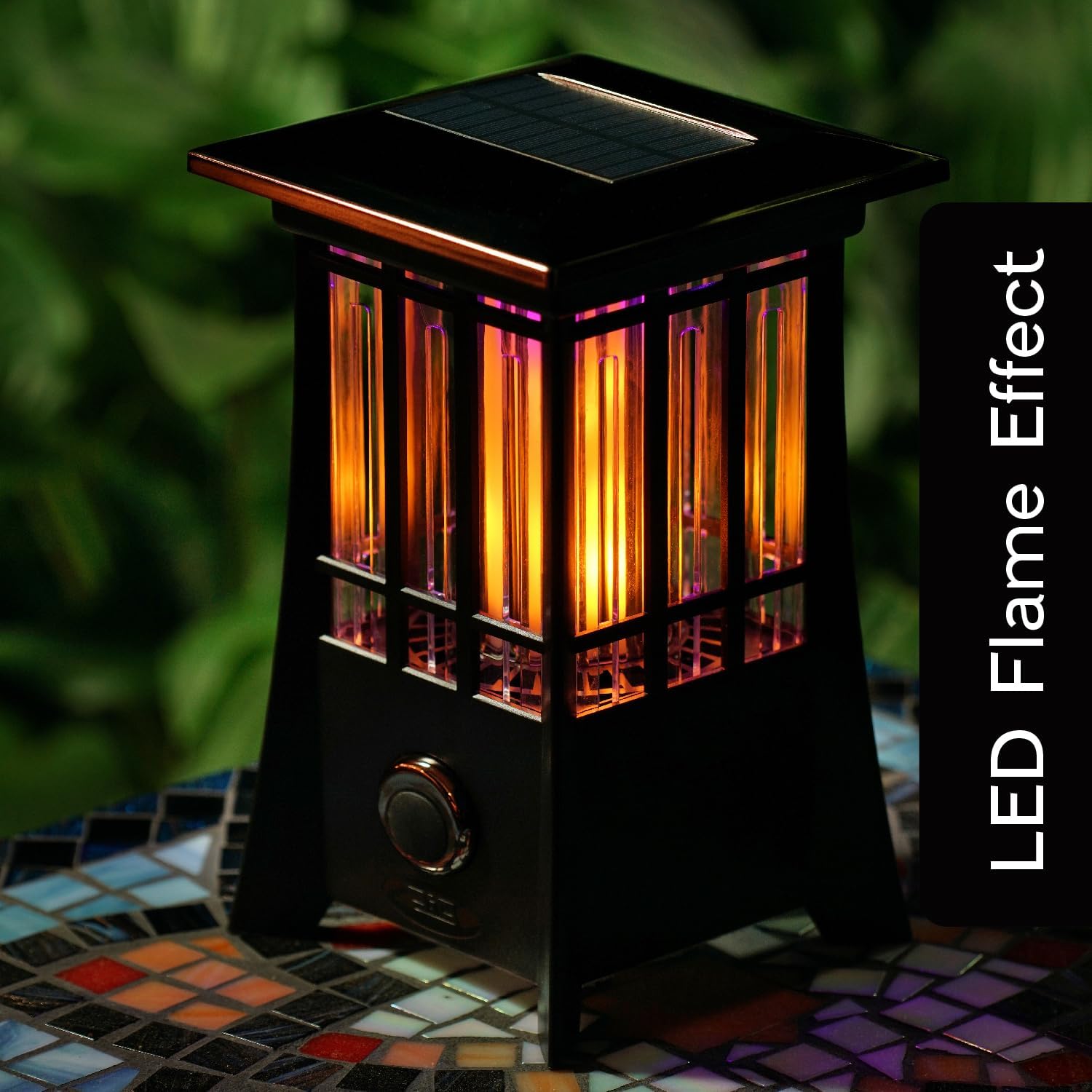
Image: The LED Flame Effect mode, offering a decorative and realistic flickering light.

Image: The 2-in-1 Lantern mode, providing a steady white light for general illumination.
Maintenance
- Cleaning the Zapping Grid: Periodically, turn off the unit and allow it to cool. Use a small brush (not included) to gently remove any accumulated insect debris from the high-voltage grid. Do not use water or cleaning solutions directly on the grid.
- Emptying the Collection Tray: The unit has an internal collection tray. To clean, ensure the unit is off. Gently shake the unit to dislodge dead insects into the tray, then carefully remove the tray (if accessible, otherwise invert the unit) and dispose of the contents.
- Cleaning the Exterior: Wipe the exterior of the lantern with a damp cloth. Do not use abrasive cleaners or solvents.
- Solar Panel Maintenance: Keep the solar panel clean and free of dust, dirt, and debris to ensure efficient charging. Wipe it regularly with a soft, damp cloth.
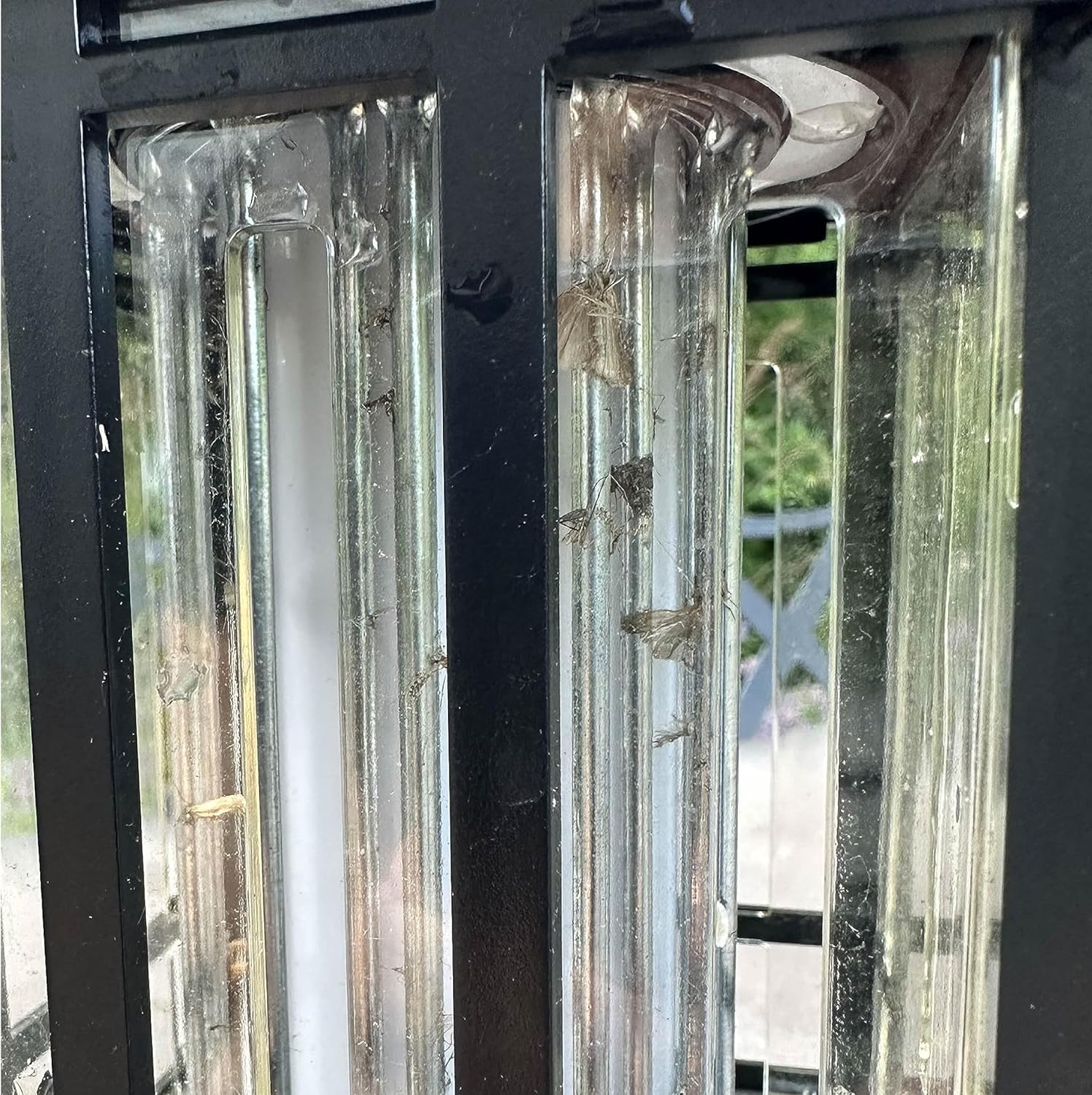
Image: Accumulated insects on the zapping grid, demonstrating the need for regular cleaning.

Image: The weatherproof design allows the unit to withstand outdoor elements like rain.
Troubleshooting
| Problem | Possible Cause | Solution |
|---|---|---|
| Lantern does not turn on at dusk. |
|
|
| Zapping sound is infrequent or absent. |
|
|
| Light modes are not switching. |
|
|
Specifications
| Brand | PIC |
| Model Number | PIC-99188 |
| Product Dimensions | 6.5"L x 6.5"W x 10"H |
| Item Weight | 1.96 pounds |
| Material | Metal, Plastic |
| Color | Black |
| Power Source | Solar Powered |
| Zapping Voltage | 600 Volts |
| Coverage Area | Up to 1/2 Acre |
| Target Species | Fly, Mosquito |
| UPC | 072477991884 |
Warranty and Support
PIC has been a leader in pest control solutions for over 70 years, committed to providing effective and innovative products. For specific warranty information or technical support regarding your PIC Solar Flame Effect Patio Lantern Bug Zapper, please refer to the product packaging or visit the official PIC website. Contact information for customer service is typically available on the manufacturer's website or through the retailer where the product was purchased.
For more information and to explore other PIC products, visit the PIC Store on Amazon.
Related documentsPIC-99188


Ask a question about this manual
Ask about setup, troubleshooting, compatibility, parts, safety, or missing instructions. Manuals+ will review the question and use this page’s manual context to help answer it.