
1. Introduction
This manual provides essential information for the safe and efficient operation of your WISSENERGY WB20-Mode C-7.2KW EV Charging Station. Please read this manual thoroughly before installation and use, and retain it for future reference.
2. Important Safety Information
WARNING: Failure to follow these safety instructions may result in electric shock, fire, or serious injury.
- Installation must be performed by a qualified electrician in accordance with all local and national electrical codes.
- Do not attempt to open, disassemble, repair, or modify the charging station.
- Ensure the charging station is properly grounded.
- Do not use the charging station if the cable or connector is damaged.
- Keep children away from the charging station during operation.
- Avoid submerging the charging station or its components in water.
- Operate within the specified voltage and current limits.
3. Package Contents
Verify that all items are present and undamaged:
- WISSENERGY WB20-Mode C-7.2KW EV Charging Station (with integrated Type 2 charging cable)
- Wall mounting bracket and screws
- User Manual (this document)
4. Product Overview
The WISSENERGY WB20-Mode C-7.2KW is a single-phase, wall-mounted EV charging station designed for efficient home charging. It features a 7.2 KW output, a 32A current, and a Type 2 IEC 62196-2 standard charging cable.

Figure 4.1: Main unit of the WISSENERGY EV Charger with its integrated Type 2 charging cable and wall mount hook. The unit is white with a colorful logo and indicates 7.2kW and 6.1m cable length.
Key Features:
- High Charging Power: 7.2 KW (32A single-phase) for fast charging.
- Touch LCD Display: Provides real-time charging data and allows current adjustment.
- High Compatibility: Compatible with most electric vehicles using IEC 62196-2 (Type 2) standard.
- Durable and Weatherproof: IP66 waterproof rating ensures safe operation in various weather conditions.
- Long Charging Cable: 6.1-meter (20-foot) cable for convenient reach.
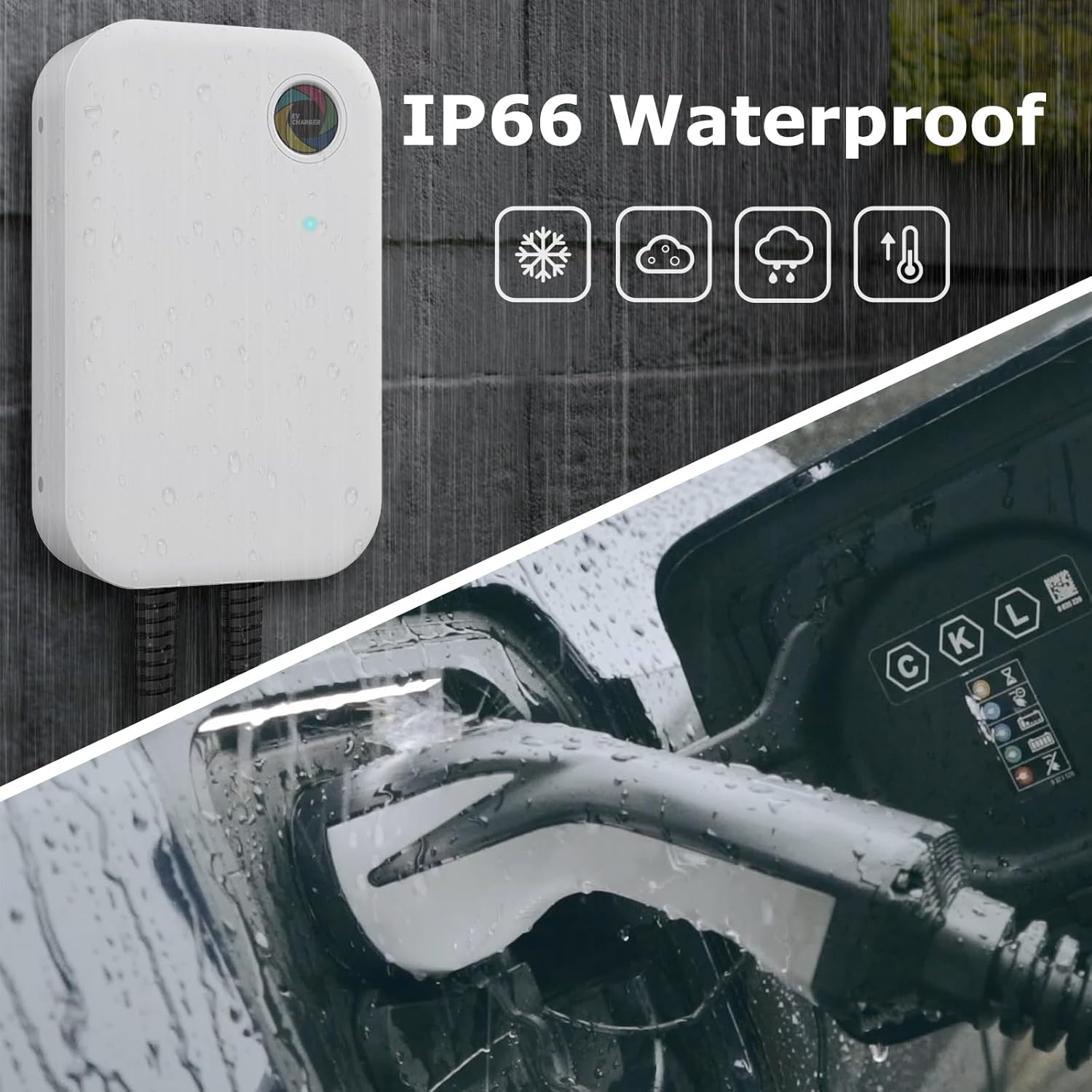
Figure 4.2: The WISSENERGY EV Charger unit shown with water droplets, illustrating its IP66 waterproof rating. Icons for snow, clouds, rain, and temperature indicate its suitability for various weather conditions.

Figure 4.3: A close-up of the IEC 62196-2 (Type 2) charging plug being inserted into a vehicle's charging port. The image highlights the plug's design and mentions its durability for over 10,000 insertions and removals.
5. Installation and Setup
IMPORTANT: Installation must be carried out by a certified electrician to ensure compliance with all electrical safety standards and local regulations.
- Site Selection: Choose a suitable wall location near your parking spot, ensuring it is within reach of the 6.1-meter charging cable and has access to the required electrical supply.
- Electrical Connection: The charging station requires a single-phase 240V electrical supply with a dedicated 32A circuit breaker. The electrician will connect the unit to your home's electrical panel.
- Mounting the Unit:
- Use the provided wall mounting bracket as a template to mark drilling points on the wall.
- Drill holes and insert appropriate wall anchors (if necessary).
- Securely attach the mounting bracket to the wall.
- Mount the charging station onto the bracket.
- Cable Management: Install the provided cable hook to neatly store the charging cable when not in use.

Figure 5.1: A diagram illustrating the dimensions of the WISSENERGY EV Charger unit (21.7M width, 34.7M height) and the length of its integrated charging cable (6.1M). It also shows the power input cable.
6. Operating Instructions
The WISSENERGY EV Charger is designed for straightforward operation.
6.1 Starting a Charge
- Connect to Vehicle: Open your electric vehicle's charging port cover. Take the Type 2 charging connector from the station and firmly insert it into your vehicle's charging port. Ensure a secure connection.
- Initiate Charging: The charging station will automatically detect the vehicle and begin the charging process. The LCD screen will illuminate and display charging parameters.

Figure 6.1: A person demonstrating the connection of the WISSENERGY EV Charger's Type 2 plug into an electric vehicle's charging port, located on the side of the car.
6.2 Using the Touch LCD Display
The integrated touch LCD display provides real-time information and allows for current adjustment.

Figure 6.2: The WISSENERGY EV Charger's main unit with a hand interacting with its touchable LCD display. The display shows key parameters such as charging power (9.0 kW), current (32.0 A), charging time (05:10:08 h), and charged capacity (100 kWh).
- View Parameters: The screen displays current charging power (KW), current (A), charging duration (h), and total charged capacity (KWh).
- Adjust Current: You can adjust the charging current directly on the screen to suit your needs or electrical supply capacity. Refer to your vehicle's manual for recommended charging rates.
6.3 Stopping a Charge
- End Charging: Most vehicles allow you to stop charging via their onboard system or mobile app. Alternatively, you can stop charging from the station's interface if available, or simply disconnect the cable.
- Disconnect from Vehicle: Once charging is complete or stopped, unlock the charging port on your vehicle (if applicable) and carefully remove the Type 2 connector.
- Store Cable: Return the charging cable to its hook on the wall mount to prevent damage and keep the area tidy.
7. Maintenance and Care
Regular maintenance ensures the longevity and safe operation of your charging station.
- Cleaning: Clean the exterior of the charging station with a soft, damp cloth. Do not use abrasive cleaners, solvents, or harsh chemicals. Ensure the unit is powered off before cleaning.
- Cable Inspection: Periodically inspect the charging cable and connector for any signs of wear, cuts, cracks, or damage. If any damage is found, discontinue use immediately and contact support.
- Connector Care: Keep the charging connector clean and free of debris. Ensure the protective cap is used when the cable is not connected to a vehicle.
- Environmental Conditions: While the unit is IP66 rated, avoid prolonged exposure to extreme temperatures or direct sunlight if possible, to extend its lifespan.
8. Troubleshooting
If you encounter issues with your WISSENERGY EV Charger, refer to the following common problems and solutions:
| Problem | Possible Cause | Solution |
|---|---|---|
| Charger not powering on. | No power supply; circuit breaker tripped. | Check the main power supply and reset the circuit breaker. Ensure proper installation. |
| Vehicle not charging. | Cable not fully inserted; vehicle charging port issue; charger error. | Ensure the cable is securely connected. Check your vehicle's charging status. Restart the charging process. |
| Slow charging speed. | Current setting too low; vehicle limitation; grid instability. | Adjust the current setting on the LCD display. Verify your vehicle's maximum charging rate. Consult your electrician if grid issues are suspected. |
| Error message on LCD. | Internal fault; communication error with vehicle. | Note the error code. Disconnect and reconnect the charger. If the error persists, contact customer support. |
If the problem persists after attempting these solutions, please contact WISSENERGY customer support.
9. Technical Specifications
| Feature | Specification |
|---|---|
| Brand | WISSENERGY |
| Model Number | WB20-Mode C-7.2KW |
| Input Voltage | 240 Volts (Single-Phase) |
| Output Power | 7.2 KW |
| Output Current | 32 A |
| Connector Type | Type 2 (IEC 62196-2) |
| Cable Length | 6.1 meters (approx. 20 feet) |
| Compatibility | EV | PHEV |
| Waterproof Rating | IP66 |
| Certifications | CE, FCC, IEC |
| Color | White |
10. Warranty and Customer Support
10.1 Warranty Information
WISSENERGY provides a 1-year warranty for quality-related issues from the date of purchase. This warranty covers defects in materials and workmanship under normal use.
The warranty does not cover:
- Damage caused by improper installation or unauthorized repairs.
- Damage due to misuse, abuse, neglect, or accidents.
- Normal wear and tear.
- Damage from external causes such as power surges or natural disasters.
10.2 Customer Support
If you have any questions, require technical assistance, or need to make a warranty claim, please contact WISSENERGY customer support. Provide your model number (WB20-Mode C-7.2KW) and purchase details when contacting support.
For support, please refer to the contact information provided with your purchase or visit the official WISSENERGY website.


