
1. Introduction
This manual provides essential instructions for the setup, operation, and maintenance of your BUFFALO MediaStation 8X Portable DVD Writer. This external optical drive is designed to read and write DVDs and CDs, offering M-DISC support for long-term data archiving and USB 3.2 connectivity for efficient data transfer. Its compact and ultra-slim design makes it suitable for use with laptops and other compatible devices.
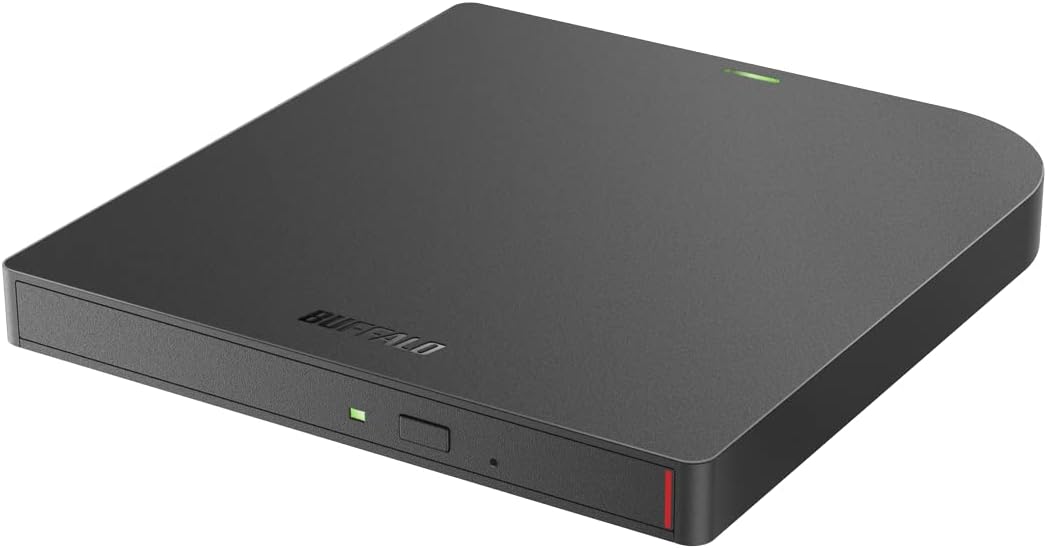
Image 1.1: The BUFFALO MediaStation 8X Portable DVD Writer, a sleek black external optical drive.
2. Product Overview
The BUFFALO MediaStation 8X Portable DVD Writer is a versatile external optical drive. Key features include:
- Disc Compatibility: Supports DVD, CD, and M-DISC formats for reading and writing.
- Portability: Ultra-slim and compact design for easy transport.
- Software Included: Comes with CyberLink Power2Go software for disc burning and playback.
- Connectivity: Utilizes USB 3.2 for high-speed data transfer.

Image 2.1: Illustration showing the drive's capabilities: watching movies, installing software, listening to music, and backing up data.

Image 2.2: Visual representation of the drive's compatibility with DVD, CD, and M-DISC formats.
3. Setup
Follow these steps to set up your BUFFALO MediaStation 8X Portable DVD Writer:
- Unpack the Device: Carefully remove the DVD writer and its accessories from the packaging.
- Connect to Computer: Connect the USB cable from the DVD writer to an available USB 3.2 port on your computer. The device is compatible with Windows and macOS operating systems.
- Driver Installation: In most cases, the necessary drivers will install automatically upon connection. If prompted, follow the on-screen instructions.
- Software Installation: Install the included CyberLink Power2Go software from the provided disc or by downloading it from the official BUFFALO support website. This software is recommended for optimal disc burning and playback functionality.

Image 3.1: The portable DVD writer connected via USB to a laptop, illustrating the ease of setup.
4. Operating Instructions
4.1 Inserting and Ejecting a Disc
- To Insert: Press the eject button on the front of the drive. The disc tray will open. Place the disc gently onto the tray with the label side facing up. Push the tray back into the drive until it clicks into place.
- To Eject: Press the eject button on the front of the drive. The disc tray will open. Carefully remove the disc and push the tray back into the drive. Alternatively, you can eject the disc through your computer's operating system (e.g., right-click the drive icon and select 'Eject').
4.2 Reading Discs
Once a disc is inserted, your computer's operating system should automatically detect it. You can then access the disc's contents through File Explorer (Windows) or Finder (macOS). For media playback, use compatible software on your computer.
4.3 Writing Discs
To write data to a blank DVD, CD, or M-DISC, use the included CyberLink Power2Go software or another compatible disc burning application. Follow the software's instructions for selecting files, choosing disc format, and initiating the burning process. The drive supports 8x read and write speeds for DVDs.
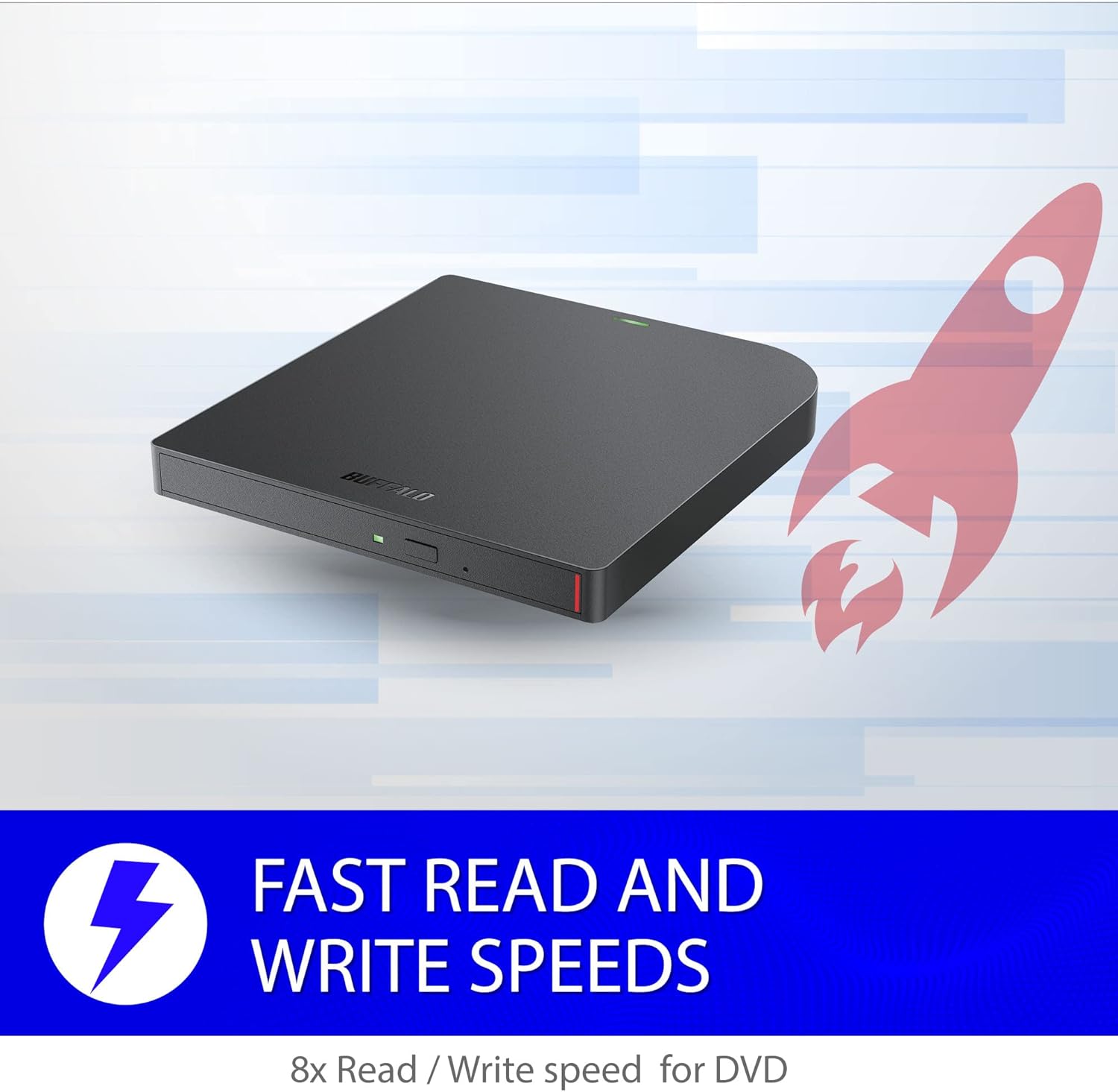
Image 4.1: The portable DVD writer with a graphic indicating fast read and write speeds (8x for DVD).
5. Maintenance
Proper maintenance ensures the longevity and optimal performance of your DVD writer:
- Cleaning the Drive: Use a soft, dry, lint-free cloth to gently wipe the exterior of the drive. Do not use liquid cleaners or abrasive materials. Avoid opening the drive casing.
- Disc Handling: Always handle discs by their edges. Avoid touching the recording surface. Store discs in protective cases away from direct sunlight, extreme temperatures, and humidity.
- Storage: When not in use, store the DVD writer in a clean, dry place, protected from dust and physical impact.
6. Troubleshooting
If you encounter issues with your BUFFALO MediaStation 8X Portable DVD Writer, try the following steps:
- Drive Not Detected:
- Ensure the USB cable is securely connected to both the drive and your computer.
- Try connecting the drive to a different USB port.
- Restart your computer.
- Check your computer's Device Manager (Windows) or System Information (macOS) to see if the drive is listed.
- Disc Not Recognized:
- Ensure the disc is clean and free from scratches or smudges.
- Verify that the disc is inserted correctly, label side up.
- Try a different disc to rule out a faulty disc.
- Burning Errors:
- Ensure you are using a compatible blank disc (DVD-R, DVD+R, CD-R, M-DISC).
- Close other applications running in the background to free up system resources.
- Try burning at a slower speed if the option is available in your software.
If these steps do not resolve the issue, please refer to the Warranty and Support section for further assistance.
7. Specifications
| Feature | Detail |
|---|---|
| Brand | BUFFALO |
| Series | MediaStation 8x |
| Model Number | DVSM-PUV8U3B |
| Hardware Platform | Laptop |
| Operating System Compatibility | Windows or macOS |
| Item Weight | 1 pounds |
| Product Dimensions (LxWxH) | 7.5 x 7 x 2 inches |
| Special Feature | Portable, DVD burner, USB 3.2 (Gen1), M-Disc support, Cyberlink software included |
| Hardware Interface | USB 3.2 Gen 1 |
| Optical Storage Write Speed | 8x |
| Optical Storage Read Speed | 8x |
8. Warranty and Support
Your BUFFALO MediaStation 8X Portable DVD Writer comes with a two-year product warranty. For technical assistance, troubleshooting, or warranty claims, please contact BUFFALO's award-winning US-based support team, available 24/7.
Contact Information: Please refer to the official BUFFALO website or the documentation included with your product for the most current support contact details.


