
1. Introduction
Thank you for choosing the ieGeek 2K Wi-Fi Indoor/Outdoor Battery Camera. This manual provides detailed instructions on how to set up, operate, and maintain your camera to ensure optimal performance and security for your home or property. Please read this manual thoroughly before use and keep it for future reference.
This camera is a completely wireless solution, powered by a 5200mAh rechargeable battery, offering up to 3 months of standby time. It features 2K QHD video resolution, a 130° wide viewing angle, and advanced PIR human motion detection to minimize false alarms. With color night vision, two-way audio, and compatibility with Alexa, it provides comprehensive surveillance day and night, indoors and outdoors.
2. Package Contents
- ieGeek 2K Wi-Fi Battery Camera
- Mounting Bracket
- USB Type-C Charging Cable
- Mounting Screws and Wall Plugs
- User Manual
3. Product Overview
Familiarize yourself with the main components of your ieGeek camera:

Image: Front view of the ieGeek 2K Wi-Fi Battery Camera, showing the lens, spotlight, and PIR sensor.
- Lens: Captures 2K QHD video.
- Spotlight: Provides illumination for color night vision and acts as a deterrent.
- PIR Motion Sensor: Detects heat signatures for accurate motion detection.
- Microphone: Captures audio for two-way communication and recording.
- Speaker: Enables two-way audio communication and siren activation.
- Mounting Point: For attaching the camera to the included bracket.
- USB-C Port: For charging the internal battery.
- Micro SD Card Slot: For local video storage (supports up to 128GB, not included).
4. Setup
4.1 Charging the Camera
Before initial use, fully charge the camera using the provided USB Type-C cable and a 5V/2A power adapter (not included). The charging indicator light will show the charging status.
4.2 Downloading the ieGeek Cam App
Search for "ieGeek Cam" in the App Store (iOS) or Google Play Store (Android) and download the application. Alternatively, scan the QR code provided in the quick start guide to download the app.
4.3 Account Registration and Device Pairing
- Open the ieGeek Cam app and register a new account.
- Follow the in-app instructions to add your camera. Ensure your smartphone is connected to a 2.4GHz Wi-Fi network. The camera only supports 2.4GHz Wi-Fi.
- Scan the QR code on the camera when prompted by the app to initiate pairing.
- Once connected, you can name your camera and begin live viewing.

Image: The ieGeek camera mounted on a wall, highlighting its 100% wireless design for easy installation.
4.4 Installation and Mounting
The ieGeek camera is designed for both indoor and outdoor use, with an IP65 waterproof rating. Choose a location with good Wi-Fi signal strength. You can mount the camera to a wall or ceiling using the provided bracket and screws, or place it on a flat surface.

Image: Three examples of camera installation: wall-mounted outdoors, ceiling-mounted indoors, and placed on a desk indoors.

Image: The ieGeek camera shown outdoors in the rain, demonstrating its IP65 waterproof rating.
5. Operating the Camera
5.1 Live View
Open the ieGeek Cam app and tap on your camera to access the live video feed. You can view real-time footage, take screenshots, and record manually.
5.2 Motion Detection and Alerts
The camera features a PIR motion sensor and supports humanoid detection, significantly reducing false alarms caused by pets or swaying branches. When motion is detected, you will receive instant notifications on your smartphone.
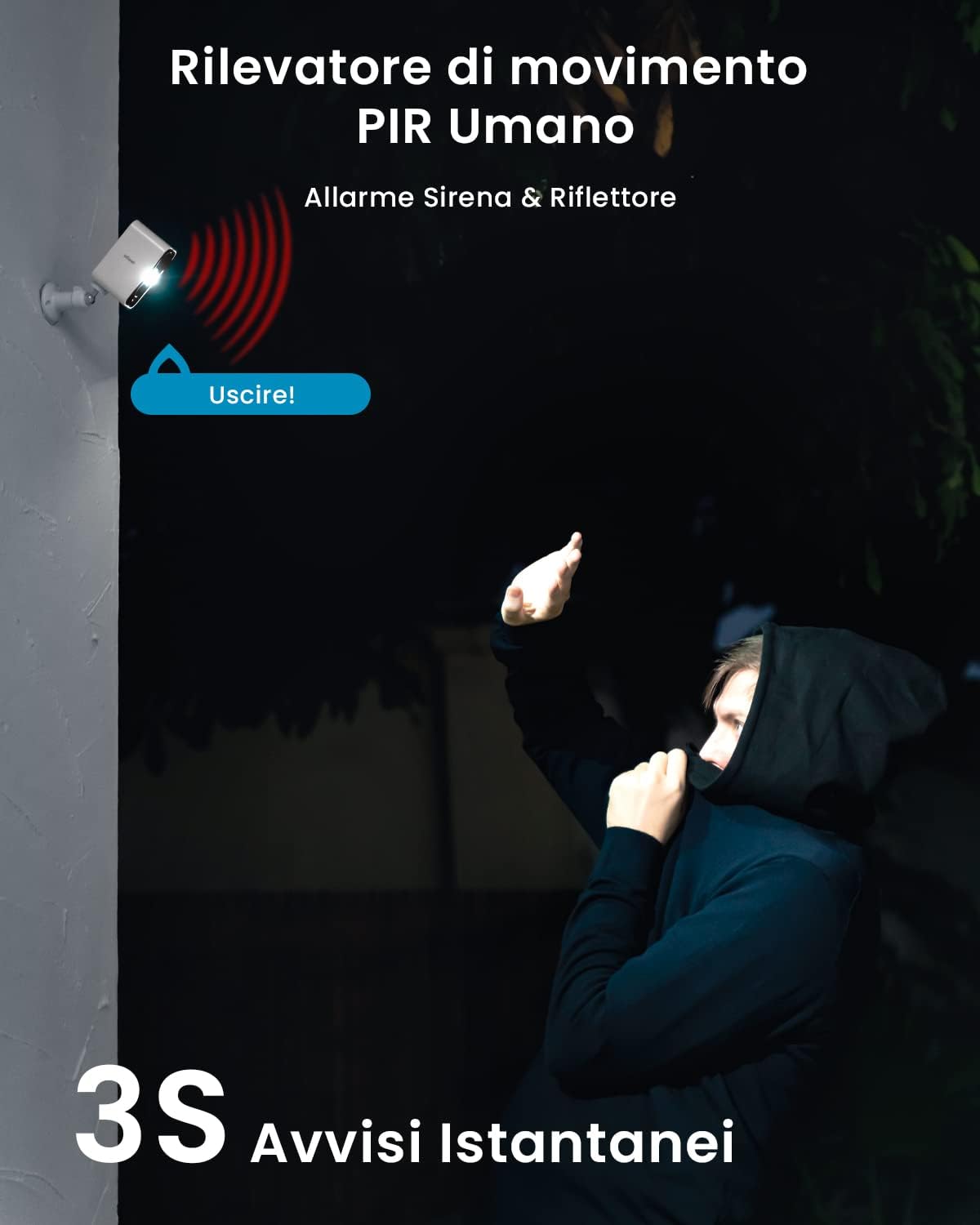
Image: A person reacting to the camera's spotlight and siren, illustrating the PIR human motion detection and alarm features.
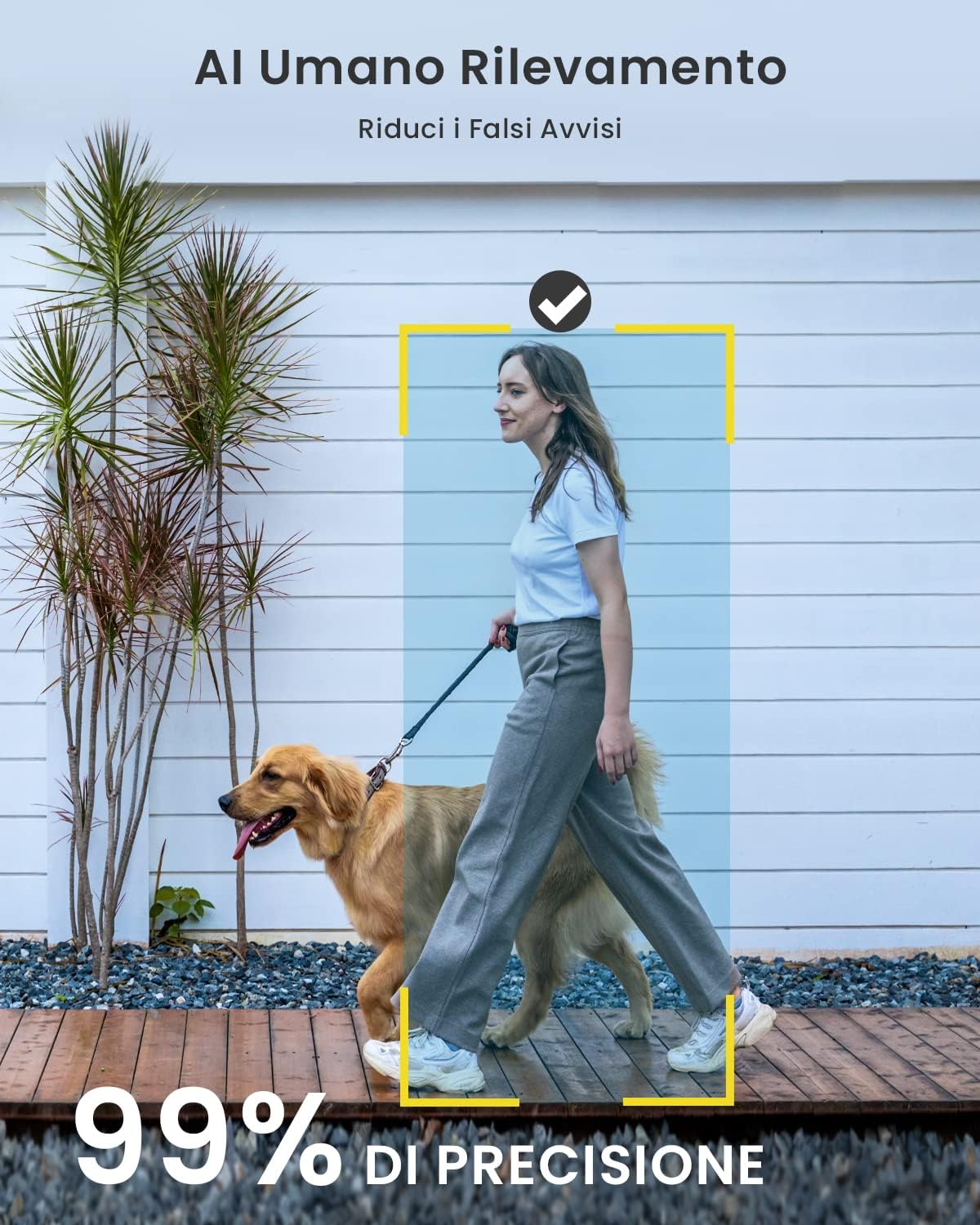
Image: A person walking a dog, with a highlighted box around the person, demonstrating the 99% accuracy of human detection.
You can customize motion detection sensitivity, set activity zones, and schedule detection times within the app. The camera also features an alarm siren and spotlight that can be manually activated or set to trigger automatically upon detection to deter intruders.
5.3 Night Vision
The camera provides clear vision even in low-light conditions. With its built-in spotlights, it offers full-color night vision, allowing you to see details more clearly than traditional infrared night vision.

Image: A split view showing a dog playing in a garden at night, with one side in black and white and the other in full color, illustrating the color night vision feature.
5.4 Two-Way Audio
Communicate with visitors or deter unwanted guests using the camera's built-in microphone and speaker. Simply tap the microphone icon in the live view to speak through the camera.

Image: A delivery person at a door, with speech bubbles indicating two-way audio communication with the camera.
5.5 Recording and Storage
The camera records only when motion is detected. You can store recordings locally on a Micro SD card (up to 128GB, not included) or subscribe to cloud storage services for secure backup and access from anywhere.
5.6 Alexa Integration
The ieGeek camera works with Amazon Alexa. You can view live camera feeds on compatible Alexa-enabled devices with a simple voice command, such as "Alexa, show me the garden."

Image: An Amazon Echo Show displaying the live feed from the ieGeek camera, with the text "Works with Alexa" and a voice command example.
6. Maintenance
6.1 Battery Management
To maximize battery life, ensure the camera is fully charged before installation. The battery life can vary based on usage, motion detection frequency, and environmental factors. Recharge the camera when the battery level is low, typically when it drops below 20-30%.
6.2 Cleaning the Camera
Wipe the camera lens and body with a soft, dry cloth to remove dust and smudges. Avoid using harsh chemicals or abrasive cleaners that could damage the camera's surface or lens.
6.3 Firmware Updates
Periodically check the ieGeek Cam app for available firmware updates. Keeping your camera's firmware up-to-date ensures you have the latest features, security enhancements, and bug fixes.
7. Troubleshooting
- Camera not connecting to Wi-Fi: Ensure your Wi-Fi network is 2.4GHz. Check Wi-Fi signal strength at the camera's location. Restart your router and the camera.
- Frequent false alarms: Adjust motion detection sensitivity in the app. Enable humanoid detection. Define specific activity zones to exclude irrelevant areas.
- Poor video quality: Ensure the lens is clean. Check your Wi-Fi connection stability and bandwidth.
- Battery drains quickly: Reduce motion detection frequency or sensitivity. Ensure the camera is not in an area with constant motion. Check Wi-Fi signal strength, as a weak signal can increase battery consumption.
- Two-way audio issues: Ensure microphone and speaker permissions are enabled for the app on your phone. Check camera volume settings in the app.
For more detailed troubleshooting or technical support, please refer to the FAQ section within the ieGeek Cam app or contact ieGeek customer support.
8. Specifications
| Feature | Specification |
|---|---|
| Model Name | ZS-GX3S |
| Product Dimensions | 4.7 x 5.4 x 9 cm |
| Weight | 340 grams |
| Color | White |
| Power Source | Battery Powered (5200mAh) |
| Connectivity Protocol | Wi-Fi (2.4GHz) |
| Video Capture Resolution | 2K QHD (3MP) |
| Viewing Angle | 130 Degrees |
| Night Vision Range | 15 Meters |
| Special Features | Night Vision, Motion Detection, Two-Way Audio, Alexa Compatible |
| Indoor/Outdoor Use | Outdoor, Indoor |
| Waterproof Rating | IP65 |
| Storage | Micro SD Card (up to 128GB), Cloud Storage |
9. Warranty and Support
ieGeek products are designed and manufactured to the highest quality standards. For information regarding warranty coverage and customer support, please refer to the warranty card included with your product or visit the official ieGeek website. If you encounter any issues or have questions, please do not hesitate to contact our support team.


