
Introduction
This manual provides essential instructions for the safe and effective operation of your Andoer 4K Digital Camera Video Camcorder. Please read this manual thoroughly before use and retain it for future reference.
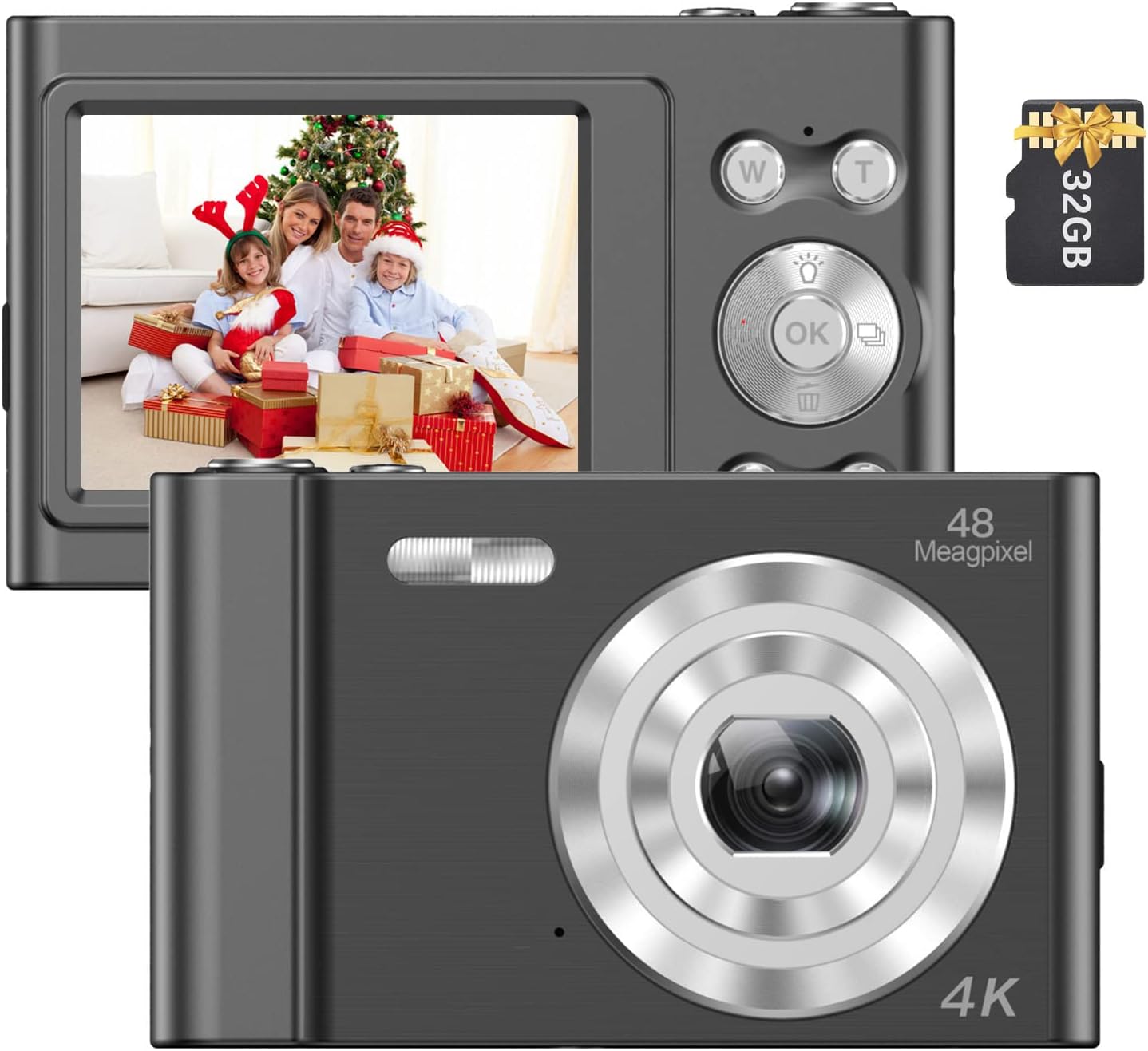
Image: The Andoer 4K Digital Camera, shown with its 2.4-inch IPS screen displaying a family scene and a 32GB memory card.
Package Contents
Verify that all items listed below are included in your package:
- 1 x Andoer Digital Camera
- 1 x USB Charging Cable
- 1 x Wrist Strap
- 1 x Carry Bag
- 1 x 32GB Memory Card
- 1 x User's Manual (English)
Setup
1. Battery Installation and Charging
The camera features a built-in lithium battery. Before first use, ensure the battery is fully charged.
- Connect the camera to a USB power source (e.g., computer, wall adapter) using the provided USB charging cable.
- The charging indicator light will illuminate. Once charging is complete, the light will typically change color or turn off.
2. Memory Card Installation
A 32GB memory card is included. The camera supports Class-10 external TF (Micro SD) memory cards up to 128GB.
- Locate the memory card slot on the camera.
- Insert the memory card into the slot with the gold contacts facing the correct direction (refer to the diagram on the camera body if available) until it clicks into place.
- To remove, gently press the card inward until it springs out.
3. Initial Power On
Press and hold the power button (usually marked with a power symbol) for a few seconds until the screen illuminates.
Operating Instructions
Basic Controls
Familiarize yourself with the camera's buttons and their functions:
- Power Button: Turns the camera on/off.
- Shutter Button: Takes photos or starts/stops video recording.
- W/T Buttons: Control the 16X digital zoom (W for Wide, T for Telephoto).
- OK Button: Confirms selections in menus.
- Mode (M) Button: Switches between different shooting modes (e.g., Photo, Video, Playback).
- Menu Button: Accesses camera settings.

Image: A detailed view of the camera's front, highlighting the lens and the '48 Megapixel' marking, indicating its high-resolution capability.
Photo Mode
To capture still images:
- Turn on the camera and ensure it is in Photo Mode (indicated on the 2.4-inch IPS screen).
- Frame your shot using the screen. Use the W/T buttons to adjust the 16X digital zoom.
- Press the Shutter Button halfway to focus, then fully press to take the picture.
Video Mode
To record videos:
- Switch to Video Mode using the Mode (M) button.
- Press the Shutter Button to start recording. A recording indicator will appear on the screen.
- Press the Shutter Button again to stop recording.

Image: A hand holding the Andoer camera, displaying a family on a beach on its screen, illustrating its use for capturing memories.
Zoom Function
The camera features 16X digital zoom. Use the 'T' button to zoom in and the 'W' button to zoom out. Digital zoom magnifies the image electronically, which may affect image quality at higher magnifications.

Image: A visual comparison showing the effect of 1x zoom versus 16x digital zoom, demonstrating the camera's magnification capability.
Playback Mode
To review your photos and videos:
- Switch to Playback Mode using the Mode (M) button.
- Use the navigation buttons (often integrated with the OK button) to scroll through your media.
- Press the OK button to view a photo or play a video.
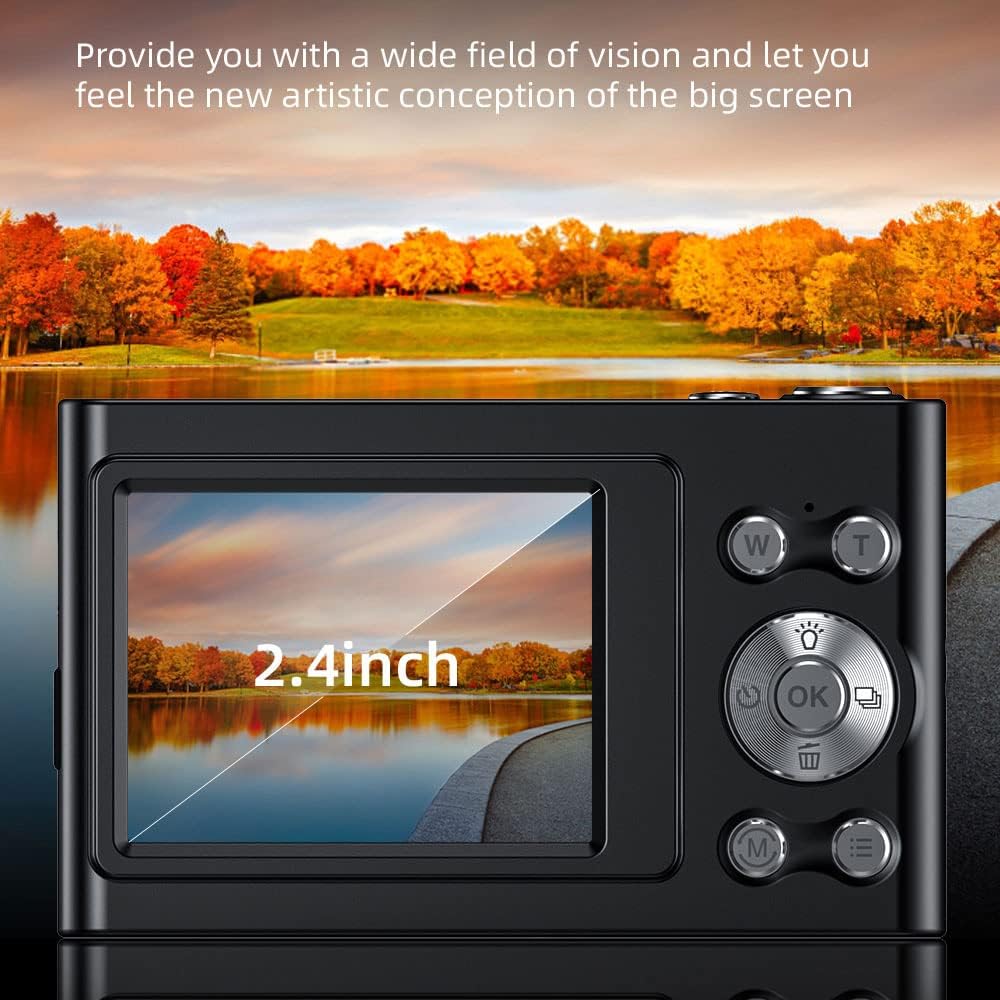
Image: The camera's 2.4-inch IPS screen displaying a vibrant landscape, illustrating the screen size and display quality.
Camera Settings and Features
Access the Menu to adjust various settings:
- Resolution: Set photo resolution up to 48MP and video resolution up to 4K.
- Shooting Modes: Select from Auto, Sport, Night, Portrait, Landscape, Backlight, Party, Beach, High Sensitivity.
- White Balance: Adjust for Auto, Daylight, Cloudy, Fluorescent, Tungsten.
- Self-Timer: Options for Off, 2 sec, 5 sec, 10 sec.
- Anti-Shake: Digital image stabilization to reduce blur.
- Face Detect & Smile Capture: Features to assist in portrait photography.
- Built-in Flash: Provides illumination in low-light conditions.
- Auto Power Off: Configurable to Off, 1 minute, 3 minutes, 5 minutes, 10 minutes to conserve battery.

Image: A graphic illustrating the camera's image quality enhancement features, including intelligent analysis, color restoration, and fine picture quality.
Maintenance
Cleaning the Camera
- Use a soft, lint-free cloth to clean the camera body.
- For the lens and screen, use a specialized lens cleaning cloth and solution. Avoid abrasive materials.
Battery Care
- Avoid fully discharging the battery frequently.
- Charge the battery regularly, even if the camera is not in use for extended periods.
Storage
- Store the camera in a cool, dry place, away from direct sunlight and extreme temperatures.
- Use the provided carry bag for protection during transport.
Troubleshooting
If you encounter issues with your camera, refer to the following common problems and solutions:
| Problem | Possible Solution |
|---|---|
| Camera does not power on. | Ensure the battery is charged. Connect to a power source and try again. |
| Memory card error. | Reinsert the memory card. Ensure it is a Class-10 TF card and formatted correctly. Try a different compatible memory card. |
| Images are blurry. | Ensure the lens is clean. Check lighting conditions. Use the anti-shake function. Hold the camera steady. |
| Flash not working. | Check flash settings in the menu. Ensure the flash is enabled for the current shooting mode. |
| Camera freezes or is unresponsive. | Remove and reinsert the battery (if accessible) or press and hold the power button for 10 seconds to force a shutdown. |
Specifications
Detailed technical specifications for your Andoer 4K Digital Camera Video Camcorder:
- Image Sensor: CMOS Sensor
- Display: 2.4 Inch IPS Screen
- Picture Resolution: Up to 48MP
- Video Resolution: 4K (3840x2160), 2.7K (2688x1520), 1080P (1920x1080), 720P (1280x720)
- Digital Zoom: 16X
- Image Stabilization: Digital
- Focus Type: Auto Focus (Contrast Detection)
- Storage: Supports Class-10 TF (Micro SD) card up to 128GB (32GB included)
- Connectivity: USB
- Power Supply: Built-in Lithium Battery
- Item Size: 9.5 * 5.8 * 2.5cm / 3.7 * 2.3 * 1in
- Item Weight: 115g / 4.1oz
- Color: Black
Safety Information
Warning:
To avoid suffocation hazard, keep this plastic bag away from babies and children.

Image: A warning label in multiple languages advising to keep plastic bags away from children to prevent suffocation.
Warranty and Support
For warranty information, please refer to the documentation included with your purchase or contact your retailer. For technical support or further assistance, please reach out to Andoer customer service through their official website or the contact information provided on your product packaging.

