
Introduction
The Runleader RL-HM011G is a versatile digital hour and tachometer designed for gas-powered equipment. It accurately tracks engine hours, displays real-time RPM, and provides maintenance reminders. This device features a replaceable internal battery and a user-friendly interface for easy operation and long-term use.
Key Features:
- Hour Meter: Tracks total engine run time with 0.1-hour accuracy. Programmable initial hours for replacement.
- Maintenance Reminder: Customizable service interval timer with flashing warning icon and backlight.
- Tachometer: Displays real-time RPMs, programmable for various engine firing patterns.
- Battery Replaceable: Uses an internal CR2450 battery, with data retention during battery changes.
- User Shutdown: Allows the user to turn off the display when not in use.
- Waterproof: IP65 rated for durability in various conditions.
What's in the Box:
- 2 x Runleader RL-HM011G Digital Hour/Tach Meter
- 2 x 3M Adhesive Velcro
- 4 x Cable Ties
- 2 x Cut-out Stickers
- 2 x CR2450 Batteries (pre-installed)
Setup
1. Battery Activation
The device comes with a pre-installed CR2450 lithium battery. To activate the meter, remove the plastic insulating strip from the battery compartment located on the back of the unit. Ensure the battery cap is securely twisted back into place to maintain waterproofing.
2. Signal Wire Installation
The RL-HM011G measures RPM and engine hours by detecting the electrical pulses from the spark plug. Wrap the signal wire around the spark plug wire of your engine 5-8 times. Secure the wrapped wire using the provided cable ties to prevent it from coming loose due to vibration or movement.

Figure 1: Signal wire wrapping and mounting options.
3. Mounting the Meter
You can mount the meter using the included 3M adhesive Velcro for easy attachment and removal, or use screws through the integrated mounting holes if a more permanent installation is desired. Ensure the mounting surface is clean and dry for optimal adhesion.
4. Programming Firing Patterns
To ensure accurate RPM readings, program the meter according to your engine's firing pattern. Refer to the 'Programmable Firing Patterns' section under Operating Instructions for detailed guidance.
Operating Instructions
The RL-HM011G features two buttons: 'M' (Mode) and 'S' (Set/Function). Use these buttons to navigate through settings and modes.
1. Display Modes (TOT Hours & RPM)
When the engine is off, the display shows the total accumulated engine hours (TOT HOURS). When the engine is running, it automatically switches to display real-time RPM.

Figure 2: Displaying Total Hours (engine off) and Real-time RPM (engine on).
2. Initial Time Setting
You can set initial hours for the meter, useful when replacing an old hour meter. Press and hold the 'S' button to enter the initial time setting mode. Use the 'M' button to adjust the digits and 'S' to confirm and move to the next digit.

Figure 3: Setting the initial hours.
3. Service Timer (Maintenance Reminder)
Program a maintenance interval (SERVICE) to remind you when service is due. The meter will count down the time until maintenance. When the set time is reached, the service warning icon and backlight will flash to alert you.

Figure 4: Service timer functionality.
4. Programmable Firing Patterns
The meter can be programmed for different engine firing patterns to ensure accurate RPM readings. Use the 'M' and 'S' buttons to select the correct pattern for your engine type. Refer to the table below for common engine types and their corresponding firing patterns.

Figure 5: Programmable engine firing patterns.
5. Backlight Modes
The backlight has three modes: 'L-OFF' (off), 'L-ON' (always on), and 'L-Aut' (automatic). You can cycle through these modes using the 'M' button. In 'L-Aut' mode, the backlight will turn on automatically when the engine is running or a button is pressed, and turn off after a period of inactivity.
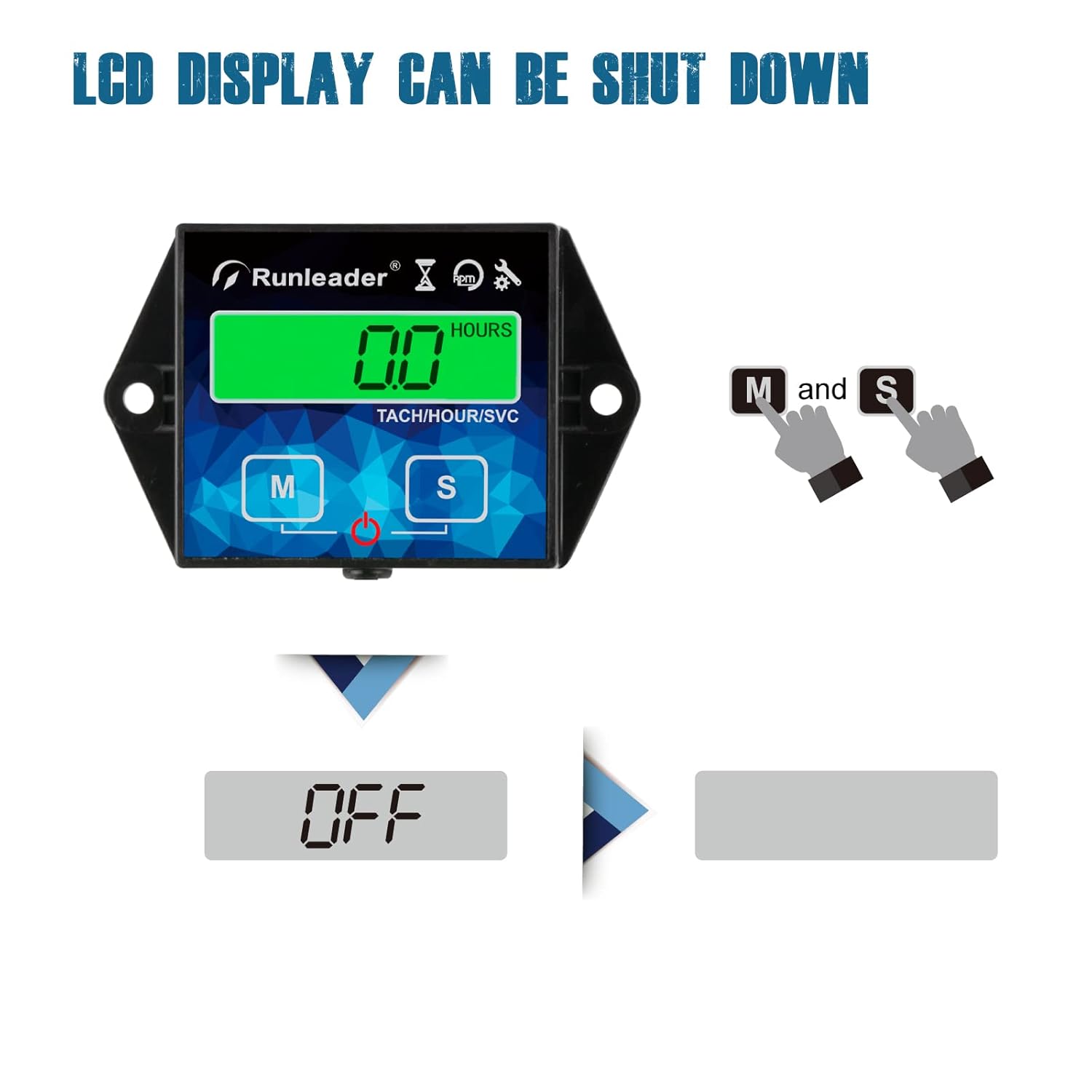
Figure 6: Backlight mode settings.
6. LCD Display Shutdown
The LCD display can be manually shut down to conserve battery life. Press and hold both the 'M' and 'S' buttons simultaneously until 'OFF' appears on the screen. To wake the display, press any button.

Figure 7: LCD display shutdown feature.
Video: Runleader HM011G Tach/Hour Meter Overview
This video provides a visual guide to the features and basic operation of the Runleader HM011G Tach/Hour Meter, including mode switching and programming.
Maintenance
1. Battery Replacement
The RL-HM011G uses a replaceable CR2450 lithium battery. When the battery is low, the display will show a 'bt-Lo' indicator. To replace, twist open the battery cover on the back of the unit, remove the old battery, insert a new CR2450 battery with the correct polarity, and securely close the cover. Data will be retained during battery replacement.
2. Waterproofing
The device has an IP65 waterproof rating, meaning it is protected against dust ingress and low-pressure water jets from any direction. Ensure the battery cover is tightly sealed after replacement to maintain its waterproof integrity.
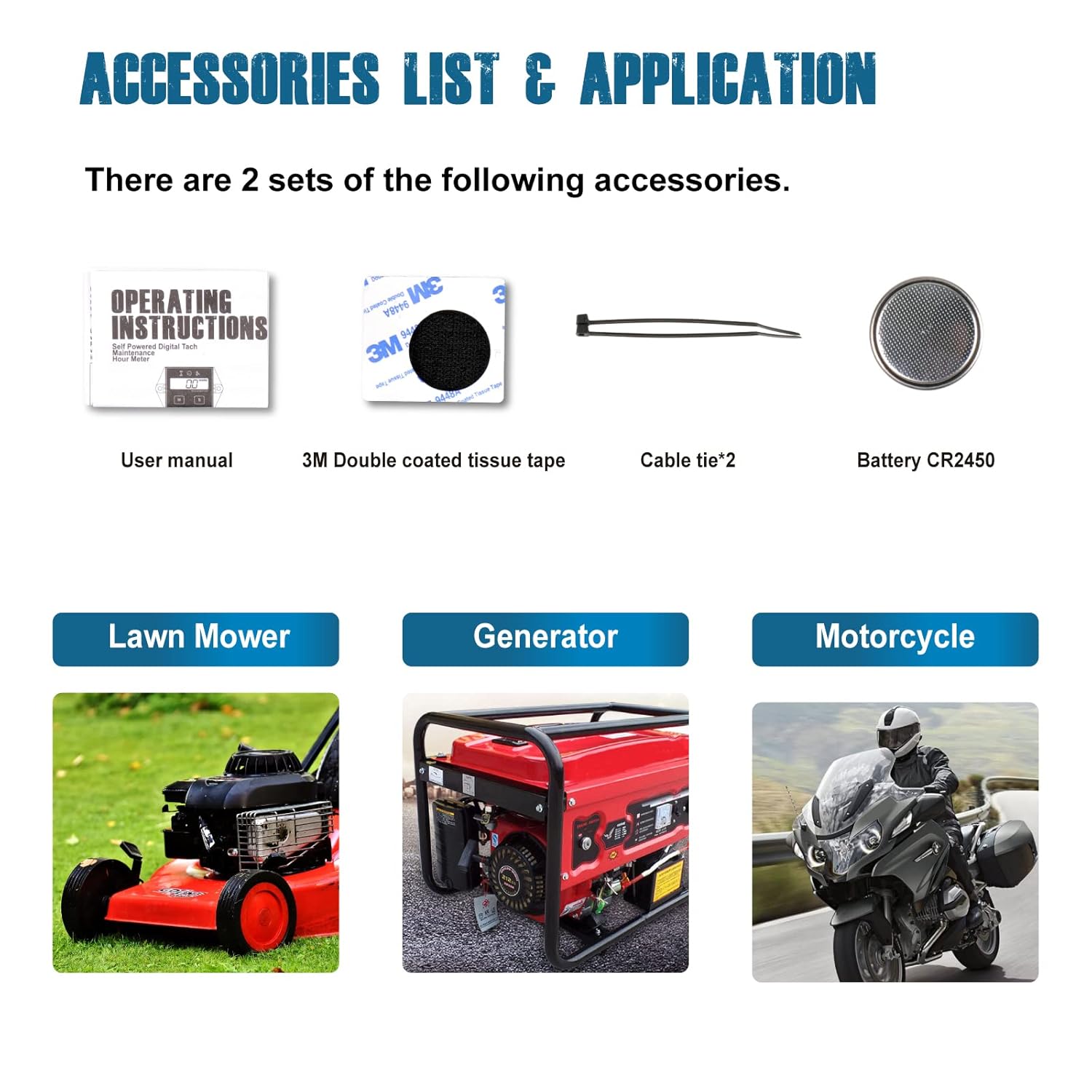
Figure 8: Battery replacement and waterproof features.
Troubleshooting
Inaccurate RPM Readings
If you experience inaccurate RPM readings, consider the following:
- Check Firing Pattern: Ensure the correct engine firing pattern is programmed into the meter. Incorrect settings (e.g., 1P1R, 1P2R, 2P1R) can lead to significant discrepancies in RPM display. Refer to the 'Programmable Firing Patterns' section and your engine's specifications.
- Signal Wire Wrapping: Verify that the signal wire is wrapped 5-8 times securely around the spark plug wire. Insufficient wraps or loose connections can affect signal detection. Experiment with the number of wraps and the position along the spark plug wire (closer to the coil, middle, or closer to the plug) to find the optimal signal.
- Spark Plug Wire Condition: Ensure the spark plug wire is in good condition and not damaged, as this can interfere with signal transmission.
Specifications
| Specification | Value |
|---|---|
| Model Number | RL-HM011G |
| Item Weight | 4.4 ounces (124 Grams) |
| Material | Acrylonitrile Butadiene Styrene (ABS) |
| Battery Type | CR2450 Lithium Metal (included) |
| Waterproof Rating | IP65 |
| Manufacturer | Ningbo Jiangbei Run Leader Electronics Co., Ltd |
| UPC | 728062406256 |
Warranty and Support
Warranty Information
The Runleader RL-HM011G Digital Backlight Hour/Tach Meter comes with a 2-year warranty from the date of purchase. This warranty covers manufacturing defects and ensures the product functions as intended under normal use. Please retain your proof of purchase for warranty claims.
Customer Support
For any questions, technical assistance, or warranty claims, please refer to the contact information provided with your product packaging or visit the official Runleader website for support resources.


