
Product Overview
The Numskull NS2258 is an officially licensed Microsoft Micro USB charging cable designed for Xbox One controllers and other compatible Micro USB devices. It features fast charging capabilities and a distinctive green LED light that illuminates during use.

Image: The Numskull NS2258 Xbox One Micro USB Charging Cable, showcasing its design and connectors.
Key Features:
- Official Microsoft License: Ensures full compatibility with Xbox One accessories.
- Super Fast Charging: Designed for efficient recharging of Micro USB devices.
- Green LED Light: Illuminates during charging or active use.
- Universal Compatibility: Works with Xbox One controllers, PS4 DualShock 4 controllers, Kindle, Samsung tablets, Fire TV Stick, and other Micro USB devices.
- Durable Construction: Features a premium copper wire core and nylon material for enhanced durability.
Setup Instructions
Follow these steps to set up your Numskull NS2258 charging cable:
- Unpack the Cable: Carefully remove the charging cable from its packaging.
- Identify Connectors: The cable has two ends: a standard USB-A connector and a Micro USB connector.
- Connect to Power Source: Insert the standard USB-A connector into an available USB port on your Xbox One console, PC, or a compatible USB wall adapter.
- Connect to Device: Insert the Micro USB connector into the Micro USB port of your Xbox One controller or other Micro USB device.
- Verify Connection: The green LED light on the cable will illuminate, indicating a successful connection and active charging or data transfer.
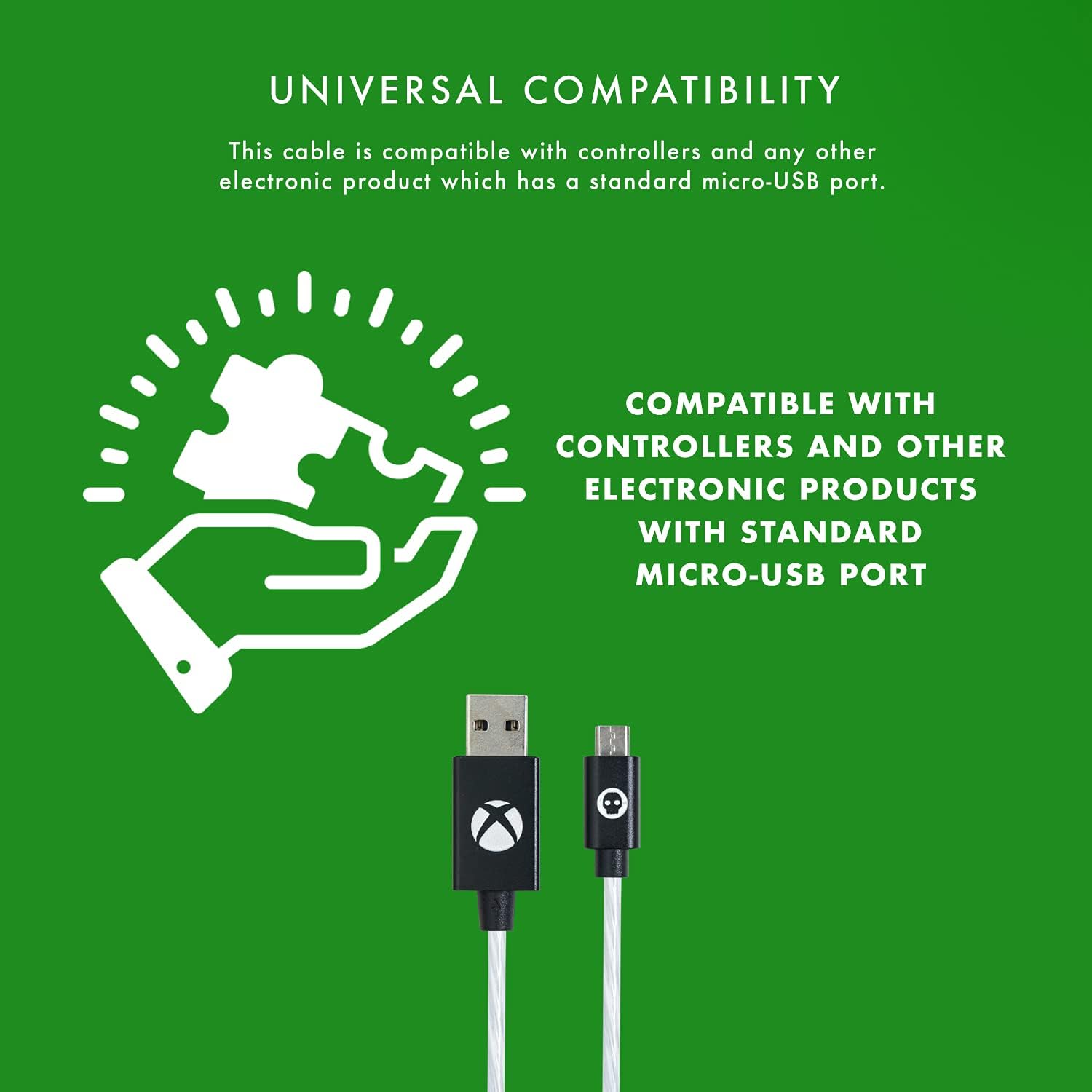
Image: Diagram illustrating the universal compatibility of the Micro USB cable with various devices.
Operating Instructions
The Numskull NS2258 cable is designed for simultaneous charging and playing, as well as data synchronization.
Charging Your Device:
- Once connected, the cable will automatically begin charging your device.
- The integrated green LED light will display different flow behaviors to indicate the charging status:
- Fast Flow: Indicates rapid charging.
- Slow Flow: Indicates standard charging.
- Smart Power Off: Indicates charging is complete or the device is fully powered.
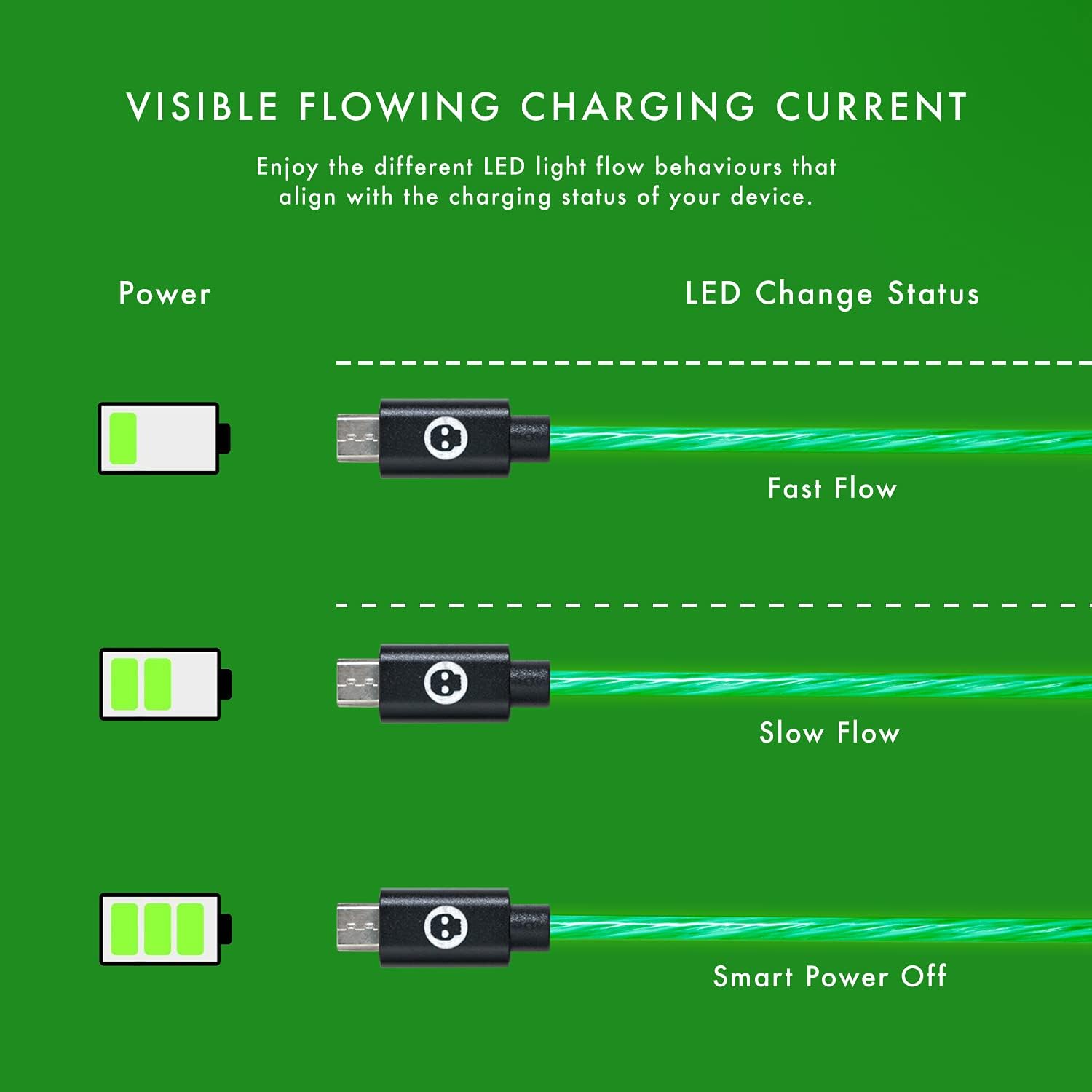
Image: Illustration of the green LED light's flowing patterns indicating different charging statuses (Fast Flow, Slow Flow, Smart Power Off).
Playing While Charging:
The cable allows you to continue using your Xbox One controller or other compatible device while it is connected and charging, ensuring uninterrupted gameplay or usage.
LED Light Feature:
The cool green LED light activates when the cable is plugged into your console or USB hub, providing a visual indication of power and adding to your gaming setup's aesthetic.
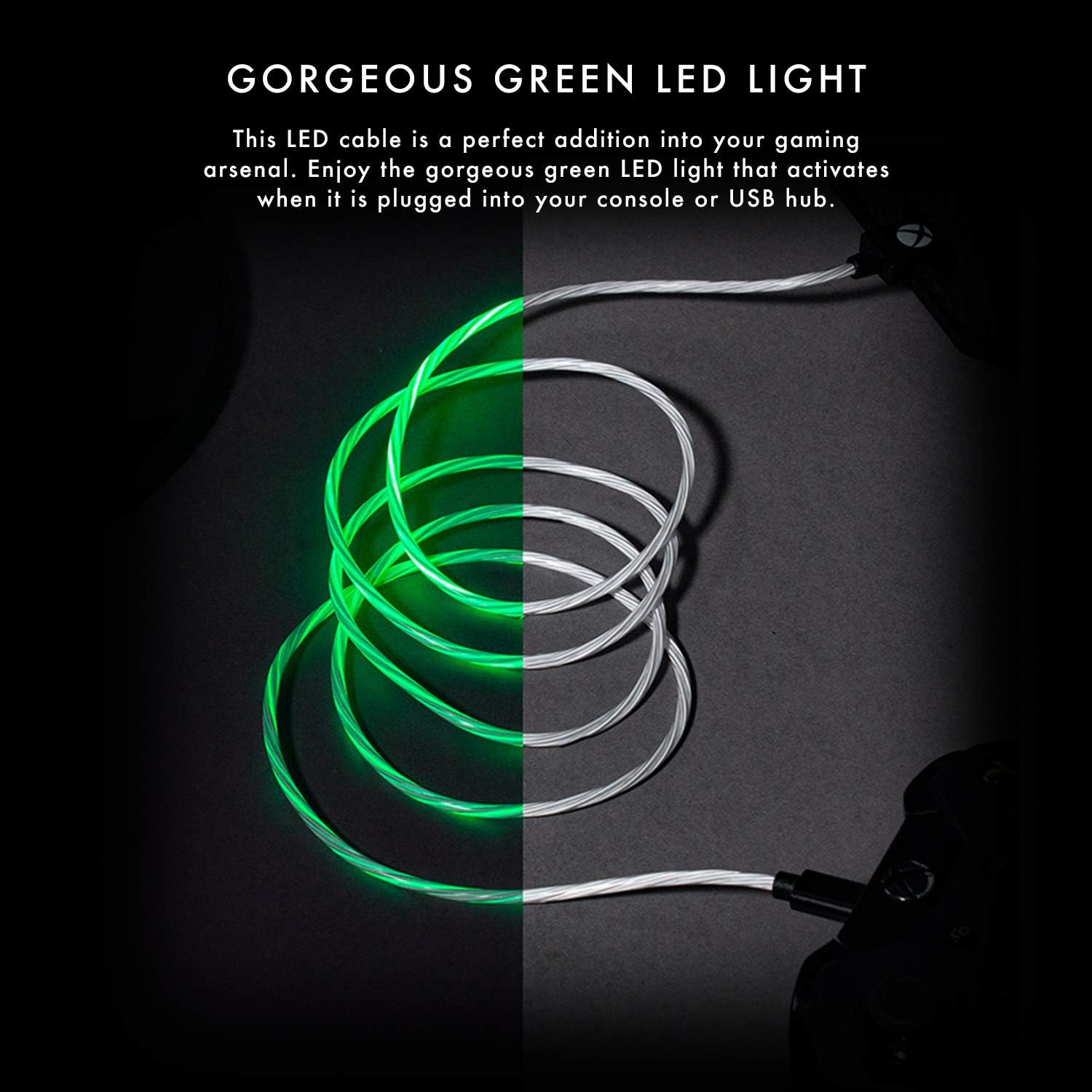
Image: The Numskull charging cable with its distinctive green LED light illuminated, showcasing its visual appeal.
Maintenance and Care
To ensure the longevity and optimal performance of your Numskull NS2258 charging cable, follow these maintenance guidelines:
- Storage: Store the cable in a clean, dry place away from extreme temperatures and direct sunlight. Avoid tightly coiling or bending the cable at sharp angles.
- Cleaning: Use a soft, dry cloth to gently wipe the cable and connectors. Do not use liquid cleaners or abrasive materials.
- Handling: Always grasp the connector head when plugging or unplugging the cable. Avoid pulling directly on the cable itself, as this can damage the internal wiring.
- Durability: The cable features a sturdy nylon jacket and laser-welded connectors designed for durability and resistance to bending and twisting. However, excessive force or repeated harsh treatment can still cause damage.
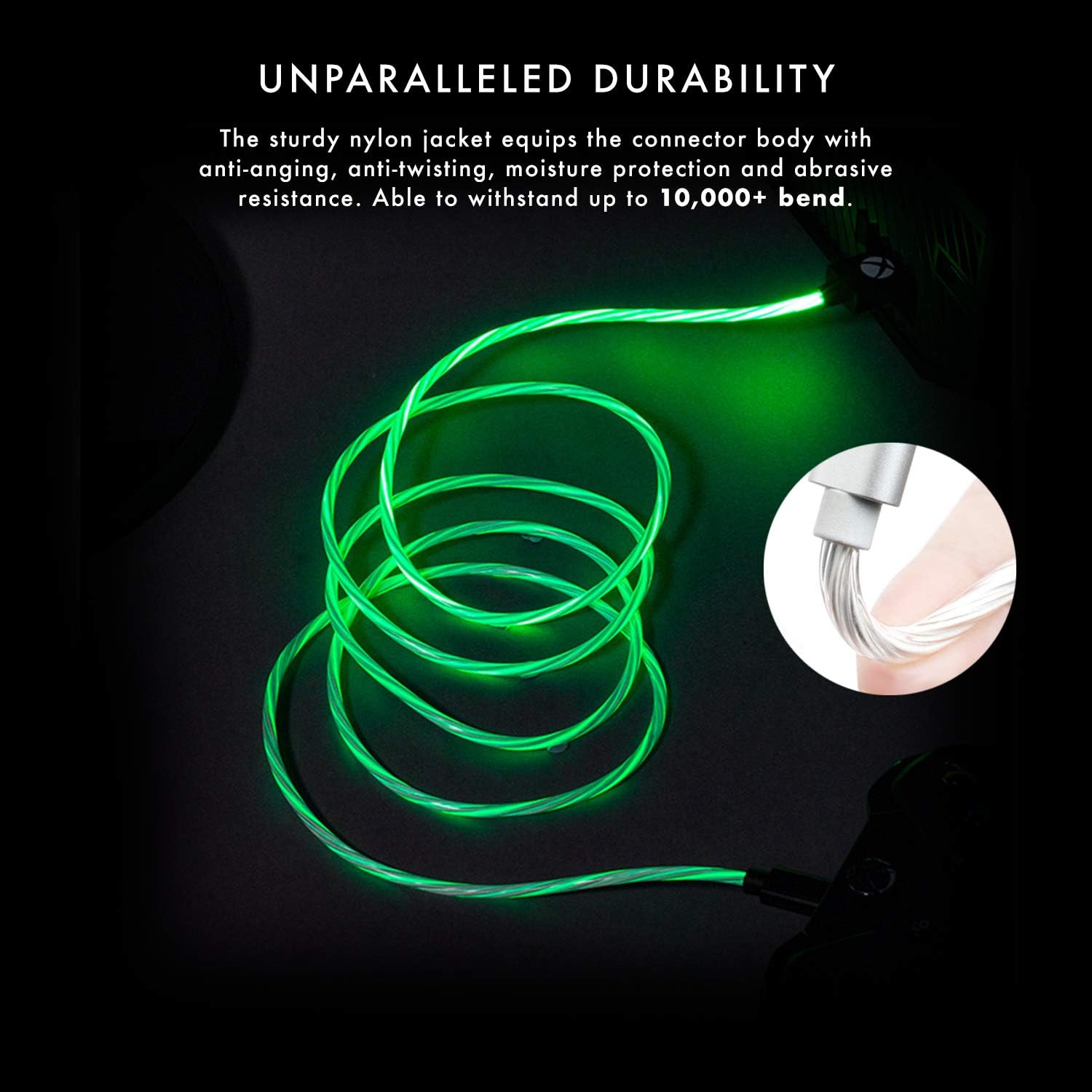
Image: The cable demonstrating its durability and resistance to bending, highlighting its robust construction.

Image: Close-up of the laser-welded Micro USB connector, emphasizing its robust design to prevent breakage.
Troubleshooting
If you encounter issues with your Numskull NS2258 charging cable, refer to the following common problems and solutions:
- Cable Not Charging:
- Ensure both the USB-A and Micro USB connectors are fully inserted into their respective ports.
- Try connecting the USB-A end to a different USB port or power source.
- Verify that the device you are trying to charge is functioning correctly and its charging port is clean and undamaged.
- Check for any visible damage to the cable or connectors.
- LED Light Not Illuminating:
- Confirm the cable is securely connected to both the power source and the device.
- Test with another Micro USB device to rule out an issue with the primary device.
- If the cable is connected but not charging, the LED may not illuminate. Follow "Cable Not Charging" steps.
- Controller Not Recognized by PC (Data Transfer Issue):
- Important Note: While this cable is designed for charging and is universally compatible for power delivery, some users have reported that it may not support data transfer for certain PC setups, particularly for playing with an Xbox controller wired to a PC. If you intend to use your controller wired to a PC for gameplay, ensure your PC's drivers are up to date and consider using an official Xbox data cable if issues persist. This cable primarily focuses on efficient charging.
Specifications
| Model Number | NS2258 |
| Brand | Numskull |
| Cable Type | Micro USB to USB-A Charging Cable |
| Length | 4 meters (13 feet) |
| Features | Fast Charging, Green LED Light, Durable Nylon Jacket, Laser-Welded Connectors, Copper Wire Core |
| Compatibility | Xbox One controllers, PS4 DualShock 4 controllers, Kindle, Samsung tablets, Fire TV Stick, and other Micro USB devices. |

Image: Overview of the cable's key features including official licensing, length, connector type, and universal compatibility.

Image: Cross-section diagram illustrating the premium copper wire core and nylon material for maximum durability.
Warranty Information
The Numskull NS2258 Xbox One Micro USB Charging Cable comes with a one-year manufacturer's warranty. This warranty covers defects in materials and workmanship under normal use. Please retain your proof of purchase for warranty claims.
For warranty service or inquiries, please contact Numskull customer support through their official website or the retailer where the product was purchased.
Customer Support
For further assistance, technical support, or to report any issues not covered in this manual, please visit the official Numskull website or contact their customer service department.
Online Resources: www.numskull.com
Please have your product model number (NS2258) and proof of purchase ready when contacting support.


