
1. Introduction
This manual provides essential instructions for the safe and effective use of your JVC Gumy Mini True Wireless Earbuds (Model HAA6TW). Please read this manual thoroughly before using the product and retain it for future reference.
The JVC Gumy Mini True Wireless Earbuds are designed for comfortable listening with a compact and lightweight form factor. They feature Bluetooth 5.1 connectivity, up to 23 hours of total battery life with the charging case, and IPX4 water resistance, making them suitable for various daily activities.
2. What's in the Box
- JVC Gumy Mini True Wireless Earbuds (L/R)
- Wireless Charging Case
- USB Charging Cable
- Multiple sizes of earpieces (S/M/L)

Image: Contents of the JVC Gumy Mini True Wireless Earbuds package.
3. Product Overview

Image: JVC Gumy Mini True Wireless Earbuds (HAA6TW) in white, alongside their retail packaging.
Key Features:
- Compact and Lightweight Design: Designed for a comfortable and secure fit.
- Long Battery Life: Up to 23 hours of total playback with the charging case.
- IPX4 Water Resistance: Resistant to splashes and sweat, suitable for workouts and light rain.
- Touch Sensor Controls: Intuitive control for music playback and calls.
- Auto Connect: Earbuds automatically power on and connect to your device when removed from the case.
- 3 Sound Modes: Choose between Normal, Bass, or Clear sound profiles.

Image: Illustration of the small and ultra-lightweight design of the earbuds.

Image: Earbuds demonstrating touch sensor and auto on/off functionality.

Image: Earbuds illustrating stable wireless connectivity with various devices.
4. Setup & Pairing
Initial Pairing:
- Remove both earbuds from the charging case. The earbuds will automatically power on.
- The 'R' indicator on the right earbud will flash once every 5 seconds, and the 'L' indicator on the left earbud will flash repeatedly, indicating they are connected to each other and ready for pairing. A voice message will say "Pairing".
- On your device (smartphone, tablet, etc.), enable Bluetooth and search for available devices.
- Select "JVC HA-A6T" from the list of available devices.
- Once connected, the 'L' and 'R' LEDs will flash every 5 seconds. The earbuds are now ready for use.
Video: Instructions on how to connect and reconnect JVC Gumy Mini True Wireless Earbuds, and how to restore them to default settings.
5. Operating Instructions
Touch Controls:
The earbuds feature touch-sensitive controls for various functions. Specific actions may vary slightly depending on your device and operating system.
- Play/Pause: Single tap on either earbud.
- Next Track: Double tap on the right earbud.
- Previous Track: Double tap on the left earbud.
- Answer/End Call: Single tap on either earbud.
- Reject Call: Press and hold either earbud for 2 seconds.
- Activate Voice Assistant: Triple tap on either earbud.
Sound Modes:
The earbuds offer three distinct sound modes to enhance your listening experience:
- Normal: Balanced sound profile for everyday listening.
- Bass: Enhanced bass for a richer, more powerful sound.
- Clear: Optimized for vocal clarity, ideal for podcasts or audiobooks.
To switch between sound modes, refer to your device's audio settings or the JVC app if available.

Image: Visual representation of the three available sound modes.
6. Charging
Charging the Earbuds:
Place the earbuds into the charging case. The indicators on the earbuds will light up, confirming that charging has started. The earbuds will automatically power off when placed in the case.
Charging the Case:
Connect the provided USB charging cable to the charging port on the case and to a USB power source. The LED indicators on the case will show the charging status. A full charge provides approximately 15.5 hours of additional battery life for the earbuds, totaling up to 23 hours of playback.
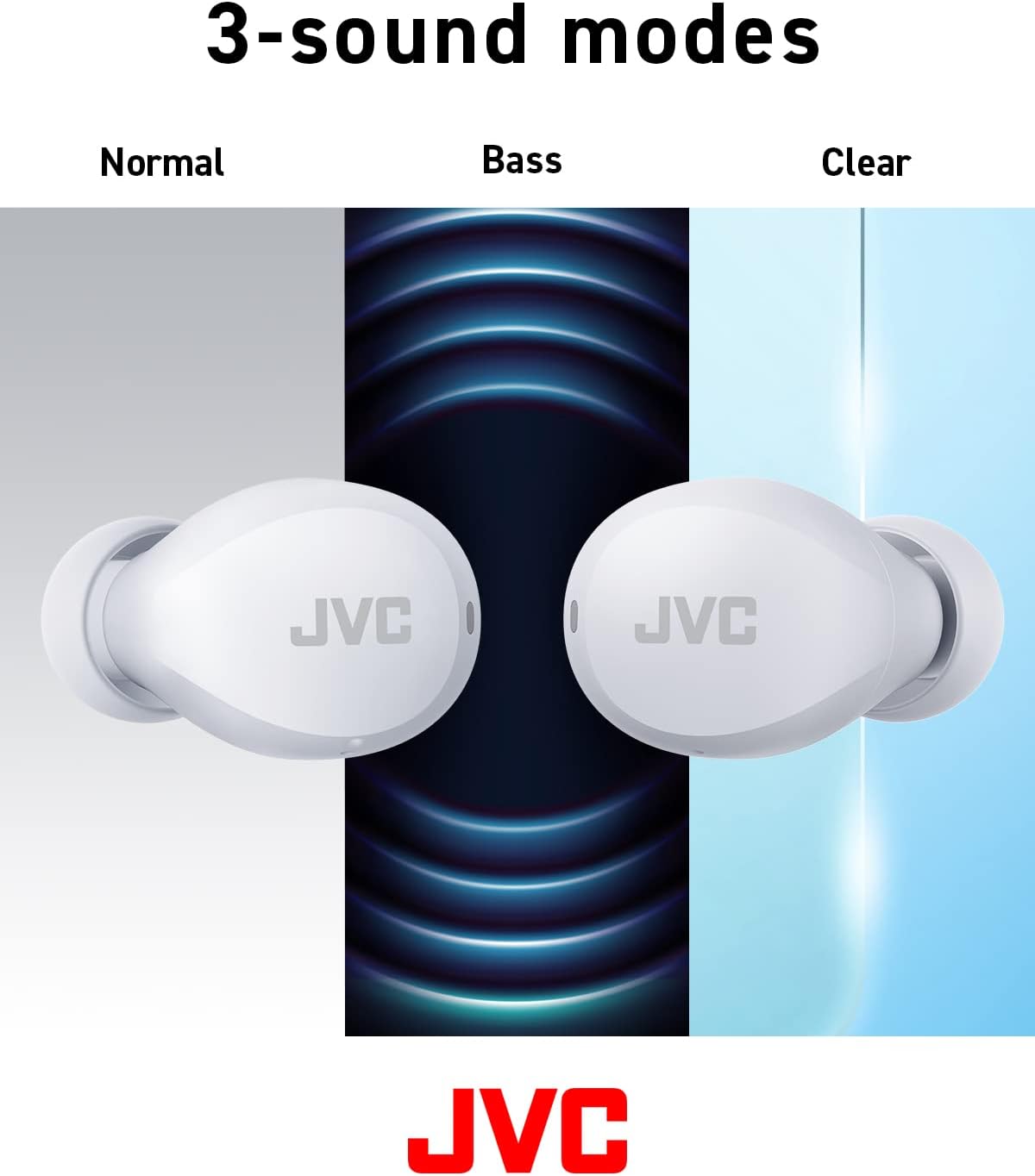
Image: Battery life breakdown for earbuds and charging case.
7. Maintenance & Care
Water Resistance (IPX4):
The JVC Gumy Mini earbuds are rated IPX4, meaning they are resistant to splashing water from any direction. This makes them suitable for use during workouts or in light rain. However, they are not designed for submersion in water. Do not expose them to strong jets of water or prolonged immersion.

Image: Earbuds demonstrating sweat and splash-proof capabilities.
Cleaning:
- Wipe the earbuds and charging case with a soft, dry cloth.
- Do not use abrasive cleaners, alcohol, or chemical solvents.
- Regularly clean the charging contacts on both the earbuds and the case to ensure proper charging.
8. Troubleshooting
Common Issues:
- No Sound/Low Volume: Check device volume, earbud placement, and ensure earbuds are charged.
- Earbuds Not Pairing: Ensure Bluetooth is enabled on your device and the earbuds are in pairing mode. Try resetting the earbuds.
- Intermittent Connection: Ensure no obstructions between earbuds and device. Move closer to your device.
Restoring to Default Settings:
If you experience persistent issues, restoring the earbuds to factory default settings may resolve them. Refer to the video below for detailed instructions.
Video: Detailed guide on how to connect, reconnect, and restore JVC Gumy Mini True Wireless Earbuds to their default settings.
9. Specifications
| Feature | Specification |
|---|---|
| Model Name | GUMY Mini (HAA6TW) |
| Connectivity Technology | Bluetooth 5.1 |
| Ear Placement | In Ear |
| Water Resistance Level | IPX4 (Water Resistant) |
| Battery Life (Earbuds) | Up to 7.5 Hours |
| Battery Life (with Case) | Up to 23 Hours |
| Audio Driver Type | Dynamic Driver |
| Frequency Response | 20000 Hz |
| Impedance | 16 Ohms |
| Control Type | Voice Control, Touch Sensor |
| Item Weight | 3.36 Ounces |
| Included Components | Headphones, Wireless Charging Case, Cable |
10. Warranty & Support
For warranty information and customer support, please refer to the warranty card included with your product or visit the official JVC website. Keep your proof of purchase for any warranty claims.


