
Important Safeguards
To ensure safe and optimal use of your Etekcity Food Kitchen Scale, please read and follow all instructions carefully. Keep this manual for future reference.
- Do not use this scale for commercial purposes. It is intended for household use only.
- Place the scale on a hard, flat surface to ensure accurate readings. Avoid soft surfaces like carpets.
- Do not immerse the scale in water or any other liquid. If liquid spills on the scale, wipe it immediately with a soft, damp cloth.
- Avoid exposing the scale to extreme temperatures, direct sunlight, or high humidity.
- Handle the scale with care. Do not drop it or subject it to strong impacts, as this may damage the internal components.
- Do not mix new and used batteries. Replace all batteries at the same time.
- Keep the scale out of reach of children.
Package Contents
- 1 x Digital Kitchen Scale
- 1 x Quick Start Guide
- 2 x AAA batteries
Specifications
| Feature | Detail |
|---|---|
| Max. Weight | 176 oz / 5000 g / 11 lbs |
| Min. Weight | 2g |
| Units | g / oz / lb:oz / ml (Milk & Water) / fl'oz (Milk & Water) |
| Increments | 1 g |
| Auto-off | 3 Minutes |
| Power | 2 x AAA Batteries (included) |
| Dimensions | 7.2 x 5.7 x 0.7 inches |
| Material | Plastic |
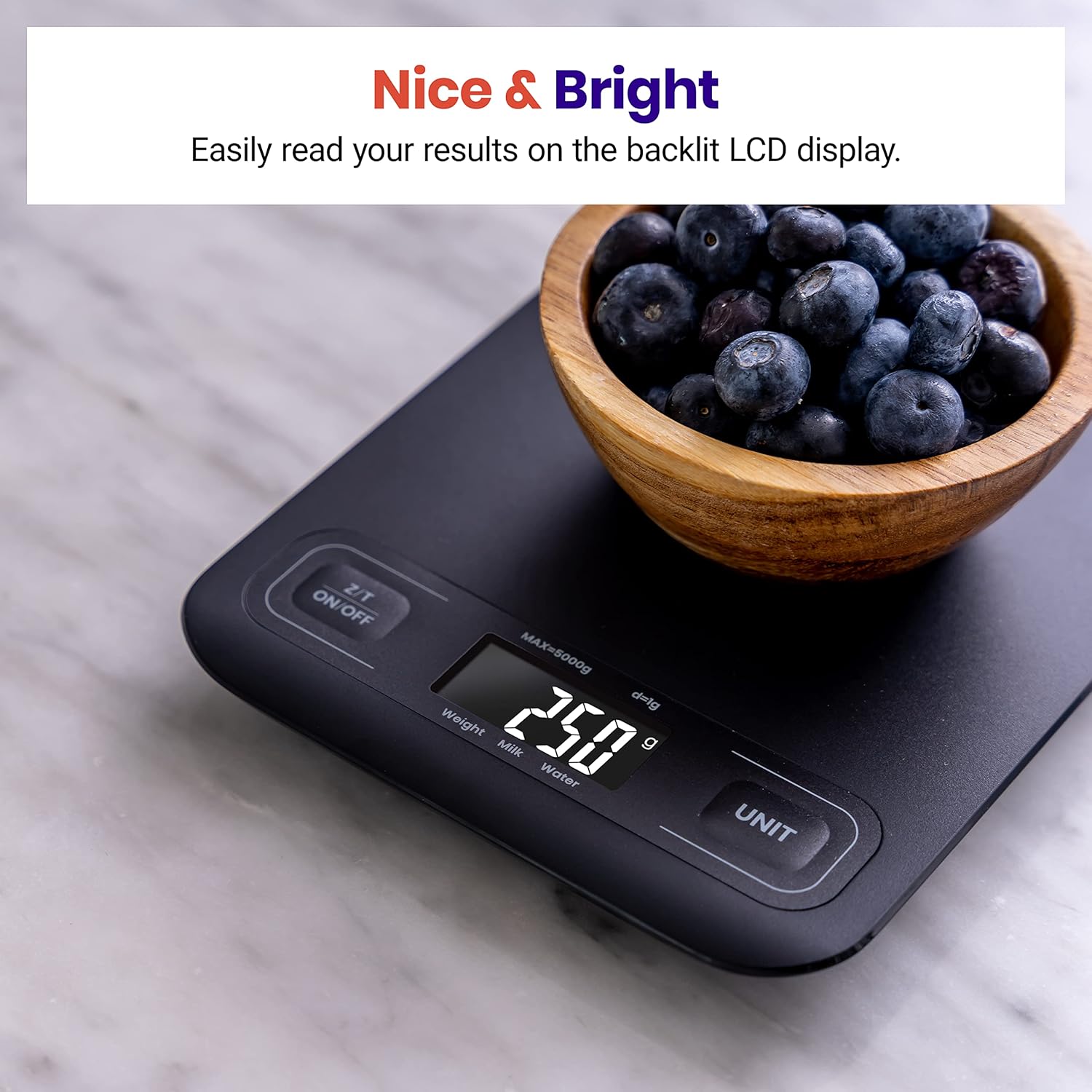
| Display Type | LCD with Backlit Display |
Product Overview
The Etekcity Food Kitchen Scale EKS-C193-KUS is designed for precise measurements in various kitchen tasks, from baking to meal prep. Its compact and sleek design makes it easy to store and clean.

Setup
- Battery Installation: Open the battery compartment on the underside of the scale. Insert the 2 AAA batteries, ensuring correct polarity (+/-). Close the compartment securely.
- Placement: Place the scale on a hard, flat, and stable surface. Uneven surfaces can affect accuracy.
Operating Instructions
1. Power On/Off
- Press the Z/T ON/OFF button to turn the scale on. The display will show '0' when ready.
- To turn off, press and hold the Z/T ON/OFF button for a few seconds. The scale also features an automatic shut-off after 3 minutes of inactivity to conserve battery life.
2. Unit Conversion
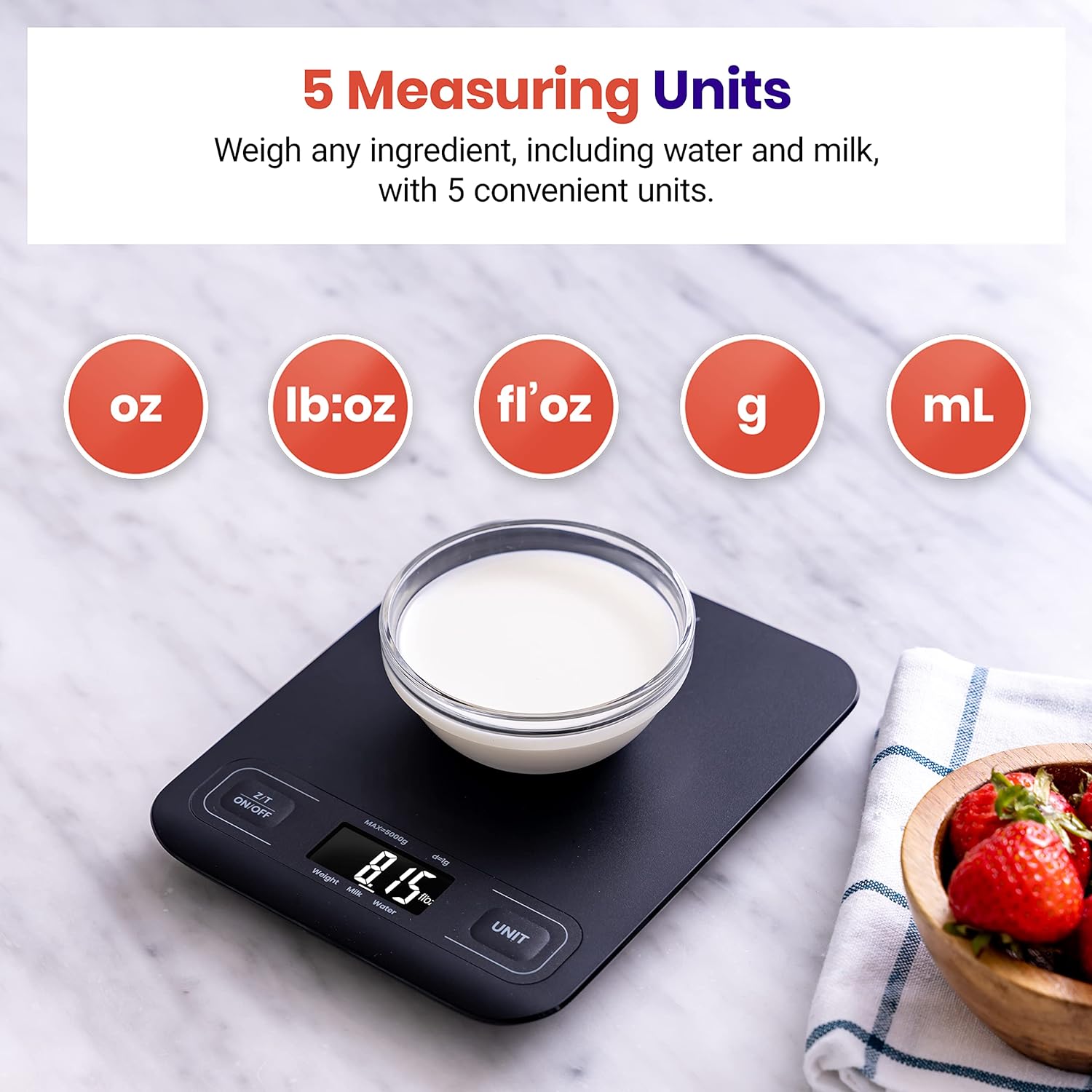
The scale supports multiple units for versatile measuring:
- Grams (g)
- Ounces (oz)
- Pounds:Ounces (lb:oz)
- Milliliters (ml) for Milk & Water
- Fluid Ounces (fl'oz) for Milk & Water
To switch between units, press the UNIT button repeatedly until your desired unit is displayed.
3. Tare Function
The Tare function allows you to subtract the weight of a container or previous ingredients, enabling you to measure multiple items in the same bowl accurately.
- Place an empty container on the scale.
- Press the Z/T ON/OFF button. The display will reset to '0'.
- Add your first ingredient to the container. The scale will display its weight.
- To add another ingredient, press the Z/T ON/OFF button again to reset the display to '0', then add the next ingredient. Repeat as needed.

4. Weighing Items
Simply place the item directly onto the scale's platform. The weight will be displayed in the currently selected unit. For items requiring a container, use the Tare function as described above.
5. Product Demonstration Video
Maintenance
1. Cleaning
The scale features a slick surface that is easy to clean. Wipe the scale with a soft, damp cloth. Do not use abrasive cleaners or immerse the scale in water.
2. Storage
With its compact dimensions (7.2 x 5.7 x 0.7 inches), the scale can be easily stored on your countertop, in a drawer, or hung on a hook.

Troubleshooting
- Inaccurate Readings: Ensure the scale is on a hard, flat surface. Avoid placing it near electronic devices that may cause interference. Recalibrate if necessary (refer to quick start guide for specific steps).
- "Lo" Display: This indicates low battery. Replace both AAA batteries with new ones.
- "Err" Display: This indicates an overload. Remove items from the scale immediately to prevent damage. The maximum weight capacity is 11 lbs / 5000 g.
- Display Not Turning On: Check battery installation and ensure batteries are not depleted.
Warranty and Support
Etekcity provides a 1-year warranty for this product. For any questions, concerns, or support needs, please contact Etekcity customer service. Refer to the Quick Start Guide for contact information or visit the official Etekcity website.
Etekcity Customer Support: Visit the Etekcity Store on Amazon


