1. Setup and Installation
The Zowill DK02A-L Fingerprint Front Door Lock Set is designed for straightforward installation, typically requiring only a screwdriver. Ensure you have all components before beginning.

Image: A technician installing the Zowill DK02A-L lock. The process is designed to be simple, often requiring only a screwdriver.
Before installation, verify your door's dimensions are compatible with the lock. The lock fits door thicknesses between 1.4 inches (35mm) and 1.97 inches (50mm). The backset can be 2.4 inches (60mm) or 2.8 inches (70mm).

Image: Detailed product dimensions and compatible door specifications for the Zowill DK02A-L lock.
It is crucial to keep the latch in the unlocked position before beginning the installation process to ensure proper alignment and function.
2. Operating Instructions
The Zowill DK02A-L offers multiple convenient ways to unlock your door, enhancing security and accessibility.
2.1. Unlocking Methods
- Fingerprint: Identify your fingerprint within 0.3 seconds with a recognition rate of up to 99%.
- Passwords: Store up to 20 unique user codes (4-10 digits).
- One-time Code: Generate temporary codes for single use.
- Keys: Traditional key access is available as a backup.
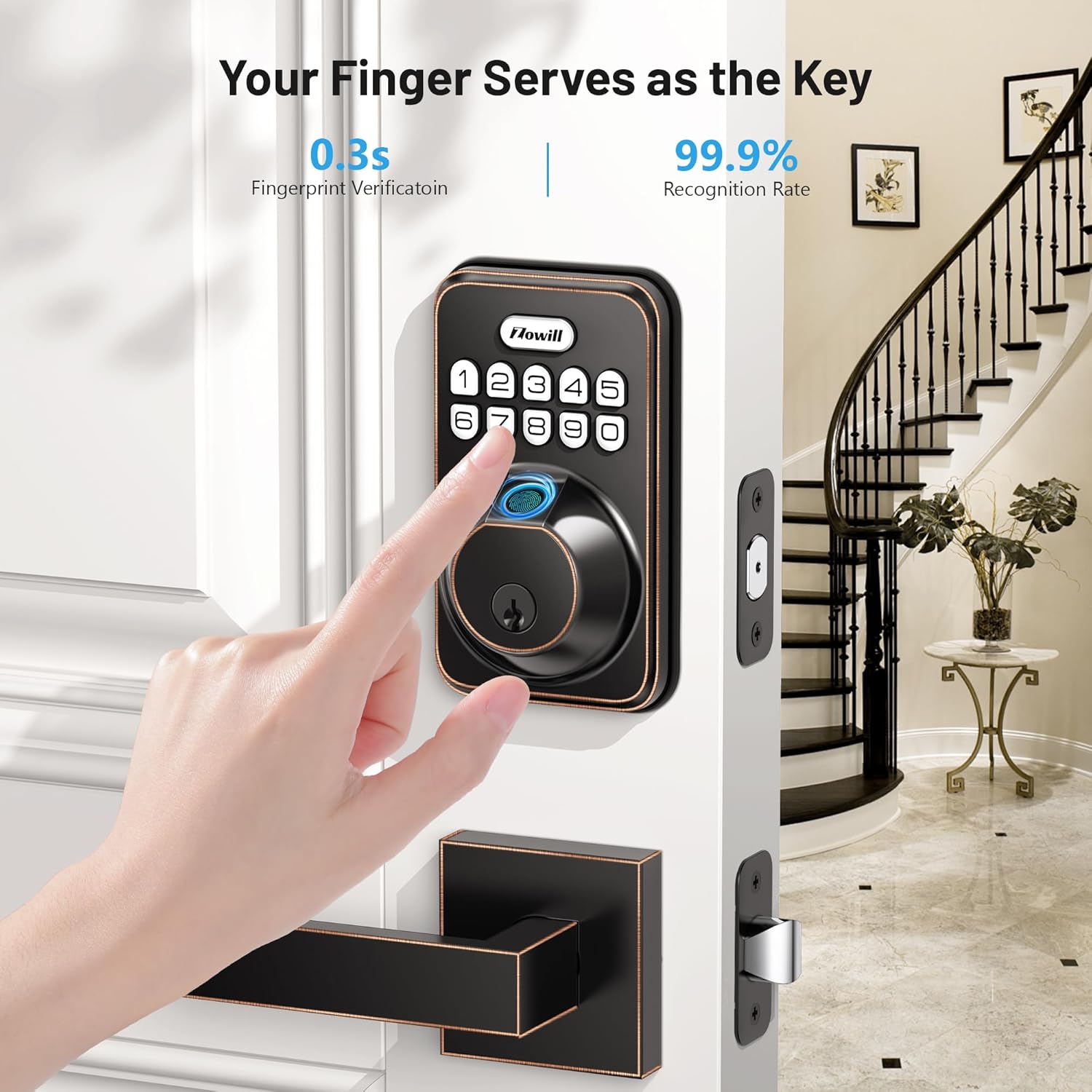
Image: Demonstrating the biometric fingerprint unlock feature of the Zowill DK02A-L lock.
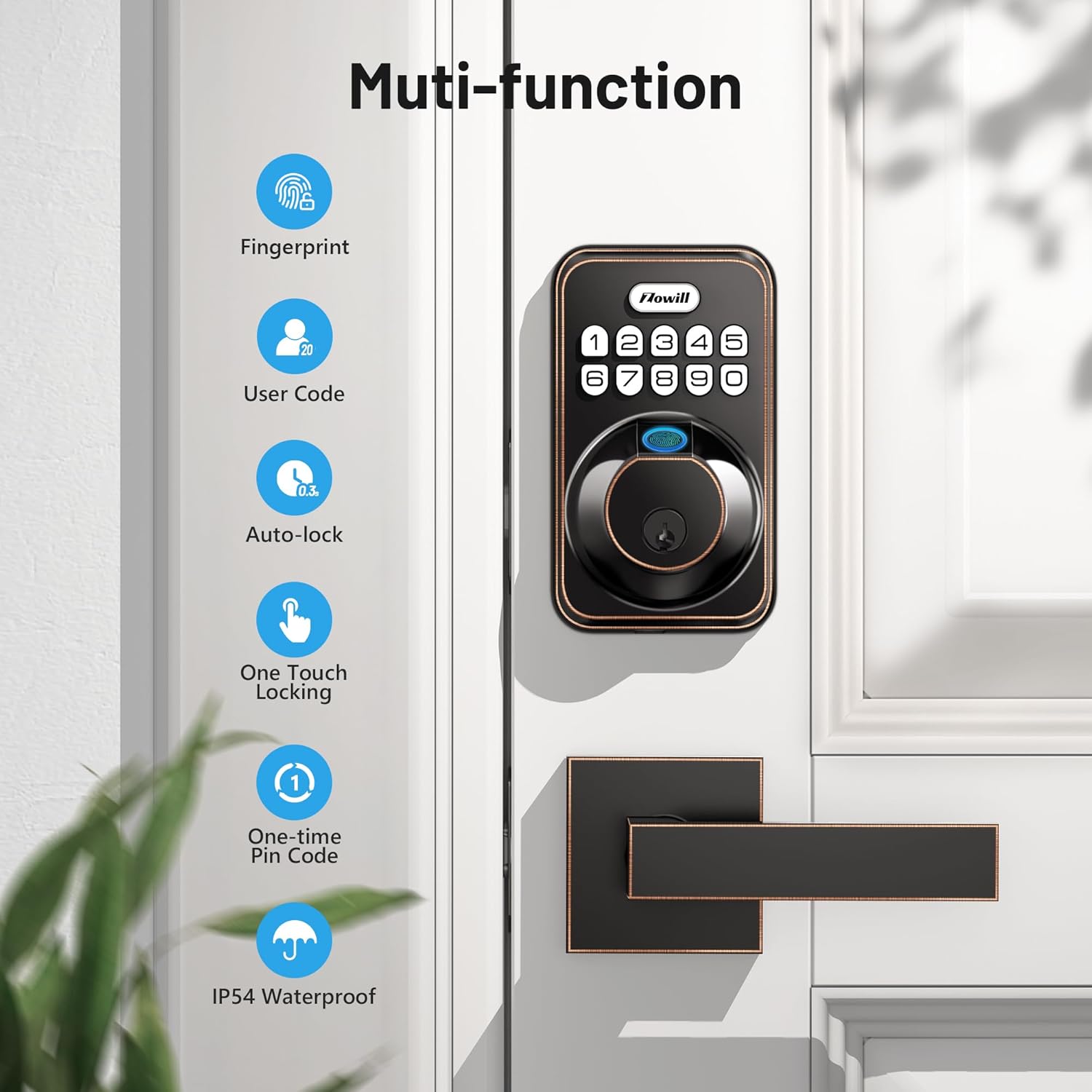
Image: Overview of the multi-functional capabilities of the Zowill DK02A-L lock.
2.2. Auto-Lock & One-Touch Lock
For enhanced security and convenience, the lock features automatic locking. It will automatically lock within 10-99 seconds after the door closes. Alternatively, you can instantly lock the door by pressing and holding any button on the keypad for 2 seconds when exiting.

Image: The auto-lock feature ensures the door is secured automatically after a set time.
2.3. Anti-Peeping Password
To protect your access code from prying eyes, you can enter random numbers before and after your actual password. The lock will still recognize the correct sequence within the longer string of digits.

Image: The anti-peeping password feature allows for added security by including random digits.
2.4. User Management
The lock supports up to 20 individual user codes and 20 fingerprints, allowing you to grant access to family members, friends, pet sitters, repairmen, or roommates as needed.
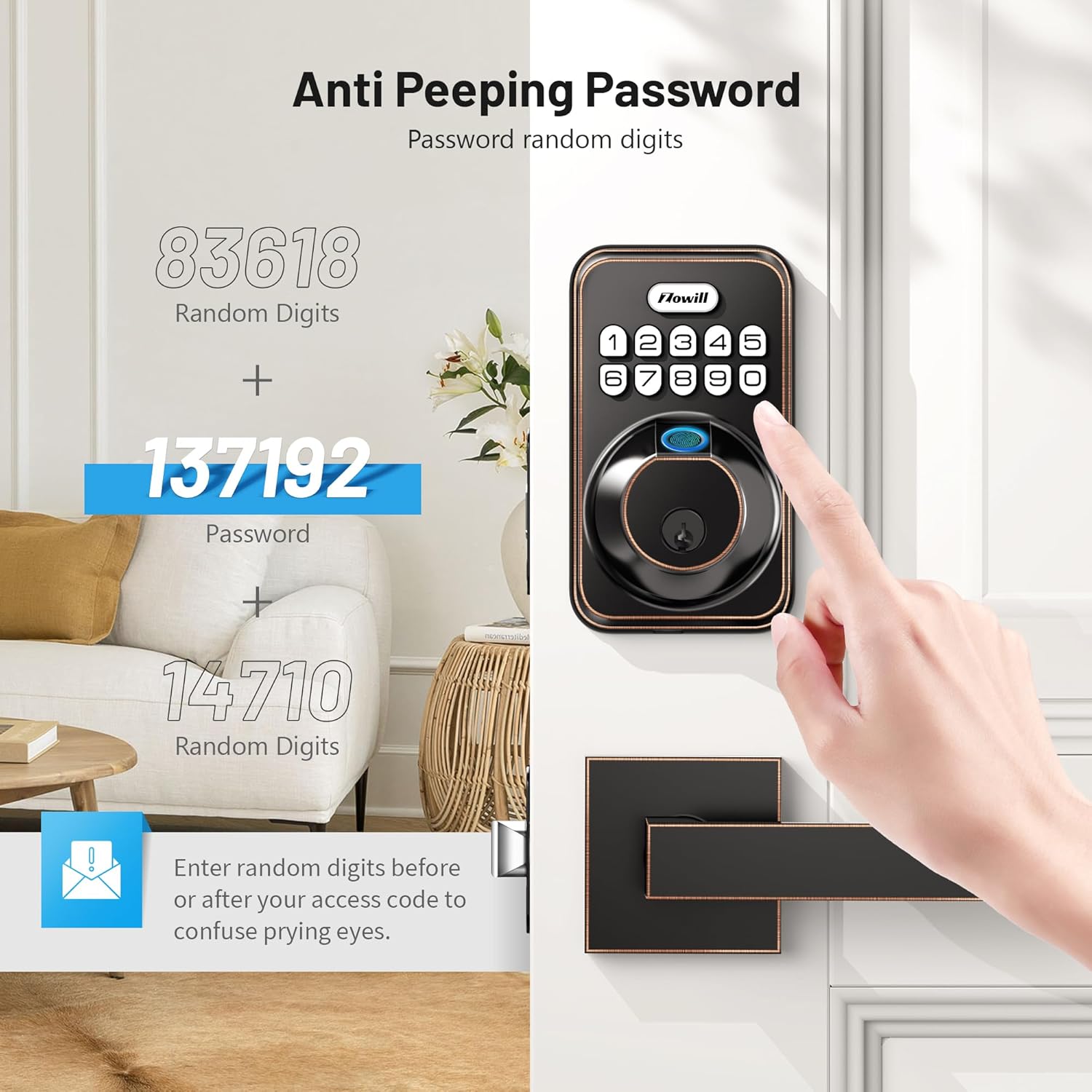
Image: The lock supports multiple users with individual fingerprints and access codes.
2.5. Additional Features
- Low Battery Indicator: Alerts you when batteries are running low.
- Back-lit Keypad: Ensures visibility in low-light conditions.
- Mute Mode: Disables sound for quiet operation.
- Vacation Mode: Enhances security when you are away for extended periods.
3. Maintenance
Proper maintenance ensures the longevity and optimal performance of your Zowill DK02A-L lock.
3.1. Battery Life
The lock is designed for up to 1 year of battery life under normal usage. It requires 4 AAA batteries (not included). It is recommended to use non-rechargeable alkaline batteries for best performance. The low battery indicator will alert you when replacement is needed.
3.2. Durability and Weather Resistance
Constructed from durable aluminum, the Zowill DK02A-L is built to withstand various environmental conditions. It is IP54 waterproof, offering protection against dust and splashing water. The lock is designed to operate in temperatures ranging from -22°F to 158°F.
The lock is ANSI Grade 3 certified, indicating it has passed rigorous testing for durability, including 100,000 usage cycles, 2,000 N max bearing capacity, 144 hours of humidity testing, and 72 hours of salt spray testing.
4. Troubleshooting
If you encounter issues with your Zowill DK02A-L lock, refer to the following common problems and solutions:
- Fingerprint Reader Unreliable: Ensure your finger is clean and dry. Try re-registering your fingerprint. Multiple attempts may be needed for successful recognition.
- Rapid Battery Drain / No Low Battery Warning: While the lock has a low battery indicator, some users have reported rapid battery depletion without prior warning. Ensure you are using fresh, high-quality alkaline batteries. If the issue persists, contact customer support.
- Lock Jamming / Not Resetting: If the lock mechanism jams or fails to reset, first check for any obstructions in the door frame or latch. Ensure the installation is correct and the latch is properly aligned. If the problem continues, manual key operation may be necessary, and contacting customer service is recommended.
- Wrong Code Entry Limit: After 5 unsuccessful attempts at entering an invalid PIN code, the unit will shut down for 3 minutes to prevent unauthorized access. Wait for the lockout period to expire before trying again.
For more detailed troubleshooting, please refer to the official Troubleshooting Guide PDF available on the product page or contact Zowill customer support.
5. Specifications
| Brand | Zowill |
| Model Name | DK02A-L |
| Lock Type | Fingerprint, Keypads, Handle Pull |
| Material | Aluminum |
| Item Dimensions (L x W x H) | 7 x 3.46 x 11.6 inches |
| Item Weight | 4.44 pounds |
| Color | Oil Bronze |
| Power Source | 4 AAA Batteries (Not Included) |
| Special Features | Auto-locking, Easy Installation, 20 Individual User Codes, Electronic Keypad Deadbolt, Fingerprint Unlock, Keyed Unlock, Passcode Unlock |
| Connectivity Protocol | Hand Control |
| Usage | Indoor door lock, Outdoor door lock |
6. Warranty and Support
Zowill offers lifetime after-sales service for the DK02A-L Fingerprint Front Door Lock Set. For any inquiries, technical assistance, or warranty claims, please contact Zowill customer support directly.
Additional resources, including the Installation Manual, Instructions for Use, and Troubleshooting Guide, are available in PDF format for download.
For further assistance, please visit the Zowill Store or refer to the provided documentation:


