
1. Introduction
The Rossetta Galaxy Projector is a versatile device designed to transform any room into a captivating celestial experience. It combines a galaxy projector, night light, white noise machine, and Bluetooth speaker into one compact unit. This manual provides detailed instructions for setup, operation, and maintenance to ensure optimal performance and enjoyment.

Figure 1: Rossetta Galaxy Projector with remote control, projecting a vibrant galaxy onto a ceiling.
2. Package Contents
Please ensure all items are present in the package:
- Star Projector
- Remote Control
- Power Cable
- User Manual (this document)

Figure 2: Contents of the Rossetta Galaxy Projector package, including the projector unit, remote, and power cable.
3. Setup
- Power Connection: Connect the provided USB-C power cable to the projector's power input port and plug the other end into a compatible 5V DC power adapter (not included).
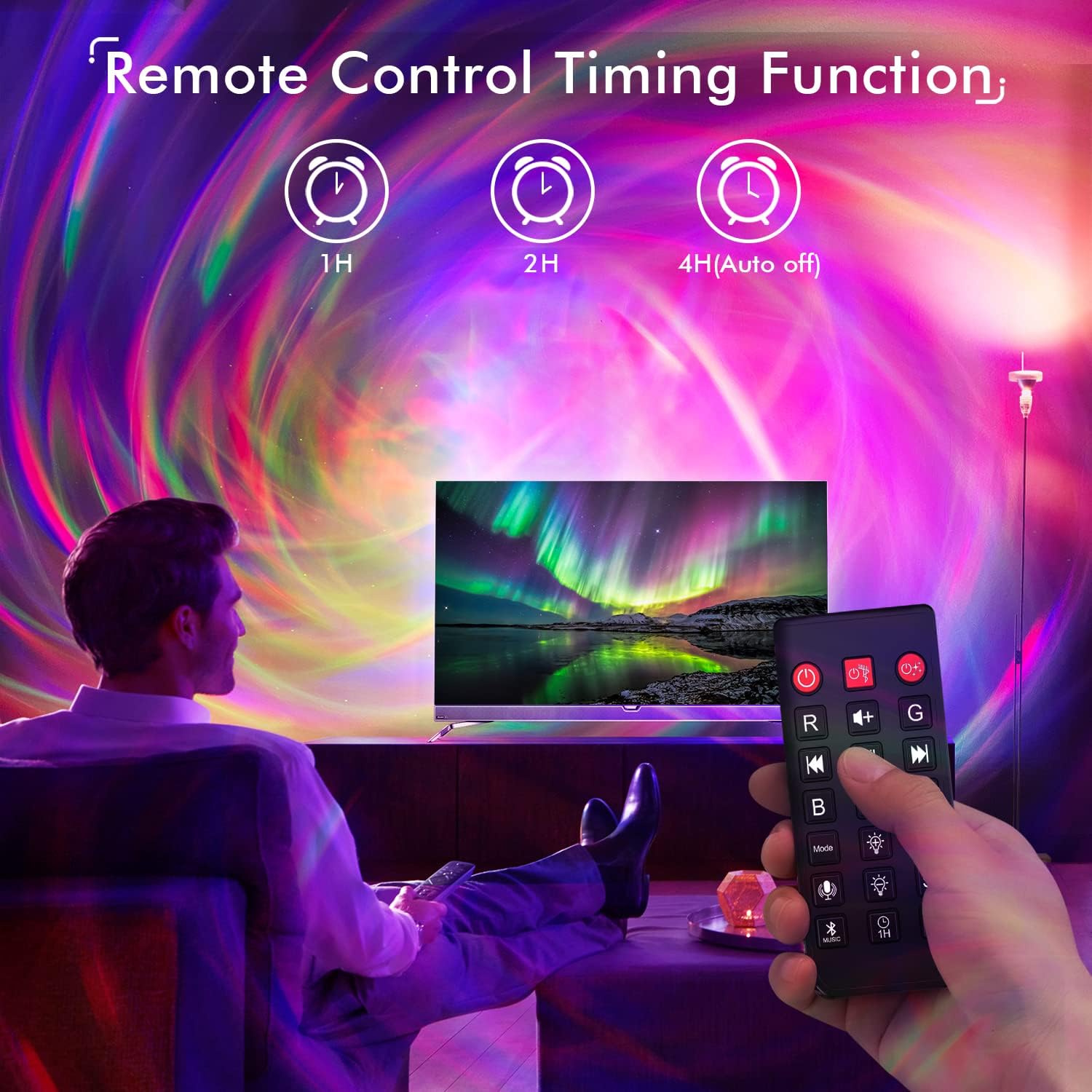
Figure 3: Close-up of the projector unit, highlighting the power input and control buttons.
- Placement: Place the projector on a flat, stable surface. For optimal projection, position it in a dark room, aiming towards a ceiling or wall. The projector provides wide coverage of up to 30 x 30 ft.
- Initial Power On: Press the power button on the unit or the remote control to turn on the projector.
- Bluetooth Pairing: To use the built-in Bluetooth speaker, enable Bluetooth on your device (e.g., smartphone, tablet) and search for "HJ-09" (or similar model name). Select it to pair. You can now play music, podcasts, or audiobooks through the projector's speaker.
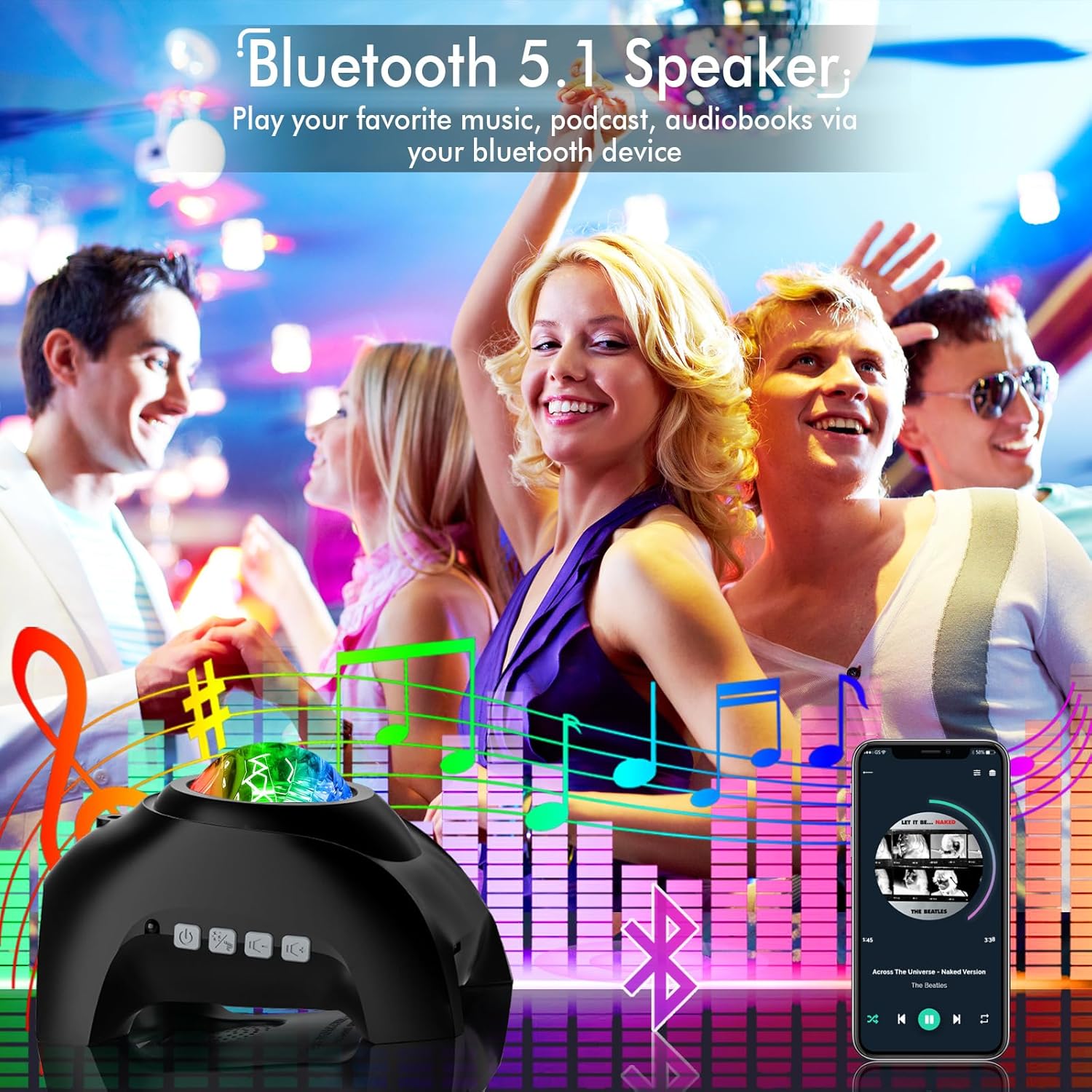
Figure 4: The projector in use, demonstrating its Bluetooth speaker capability in a social setting.
4. Operating Instructions
The projector can be controlled using the buttons on the unit or the included remote control.
4.1. Remote Control Functions
- Power (Red Button): Turn the projector ON/OFF.
- R/G/B/W Buttons: Select individual Red, Green, Blue, or White light colors.
- Mode Button: Cycle through different lighting modes and patterns.
- Brightness (S+/S-): Adjust the brightness of the projection.
- Volume (+/-): Adjust the speaker volume.
- Track Skip (|< / >|): Skip to the previous or next track when playing music via Bluetooth.
- Play/Pause (||): Play or pause music.
- Microphone Icon: Activate Sound Activated mode (lights synchronize with music).
- Music Note Icon: Toggle between white noise sounds.
- 1H/2H Buttons: Set the automatic shut-off timer for 1 or 2 hours.

Figure 5: The remote control for the Rossetta Galaxy Projector, detailing its various functions.
4.2. Light Modes and Effects
The projector offers a variety of lighting effects, including fading in/out star light and sci-fi spiral galaxies. Experiment with different color combinations and modes to create your desired ambiance. The device features 33 lighting effects.

Figure 6: Visual representation of various color and pattern options available with the projector.
4.3. White Noise Sounds
The projector includes 8 pre-installed white noise sounds to aid relaxation and sleep:
- 'Twinkle, Twinkle, Little Star'
- 'Summer Night'
- 'Stream'
- 'Ocean Waves'
- 'Birds Chirping'
- 'Rain'
- 'Lullaby'
- 'Campfire'

Figure 7: The projector providing a soothing environment with its white noise features.
4.4. Timer Function
Utilize the timer function to automatically turn off the projector after a set period (1 or 2 hours). If no timer is set, the device will automatically shut off after 4 hours.
Figure 8: Setting the automatic shut-off timer for convenience.
4.5. Sound Activated Mode
In Sound Activated mode, the projection lights will synchronize and move rhythmically with the beat of any music played through the Bluetooth speaker, creating a dynamic visual experience.
5. Maintenance
To ensure the longevity and optimal performance of your Rossetta Galaxy Projector, follow these maintenance guidelines:
- Cleaning: Use a soft, dry cloth to gently wipe the surface of the projector. Do not use abrasive cleaners or solvents, as they may damage the finish.
- Lens Care: Keep the projection lens clean and free from dust or fingerprints. Use a lens cleaning cloth if necessary.
- Storage: When not in use for extended periods, store the projector in a cool, dry place away from direct sunlight and extreme temperatures.
- Handling: Handle the projector with care. Avoid dropping it or subjecting it to strong impacts.
6. Troubleshooting
If you encounter any issues with your projector, refer to the following common problems and solutions:
| Problem | Possible Cause | Solution |
|---|---|---|
| Projector does not turn on. | No power or loose connection. | Ensure the power cable is securely connected and the power adapter is working. Try a different power outlet. |
| Lights are dim or unclear. | Room is too bright; lens is dirty; brightness setting is low. | Use in a darker environment. Clean the projection lens. Increase brightness using the remote or unit buttons. |
| Bluetooth not connecting. | Device not in pairing mode; projector too far from device. | Ensure Bluetooth is enabled on your device and the projector is discoverable. Move your device closer to the projector. Restart both devices. |
| No sound from speaker. | Volume too low; not connected via Bluetooth. | Increase volume. Ensure Bluetooth is successfully paired. Check audio output settings on your connected device. |
7. Specifications
| Feature | Detail |
|---|---|
| Brand | Rossetta |
| Model Number | Star Projector-RT009B |
| Product Dimensions | 5.74"D x 4.44"W x 4.84"H |
| Item Weight | 12.3 ounces (350 Grams) |
| Light Source Type | LED |
| Connectivity Technology | Bluetooth |
| Bluetooth Version | 5.1 |
| Power Source | Corded Electric (5 Volts DC) |
| Control Method | Remote Control, Unit Buttons |
| White Noise Sounds | 8 pre-installed sounds |
| Timer Function | 1H, 2H, 4H (Auto-off) |
| Certifications | FCC, RoHS, CE |
8. Warranty and Support
All Rossetta star projectors come with a 12-month warranty. For any inquiries, technical support, or warranty claims, please visit the official Rossetta store on Amazon: Rossetta Store. Rossetta is committed to providing excellent customer service and ensuring customer enjoyment, health, and safety.

