
1. Product Overview
The Rossetta Galaxy Projector RT009G is a versatile device designed to enhance your environment with captivating light projections and soothing sounds. It integrates a galaxy projector, night light, white noise machine, and Bluetooth speaker into one unit.
Key features include:
- Advanced Projection Technology: Projects fading in/out starlight and spiral galaxies, covering up to 30 x 30 ft.
- Sound Activated & Bluetooth Speaker: Synchronizes light projections with music played via Bluetooth, creating dynamic visual and auditory experiences.
- 8 White Noise Sounds: Pre-installed soothing sounds like 'Twinkle, Twinkle, Little Star,' 'Summer Night,' 'Stream,' 'Ocean Waves,' 'Birds Chirping,' 'Rain,' 'Lullaby,' and 'Campfire' to aid relaxation and sleep.
- Remote Control & Timer Function: Easily adjust settings such as light modes, brightness, speed, music, and volume. Features a 1-hour, 2-hour, or 4-hour auto-off timer.

Image: The Rossetta Galaxy Projector projecting vibrant multicolor light swirls and stars across a room's ceiling.
2. Setup Instructions
- Unpack: Carefully remove the Galaxy Projector, power cable, remote control, and user manual from the packaging.
- Power Connection: Connect the provided power cable to the projector's power input port and then plug it into a standard electrical outlet.
- Placement: Place the projector on a flat, stable surface where it can project onto your desired area (e.g., ceiling, wall). Ensure there are no obstructions blocking the projection lens.
- Remote Control: Insert 2 AAA batteries (not included) into the remote control, observing correct polarity.

Image: A hand operating the remote control for the projector, demonstrating its remote functionality in a bedroom setting.
3. Operating Instructions
3.1 Power On/Off
- Press the Power button on the projector or the remote control to turn the device on or off.
3.2 Light Projection Modes
- Use the Light Mode button on the remote to cycle through various light effects (e.g., single color, mixed colors, dynamic patterns).
- Adjust the brightness of the projection using the Brightness +/- buttons on the remote.
- Toggle the star projection on/off using the Star button on the remote.
- Adjust the rotation speed of the light effects using the Speed +/- buttons.
3.3 White Noise Function
- Press the White Noise button on the remote to activate the white noise function.
- Cycle through the 8 pre-installed white noise sounds using the Next/Previous track buttons.
- Adjust the volume of the white noise using the Volume +/- buttons.

Image: The projector creating a soothing ambiance in a bedroom, highlighting its white noise capabilities for relaxation.
3.4 Bluetooth Speaker
- Activate Bluetooth mode by pressing the Bluetooth button on the remote. The projector will enter pairing mode.
- On your mobile device, search for Bluetooth devices and select "RT009G" to connect.
- Once connected, you can play music from your device through the projector's speaker. The light effects can synchronize with the music.
- Adjust music volume using the Volume +/- buttons on the remote or your connected device.
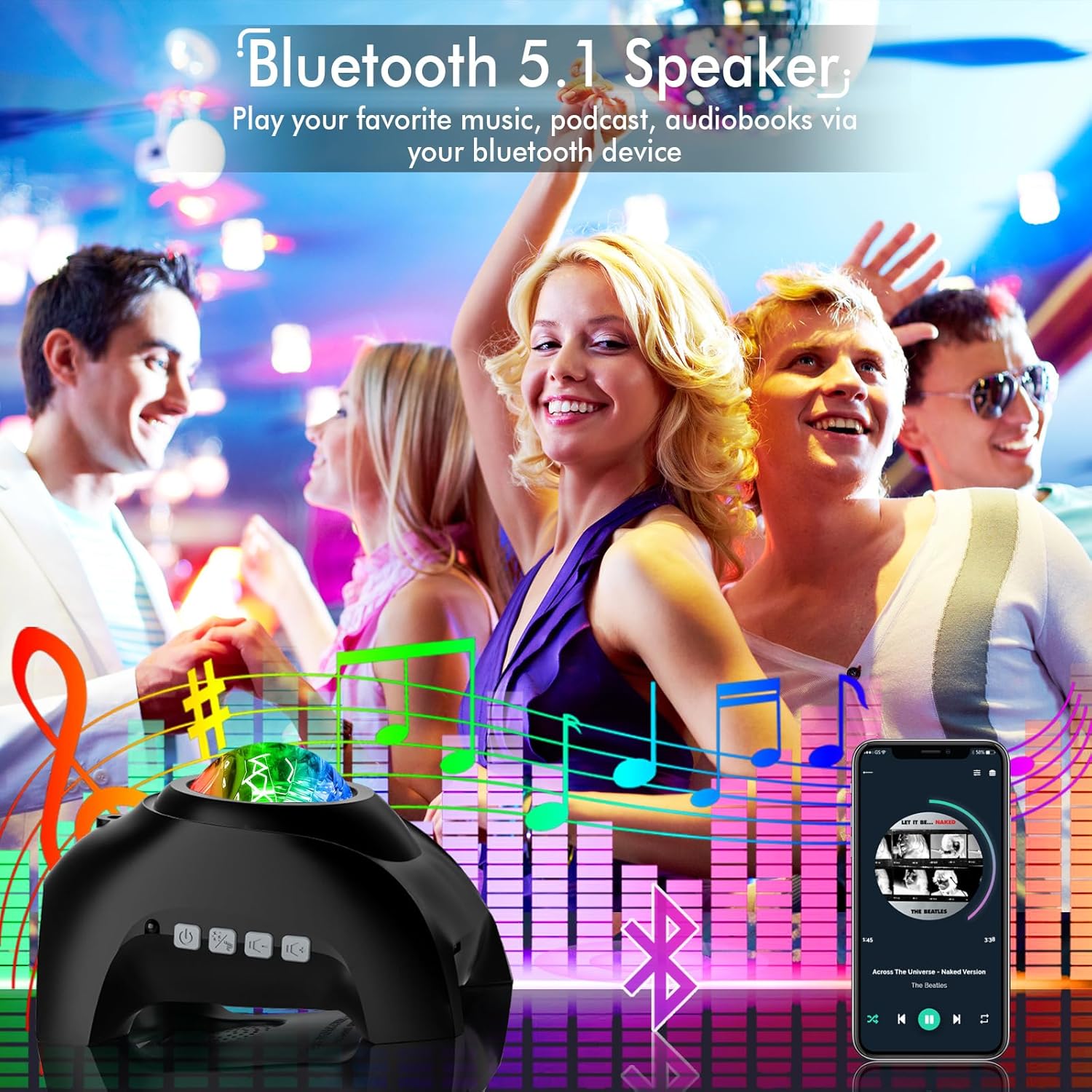
Image: The projector functioning as a Bluetooth speaker in a lively setting, with lights reacting to music.
3.5 Timer Function
- Press the Timer buttons (1H, 2H) on the remote to set an automatic shut-off time for 1 or 2 hours.
- If no timer is set, the projector will automatically turn off after 4 hours of continuous operation.
4. Maintenance
- Cleaning: Use a soft, dry cloth to clean the surface of the projector. Do not use abrasive cleaners or solvents.
- Storage: When not in use for extended periods, store the projector in a cool, dry place away from direct sunlight.
- Handling: Handle the device with care. Avoid dropping it or exposing it to excessive moisture.
5. Troubleshooting
- No Power: Ensure the power cable is securely connected to both the projector and the power outlet. Check if the outlet is functioning.
- Remote Not Working: Verify that the batteries in the remote control are correctly inserted and not depleted. Point the remote directly at the infrared sensor on the projector.
- No Light Projection: Check if the projector is powered on and not in a sleep mode. Ensure the light effects are enabled via the remote.
- Bluetooth Connection Issues: Make sure the projector is in Bluetooth pairing mode. Disconnect and reconnect the device from your phone's Bluetooth settings. Ensure no other devices are actively connected to the projector.
- Sound Distortion: Adjust the volume on both the projector and your connected device. Ensure the audio source is of good quality.
6. Specifications
| Brand | Rossetta |
| Model Number | Star Projector-RT009G |
| Color | Black Pro |
| Material | Acrylonitrile Butadiene Styrene (ABS) |
| Light Source Type | LED |
| Power Source | Corded Electric |
| Voltage | 5 Volts (DC) |
| Product Dimensions | 6.69"L x 4.92"W x 4.25"H |
| Item Weight | 13.4 ounces (380 Grams) |
| Included Components | Galaxy Projector, Power Cable, Remote Control, User Manual |
| Certifications | CE, FCC, RoHS |
7. Warranty and Support
The Rossetta Galaxy Projector RT009G comes with a 1-year limited warranty and service. Use of the product is subject to the terms and conditions outlined by Rossetta.
For further assistance, troubleshooting, or warranty claims, please refer to the contact information provided in your product packaging or visit the official Rossetta website.

