
Citizen CB0260-56L
Citizen Eco-Drive Classic Watch Instruction Manual
Model: CB0260-56L
Product Overview
The Citizen Men's Eco-Drive Classic Watch, Model CB0260-56L, is a sophisticated timepiece featuring a blue dial, silver-tone Super Titanium case and bracelet, and a durable sapphire crystal. This watch incorporates atomic timekeeping technology, allowing for synchronized time adjustment across 26 time zones, a perpetual calendar, and date functions. It is water resistant up to 100 meters and is powered by Citizen's Eco-Drive technology, eliminating the need for battery replacement.

Figure 1: Front view of the Citizen Eco-Drive Classic Watch (Model: CB0260-56L). This image displays the watch face with its blue dial, silver hour markers, hands, and the date window at the 3 o'clock position. The outer ring shows city codes for atomic timekeeping zones. The watch features a silver-tone Super Titanium case and bracelet.
Key Features
- Eco-Drive Technology: Powered by light, eliminating the need for battery changes.
- Super Titanium™: Five times harder and 40% lighter than stainless steel, offering enhanced durability, scratch resistance, and comfort.
- Atomic Timekeeping: Synchronizes with atomic clocks for superior accuracy, with time adjustment available in 26 time zones.
- Perpetual Calendar: Automatically adjusts for odd and even months and leap years until February 28, 2100.
- Sapphire Crystal: Highly scratch-resistant watch face for improved longevity and clarity.
- Water Resistance: Rated for 100 meters (10 ATM), suitable for swimming and snorkeling, but not for diving.
Setup
Initial Charge
Before first use, ensure the watch is fully charged. Place the watch in direct sunlight or under a fluorescent lamp for several hours. The watch will begin operating once it receives sufficient light. A full charge can last for several months in the dark, thanks to the Eco-Drive technology.
Time Zone Setting and Atomic Time Synchronization
This watch features atomic timekeeping. It automatically receives time signals to maintain accurate time. To set your home city and initiate synchronization:
- Pull the crown out to the time setting position. The second hand will point to the current city setting.
- Rotate the crown to select your desired home city (time zone). The hour and minute hands will adjust accordingly.
- Push the crown back in. The watch will attempt to receive the atomic time signal for the selected city. This process may take several minutes. Ensure the watch is placed near a window or outdoors for better signal reception.
- To manually initiate a signal reception, refer to the "Operating" section.

Figure 2: Side view of the watch, highlighting the crown used for setting time and functions. The crown is located on the right side of the watch case.
Operating Instructions
Checking Signal Reception Result
To check the last signal reception result:
- Press and release the lower right button (if applicable, or refer to specific model manual for button functions).
- The second hand will indicate "RX" (reception successful) or "NO" (reception failed).
Manual Signal Reception
If automatic reception fails or you need to update the time immediately:
- Ensure the watch is in an area with good signal reception (e.g., near a window, away from electronic interference).
- Press and hold the lower right button (or designated button for manual reception) for approximately 2 seconds until the second hand moves to "RX".
- The watch will attempt to receive the signal. This process can take 2-15 minutes. Do not move the watch during reception.
- Once reception is complete, the watch will display the updated time.
Date Adjustment
The perpetual calendar function automatically adjusts the date. However, if manual adjustment is needed (e.g., after a long period of non-use or significant time zone change without signal reception):
- Pull the crown out to the first click position.
- Rotate the crown to adjust the date.
- Push the crown back in to complete the adjustment.
Maintenance and Care
Proper care will ensure the longevity and performance of your Citizen Eco-Drive watch.
- Cleaning: Wipe the watch regularly with a soft, dry cloth to remove dirt and moisture. For the Super Titanium case and bracelet, a slightly damp cloth can be used, followed by drying.
- Water Resistance: While water resistant to 100 meters, avoid operating the crown or buttons underwater. After exposure to saltwater, rinse the watch with fresh water and dry thoroughly.
- Charging: Expose the watch to light regularly to maintain optimal charge. Avoid prolonged storage in dark places.
- Temperature: Avoid exposing the watch to extreme temperatures (below 0°C or above 60°C) or sudden temperature changes.
- Chemicals: Keep the watch away from solvents, detergents, perfumes, and cosmetics, as these can damage the case, band, or gaskets.
- Magnetic Fields: Although the watch is magnetic resistant, strong magnetic fields can affect its accuracy. Avoid placing it near magnets or devices that generate strong magnetic fields.

Figure 3: Rear view of the watch, displaying the case back with engravings such as "CITIZEN", "ECO-DRIVE", "SAPPHIRE", "BASE TITANIUM", and water resistance rating. This part of the watch is designed for durability and protection of the internal movement.
Troubleshooting
| Problem | Possible Cause | Solution |
|---|---|---|
| Watch stops or runs intermittently. | Insufficient charge. | Expose the watch to bright light for several hours to fully charge. |
| Time is incorrect after setting. | Atomic signal reception failed or watch was moved during reception. | Perform a manual signal reception in an area with good signal. Ensure the watch is stationary. |
| Date is incorrect. | Not enough charge for perpetual calendar, or manual adjustment needed. | Fully charge the watch. If still incorrect, manually adjust the date as per "Operating Instructions". |
| Watch hands do not move smoothly. | Low power reserve. | Place the watch in bright light for an extended period to ensure full charge. |
Specifications
| Feature | Detail |
|---|---|
| Model Number | CB0260-56L |
| Movement | Eco-Drive (Light-Powered) |
| Case Material | Super Titanium™ |
| Band Material | Super Titanium™ |
| Crystal | Sapphire Crystal |
| Water Resistance | 100 meters (10 ATM) |
| Timekeeping | Atomic Timekeeping with 26 Time Zones |
| Calendar | Perpetual Calendar, Date Display |
| Dimensions (Package) | 4.65 x 3.74 x 3.03 inches |
| Weight (Package) | 10.55 ounces |
Warranty and Support
Citizen Eco-Drive watches are designed for durability and reliability. The Eco-Drive technology ensures that the watch never needs a battery replacement, contributing to its long-term, low-maintenance operation.
For specific warranty details, service, or repair inquiries, please refer to the official Citizen Watch Company website or contact their customer support. Keep your purchase receipt as proof of purchase.
You can find more information and support resources by visiting the official Citizen Store on Amazon.
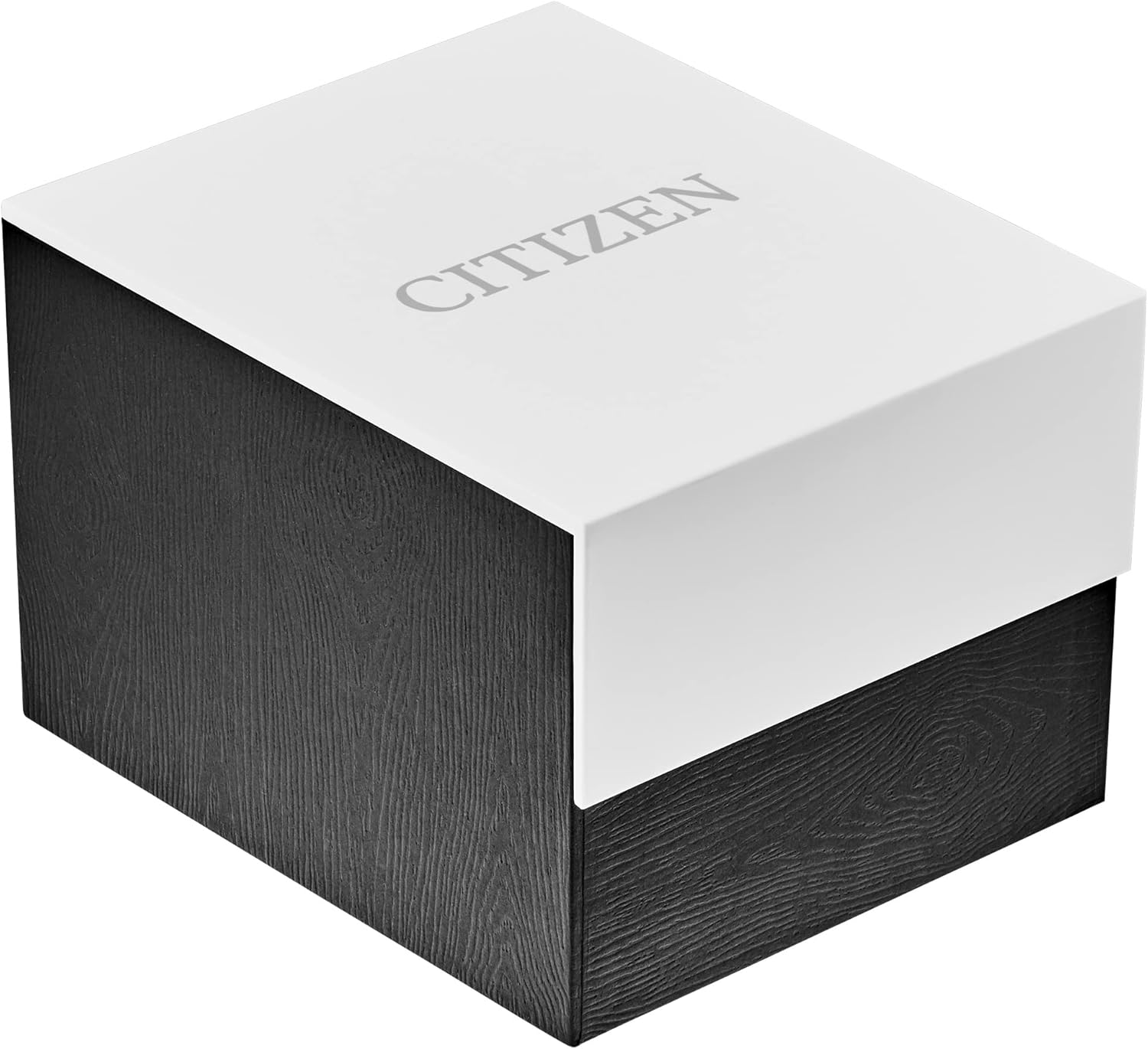
Figure 4: The Citizen watch box, closed. This box provides protection for the watch during shipping and storage.

Figure 5: The Citizen watch box, open, revealing the watch securely placed inside. The interior is designed to protect the timepiece.
Related documentsCB0260-56L


Ask a question about this manual
Ask about setup, troubleshooting, compatibility, parts, safety, or missing instructions. Manuals+ will review the question and use this page’s manual context to help answer it.