
1. Setup
1.1 Unboxing
Carefully unpack your Fenix BC21R V3 bicycle light. The package should contain the following items:
- Fenix BC21R V3 bicycle light
- ARB-L18-2600 rechargeable battery
- Quick-release bicycle mount
- USB Type-C charging cable
- Spare O-ring
- User manual
- Warranty card

Image: The Fenix BC21R V3 package contents, including the light, battery, mount, cable, O-ring, manual, and warranty card.
1.2 Initial Charging
Before first use, ensure the battery is fully charged. The light uses a USB Type-C port for convenient charging. Remove the protective paper from the battery terminals before inserting the battery into the light.

Image: A close-up of the Fenix BC21R V3 light, highlighting the USB Type-C charging port and charging indicator. The light can be used in Low/Med mode while charging.
1.3 Mounting the Light
Attach the quick-release bicycle mount to your handlebar. The mount features silicone layers to ensure a secure fit on various handlebar sizes. The light can be easily detached from the mount for handheld use or security. The light is also compatible with a GoPro interface for mounting on stopwatch holders (Fenix ALD-10 bicycle light holder sold separately).

Image: The Fenix BC21R V3 light mounted on a bicycle handlebar, demonstrating its compatibility with a GoPro interface for attaching to other accessories.
2. Operating Instructions
2.1 Power On/Off
To turn the light ON or OFF, press and hold the power button located on the top of the light.
2.2 Brightness Modes
With the light on, a single click of the power button will cycle through the brightness modes: Low, Medium, High, and Turbo. The Fenix BC21R V3 offers a maximum output of 1200 lumens.

Image: A close-up of the Fenix BC21R V3 light on a handlebar, illustrating the different output modes (Low, Med, High, Turbo) and how to activate them with single clicks.
2.3 Flash Mode
To activate the flash mode, double-click the power button. Double-click again to return to constant lighting modes.
2.4 Battery Level Indicator
The power button also serves as a battery level indicator. When the light is off, a short click will display the current battery status. Refer to the manual for specific indicator meanings (e.g., green for full, red for low).
2.5 Extended Runtime
The included 2600mAh battery provides impressive power, allowing for extended runtime. In the 50-lumen Low mode, the light can operate for up to 33 hours.
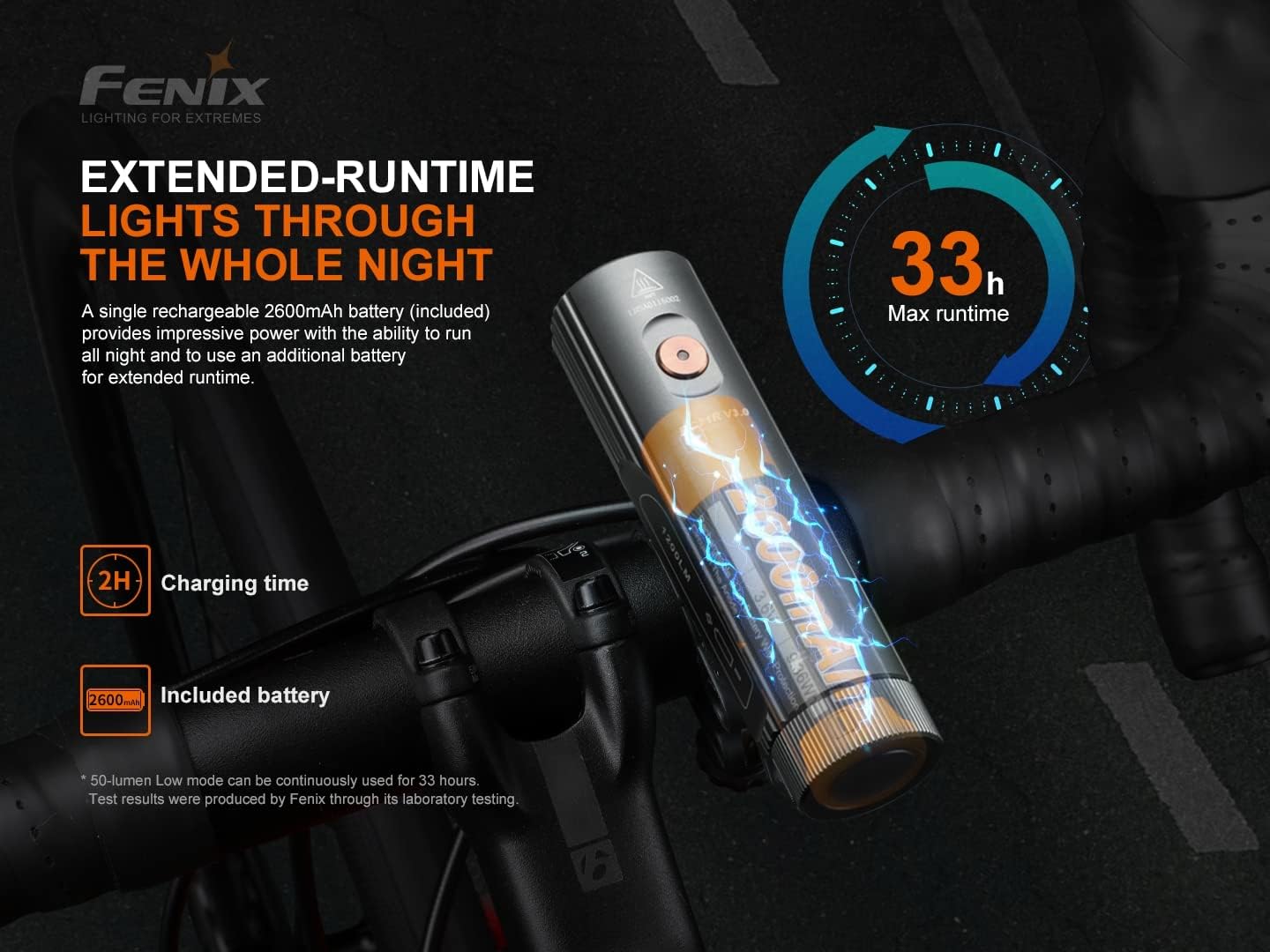
Image: A visual representation of the Fenix BC21R V3's extended runtime (up to 33 hours) and the included 2600mAh battery, with a 2-hour charging time indicated.
3. Maintenance
3.1 Cleaning
Regularly clean the light's body and lens with a soft, damp cloth. Avoid using abrasive cleaners or solvents that could damage the finish or lens. Ensure the USB charging port cover is securely closed to maintain water resistance.
3.2 Battery Care
To prolong battery life, charge the ARB-L18-2600 battery regularly, even if not in frequent use. Store the light and battery in a cool, dry place away from direct sunlight and extreme temperatures.
3.3 Water Resistance
The Fenix BC21R V3 has an IP65 water resistance rating, meaning it is protected against dust ingress and low-pressure water jets from any direction. While it can withstand rain and splashes, it is not designed for submersion.
4. Troubleshooting
4.1 Light Not Turning On
- Check if the battery is inserted correctly and the protective paper has been removed.
- Ensure the battery is charged. Connect the light to a USB power source using the provided Type-C cable.
- Press and hold the power button for a few seconds to ensure it's not just a short press.
4.2 Dim Light Output
- The battery might be low. Recharge the battery fully.
- Check the current brightness mode. Cycle through the modes with a single click to select a brighter setting.
- Ensure the lens is clean and free from dirt or obstructions.
4.3 Mounting Instability
- Verify that the quick-release mount is securely tightened to the handlebar.
- Adjust the silicone inserts on the mount to achieve a snug fit for your handlebar diameter.
5. Specifications
| Feature | Detail |
|---|---|
| Brand | Fenix |
| Model | BC21R V3 |
| Light Output Maximum | 1200 Lumens |
| Power Source | Battery Powered (Rechargeable) |
| Battery Type | ARB-L18-2600 (2600mAh) |
| Max Runtime | 33 hours (in 50-lumen Low mode) |
| Charging | USB Type-C |
| Material | Aluminum |
| Water Resistance Level | IP65 (Waterproof) |
| Mounting Type | Handlebar Mount (Quick-release, GoPro interface compatible) |
| Item Package Dimensions | 9.69 x 4.45 x 1.85 inches |
| Package Weight | 0.33 Kilograms |
| UPC | 850038215132 |
The Fenix BC21R V3 is designed to provide powerful and reliable illumination for various cycling conditions, from dark paths to road cycling.
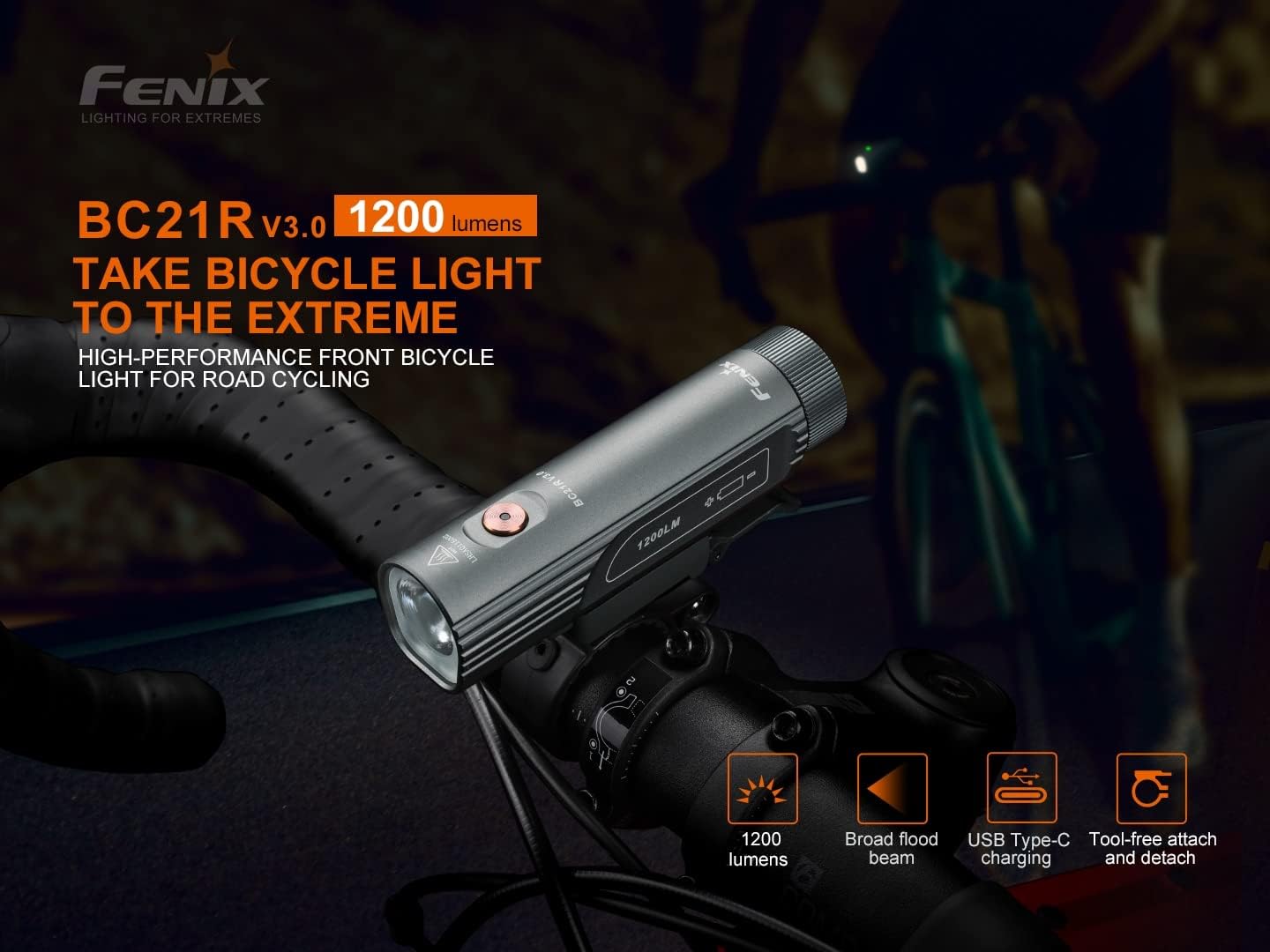
Image: The Fenix BC21R V3 1200 Lumen LED USB Rechargeable Bicycle Light mounted on a bike handlebar, showcasing its design and key features.

Image: A cyclist riding on a dark road, with the Fenix BC21R V3 providing a broad flood beam that matches the field of view for enhanced situational awareness.

Image: A cyclist on a dark path, demonstrating the Fenix BC21R V3's capability to project 1200 lumens with a far-reaching beam of 142 meters, ideal for illuminating dark roads and bike paths.
6. Warranty
Your Fenix BC21R V3 bicycle light comes with a warranty card included in the package. Please refer to the warranty card for detailed information regarding coverage, terms, and conditions. Keep your proof of purchase for warranty claims.
7. Support
For further assistance, technical support, or inquiries regarding your Fenix BC21R V3 bicycle light, please visit the official Fenix website or contact their customer service department. Contact information can typically be found on the product packaging or the official brand website.
You can visit the Fenix Store on Amazon for more products and information: Fenix Store


