
Cellularline BTCRYSTALTWSK
Crystal Bluetooth 5.0 Wireless Earbuds User Manual
Model: BTCRYSTALTWSK
1. Product Overview
The Cellularline Crystal TWS Bluetooth 5.0 Wireless Earbuds offer a high-quality audio experience with the convenience of wireless connectivity. Designed for comfort and stability, these earbuds feature Environmental Noise Cancellation (ENC) technology to ensure clear calls and immersive listening. The compact charging case provides extended battery life, making them ideal for daily use, music, and video games.

Image: The Crystal TWS wireless earbuds, one in the charging case and one outside, showcasing their sleek black design and the charging case with its indicator light.
2. Initial Setup and Pairing
2.1 Charging the Earbuds and Case
Before first use, ensure both the earbuds and the charging case are fully charged. The charging time for the earbuds is approximately 1.5 hours.
- Place the earbuds into the charging case.
- Connect the charging case to a power source using the provided USB cable.
- The indicator light on the case will show charging status and turn off when fully charged.
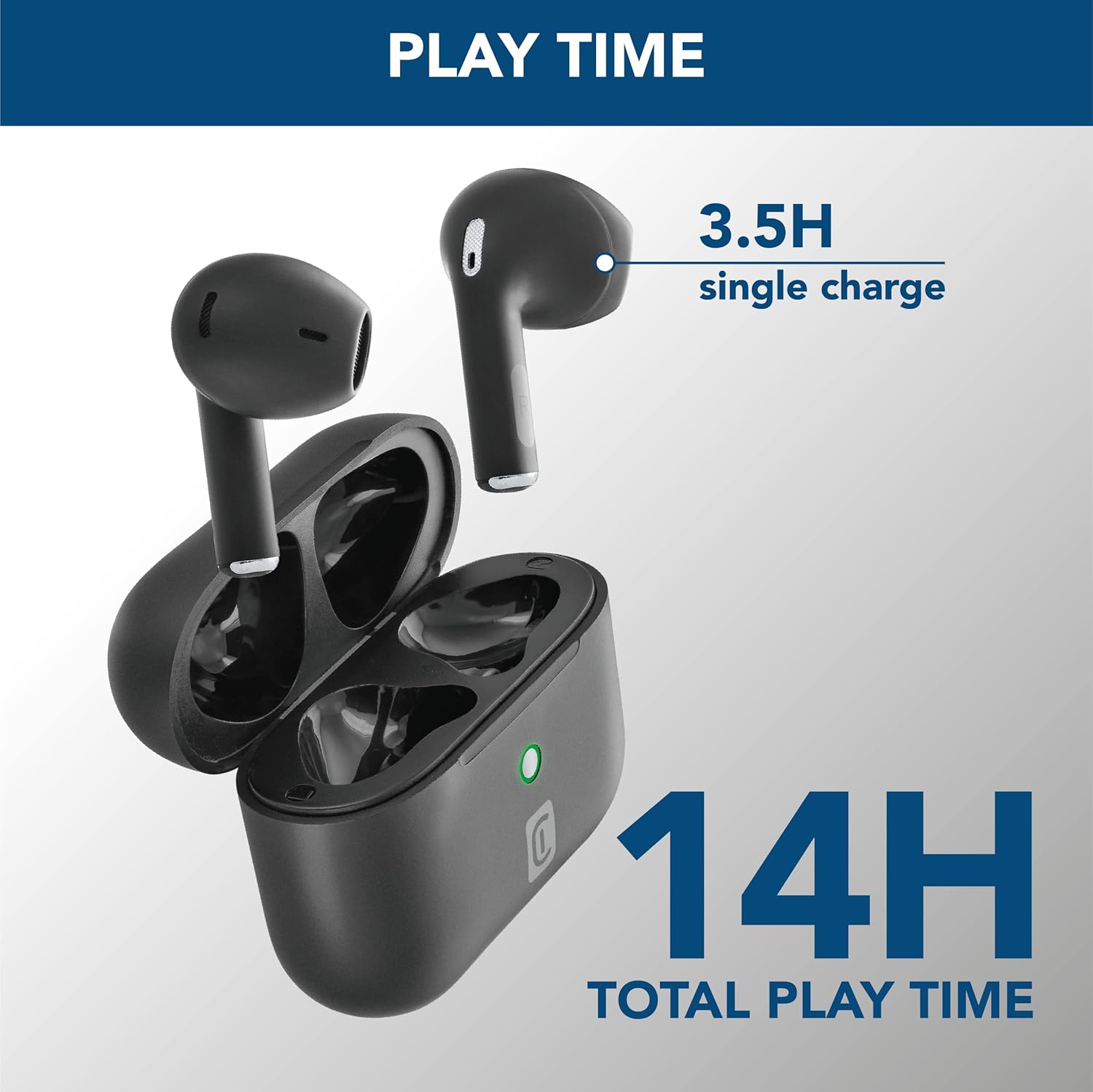
Image: The earbuds are shown inside their open charging case, with text indicating "3.5H single charge" and "14H total play time," illustrating the battery performance.
2.2 Bluetooth Pairing
Follow these steps to pair your Crystal TWS earbuds with your device:
- Open the charging case. The earbuds will automatically enter pairing mode.
- On your device (smartphone, tablet, laptop), enable Bluetooth.
- Search for available Bluetooth devices and select "Crystal TWS" from the list.
- Once connected, the earbuds will indicate successful pairing (e.g., a voice prompt or LED change).
Note: The earbuds have a wireless range of up to 10 meters. For optimal connection, keep your device within this range.
3. Operating Instructions
3.1 Wearing the Earbuds
Insert the earbuds into your ears, ensuring a comfortable and secure fit. The ergonomic design provides comfort and stability for various activities.

Image: A person is shown wearing the Crystal TWS earbuds, demonstrating their comfortable and stable fit during use in a public setting.
3.2 Touch Controls
The Crystal TWS earbuds feature touch controls for easy management of audio and calls:
| Action | Function |
|---|---|
| Single Tap (Left/Right Earbud) | Play/Pause Music, Answer/End Call |
| Double Tap (Right Earbud) | Next Track |
| Double Tap (Left Earbud) | Previous Track |
| Triple Tap (Left/Right Earbud) | Activate Voice Assistant |
| Long Press (Left/Right Earbud) | Reject Call |
3.3 Environmental Noise Cancellation (ENC)
The built-in ENC technology actively reduces ambient noise during calls, ensuring your voice is clear to the person on the other end. This feature is automatically active during phone calls.

Image: A visual representation of Environmental Noise Cancellation, showing sound waves being reduced around the earbuds during a phone call displayed on a smartphone screen.
3.4 Low Latency for Video and Gaming
These earbuds are optimized for low latency, providing synchronized audio with video content and games. This ensures a smooth and immersive experience without noticeable delays between visuals and sound.
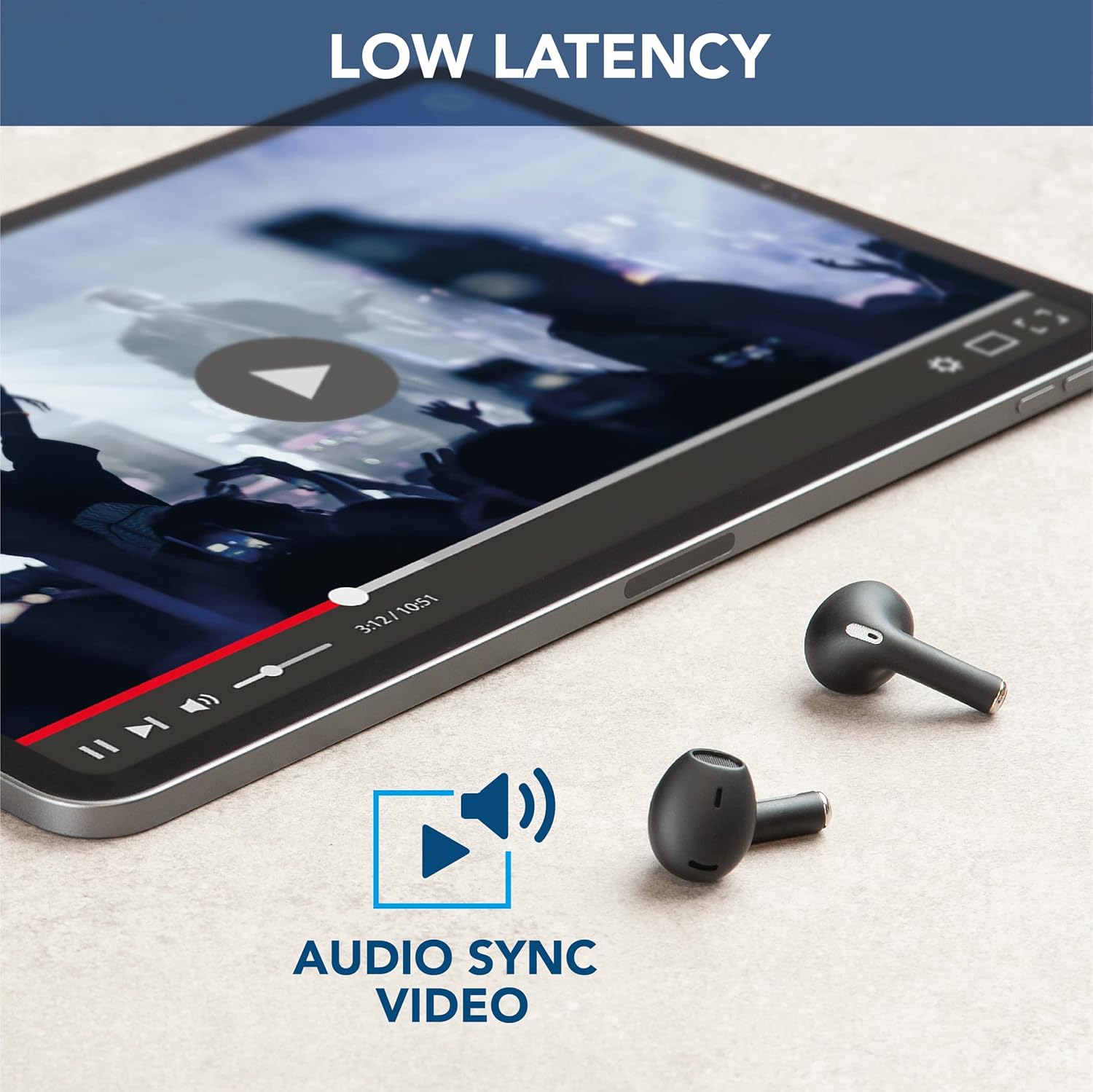
Image: The earbuds are placed next to a tablet displaying a video, accompanied by an "Audio Sync Video" icon, highlighting the low latency feature for synchronized audio and video playback.
4. Care and Maintenance
- Cleaning: Regularly clean the earbuds and charging case with a soft, dry, lint-free cloth. Do not use harsh chemicals or abrasive materials.
- Storage: When not in use, store the earbuds in their charging case to protect them from dust and damage.
- Battery Care: To prolong battery life, avoid fully discharging the earbuds and case frequently. Charge them regularly, even if not in constant use.
- Water Resistance: These earbuds are not water resistant. Avoid exposure to water, moisture, or excessive humidity.
- Temperature: Do not expose the product to extreme temperatures (hot or cold) as this can affect battery performance and product lifespan.
5. Troubleshooting
| Problem | Possible Cause | Solution |
|---|---|---|
| Earbuds not pairing | Bluetooth off on device, earbuds not in pairing mode, out of range. | Ensure Bluetooth is on. Place earbuds in case, close, then open to re-enter pairing mode. Move device closer to earbuds. |
| No sound from earbuds | Low battery, not connected, volume too low. | Charge earbuds. Reconnect to device. Increase volume on both earbuds and device. |
| Poor call quality / Noise during calls | Weak signal, excessive ambient noise. | Move to an area with less interference. Ensure earbuds are properly seated. ENC is active during calls to minimize noise. |
| Earbuds not charging | Charging cable faulty, dirty charging contacts, case battery empty. | Try a different USB cable. Clean charging contacts on earbuds and case. Charge the charging case. |
6. Product Specifications
| Feature | Detail |
|---|---|
| Model Name | Crystal TWS |
| Model Number | BTCRYSTALTWSK |
| Connectivity Technology | Wireless (Bluetooth 5.0) |
| Wireless Range | Up to 10 meters |
| Headphone Form Factor | In-Ear |
| Noise Control | Environmental Noise Cancellation (ENC) |
| Battery Charging Time | 1.5 hours |
| Talk Time (Single Charge) | 3.5 hours |
| Total Play Time (with Case) | Up to 14 hours |
| Frequency Range | 20 Hz - 20,000 Hz |
| Material Type | Plastic |
| Item Weight | 100 grams |
| Color | Black |
| Included Components | Wireless charging case |
| Water Resistance Level | Not water resistant |
7. Warranty and Support
For warranty information and customer support, please refer to the official Cellularline website or contact their customer service directly. Keep your proof of purchase for any warranty claims.
Online Support: Visit www.cellularline.com for FAQs, product registration, and contact details.
Protection Plans: Extended warranty options may be available from authorized retailers. For example, 1-year and 2-year extended protection plans are offered by Salama.
- • 1-Year Extended Warranty by Salama (Email Delivery)
- • 2-Year Extended Warranty by Salama (Email Delivery)
Related documentsBTCRYSTALTWSK


Ask a question about this manual
Ask about setup, troubleshooting, compatibility, parts, safety, or missing instructions. Manuals+ will review the question and use this page’s manual context to help answer it.