
Introduction
Welcome to your Noise Buds VS204 Truly Wireless Earbuds. This manual provides comprehensive instructions for setup, operation, maintenance, and troubleshooting to ensure optimal performance and a satisfying user experience.
What's in the Box
- 1N Bluetooth Headphone (Earbuds)
- 1N Charging Case
- 1N Charging Cable
- 1N User Manual (this document)
- 1N Warranty Registration Card
Product Overview
The Noise Buds VS204 are in-ear truly wireless earbuds designed for seamless audio playback and clear communication. They feature a compact design with intuitive touch controls.
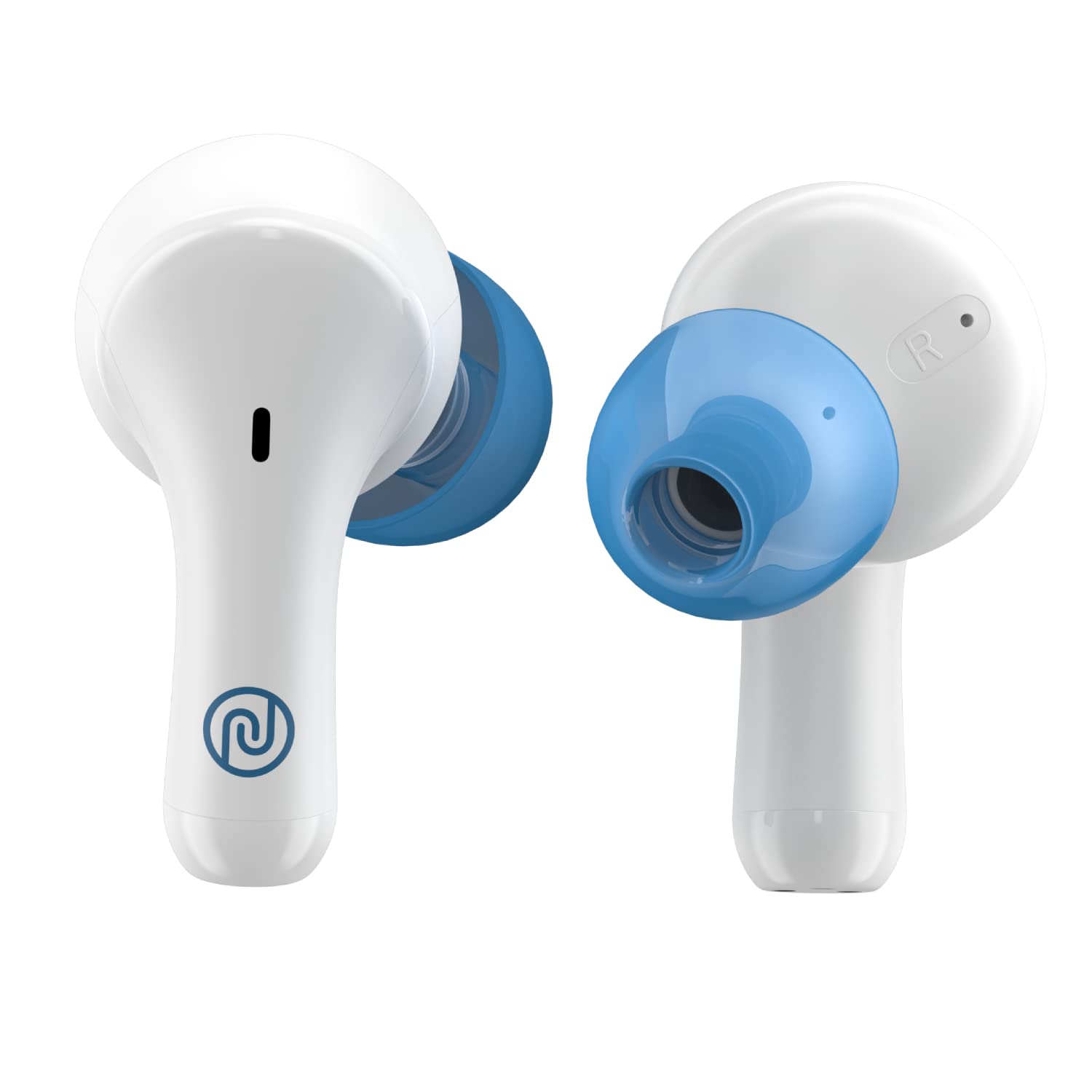
A close-up view of the Noise Buds VS204 earbuds in their Snow White charging case, illustrating the product's design.
Setup
1. Charging the Earbuds and Case
Before initial use, fully charge both the earbuds and the charging case.
- Connect the provided USB charging cable to the charging case and a compatible power source.
- The indicator lights on the case will display the charging status.
- Place the earbuds into the charging case to charge them simultaneously.
The Instacharge feature provides up to 120 minutes of playtime with just a 10-minute charge. A full charge offers up to 10 hours of playtime for the earbuds and a total of 50 hours with the charging case.

An infographic explaining the Instacharge feature, where a 10-minute charge provides 120 minutes of playtime.

An infographic illustrating the earbuds' capability to provide 10 hours of non-stop playtime on a single charge.

An infographic highlighting the Noise Buds VS204's total playtime of 50 hours, including charges from the case.
2. Pairing with a Device
The earbuds utilize Hyper Sync technology for rapid connection with your device.
- Open the charging case lid. The earbuds will automatically power on and enter pairing mode.
- On your smartphone, tablet, or laptop, enable Bluetooth.
- Search for "Noise Buds VS204" in the list of available Bluetooth devices and select it to connect.
- Once successfully connected, you will hear an audio confirmation.

An image demonstrating the Hyper Sync feature, showing a smartphone instantly connecting to the earbuds upon opening the charging case.
3. Wearing the Earbuds
Insert the earbuds into your ears and gently twist them to achieve a comfortable and secure fit. Ensure the ear tips form a proper seal for optimal sound quality and effective noise reduction.
Operating Instructions
Touch Controls
The earbuds feature touch-sensitive controls for various functions. Specific touch gestures may vary; please refer to the quick start guide for detailed actions. Common controls typically include:
- Play/Pause: Single tap on either earbud.
- Next Track: Double tap on the right earbud.
- Previous Track: Double tap on the left earbud.
- Answer/End Call: Single tap on either earbud.
- Reject Call: Press and hold either earbud.
- Activate Voice Assistant: Triple tap on either earbud.
Environmental Noise Reduction (ENR)
The Noise Buds VS204 incorporate Environmental Noise Reduction (ENR) technology. This algorithm-based feature actively reduces ambient noise during phone calls, ensuring clearer conversations even in noisy surroundings.
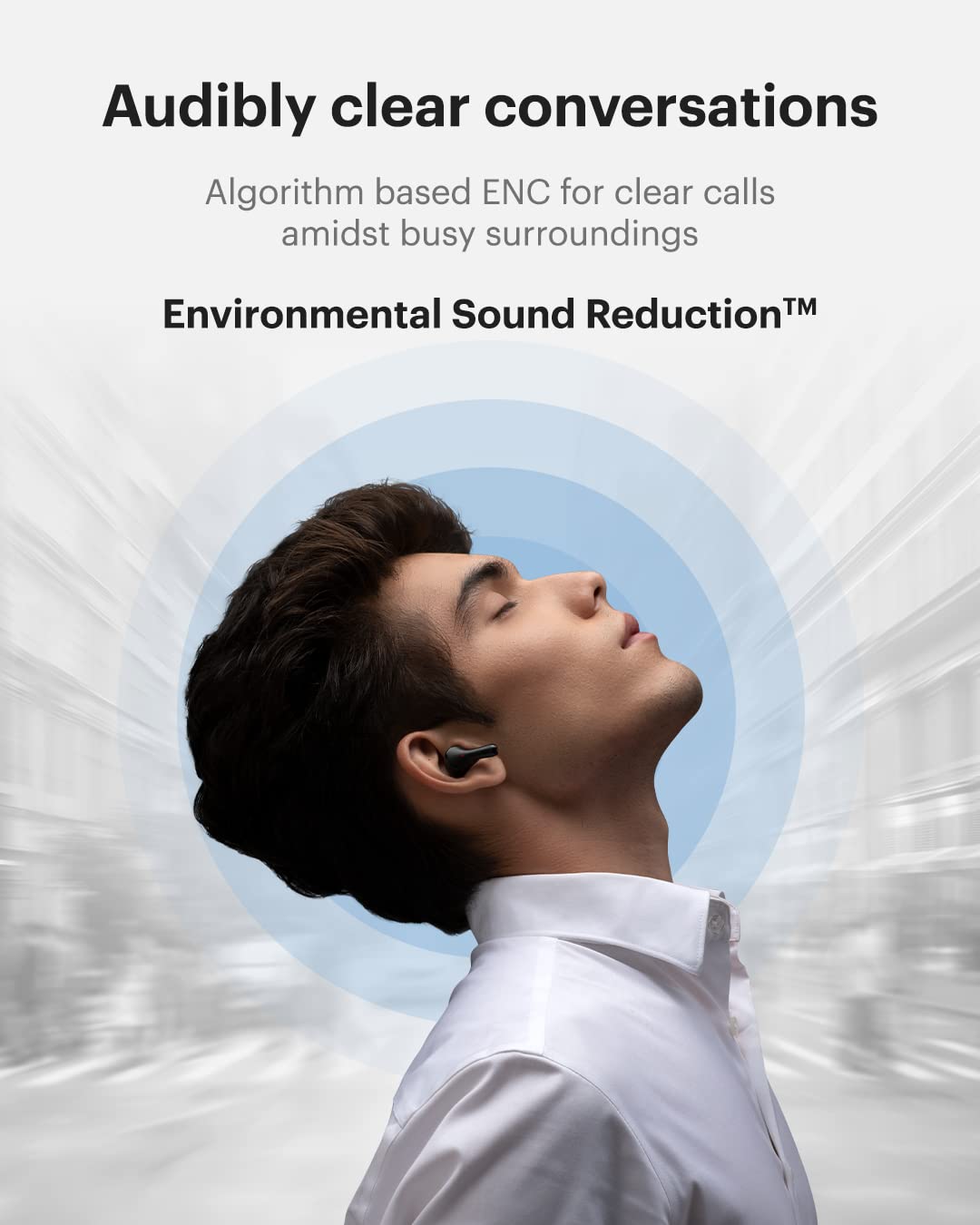
An image of a person wearing the earbuds, representing the clear call experience provided by Environmental Noise Reduction technology.
Audio Quality
The Noise Buds VS204 are equipped with 10mm speaker drivers, engineered to deliver immersive sound with powerful bass response for an enhanced listening experience.

A detailed cutaway diagram illustrating the internal 10mm dynamic speaker driver of the Noise Buds VS204 earbuds.
Maintenance
Cleaning
- Regularly clean the earbuds and charging case with a soft, dry, lint-free cloth.
- Avoid using abrasive cleaners, solvents, or aerosol sprays, as these can damage the product.
- Gently remove any earwax or debris from the ear tips and speaker mesh using a small, soft brush or cotton swab.
The earbuds are water-resistant; however, avoid submerging them in water or exposing them to excessive moisture.
Storage
- When not in use, always store the earbuds in their charging case to protect them from damage and keep them charged.
- Store the product in a cool, dry place, away from direct sunlight and extreme temperatures.
Troubleshooting
Common Issues and Solutions
- Earbuds not pairing:
- Ensure both earbuds are adequately charged.
- Place them back in the charging case, close the lid, then open it again to re-initiate pairing mode.
- Toggle Bluetooth off and on on your connected device.
- Forget "Noise Buds VS204" from your device's Bluetooth settings and attempt to pair again.
- One earbud not working:
- Verify that both earbuds are charged.
- Place both earbuds in the charging case, close the lid, wait a few seconds, then open it to reset the connection.
- Low volume or poor sound quality:
- Adjust the volume level on your connected device.
- Ensure the earbuds are properly seated in your ears to create an effective acoustic seal.
- Clean any debris from the earbud speaker mesh.
- Confirm that the audio source quality is sufficient.
- Charging issues:
- Ensure the charging cable is securely connected to both the case and the power source.
- Verify that the power source is active and functioning correctly.
- Clean the charging contacts on both the earbuds and inside the charging case.
If issues persist after attempting these solutions, please refer to the Noise customer support contact information provided in the Warranty and Support section.
Specifications
| Feature | Specification |
|---|---|
| Brand | Noise |
| Model Name | Buds VS204 |
| Model Number | AUD-HDPHN-BUDSVS204-WHT |
| Ear Placement | In Ear |
| Form Factor | In Ear |
| Noise Control | Environmental Noise Reduction (for calls) |
| Bluetooth Version | 5.3 |
| Wireless Technology Type | Bluetooth |
| Audio Driver Size | 10 Millimetres |
| Audio Driver Type | Dynamic Driver |
| Battery Life (Earbuds) | Up to 10 Hours (single charge) |
| Total Playtime (with Case) | Up to 50 Hours |
| Instacharge | 10 minutes charge = 120 minutes playtime |
| Control Method | Touch |
| Water Resistance Level | Water Resistant |
| Compatible Devices | Smartphones, Tablets, Laptops, Desktops, Smart Speakers |
| Item Weight | 40 Grams |
| Material | Plastic |
| Charging Port | USB (for charging case) |
| Box Contents | 1N Bluetooth Headphone, 1N Charging Case, 1N Charging Cable, 1N User Manual, 1N Warranty Registration Card |
Warranty and Support
Warranty Information
The Noise Buds VS204 come with a 1-year warranty provided by the manufacturer, effective from the date of purchase. Please retain your proof of purchase for any warranty claims.
For detailed warranty terms and conditions, refer to the Warranty Registration Card included in your product packaging.
Customer Support
For any product-related queries, technical assistance, or warranty support, please contact Noise customer service using the details below:
- Manufacturer Contact Information: Khasra No-146/25/2/1, Jail Road Badshahpur, Gurugram Haryana-122101
- Customer Service Phone: 8882-132-132
- Website: www.gonoise.com
When contacting support, please have your product model number (AUD-HDPHN-BUDSVS204-WHT) and proof of purchase readily available.


