
1. Introduction
This manual provides essential information for the safe and effective use of your VGR V-722 Professional 2-in-1 Cordless Epilator. This device is designed for efficient hair removal, offering both epilation and shaving functions. Please read these instructions thoroughly before first use and retain them for future reference.
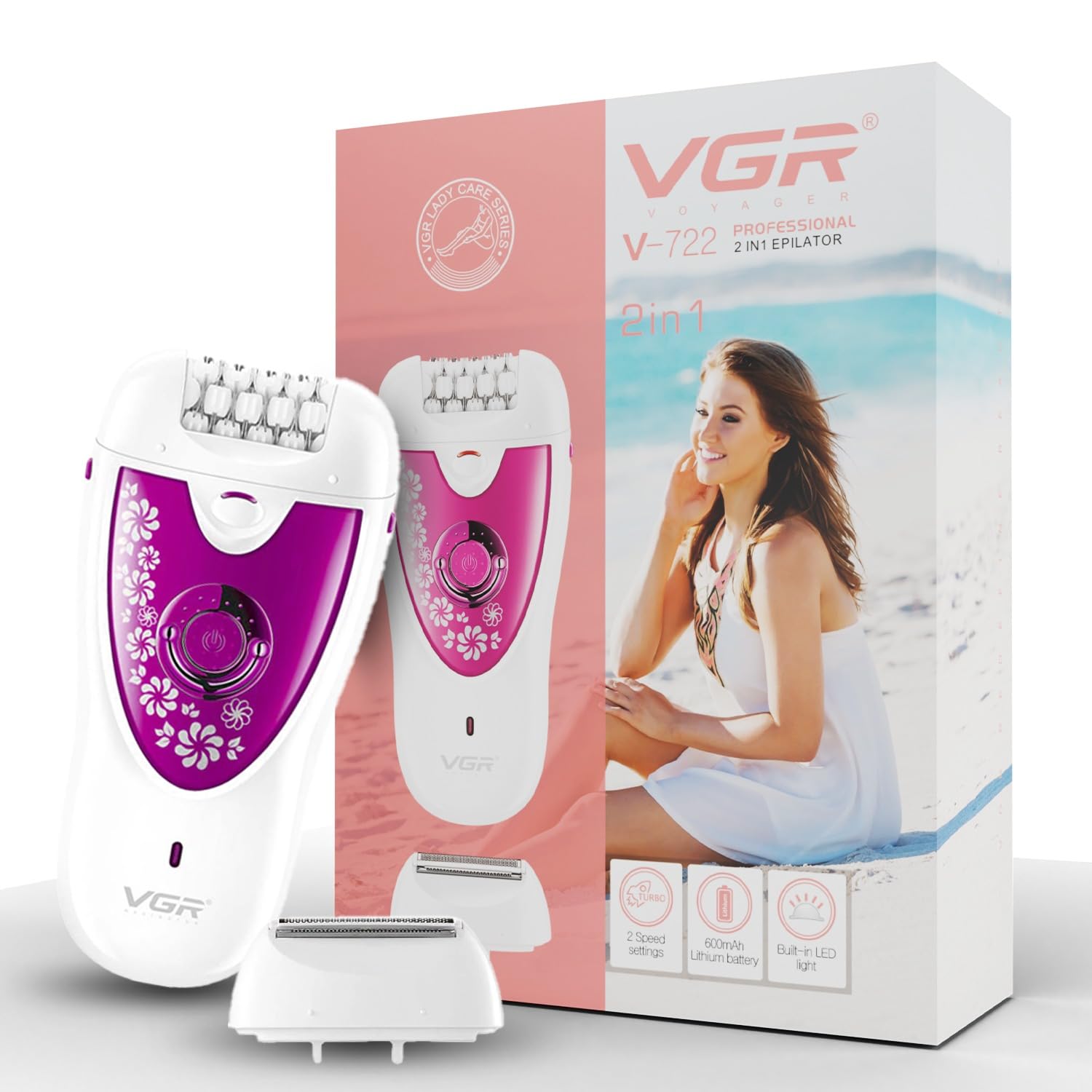
Image 1: The VGR V-722 Professional 2-in-1 Cordless Epilator.
2. Safety Information
To ensure safe operation and prevent injury or damage, observe the following safety precautions:
- Supervise children to ensure they do not play with the appliance.
- Keep the appliance away from water and do not immerse it.
- Unplug the appliance immediately after use, except when charging.
- Do not use the appliance if it is damaged or malfunctioning.
- Only use the provided charging cable and adapter.
3. Package Contents
Verify that all items are present in the package:
- 1x VGR V-722 Epilator Unit
- 1x Detachable Epilator Head
- 1x Detachable Shaving Head
- 2x Blade Protection Caps
- 1x Cleaning Brush
- 1x User Manual
- 1x USB Charging Cable
4. Product Features and Components
Familiarize yourself with the key features and components of your VGR V-722 epilator:
- 2-in-1 Functionality: Includes both an epilator head for root hair removal and a shaver head for close shaving.
- 2 Speed Settings: Allows selection of appropriate speed for different hair types (thicker or thinner).
- Turbo Mode: Provides a boost in speed for quicker, more powerful epilation.
- Cordless Operation: Powered by a built-in 600mAh lithium battery for convenient use.
- Long Runtime: Up to 50 minutes of cordless use on a full charge.
- Fast Charging: Fully charges in approximately 1.5 hours via USB.
- LED Indicator: Displays power and charging status.
- Built-in LED Light: Illuminates the skin for better visibility during use, helping to ensure no hairs are missed.

Image 2: Key features of the VGR V-722 Epilator.

Image 3: Labeled components of the VGR V-722 Epilator, including epilator head, shaver head, release button, on/off switch, LED light, and LED indicator.
5. Setup
5.1 Charging the Device
- Ensure the device is switched off.
- Connect the USB charging cable to the charging port on the epilator.
- Plug the other end of the USB cable into a compatible USB power source (e.g., wall adapter, computer USB port).
- The LED indicator will illuminate to show charging status. A full charge takes approximately 1.5 hours.
- Once fully charged, disconnect the device from the power source.
5.2 Attaching/Detaching Heads
- To attach a head (epilator or shaver), align the head with the main body and press it firmly until it clicks into place.
- To detach a head, press the release button located on the side of the device and gently pull the head upwards.
- Always ensure the device is switched off before changing heads.
6. Operating Instructions
6.1 Preparation for Use
- Ensure your skin is clean and dry before use.
- For optimal results, exfoliate your skin a day prior to epilation to prevent ingrown hairs.
6.2 Power On/Off and Speed Settings
- Press the On/Off button once to turn on the device at the first speed setting.
- Press the On/Off button a second time to switch to the second (higher) speed setting, suitable for thicker hair.
- To activate Turbo Mode, press the On/Off button twice quickly.
- Press the On/Off button again to turn off the device.
6.3 Epilation
- Attach the epilator head to the device.
- Hold the device at a 90-degree angle to your skin.
- Gently stretch your skin with your free hand.
- Move the epilator slowly against the direction of hair growth.
- Recommended for use on arms, legs, underarms, and bikini areas.

Image 4: Demonstrating epilation on the leg.
6.4 Shaving
- Attach the shaver head to the device.
- Hold the device flat against your skin.
- Move the shaver gently over the desired area to remove hair.
- Suitable for sensitive areas and quick touch-ups.
7. Maintenance
7.1 Cleaning the Heads
- Ensure the device is switched off and unplugged before cleaning.
- Detach the epilator or shaver head from the main unit.
- Use the provided cleaning brush to remove any trapped hairs from the head.
- The detachable heads are washable. Rinse them under running water. Note: Do not wash the main body of the epilator.
- Allow the heads to air dry completely before reattaching or storing.

Image 5: Cleaning the detachable epilator head under running water.
7.2 Storage
- After cleaning and drying, attach the blade protection cap to the head.
- Store the epilator in a cool, dry place, away from direct sunlight and out of reach of children.
- The compact design makes it travel-friendly.

Image 6: The VGR V-722 Epilator is compact and suitable for travel.
8. Troubleshooting
If you encounter any issues with your VGR V-722 epilator, refer to the following common troubleshooting steps:
- Device not turning on: Ensure the device is fully charged. Connect it to the charger and check the LED indicator.
- Reduced performance: Clean the epilator or shaver head thoroughly to remove any accumulated hair. Ensure the head is properly attached.
- Short runtime: The battery may not be fully charged, or its capacity might be reduced over time. Ensure a full 1.5-hour charge.
- Skin irritation: Ensure your skin is clean and dry before use. Move the device slowly and gently. If irritation persists, discontinue use.
If the problem persists after attempting these steps, please contact customer support.
9. Specifications
| Feature | Specification |
|---|---|
| Model Name | V-722 Professional 2 in 1 Epilator |
| Voltage | 5 Volts |
| Battery Type | 1 Lithium Ion battery (included) |
| Battery Capacity | 600mAh |
| Charging Time | 1.5 Hours |
| Operating Time | 50 Minutes |
| Product Dimensions | 9L x 3W Centimeters (approx. 13 x 6 x 3 cm) |
| Item Weight | 125 g |
| Water Resistance Level | Water Resistant (Heads only) |
| Country of Origin | China |
10. Warranty and Support
For warranty information, product support, or any inquiries, please contact the manufacturer or authorized service center:
- Manufacturer: Ningbo VGR Electric Appliances Co., Ltd. China
- Customer Care (India):
Email: customercare@vgrofficial.in
Phone: 18002578939
Website: www.vgrofficial.in
Operating Hours: 10:00 AM to 6:00 PM, Monday to Saturday - Importer (India): SA International
- Packer (India): VGR India Official Private Limited
