
1. Introduction
This manual provides essential instructions for the safe and efficient use of your HOCO C94A Metro 20W Fast Charger with Type-C to Lightning Cable. Please read this manual thoroughly before using the product and retain it for future reference.
2. Product Overview
The HOCO C94A Metro is a single-port fast charger designed to provide efficient power delivery for various mobile devices. It comes as a set with a Type-C to Lightning charging cable, supporting multiple fast charging protocols.
Key Features:
- Output: Type-C port with 20W power delivery.
- Fast Charging Protocols: Supports PD20W, PPS, QC3.0, FCP, and AFC.
- Material: Constructed from flame-retardant PC material for enhanced safety.
- Plug Type: European standard pin (EU).
- Cable Included: A 1-meter Type-C to Lightning charging cable.
- Compatibility: Compatible with a wide range of devices including iPhones, Samsung, Xiaomi, and Oppo smartphones, as well as other cellular phones, cameras, GPS devices, power tools, and tablets.
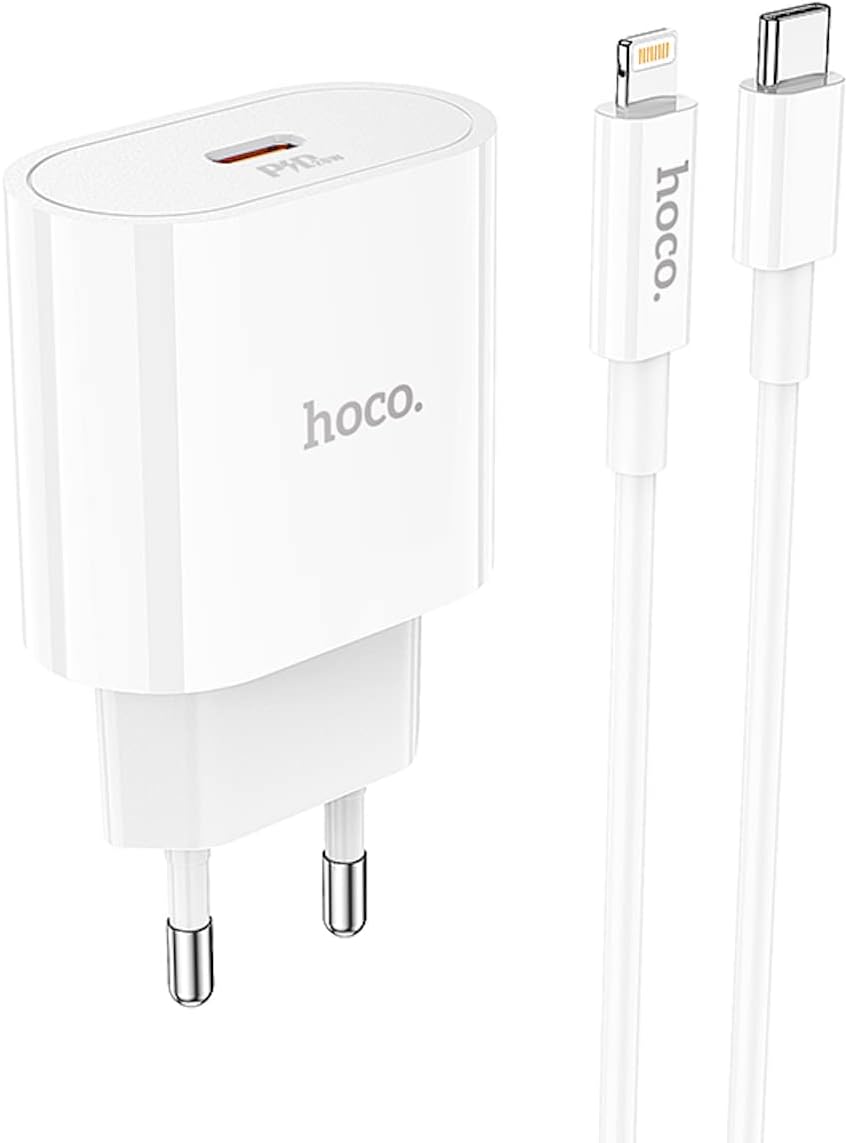
Image 2.1: The HOCO C94A Metro 20W Fast Charger and its accompanying 1-meter Type-C to Lightning cable, shown together.

Image 2.2: A close-up view of the HOCO C94A charger, highlighting its single Type-C output port.
3. Safety Information
To ensure safe operation and prevent damage, please observe the following safety guidelines:
- Do not expose the charger or cable to water or excessive moisture. This product is not water resistant.
- Avoid dropping, disassembling, or attempting to repair the device yourself.
- Keep the charger away from extreme temperatures, direct sunlight, and flammable materials.
- Ensure the charger is plugged into a compatible power outlet (EU standard).
- Unplug the charger from the power outlet when not in use or during electrical storms.
- Do not use the charger if it appears damaged or if the cable is frayed.
- The charger is made from flame-retardant PC material, but proper usage is still essential for safety.
4. Setup
Setting up your HOCO C94A charger is straightforward:
- Connect the Charger: Insert the HOCO C94A charger into a standard EU wall power outlet.
- Connect the Cable: Plug the USB Type-C end of the provided cable into the Type-C port on the charger.
- Connect to Device: Plug the Lightning end of the cable into your compatible device (e.g., iPhone, iPad).
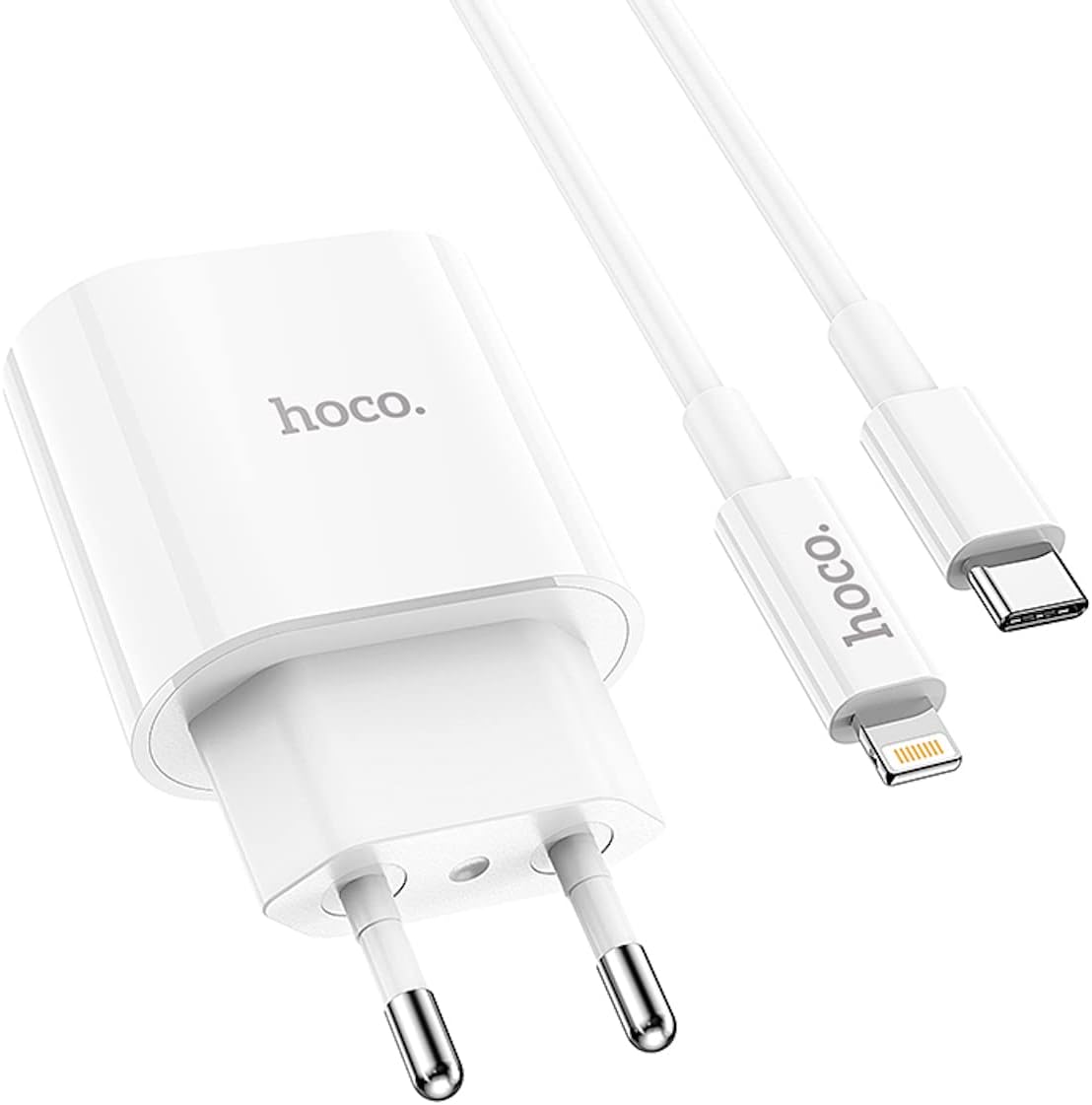
Image 4.1: The HOCO C94A charger and cable ready for connection to a device.
5. Operating Instructions
Once set up, the HOCO C94A charger operates automatically:
- After connecting your device, charging will begin automatically.
- The charger will intelligently detect your device's charging requirements and deliver power according to supported fast charging protocols (PD20W, PPS, QC3.0, FCP, AFC) for optimal charging speed.
- Monitor your device's screen for charging indicators.
- When charging is complete, disconnect your device from the cable, and then unplug the charger from the wall outlet.
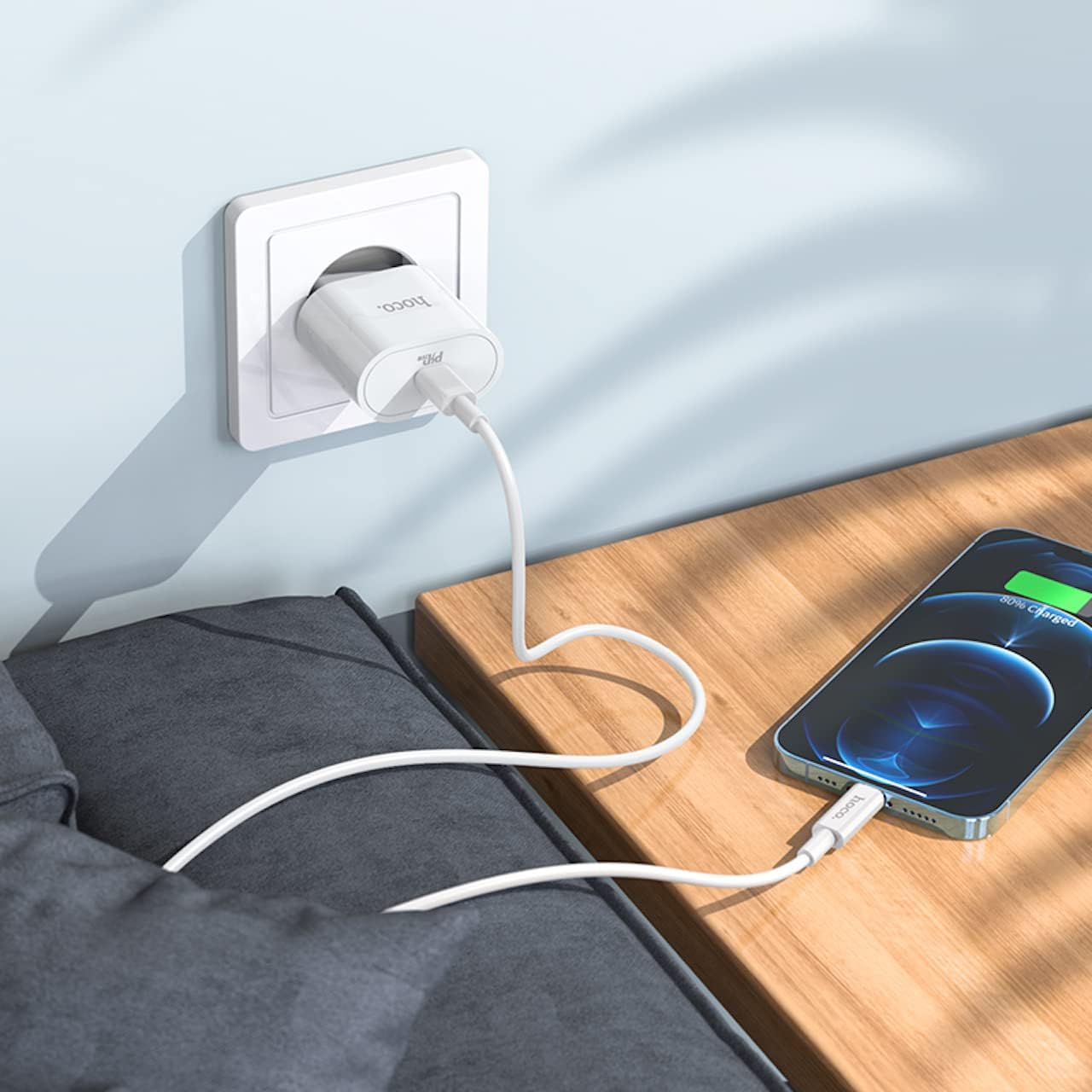
Image 5.1: The HOCO C94A charger in use, connected to a wall socket and charging a smartphone.

Image 5.2: The HOCO C94A charger connected to a power strip, providing power to a smartphone.
6. Maintenance
Proper care will extend the life of your charger:
- Cleaning: Disconnect the charger from the power outlet before cleaning. Use a soft, dry cloth to wipe the surface. Do not use liquid cleaners or aerosols.
- Storage: Store the charger and cable in a cool, dry place away from direct sunlight and extreme temperatures.
- Cable Care: Avoid bending or twisting the cable excessively, especially near the connectors, to prevent internal damage.
- Water Exposure: As the product is not water resistant, avoid any contact with liquids.
7. Troubleshooting
If you encounter issues with your HOCO C94A charger, try the following steps:
- Device Not Charging:
- Ensure the charger is securely plugged into a working wall outlet.
- Verify that the Type-C to Lightning cable is firmly connected to both the charger and your device.
- Try using a different wall outlet.
- Test the charger with a different compatible cable or device to isolate the issue.
- Slow Charging:
- Ensure your device supports fast charging protocols (PD, QC, FCP, AFC) and that the cable is also compatible.
- Check if your device's battery is extremely low, as charging speed can vary.
- Avoid using your device heavily while charging, as this can slow down the process.
- Charger Overheating:
- It is normal for chargers to become warm during operation. However, if it becomes excessively hot, immediately unplug it from the wall and your device.
- Ensure adequate ventilation around the charger.
- If overheating persists, discontinue use and contact support.
8. Specifications
| Feature | Detail |
|---|---|
| Model Number | C94A |
| Brand | HOCO |
| Output | Type-C: 20W |
| Supported Protocols | PD20W, PPS, QC3.0, FCP, AFC |
| Material | Flame-retardant PC |
| Plug Type | European Standard (EU) |
| Cable Type | Type-C to Lightning |
| Cable Length | 1 meter |
| Color | White |
| Special Features | Fast Charging, Short Circuit Protection |
| Compatible Devices | Cellular Phones (iPhone, Samsung, Xiaomi, Oppo), Cameras, GPS, Power Tools, Tablets |
| Water Resistance Level | Not Water Resistant |
| Package Dimensions | 18.4 x 9 x 4 cm |
| Weight | 65 g |

Image 8.1: Detailed view of the HOCO C94A charger, displaying its model information and certifications.
9. Warranty and Support
HOCO products are manufactured to high-quality standards. For information regarding warranty coverage and customer support, please refer to the warranty card included with your purchase or visit the official HOCO website. Keep your proof of purchase for warranty claims.
For technical assistance or further inquiries, please contact your retailer or the HOCO customer service department.


