
Introduction
Thank you for choosing the UGREEN Bluetooth Wireless Mouse. This manual provides detailed instructions on how to set up, operate, and maintain your new mouse, ensuring a smooth and efficient user experience. This versatile mouse offers dual connectivity modes (2.4GHz USB and Bluetooth 5.0), silent clicks, adjustable DPI settings, and a comfortable ergonomic design, making it ideal for various computing tasks across multiple devices.
Package Contents
- UGREEN Bluetooth Wireless Mouse
- 2.4GHz USB Receiver
- User Manual
- Note: 1 AA battery is required and not included in the package.
Setup Guide
1. Battery Installation
The UGREEN Wireless Mouse requires one AA battery for operation. Follow these steps to install the battery:
- Locate the battery compartment cover on the underside of the mouse.
- Gently slide or lift the cover to open the compartment.
- Insert one AA battery, ensuring the positive (+) and negative (-) terminals align correctly with the indicators inside the compartment.
- Close the battery compartment cover securely.

Figure 1: UGREEN Bluetooth Wireless Mouse and its USB receiver.
2. Connectivity Options
The mouse supports two connectivity modes: 2.4GHz Wireless via USB receiver and Bluetooth 5.0. You can switch between these modes to connect to different devices.
2.1. 2.4GHz Wireless Connection (USB Receiver)
- Remove the 2.4GHz USB receiver from its storage slot on the underside of the mouse.
- Plug the USB receiver into an available USB port on your computer or laptop.
- The mouse should automatically connect to your device. If not, ensure the mouse is powered on and the mode switch (usually on the bottom) is set to 2.4G mode.

Figure 2: The mouse supports simultaneous connection to two devices via 2.4G USB and Bluetooth.
2.2. Bluetooth 5.0 Connection
- Ensure the mouse is powered on and the mode switch on the bottom is set to Bluetooth mode.
- On your device (laptop, PC, tablet, smart TV), navigate to Bluetooth settings.
- Enable Bluetooth and search for new devices.
- Select "UGREEN Mouse" (or similar name) from the list of available devices to pair.
- Once paired, the mouse is ready for use.
Operating Instructions
1. DPI Adjustment
The mouse features 5 adjustable DPI levels, allowing you to customize cursor sensitivity for different tasks. Press the DPI button (usually located behind the scroll wheel) to cycle through the available DPI settings. The mouse supports DPI levels up to 4000 for precise tracking.

Figure 3: Visual representation of adjustable DPI settings.
2. Silent Click Feature
This UGREEN mouse is designed with silent click technology, reducing click noise to below 40 decibels. This feature ensures a quiet working environment, making it suitable for offices, libraries, or late-night use without disturbing others.

Figure 4: The mouse features noiseless clicks for a quiet environment.
3. Smooth Tracking on Various Surfaces
The mouse provides a smooth and precise tracking experience on a variety of surfaces, including resin, wood, paper, cloth, and leather. This eliminates the need for a mouse pad in many scenarios, offering greater flexibility in your workspace.

Figure 5: The mouse offers smooth tracking on diverse surfaces.
4. Ergonomic Design
Designed for comfort, the UGREEN mouse features an ergonomic shape that reduces wrist fatigue during prolonged use. Its contoured design fits naturally in your hand, promoting a more efficient and comfortable workflow.

Figure 6: The ergonomic design enhances comfort and reduces strain.
Maintenance
1. Cleaning
To maintain optimal performance, regularly clean your mouse. Use a soft, dry cloth to wipe the surface. For stubborn dirt, slightly dampen the cloth with water or a mild cleaning solution. Avoid using harsh chemicals or abrasive materials.
2. Battery Replacement
The mouse boasts a super long battery life of up to 18 months in 2.4G mode and 12 months in Bluetooth mode, thanks to its intelligent power-saving chip and automatic sleep mode. When the mouse's performance degrades or it stops responding, it's time to replace the AA battery. Follow the battery installation steps outlined in the Setup Guide.
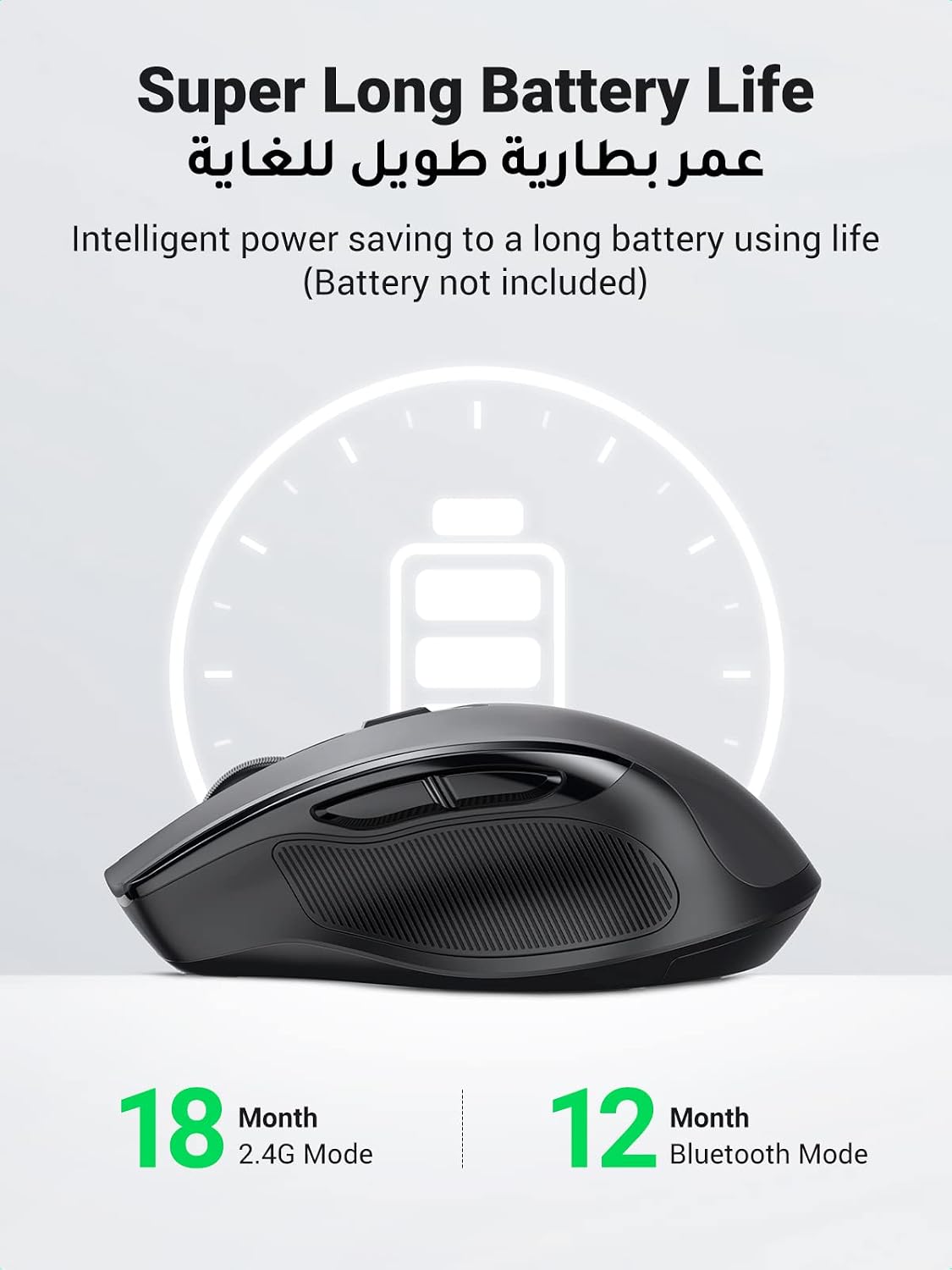
Figure 7: The mouse offers extended battery life.
Troubleshooting
| Problem | Solution |
|---|---|
| Mouse not responding. |
|
| Cursor movement is erratic or jumpy. |
|
| Cannot connect via Bluetooth. |
|
Specifications
- Model Name: Bluetooth Mouse for Laptop
- Model Number: 90855
- Connectivity Technology: Bluetooth 5.0, 2.4GHz USB
- Movement Detection: Optical/Laser
- Number of Buttons: 6
- Adjustable DPI: 5 levels (up to 4000 DPI)
- Special Features: Wireless, Silent Click, Ergonomic Design, Portable, LED Indicator
- Compatible Devices: Laptops, PCs, Tablets, Smart TVs
- Power Source: 1 x AA Battery (not included)
- Battery Life: Up to 18 months (2.4G mode), 12 months (Bluetooth mode)
- Product Dimensions: 10.9 x 7.1 x 0.1 cm
- Item Weight: 61 grams
- Country of Origin: China
Warranty and Support
UGREEN products are designed to meet high quality standards. For warranty information, technical support, or any inquiries regarding your UGREEN Bluetooth Wireless Mouse, please visit the official UGREEN website or contact their customer service directly. Keep your purchase receipt for warranty claims.
Official UGREEN Store: UGREEN Official Store on Amazon


