
1. Product Overview
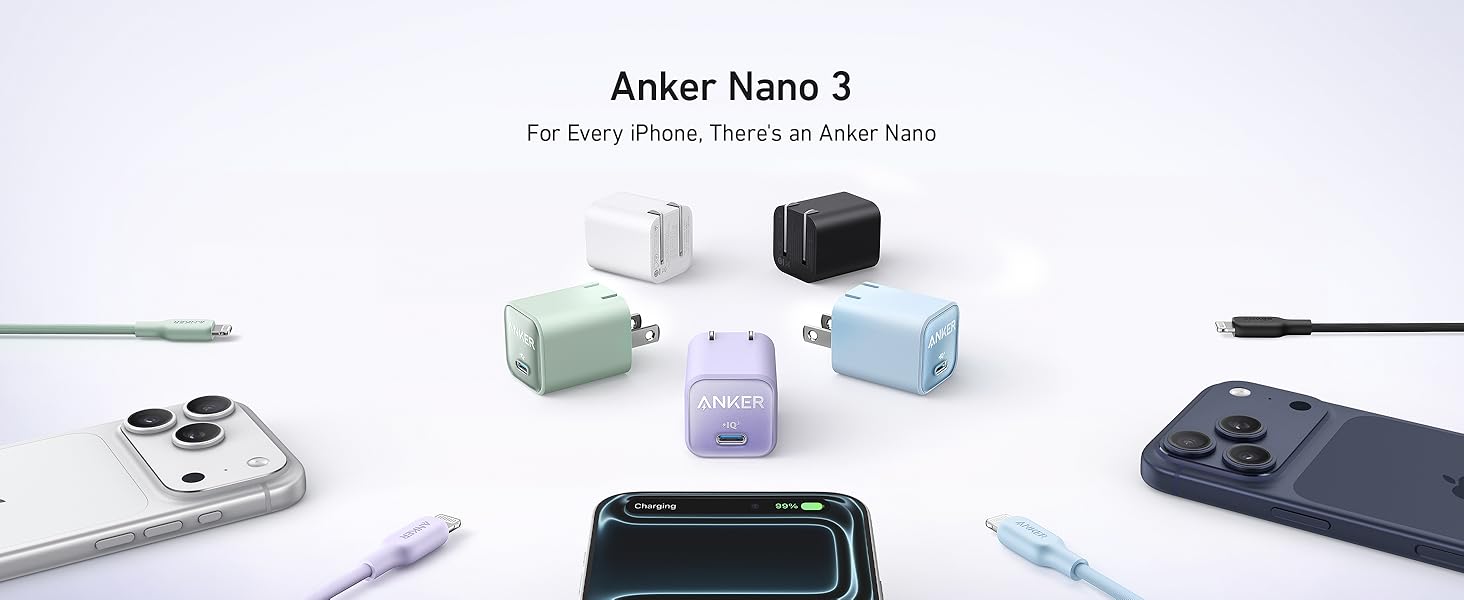
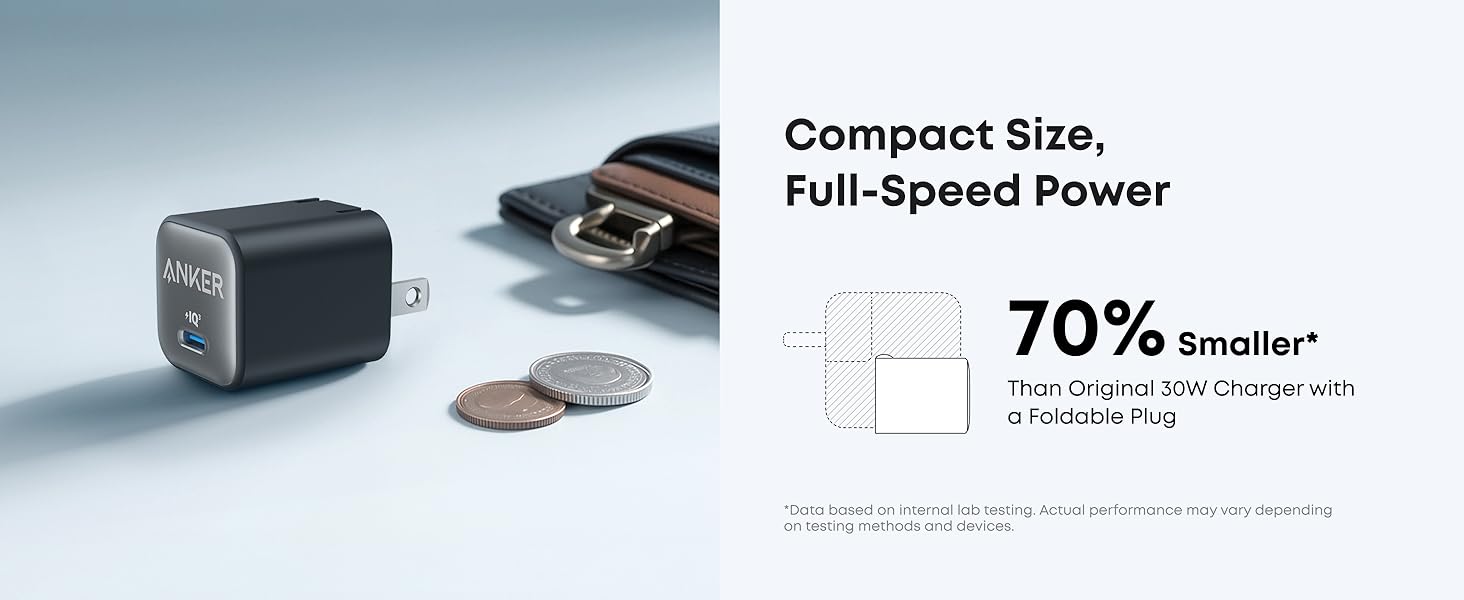
The Anker Nano Charger (Model A2147) is a compact 30W USB-C GaN charger designed for efficient and fast charging of various devices. Its Gallium Nitride (GaN) technology allows for a smaller form factor compared to traditional chargers, making it highly portable.
Key features include:
- Compact Design: Significantly smaller than standard 30W chargers, featuring a foldable plug for enhanced portability.
- 30W Power Output: Provides high-speed charging for smartphones, tablets, and even some laptops like the MacBook Air.
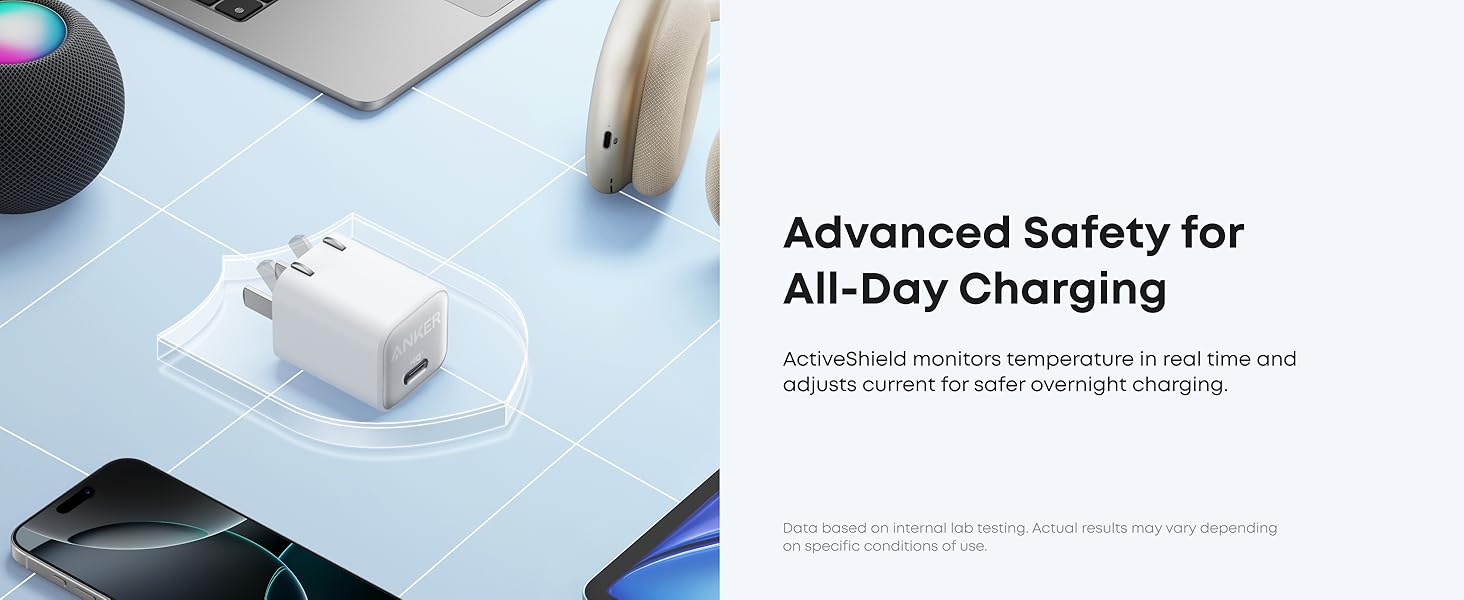
- ActiveShield 2.0 Protection: Advanced temperature monitoring system to ensure safe charging.
- Wide Compatibility: Supports various devices including iPhone 15/16/17 series, Samsung Galaxy, iPad, and MagSafe compatible accessories.
2. Setup Instructions
Follow these steps to set up and begin using your Anker Nano Charger:
- Unfold the Prongs: Gently pull out the foldable prongs from the charger body until they lock into place.
- Connect USB-C Cable: Insert one end of a compatible USB-C charging cable (not included) into the USB-C port on the Anker Nano Charger.
- Connect to Device: Connect the other end of the USB-C cable to your device's charging port.
- Plug into Power Outlet: Insert the charger's prongs into a standard wall power outlet.
The device should begin charging automatically. Ensure the power outlet is functioning correctly.
3. Operating Instructions
The Anker Nano Charger operates automatically once connected to a power source and a compatible device. It is designed to deliver optimal charging speed based on the connected device's requirements.
Fast Charging
This charger supports PowerIQ 3.0 and PPS (Programmable Power Supply) for fast charging. For devices that support these protocols, the charger will automatically adjust its output to provide the fastest possible charge.
- iPhone Fast Charging: Delivers full-speed 30W charging for compatible iPhone models (e.g., iPhone 15 Pro/Pro Max, iPhone 16/17 series).
- iPad Fast Charging: Can charge an iPad Air (5th Generation) to 50% in approximately 45 minutes.
- Samsung Super Fast Charging: Supports 25W Super Fast Charging for compatible Samsung Galaxy devices.
4. Compatibility
The Anker Nano Charger is compatible with a wide range of USB-C powered devices. A USB-C to USB-C cable is required for most Android phones, tablets, and laptops. A USB-C to Lightning cable is required for Apple iPhones and older iPads.
Compatible Devices Include:
- iPhones: iPhone 17 / 16 / 16 Pro / 16 Pro Max / 16 Plus / 15 / 15 Plus / 15 Pro / 15 Pro Max / 14 / 14 Pro / 14 Pro Max / 13 mini / 13 / 13 Pro / 13 Pro Max / SE (2nd Gen) / 12 / 12 Pro / 12 Pro Max.
- Samsung Galaxy: S22 / S21 / S20 series, Note 20 / 20 Ultra / 10+ / 10, Galaxy Z Fold4 / Z Flip5 / 4.
- iPads: iPad Air 5 / 4, iPad Pro 2021 / 2020 / 2018, iPad mini 6 / 5.
- MacBooks: MacBook Air 2020 / 2022 / 2023.
- Other Laptops: ThinkPad X1 / X390 / E490, Google Pixelbook, Dell XPS 13 9360 / 9380.
- Accessories: AirPods Pro / 3, Nintendo Switch, MagSafe compatible accessories (requires USB-C to MagSafe cable).

5. Safety Information and ActiveShield 2.0
The Anker Nano Charger incorporates ActiveShield 2.0 technology to ensure safe and reliable charging. This proprietary system actively monitors the charger's temperature to prevent overheating and protect your devices.
- Temperature Monitoring: ActiveShield 2.0 monitors the charger's temperature over 3 million times per day, adjusting power output as needed to maintain safe operating temperatures.
- Overheat Protection: Automatically reduces power output if temperatures exceed safe limits, preventing damage to the charger and connected devices.
- Voltage and Current Regulation: Built-in safeguards protect against over-voltage, over-current, and short circuits.
Always use the charger in a well-ventilated area and avoid covering it during operation. Do not expose the charger to liquids or extreme temperatures.
6. Specifications
| Feature | Specification |
|---|---|
| Model Number | A2147 |
| Product Dimensions | 1.12 x 1.12 x 1.4 inches |
| Item Weight | 1.6 ounces |
| Input Voltage | 240 Volts |
| Amperage | 3 Amps |
| Total USB Ports | 1 (USB Type C) |
| Special Features | Fast Charging, Foldable Plug, ActiveShield 2.0 |
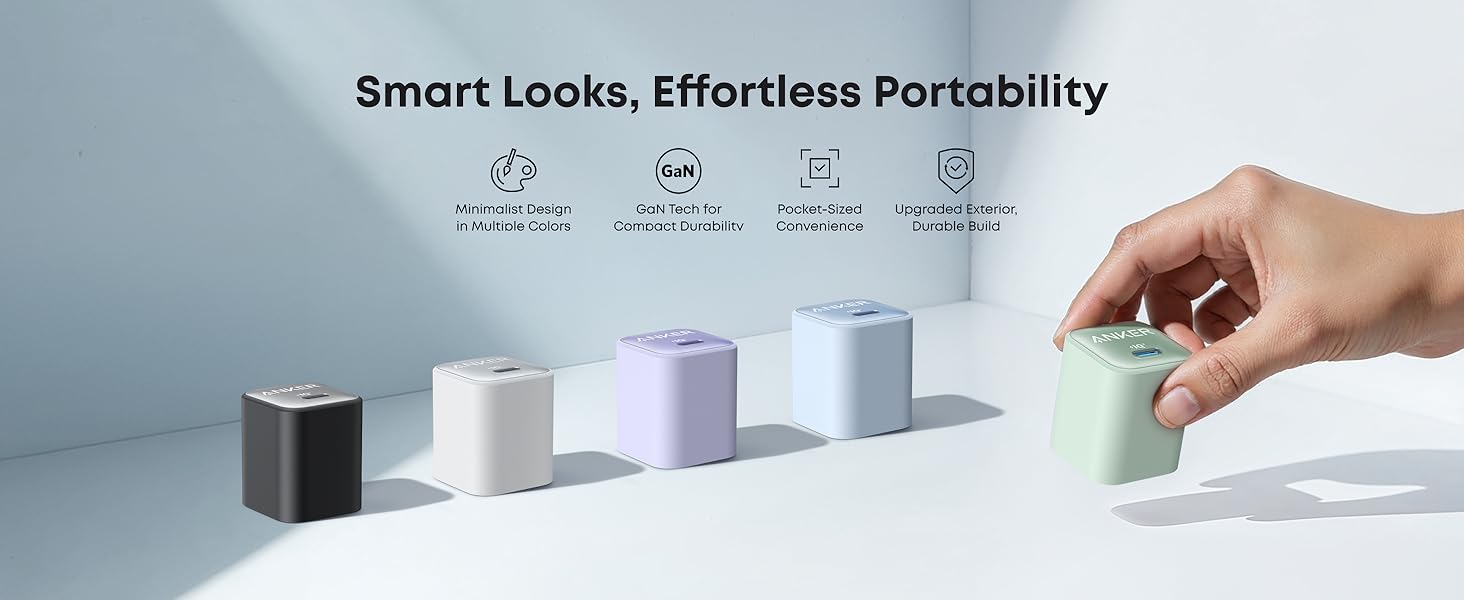
| Color | Phantom Black (for this variant) |
| Manufacturer | Anker |
7. Troubleshooting
If you encounter issues with your Anker Nano Charger, refer to the following common troubleshooting steps:
- Device Not Charging:
- Ensure the charger is securely plugged into a working wall outlet.
- Verify that the USB-C cable is firmly connected to both the charger and your device.
- Try using a different USB-C cable to rule out cable issues.
- Test the charger with a different device to confirm charger functionality.
- Check your device's charging port for any debris or damage.
- Slow Charging:
- Confirm that your device supports fast charging and that you are using a compatible USB-C cable.
- Ensure your device's battery is not already near full capacity, as charging speed naturally slows down as the battery fills.
- Close any power-intensive applications running in the background on your device.
- Avoid using your device for demanding tasks while charging.
- Charger Overheating:
- While ActiveShield 2.0 manages temperature, ensure the charger is in a well-ventilated area and not covered.
- If the charger feels excessively hot, disconnect it immediately and allow it to cool down before reuse. If the issue persists, discontinue use.
8. Maintenance
Proper care and maintenance will extend the lifespan of your Anker Nano Charger:
- Cleaning: Disconnect the charger from the power outlet before cleaning. Use a soft, dry cloth to wipe the surface. Do not use liquid cleaners or aerosols.
- Storage: When not in use, store the charger in a cool, dry place. Fold the prongs for compact storage and to prevent damage.
- Avoid Damage: Do not drop, disassemble, or attempt to repair the charger yourself. Avoid exposing it to water, fire, or extreme temperatures.
9. Warranty and Support
The Anker Nano Charger (Model A2147) comes with a worry-free 24-month warranty from the date of purchase. This warranty covers manufacturing defects and ensures reliable performance.
For technical support, warranty claims, or further assistance, please contact Anker customer service through their official website or the contact information provided in the product packaging.
Please retain your proof of purchase for warranty validation.


